Speaker Media Kit Template: A Practical Guide
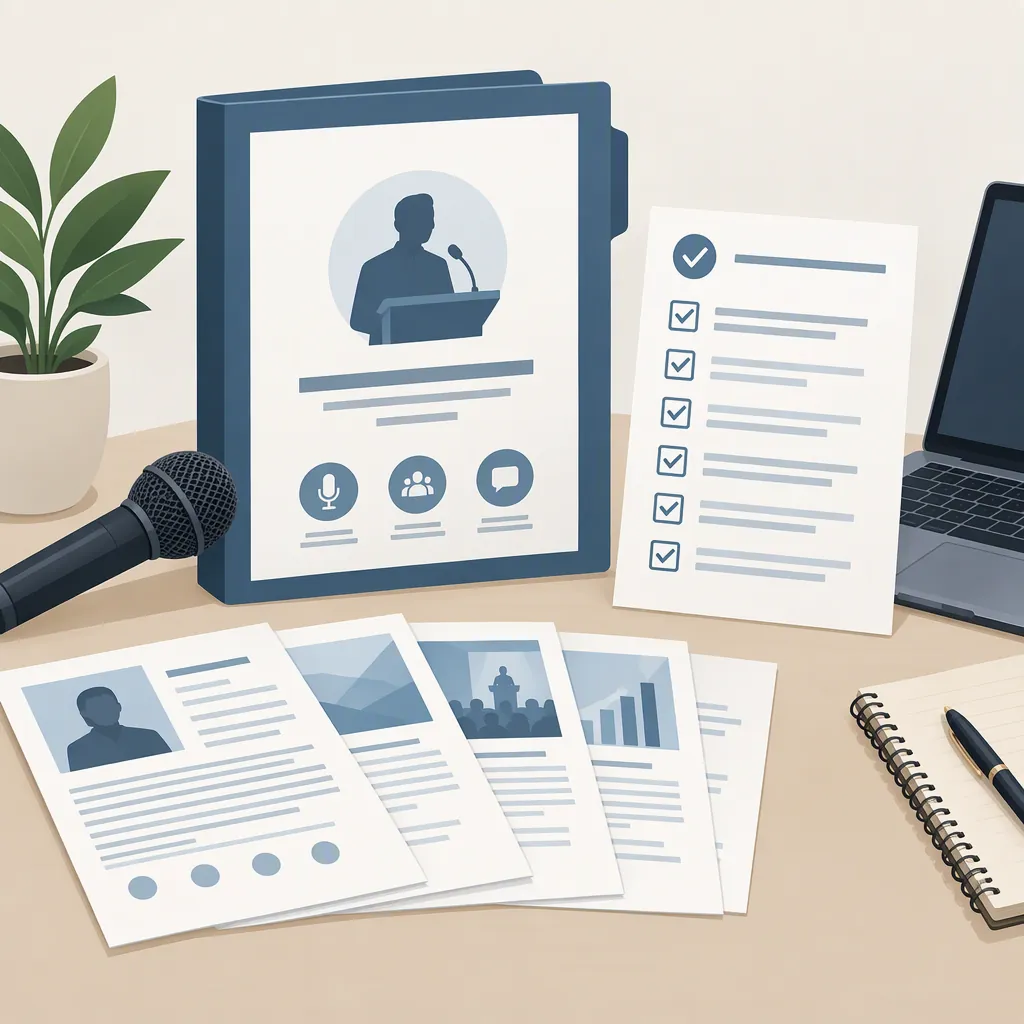
A speaker media kit template is a reusable outline for presenting a speaker’s background, session topics, public assets, and event requirements. Start with a concise overview, then add approved bios, photos, an introduction script, and confirmed technical details. This suggested structure adapts general media-kit guidance and a published speaker-kit example; it is not a universal industry standard. [c1] [c2]
What a Speaker Media Kit Should Cover
Use the kit to answer two separate questions: what does this speaker offer, and what information can an organizer safely reuse?
Adobe’s general media-kit guide includes an introduction, offerings, audience information, supporting evidence, and contact details. Andrew Davis’s published speaker kit provides a speaker-specific example with photos, multiple bios, book images, an introduction script, and A/V requirements. [c1] [c2]
For the template below, separate a short speaker overview from a supporting asset library. The overview can summarize topics and audience fit; the library can hold approved copy, image files, and production notes. This is a suggested organizational approach, not a requirement established by the sources.
Keep the public version limited to information cleared for publication. Leave private travel arrangements, personal contact details, contracts, and event-specific access information outside it.
Suggested Kit Structure
Speaker overview: name, professional description, audience fit, topics, and public contact route.
Copy library: short bio, longer bio, session descriptions, and stage introduction.
Visual assets: approved headshot, optional stage photos, and relevant publication images.
Production notes: confirmed presentation setup and technical requirements.
Maintenance record: version date and person responsible for updates.
Copyable Speaker Media Kit Template
Replace the brace-delimited fields with verified information. The word counts below are suggested editing targets, not source-backed requirements. Remove optional blocks when there is no suitable material rather than filling them with unsupported claims.
The bio and stage introduction should be separate assets. Andrew Davis’s kit explicitly distinguishes its introduction script from its bios, providing a useful example of that separation. [c2]
Describe session outcomes as learning aims, not guaranteed business results. If a topic is still being developed, label it as proposed rather than presenting it as an established session.
Editable Speaker Kit Outline
# {Speaker Name}

Last updated: {Date}
Professional description: {Role and subject area}
Public contact route: {Approved contact information}

## Speaker Overview
{Two or three sentences explaining the speaker’s work, relevant background, and subject focus.}

## Audience Fit
Designed for: {Roles, disciplines, or experience levels}
Relevant challenges: {Problems the sessions address}
Prerequisites: {Required knowledge, or none if confirmed}

## Speaking Topics
Session title: {Title}
Summary: {Suggested target: 60–100 words}
Learning aims:
- {What attendees will examine or practice}
- {What attendees will be able to explain}
- {What attendees can apply afterward}
Format: {Confirmed format options}
Duration: {Confirmed duration options}

Repeat the topic block for each available session.

## Short Bio
{Suggested target: 50–75 words using verified credentials.}

## Extended Bio
{Suggested target: 120–180 words with relevant background and current work.}

## Stage Introduction
{Brief spoken introduction with name pronunciation, relevant context, and session title.}

## Approved Images
Primary headshot: {File location}
Photo credit: {Required credit, if applicable}
Permitted uses: {Confirmed uses}
Editing restrictions: {Confirmed restrictions, if any}
Optional stage photos: {File locations and corresponding permissions}

## Supporting Work — Optional
{Relevant publication, recording, or project; verified description; approved location.}

## Event Production Notes
Presentation setup: {Confirmed device and software}
Display connection: {Confirmed connection}
Audio and microphone needs: {Confirmed requirements}
Video or internet needs: {Confirmed requirements}
Technical check: {Agreed timing or scheduling note}
Recording permissions: {Confirmed policy or event-specific agreement required}

## Public Contact
Contact name or role: {Approved public contact}
Contact details: {Verified public details}

## Version Record
Updated: {Date}
Reviewed by: {Responsible person or role}
Use Verified Evidence and Approved Assets
Adobe recommends including supporting examples and keeping metrics and content current. Its guidance also calls for high-resolution imagery and readable, accessible presentation. [c1]
For a speaker kit, select evidence that directly supports the stated subject expertise: a relevant publication, a public talk recording, or a documented project. This is an editorial recommendation, not a requirement from the references.
Only include testimonials, event names, client logos, awards, or audience figures when their accuracy and publication permissions have been checked. Do not treat a recognizable logo as proof of a speaking engagement. If a number is included, identify what it measures, its period, and its source.
Pair every image with its credit and confirmed reuse terms. A publicly viewable photograph should not be treated as automatically cleared for reuse. If permission is unresolved, omit the file from the reusable asset library.
Evidence and Asset Review Sheet
Item: {Credential, statistic, quotation, recording, or image}
Purpose in kit: {Claim or use it supports}
Verification source: {Record checked}
Verification date: {Date}
Permission status: {Confirmed, pending, or not applicable}
Approved wording or permitted use: {Exact wording or scope}
Required attribution: {Credit, if required}
Review trigger: {Change or date requiring another check}
Publication decision: {Include, revise, or omit}
Separate Public Copy from Event Logistics
Adobe describes media kits as documents, slideshows, or webpages and recommends PDF as a format for preserving layout. It also recommends accessible text, image descriptions, and mobile-friendly presentation. [c1]
A practical option is a readable webpage for current information plus a dated PDF for sharing. Keep reusable text selectable rather than embedding the entire kit as an image. Check exported files for reading order, legibility, and working links; the file extension alone does not establish accessibility.
For production details, include only the speaker’s confirmed setup. Andrew Davis’s kit lists specific equipment and technical needs, but those requirements belong to that speaker and should not be copied as defaults. [c2]
Keep recording rights, final schedules, and event-specific arrangements clearly marked as items requiring confirmation when they have not been agreed.
Production Confirmation Worksheet
Event and session: {Identifier}
Speaker device and software: {Confirmed setup}
Venue display connection: {Confirmed connection}
Audio playback: {Required, not required, or unresolved}
Microphone: {Confirmed type}
Internet dependency: {Confirmed need}
Technical check: {Agreed date and time}
Remote-session platform, if applicable: {Confirmed platform}
Recording and distribution: {Agreed terms or unresolved}
Open questions: {Items awaiting confirmation}
Status checked: {Date}
Review the Kit Before Publishing
Adobe recommends regular updates when metrics, services, or branding change. [c1] For this speaker template, also review the kit when topics, credentials, public contacts, image permissions, or technical requirements change.
Use the checklist below as an editorial safeguard. The supplied sources support the general structure and selected examples; they do not establish a mandatory speaker-kit length, universal technical setup, or standard pricing model.
Publication Checklist
- Replace every placeholder or remove the unfinished block.
- Verify names, credentials, publication titles, and session descriptions.
- Separate learning aims from promises of results.
- Confirm image permissions and required credits.
- Keep the stage introduction separate from the biography.
- Confirm technical requirements rather than copying another speaker’s setup.
- Remove private or event-restricted information.
- Check links, text readability, image descriptions, and PDF accessibility.
- Add a version date and identify the update owner.
- Recheck the kit after material changes.
FAQ
Is a Speaker One-Sheet the Same as a Media Kit?
For this template, the one-sheet is a concise overview, while the media kit includes supporting copy, images, and production notes. That is a practical distinction rather than a universal definition. Andrew Davis’s published kit illustrates the broader collection of assets. [c2]
Should a Speaker Media Kit Include Fees?
Fees are optional in this suggested template. Adobe says starting rates may be included when relevant, and Andrew Davis’s kit includes fee information. Neither source establishes a universal pricing requirement. Publish only current, approved terms and identify what still requires event-specific confirmation. [c1] [c2]
What Can I Include Without Testimonials?
Use a verified bio, clear session descriptions, approved photos, and relevant public work. Adobe includes content examples and supporting evidence in its general guidance. For this template, omit a testimonial block if no verified, approved testimonial is available; do not create a substitute quotation. [c1]
When Should I Update a Speaker Media Kit?
Review it after meaningful changes to topics, credentials, contacts, assets, or production requirements. Adobe recommends updates at least every six months or when metrics, services, or branding change significantly. Treat that as general guidance, not a mandatory speaker-specific schedule. [c1]