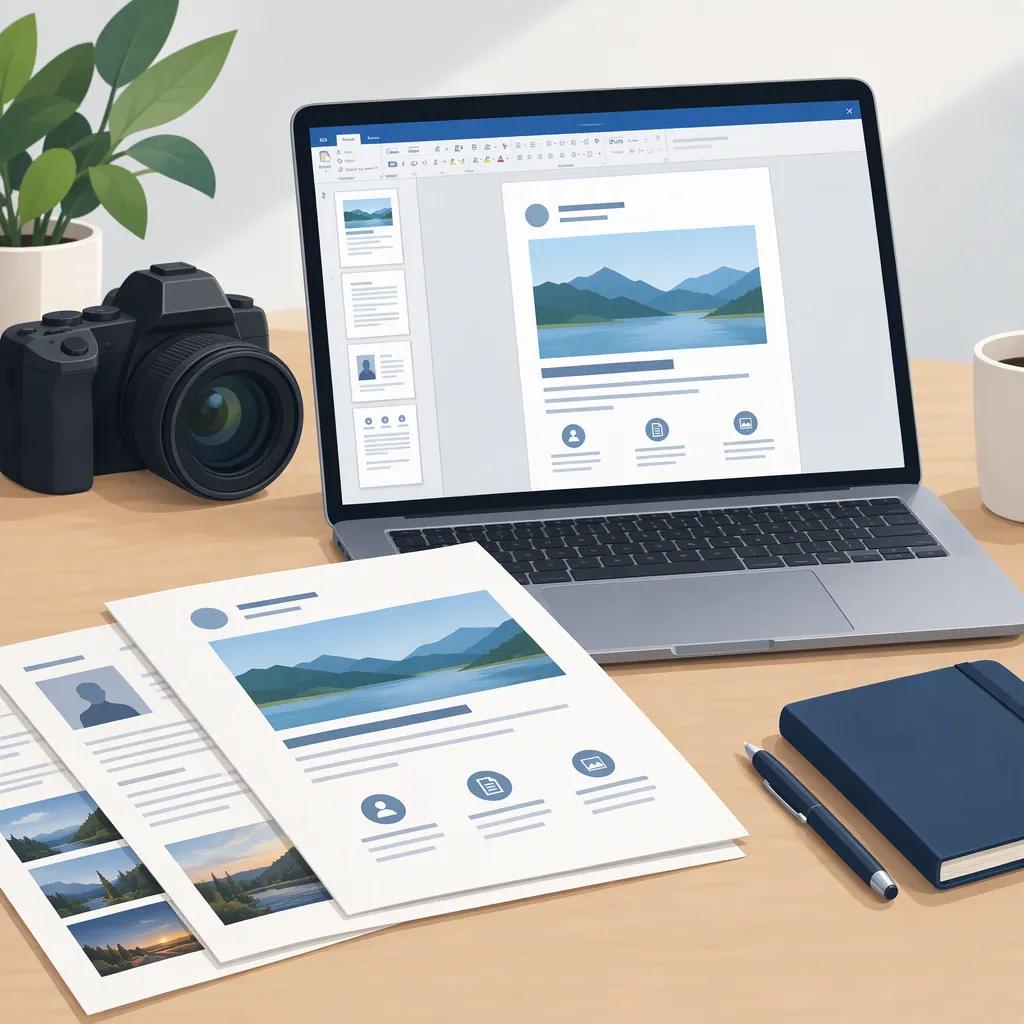
Press Kit Template for Word: A Creator Media Kit
For a creator press kit in Word, start with your name, a short biography, content topics, selected work, dated audience information, approved images, and a public contact. The original outline below can be copied into a Word document; it is not a downloadable .docx file. The supplied references offer media-kit guidance, but neither establishes a Word download for the specific template shown. HubSpot lists PDF and PowerPoint formats, while Template.net describes an online-editable press kit. [c1] [c2]
Choose the Purpose of Your Creator Kit
Decide who will read the document before choosing its layout. For this outline, a press-focused kit gives a journalist the background, work samples, images, and contact details needed to describe a creator. A collaboration-focused kit can add dated audience information and relevant project examples.
HubSpot describes a media kit, also called a press kit, as materials that help media teams write about a business. Its suggested contents include a summary, contact information, social statistics, case studies, and collaborations. Adapt those categories to your creator work rather than filling every section by default. [c1]
Keep commercial details out of a general press kit unless they serve its intended reader. Rates, private audience breakdowns, and negotiation terms can remain in a separate document. This outline is designed for public information only.
Purpose Statement
Primary reader: {Journalist, editor, event organizer, or collaboration reviewer}
Purpose: {What this reader should be able to understand from the kit}
Public information included: {Biography, published work, approved images, or dated audience summary}
Information kept separate: {Private analytics, rates, contracts, or personal contact details}
Copy-Ready Press Kit Template for Word
Copy the outline below into a blank Word document. Replace every brace-delimited placeholder with verified information, then delete sections that do not apply. The outline is original editorial guidance, not a reproduction of either referenced template.
Its core categories overlap with HubSpot's listed media-kit sections, including an introduction, contact information, social statistics, and project evidence. Testimonials and client logos are optional; do not invent them to complete the layout. [c1]
Creator Press Kit Outline
CREATOR PRESS KIT

{Public creator name}
{One-sentence description of your work}
Updated: {Month day, year}

ABOUT
{A short third-person biography describing your work, main subjects, and relevant background. Include only facts you can verify.}

CONTENT FOCUS
• {Topic or specialty}
• {Topic or specialty}
• {Typical content format}

SELECTED WORK
1. {Published work title}
   Public location: {Verified public URL}
   Date: {Publication date}
   Your role: {Specific contribution}
   Context: {Brief factual description}

2. {Published work title}
   Public location: {Verified public URL}
   Date: {Publication date}
   Your role: {Specific contribution}
   Context: {Brief factual description}

AUDIENCE SNAPSHOT — OPTIONAL
Platform: {Platform name}
Public profile: {Verified public URL}
Metric: {Exact metric name}
Value: {Verified value}
Measurement period or snapshot date: {Date or date range}
Source: {Source of the figure}
Definition or limitation: {What the figure measures and what it does not show}

RELEVANT PROJECT — OPTIONAL
Project: {Public project name}
Your contribution: {Specific role}
Published output: {Verified public URL}
Documented result: {Supported result, or omit this field}

PRESS ASSETS
Portrait: {Approved asset location}
Creator or brand mark: {Approved asset location, if applicable}
Caption: {Accurate description}
Credit: {Required credit}
Usage permission: {Approved uses, restrictions, and permission contact}

PUBLIC CONTACT
Contact name or role: {Public contact}
Email: {Verified public email address}
Website or profile: {Verified public URL}

EDITORIAL NOTE
Information checked on: {Date}
Known limitations: {Any relevant gaps, or delete if none}
Format the Kit in Word
Use a restrained layout that remains readable when edited or exported. A practical starting point is one page for the essential introduction, selected work, and contact information, with additional pages only when the evidence needs them.
Apply Word's heading styles to section labels instead of formatting each label independently. Keep body text consistent, use short paragraphs, and avoid putting essential information inside decorative images. A simple table can organize audience metrics, but label every column clearly.
Keep the editable Word document as your working version. If you also create a PDF for distribution, inspect that exported file separately for broken page breaks, missing images, and incorrect links. These are suggested workflow steps, not formatting requirements established by the references.
Suggested Document Setup
Page size: Choose Letter or A4 for the intended audience.
Layout: Start with one column.
Styles: Use a title style, heading styles, and one consistent body style.
Images: Include only approved assets with captions and credits where needed.
Page breaks: Keep each heading with its following text.
Working file: Save an editable .docx version.
Distribution check: Review any exported PDF before sharing.
Filename pattern: creator-name-press-kit-YYYY-MM-DD
Keep Metrics and Assets Verifiable
If you include audience figures, state the platform, metric name, value, and measurement date or period. Do not present followers, views, reach, and engagement as interchangeable measures. If you cannot explain or substantiate a figure, omit it.
For a public-only kit, use public figures or information explicitly approved for publication. Avoid copying private analytics screenshots into the document by default. Describe your contribution to a project precisely; participation alone should not be presented as evidence that you caused its results.
HubSpot's template suggests testimonials and past-client logos. Treat those as optional evidence categories, not required decoration. Include only authentic, approved material, and preserve any necessary context. [c1]
For each portrait, logo, or work image, record the credit and permitted use. Linking to an asset does not, by itself, communicate permission to reproduce it.
Evidence Review Record
Item: {Metric, project statement, quotation, or image}
Proposed wording or placement: {Text or document section}
Supporting source: {Verified source location}
Date checked: {Date}
Approved for public use: {Yes, no, or pending}
Permission or credit requirements: {Details}
Limitations: {Relevant context}
Decision: {Include, revise, or omit}
Check Format Availability and Final Details
The reference pages support different starting points. HubSpot explicitly lists its media-kit template in PDF and PowerPoint, not Word. Template.net describes a company-oriented press kit with a header, overview, and key-personnel section, plus online editing. Its supplied page text does not confirm a Word download for that specific template. [c1] [c2]
Do not assume that a site's general list of supported applications establishes the format of an individual template. This article therefore provides copy-ready text rather than promising a source-backed Word file.
Before publication, search the document for remaining placeholders, check every factual statement and link, and confirm that the public contact is current. HubSpot recommends updating media kits with current information and achievements. A visible review date makes the currency of your own kit easier to assess. [c1]
Prepublication Checklist
□ All placeholders have been replaced or removed.
□ Biography and project descriptions are accurate.
□ Each metric has a source and date or measurement period.
□ Private or unapproved information has been removed.
□ Quotes, logos, and images have appropriate approval.
□ Captions, credits, and usage notes are included where needed.
□ Public contact details and links have been checked.
□ The Word file and any exported PDF have been reviewed.
□ The visible review date reflects the latest check.
FAQ
Is This a Downloadable Word Press Kit Template?
No. This article provides an original outline to copy into Word and save as a .docx file. The supplied HubSpot reference lists PDF and PowerPoint formats; the Template.net reference describes online editing without confirming a Word download for that specific template. [c1] [c2]
Can I Make a Creator Press Kit Without Audience Statistics?
Yes. In this outline, the audience section is optional. You can focus on a verified biography, content topics, published work, approved images, and a public contact. Do not insert estimates simply to fill an empty section.
How Long Should a Creator Press Kit Be?
A practical starting point is one page of essential information, with extra pages only for relevant work or evidence. This is an editorial recommendation, not a fixed requirement from the supplied references.
When Should I Update the Kit?
Review it before sharing and whenever your contact information, selected work, biography, or included metrics change. HubSpot recommends keeping media kits current. Label dated figures and show when the document was last checked. [c1]