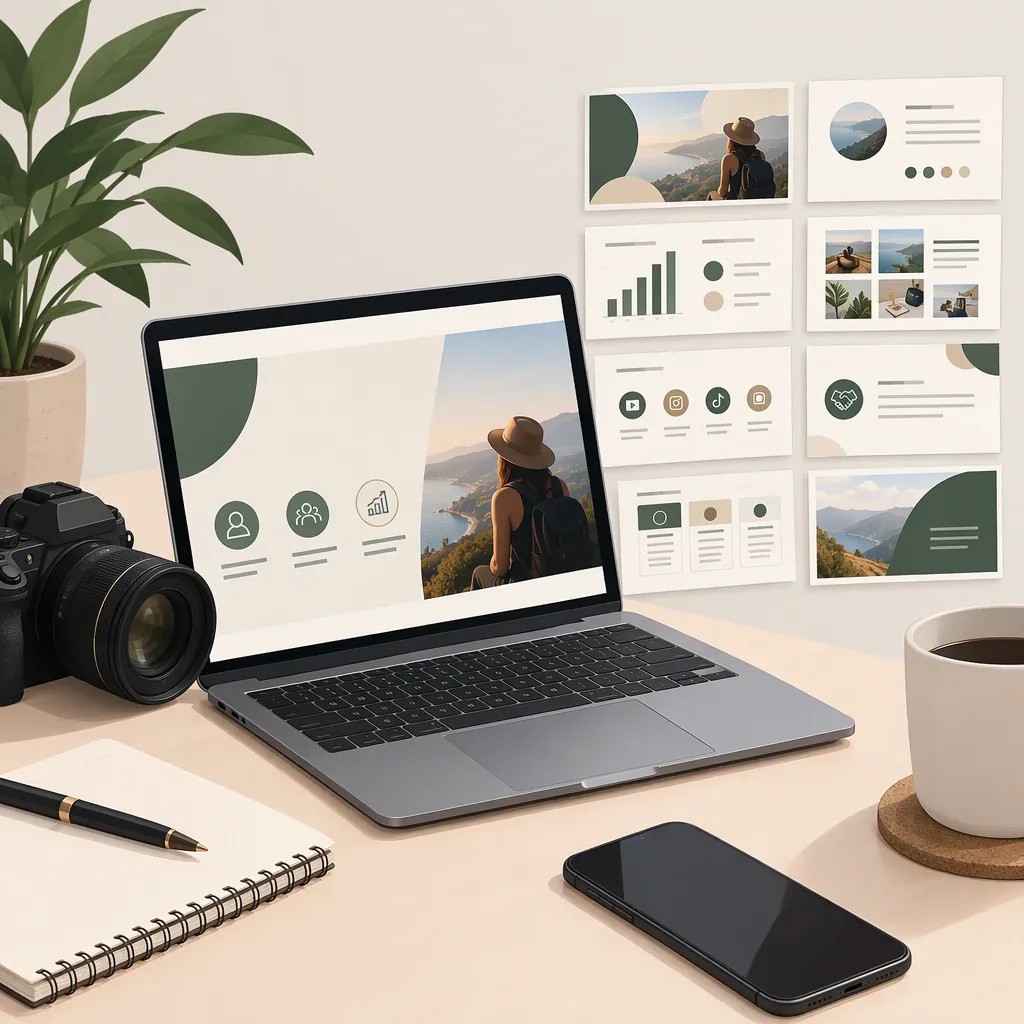
Media Kit Powerpoint Template: A Creator Kit Blueprint
For a creator media kit, use an editable PowerPoint deck organized around your introduction, content focus, audience evidence, work samples, collaboration formats, and public business contact. The outline below is a suggested starting point, not a downloadable PPTX file. Template listings can supply layouts: VIP Graphics describes an editable media kit for PowerPoint, while Freepiker lists a social media kit in PPTX format. Those descriptions do not independently verify file quality or suitability. [c1] [c2]
Define the Kit Before Choosing a Layout
Treat the creator kit as a concise introduction that helps a reader understand what you make, who it is for, and what a collaboration could involve. Build the content first, then choose layouts that fit it.
For a public version, include only information you are comfortable making broadly available. Prefer published work, public profile links, approved brand assets, and a designated business contact. Do not include private correspondence, confidential campaign results, audience-level personal data, or unapproved client materials.
Keep three types of content distinct:
- Identity: your creator name, topic areas, and public channels.
- Evidence: dated audience figures or published examples you can substantiate and are authorized to share.
- Proposals: collaboration formats you are willing to discuss, not promises of performance.
If evidence is unavailable, omit the field rather than filling it with a plausible number.
Creator Kit Content Brief
Creator name: {public creator name}
Content focus: {topics you publish about}
Intended reader: {type of organization or collaborator}
Primary channels: {public profile URLs}
Public evidence available: {published work or approved metrics}
Collaboration formats: {formats you can offer}
Business contact: {designated public email address}
Last reviewed: {date}
Use a Six-Slide Creator Kit Outline
The following six-slide structure is an editorial recommendation, not a required industry format. Expand it only when additional material helps the reader assess fit.
- Cover: creator name, content focus, one suitable image, and review date.
- Creator Overview: a short biography, recurring topics, and public channel links.
- Audience Snapshot: authorized figures with their source, reporting period, and definitions. If none are available, describe your editorial focus without implying measured audience demographics.
- Selected Work: published examples with links, your role, and brief context. Identify self-initiated work as such.
- Collaboration Formats: possible deliverables, scope boundaries, and items to agree separately, such as usage rights or exclusivity.
- Contact and References: a public business email, profile links, and an index of supporting sources.
For a shorter kit, combine the overview with the cover and place contact details on the final work or collaboration slide.
Copy-Ready Slide Text
SLIDE 1 — COVER
{Creator name}
{One sentence describing your content focus}
Reviewed: {date}

SLIDE 2 — CREATOR OVERVIEW
I create {content type} about {topics} for {intended audience}.
Public channels: {profile URLs}

SLIDE 3 — AUDIENCE SNAPSHOT
Metric: {name}
Value: {verified value, or omit}
Period or snapshot date: {date range or date}
Source and definition: {source and measurement basis}

SLIDE 4 — SELECTED WORK
Example: {published work title and URL}
My role: {accurate contribution}
Context: {brief factual description}

SLIDE 5 — COLLABORATION FORMATS
Format: {proposed deliverable}
Scope: {included work}
To agree separately: {schedule, revisions, usage rights, exclusivity}

SLIDE 6 — CONTACT AND REFERENCES
Business email: {public email address}
Profiles: {public URLs}
Evidence references: {source list}
Make Audience Evidence Understandable
A figure without context leaves the reader to guess what it measures. For each included metric, record the platform, measurement name, reporting window, source, and relevant definition.
Keep follower totals separate from reach, impressions, views, and engagement. Do not present different measures as interchangeable. If you calculate a rate, show its numerator and denominator; do not label an unexplained percentage simply as “engagement.”
Describe a work sample separately from its outcome. Publishing a video is evidence of the work itself, not proof of sales or campaign impact. Include outcome claims only when you have supporting evidence and permission to publish it.
The supplied references are template descriptions and presentation guidance. They provide no evidence about any individual creator’s audience or results. This blueprint therefore leaves those fields blank.
Evidence Label to Repeat Beside Each Metric
Platform: {platform}
Metric: {exact metric name}
Value: {verified value}
Reporting window: {start date–end date, or snapshot date}
Source: {public source or authorized reporting source}
Definition or calculation: {measurement definition; numerator and denominator if calculated}
Limitation: {relevant caveat}
Public-sharing permission checked: {yes; otherwise omit}
Check Format, Editability, and Usage Terms
Evaluate a media kit PowerPoint template by its documented file format and usage terms, not just its preview images.
- VIP Graphics: the listing describes a PowerPoint media kit with editable elements, master-layout placeholders, and theme-based font and color updates. It also states that the files may not be resold, distributed, or transferred. Check applicable terms before sharing editable template-based files. [c1]
- Freepiker: the listing identifies PowerPoint PPTX files, a 16:9 ratio, master slide layouts, and login-required downloading. A “free” label does not, by itself, establish what reuse or redistribution is permitted; the supplied listing text does not establish the full license scope. [c2]
- KIT presentation materials: these are institution-specific resources, not generic creator-kit templates. Their guidelines restrict templates to official purposes and set separate conditions for the standard slide set. Do not treat institutional branding assets as unrestricted creator materials. [c3]
These are summaries of the supplied pages, not hands-on file tests or recommendations. Compatibility, asset availability, and license suitability still need checking for the particular file and intended use.
Template Evaluation Checklist
- Confirm the supplied file format and your editing software.
- Check whether text, charts, and image placeholders are editable.
- Review required fonts and included versus preview-only images.
- Review permissions for public PDFs and editable-file sharing separately.
- Check rights to photographs, icons, logos, and other assets.
- Test a duplicate file with representative content before committing to the layout.
Review the Public Version Before Sharing
Keep an editable working copy separate from the public version. Replace every placeholder, remove unused slides, and review notes, comments, hidden slides, and file properties for information that should not be shared.
Use consistent heading styles, readable type, and sufficient contrast. Avoid shrinking evidence labels to make a crowded slide fit; simplify the slide instead. Add text descriptions for meaningful images where supported.
If you create a PDF for distribution, inspect that exported file independently. Check text wrapping, image cropping, link destinations, and whether sources remain readable. A PDF is a presentation format, not a substitute for permission to publish the underlying content.
Date the kit and schedule a review when your content focus, audience evidence, availability, or contact details change.
Public-Release Checklist
- Replace all placeholder text and sample figures.
- Confirm every factual claim has supporting evidence.
- Label reporting periods and metric definitions.
- Confirm permission for work samples, logos, images, and results.
- Remove private contacts, comments, notes, and unused content.
- Inspect the final file for layout and readability.
- Test all public links.
- Check the template license for the intended sharing format.
- Add a review date and retain a separate editable working copy.
FAQ
Is This a Downloadable Powerpoint Template?
No. This page provides a copy-ready content blueprint and review checklists, not a PPTX attachment. The supplied VIP Graphics and Freepiker pages describe separate template files; their listings are not proof that a file will meet your needs. [c1] [c2]
What If I Do Not Have Audience Metrics to Share?
Use published work, an accurate description of your content focus, and clearly labeled collaboration ideas. Omit unsupported numbers and demographic claims. Do not substitute intended audience descriptions for measured audience data.
Does a Free Template Allow Unrestricted Sharing?
Do not assume so. Freepiker labels its listing as free and requires sign-in, but the supplied text does not establish the full reuse license. VIP Graphics explicitly restricts distribution and transfer of its files. Review the applicable terms for the exact file and sharing format. [c1] [c2]
How Many Slides Should a Creator Media Kit Have?
Six slides is the starting structure suggested here, not a fixed standard. Combine slides for a brief introduction or add material when it supplies relevant, substantiated information. Avoid adding slides solely to fill a purchased template.