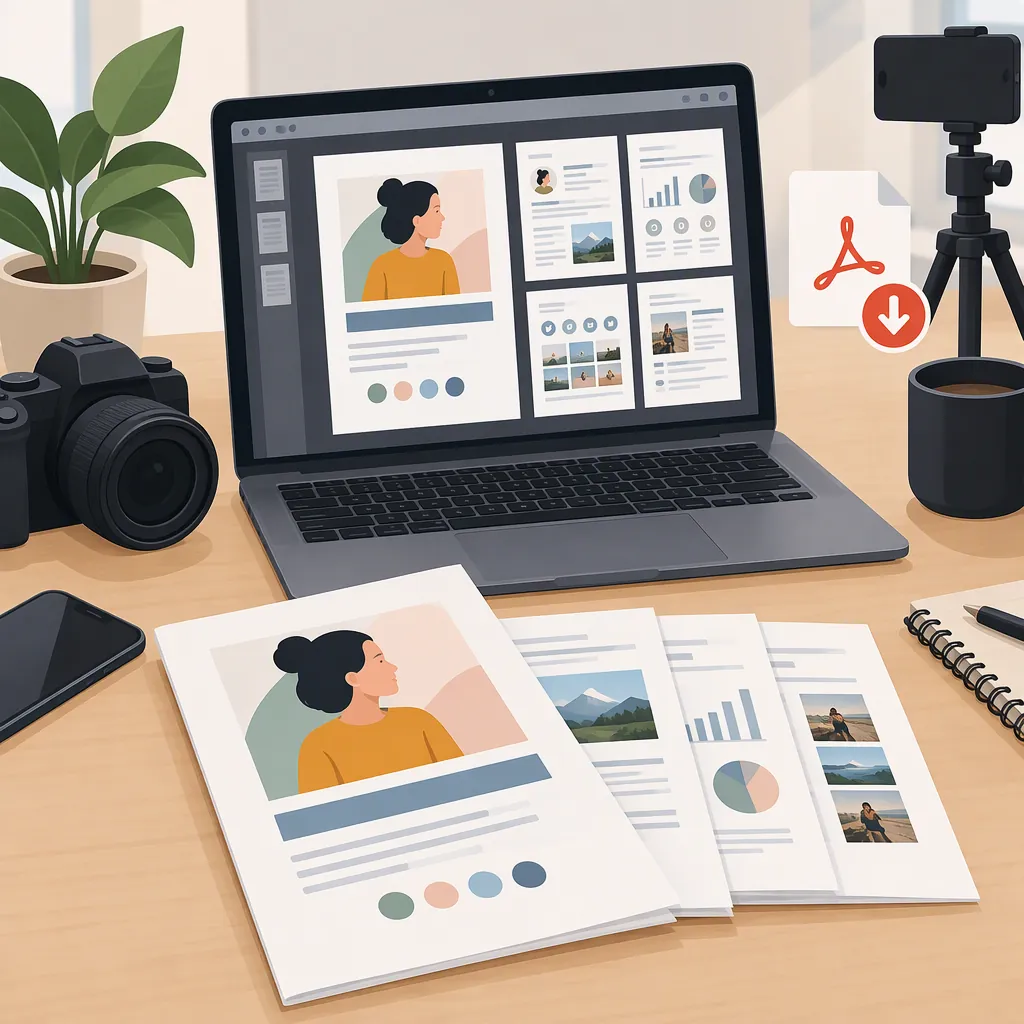
Media Kit PDF Template for Creators
For a compact creator media kit PDF, use a two-page layout: introduce your work and audience on page one, then present selected work, collaboration options, and contact details on page two. The original, copy-ready template below uses placeholders rather than invented results. The supplied Canva reference displays an unsupported-browser message, so its template contents could not be verified.
Choose What Your Media Kit Should Include
Use this outline as a starting point, not a required industry format. Aim to give a reader enough information to understand your subject area, audience, work, and proposed collaboration scope.
Suggested contents:
- Identity: creator name, public handle, subject area, and a short description of your work.
- Audience: relevant platform metrics, their reporting dates, and any audience information you can substantiate.
- Selected work: a small set of public examples with clear descriptions of your role.
- Collaboration options: formats you are prepared to discuss, with deliverables and boundaries.
- Contact: a verified business email and relevant public profile or portfolio links.
Remove any field you cannot support. A concise description is preferable to an impressive-sounding claim without evidence. Treat the two-page length as an editorial choice; add space if necessary to keep the document readable.
Copy-Ready Creator Media Kit Template
Paste the following outline into a document or design editor. Replace every bracketed field with verified information, then remove unused fields. The placeholders are drafting prompts, not citation markers.
Keep a clear visual distinction between an audience total, a time-bounded performance metric, and a specific project result. Do not label work as sponsored or name a client unless that description is accurate and suitable for public disclosure.
Two-Page Media Kit Draft
PAGE 1 — CREATOR AND AUDIENCE

[Creator name or public brand name]
[Primary public handle]
[Subject area or content focus]
Updated: [Month and year]

ABOUT
I create [content type] about [subject] for [audience description supported by your work or data]. My content focuses on [two or three themes].

PRIMARY CHANNELS
[Platform and handle]
[Public profile URL]
[Metric name]: [Verified value]
Measured as of / during: [Date or date range]
Source: [Analytics report or public profile]

[Repeat only for relevant channels.]

AUDIENCE SNAPSHOT
[Audience characteristic]: [Verified value or description]
Applies to: [Platform or dataset]
Reporting period: [Date range]
Source: [Report]
[Omit this block if reliable audience data is unavailable.]

PAGE 2 — WORK AND COLLABORATION

SELECTED WORK
[Project or content title]
Public URL: [Exact URL]
My role: [Accurate description]
Format: [Video, article, newsletter, or other format]
Result, if documented: [Metric, value, reporting period, and source]
[Repeat for a small selection of relevant examples.]

COLLABORATION OPTIONS
[Format]: [Proposed deliverable and scope]
[Format]: [Proposed deliverable and scope]

SCOPE TO CONFIRM
Deliverables: [Quantity and format]
Schedule: [Availability or timing to discuss]
Revisions: [Proposed limits]
Usage: [Where and for how long content may be used]
Exclusivity: [If applicable]
Pricing: [Optional verified rate and included scope, or omit]

CONTACT
[Verified business email]
[Public portfolio or profile URL]
Make Audience Metrics Checkable
For each number you include, record what it measures, where it came from, and when it was measured. Label platform-specific terminology accurately rather than treating views, reach, impressions, and followers as interchangeable.
If you calculate an average or rate, retain the underlying values and state the method. For example, identify the posts included in an average and whether an engagement rate uses followers, reach, or impressions as its denominator. Avoid presenting a selected high-performing post as typical performance.
Keep an internal evidence record separate from the public PDF. Include only information appropriate for public sharing; do not publish private correspondence, account identifiers, or undisclosed campaign reports.
Metric Evidence Record
Metric label: [Exact label]
Platform: [Platform]
Value: [Verified value]
Reporting date or period: [Date or range]
Source: [Analytics export, report, or public profile]
Scope: [Account, post, campaign, or defined set of posts]
Calculation, if any: [Formula and inputs]
Public-sharing status: [Suitable for public use / exclude]
PDF wording: [Final label and value]
Lay Out and Check the PDF
Use a simple reading order with clear headings and enough space for the text to remain legible. Keep essential information as selectable text where your editor supports it. Add descriptive labels to portfolio links rather than relying only on a QR code.
Export a test PDF and inspect the exported file, not just the editor preview. Check it on both a larger screen and a phone. If text becomes too small, simplify the layout or add a page rather than compressing everything.
Where your editor supports accessibility features, set the document language, add alternative text to meaningful images, and check reading order. Do not assume the export preserved these settings.
Pre-Publication PDF Checklist
- Replace or remove every drafting placeholder.
- Verify names, handles, contact details, and public URLs.
- Confirm metric labels, dates, and sources.
- Check that selected work is suitable for public disclosure.
- Remove private data and unsupported partnership claims.
- Check text size, contrast, page breaks, and reading order.
- Test every link in the exported PDF.
- Check text selection and accessibility settings where supported.
- Inspect the PDF on a phone and a larger screen.
- Add an updated date and a descriptive filename.
- Reopen the final file before publishing.
Reference Limitations
The supplied Canva URL returned an “Unsupported client – Canva” page asking the visitor to update their browser. The provided reference text does not show the design, page count, editable fields, download options, or licensing terms. [source_1]
Accordingly, this article does not describe that design as a verified media kit template or claim it can be downloaded as a PDF. The outline and checklists above are original recommendations, not a reproduction of the linked design.
FAQ
How Many Pages Should a Creator Media Kit PDF Have?
Use two pages as a starting point for this template. Keep only relevant information, but add a page if the alternative is cramped text or unclear evidence. This is a layout recommendation, not a fixed requirement.
Should I Include Rates in My Media Kit?
Rates are optional in this outline. If you include them, specify the deliverables and any usage, revision, or exclusivity terms they cover. Otherwise, omit the pricing field and keep collaboration formats clearly described.
What Can I Include If I Do Not Have Client Work?
Use your own public content as selected work and describe your role accurately. Do not imply a brand partnership. Omit unsupported results and focus on content examples, subject area, and collaboration formats you can deliver.
Does the Supplied Canva Link Provide a Verified PDF Template?
That could not be verified from the supplied reference. Its text contains an unsupported-browser notice, not the design or download controls. This article therefore provides a copy-ready text outline rather than a verified downloadable Canva template.
Sources
- [source_1] Unsupported client – Canva