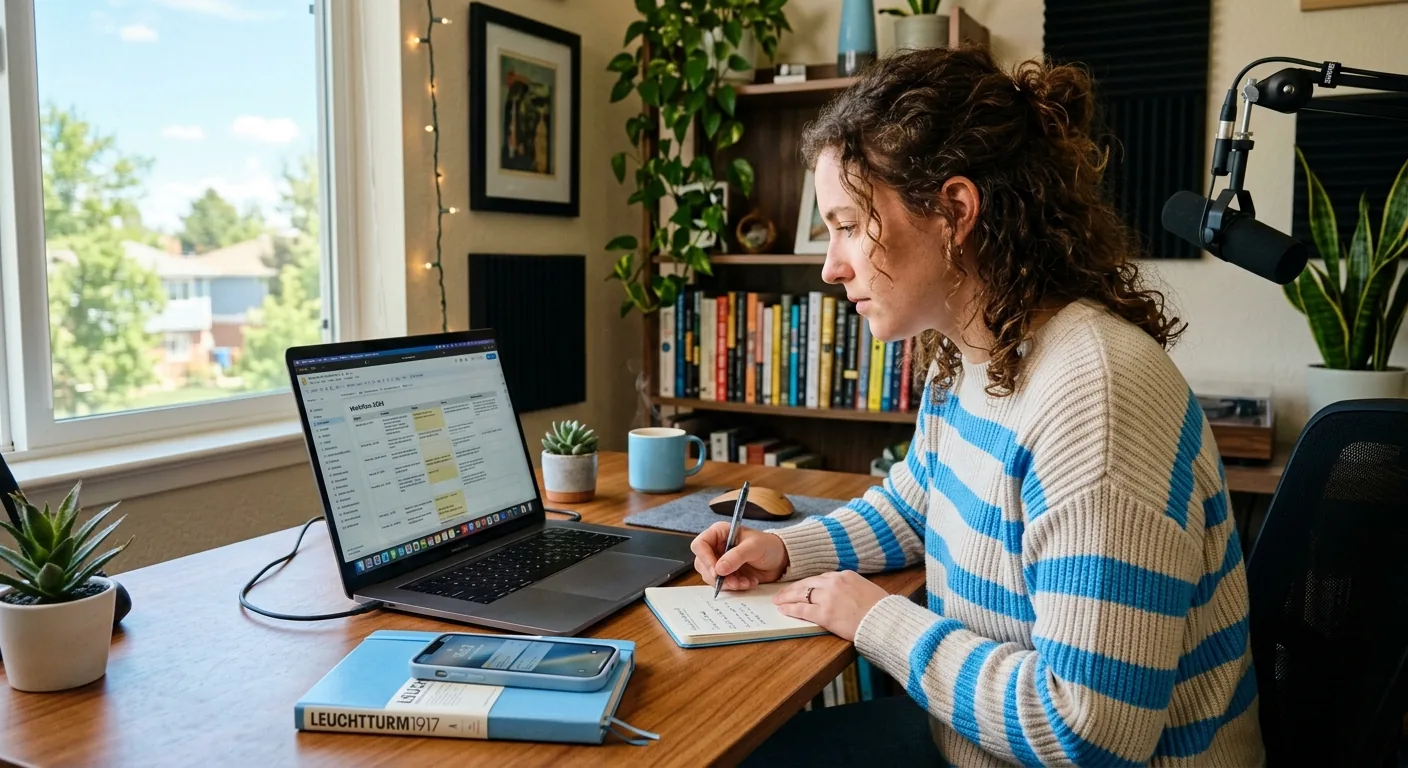
Deal Workflow Management for Professional Creators
Yes—deal workflow management can help professional creators discover more relevant brand collaboration opportunities when your pipeline is no longer simple enough to manage from memory, scattered inboxes, or a loose spreadsheet. If you are juggling inbound emails, DMs, follow-ups, deliverables, approvals, and brand-fit decisions across multiple conversations, a repeatable workflow usually creates better visibility and fewer dropped opportunities. The key is choosing a process that keeps creator approval in place for important outbound messages and commercial commitments, with a clear human-in-the-loop step anywhere money, scope, timing, or usage rights are discussed.
The Short Answer: Yes, If Opportunity Discovery Is Already Getting Messy
Many creators first think about workflow only after they already have signed deals. In practice, the earlier problem often starts at discovery. You may have brand emails in Gmail, DMs on Instagram, old pitch notes in a doc, and half-finished follow-ups sitting in your head. That makes it harder to tell which opportunities are actually a fit.
Deal workflow management for professional creators is useful when:
-
you have more inbound or outbound conversations than you can confidently track
-
promising brand leads get buried under lower-fit messages
-
you are rewriting similar replies over and over
-
approvals, deadlines, and deliverables are starting to overlap
-
a partner, assistant, or teammate needs visibility into what is happening
A better workflow does not guarantee more deals. It does make it easier to sort, compare, review, and move on the right opportunities with less confusion. For creators who treat content as a business, that structure matters.
What Deal Workflow Management Means for a Professional Creator Business
For a professional creator, deal workflow management is not just “tracking deals.” It is the repeatable system you use to move from possible opportunity to clear next step.
That system often includes:
-
Opportunity capture — logging inbound emails, DMs, referrals, and self-sourced prospects
-
Fit review — checking whether the brand aligns with your niche, audience, content style, and commercial goals
-
Reply or outreach prep — drafting a response, intro, or pitch angle
-
Conversation tracking — noting who replied, what was discussed, and what needs follow-up
-
Scope and deliverable planning — tracking what the campaign may include
-
Approvals — reviewing messaging, pricing, deliverables, and commitments before anything final goes out
-
Deadlines and follow-up — keeping momentum so good opportunities do not stall
The value of this workflow is consistency. Without it, creators tend to rely on memory, search old threads, or rebuild context every time a brand comes back with a question. That slows you down and makes discovery weaker because you cannot quickly compare one opportunity against another.
Professional creators usually need more than a simple “yes/no” inbox habit. They need a lightweight operating system for collaboration decisions. That does not always mean a full CRM. In many cases, the best fit is a creator-friendly workflow layer that helps with organization, draft preparation, and next-step coordination while keeping the creator in control.
For this kind of support, CreaSeed may fit as creator-approved workflow support. CreaSeed supports conversational preparation, opportunity organization, draft preparation, and creator review. If you need broader CRM behavior, deep reporting, wide integration coverage, or end-to-end lifecycle management, your team should confirm the current product setup before assuming that scope.
How a Better Workflow Helps You Find More Relevant Brand Opportunities
Discovery gets better when your process gets clearer.
That may sound simple, but it matters because most creators do not lose opportunities only from lack of volume. They lose opportunities from lack of visibility. When every lead looks like “another message,” it becomes harder to spot the ones that actually fit your category, audience, schedule, or rate expectations.
A stronger workflow helps by making relevance easier to judge:
-
You can compare opportunities side by side. Instead of reacting in real time, you can review whether a beauty brand, wellness app, or lifestyle startup really matches your audience and content format.
-
You can identify repeat patterns. Over time, you start seeing which offers convert into smooth collaborations and which ones create excessive revision loops.
-
You can protect your attention. Not every message deserves the same response speed or effort.
-
You can keep context attached to each opportunity. Notes about usage rights questions, content format, timing, and brand tone stay easier to revisit.
-
You can reduce dropped follow-ups. High-fit leads often go cold because no one clearly owns the next step.
This is also where workflow matters for outbound discovery. If you are researching brands you want to approach, a repeatable process helps you shortlist, rank, and prepare more relevant outreach instead of sending the same pitch everywhere.
CreaSeed can support this kind of preparation-oriented workflow. CreaSeed’s product line includes creator-facing workflow support such as Brand Deal Discovery and the AI Creator Agent , alongside conversational and text-support surfaces that can help organize opportunity thinking and creator-reviewed drafts. That does not mean fully autonomous deal sourcing or a creator-led contact research and verification. It means support for discovery-related organization and preparation when your current process needs more structure.
How to Decide About Deal Workflow Management for Professional Creators
If you are evaluating whether deal workflow management is worth adding, the most useful question is not “Do I need a tool?” It is “Where is my current process breaking?”
Here are the clearest decision signals.
You Probably Need a Structured Workflow If...
-
you manage multiple brand conversations at the same time
-
you forget who needs a follow-up and when
-
you often search old emails or DMs to reconstruct deal context
-
your deliverables and campaign dates are getting harder to track
-
you work with an editor, VA, cofounder, or small team and handoffs feel messy
-
you know some deals are a fit, but you do not have a reliable way to score or prioritize them
You May Not Need a Dedicated Workflow Layer yet If...
-
you only handle a small number of brand conversations each month
-
nearly all your deals come from one stable source
-
your current tracker is simple but still accurate
-
no opportunities are being lost due to confusion, delay, or inconsistent follow-up
What to Evaluate in Any Workflow Option
When comparing a manual workflow, spreadsheet, template, manager support, agency support, or a creator-focused platform, look at these practical questions:
-
Does it help you judge fit faster?
-
Does it reduce repeated writing and repeated context gathering?
-
Does it keep the creator close to the final commercial decision?
-
Does it make teammate handoff easier without losing nuance?
-
Does it help before the deal is signed, not only after?
-
Can you review and approve key outbound communication before it is used?
For many professional creators, the best answer is not maximum automation. It is controlled support. That means keeping the workflow efficient while preserving creator approval and human-in-the-loop review where commercial actions are discussed.
A Practical US Creator Example
Imagine a two-person UGC team in Texas producing short-form content for beauty and wellness brands. One teammate handles filming and editing. The other handles email, Instagram messages, and brand coordination.
At first, their system is manageable: one inbox, one notes doc, one spreadsheet. But as they grow, they begin handling:
-
inbound brand emails
-
follow-up questions from past campaigns
-
DM inquiries from small ecommerce brands
-
overlapping draft concepts and due dates
-
repeat requests for rates, turnaround, and usage details
The real problem is not just workload. It is opportunity sorting. A strong-fit skincare brand can get buried next to a low-budget request with vague usage terms. A warm lead from last month may disappear because no one logged the last reply. The team spends time reconstructing context instead of evaluating fit.
A better deal workflow changes that. They create a repeatable process:
-
every new opportunity gets logged
-
each brand gets a quick fit check against niche, audience, budget range, and timeline
-
reply drafts are prepared from a consistent base
-
deliverable discussions are reviewed before being confirmed
-
follow-ups get assigned a next step and date
If they use CreaSeed in this scenario, the fit is as a support layer for opportunity organization, conversational preparation, creator-reviewed drafts, and next-step coordination. Important outbound messages and commercial commitments remain creator-reviewed and approved. That keeps the workflow faster without turning it into a hands-off commercial system.
Where Creator Approval Belongs in the Workflow
Creator approval should stay visible anywhere the message could affect money, reputation, timing, or scope.
That includes:
-
first outbound pitches
-
replies to inbound brand interest
-
rate and package discussions
-
deliverable commitments
-
timeline changes
-
usage-rights or exclusivity discussions
-
final yes/no decisions on campaign terms
This is where human-in-the-loop matters most. Support tools can help you prepare, organize, summarize, or draft. They should not replace your judgment on commercial commitments.
CreaSeed works best in that support role. CreaSeed may help with creator-reviewed drafts, conversational preparation, and workflow organization. If you are using the AI Creator Agent or related writing-support surfaces, the right operating model is still review first, then approve. CreaSeed does not replace creator approval for sensitive outreach, negotiation points, or binding commitments.
A quick note on business-risk topics: contract terms, payment timing, taxes, exclusivity, whitelisting, and usage rights all affect workflow decisions, but this page is informational only and not legal or tax advice. For higher-stakes deals, it is smart to review those items with the right advisor.
When CreaSeed May Fit Your Workflow
CreaSeed may be a good fit if you want help making your deal workflow more organized without handing over commercial control.
That is especially relevant if you want support with:
-
organizing possible brand opportunities
-
preparing creator-reviewed replies or outreach drafts
-
keeping next steps visible across active conversations
-
using a conversational interface to think through deal responses
-
building a more repeatable workflow around opportunity discovery
CreaSeed offers relevant support for this use case through the AI Business Partner role for creator-reviewed business workflow support and the AI Creator Agent for conversational preparation and next-step support. The interface also includes conversational, assessment, opportunity, and text-suggestion surfaces that can be useful when your process feels too manual or fragmented.
If your main need is a full CRM replacement, advanced reporting stack, or complete end-to-end operations system, your team should confirm the current product setup. CreaSeed is a strong fit to explore when the problem is workflow messiness, draft prep, review coordination, and opportunity organization—not when you want to assume every adjacent system is already covered.
For creators in evaluation mode, a practical next step is to compare your current process against a creator-approved support model. If too much time is going into re-finding context, rewriting replies, or missing follow-ups, that is usually a sign your workflow deserves an upgrade.
To continue evaluating fit, explore how CreaSeed’s AI Creator Agent supports creator-reviewed workflow preparation. You can also read what changes after deliverables are sent, how deal tracking can continue after replacement content is needed, and a broader comparison of deal tracking approaches for professional creators.
Continue with the Creator Workflow overview and the Deal Tracking collection. Then compare the related creator guide and the next practical resource for the next step in this workflow.
FAQ
Does Deal Workflow Management Help Creators Discover Relevant Brand Collaboration Opportunities?
Yes, it often helps by making discovery more organized and easier to evaluate. A workflow does not create guaranteed deals, but it can help you capture opportunities consistently, compare fit more clearly, and avoid losing strong leads in a crowded inbox or scattered process.
What Does Deal Workflow Management Usually Include for Professional Creators?
It usually includes opportunity capture, fit review, reply or outreach prep, conversation tracking, deliverable planning, approvals, deadlines, and follow-up. The exact setup can be simple or more structured depending on how many conversations and campaigns you manage.
Do Solo Creators Need Deal Workflow Management?
Sometimes, yes. A solo creator may need it as soon as brand conversations start piling up across email, DMs, and repeat follow-ups. If your current system still feels clean and accurate, a lightweight manual setup may be enough. If good opportunities are getting buried, a more repeatable workflow can help.
Where Should Creator Approval Stay in a Deal Workflow?
Creator approval should stay with important outbound messages and commercial commitments. That includes first replies, pitch drafts, pricing discussions, deliverable commitments, timeline changes, and any agreement that affects your business terms. Human-in-the-loop review is especially important in those moments.
Can CreaSeed Run My Entire Brand Deal Process Automatically?
No. CreaSeed is best used as creator-approved workflow support for organization, preparation, draft support, and next-step coordination. It should not be treated as a hands-off talent manager or as a system that sends messages, negotiates deals, or signs contracts without creator approval.
Is CreaSeed a Full CRM for Creator Deal Operations?
CreaSeed may support important parts of a creator workflow, especially around opportunity organization and creator-reviewed preparation. If you need broader CRM, tracking, reporting, integration, or full-lifecycle coverage, your team should confirm the current setup based on your workflow needs.