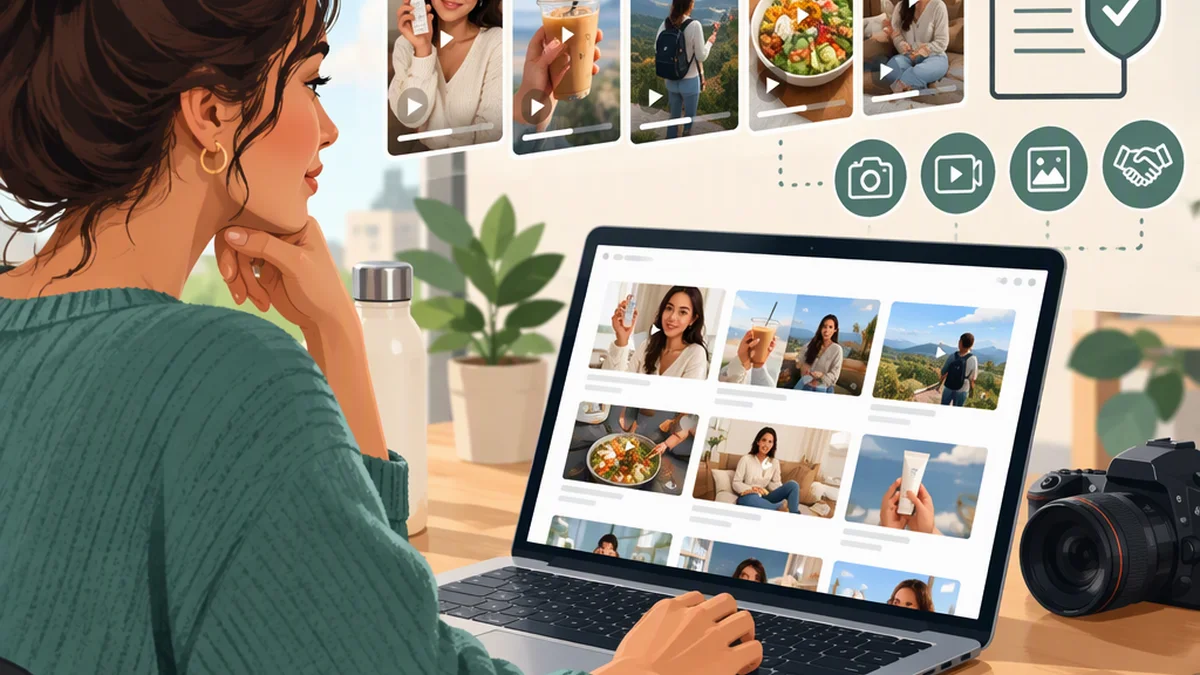
How to Build a UGC Creator Portfolio That Shows Your Work Clearly
Build a UGC creator portfolio around a small, deliberate selection of work you can show—not a gallery of every video you have made. Give each sample a clear project label, your actual role, the creative objective, and a playable example. Separate commissioned work from self-initiated concepts, verify display permission before publishing, and keep portfolio viewing distinct from any license to reuse your content.
Define What the Portfolio Needs to Demonstrate
Treat the portfolio as a viewing path through your production abilities. Write one sentence explaining the work you want the page to demonstrate, such as product demonstrations for everyday home items or on-camera explanations of familiar tools. Use that sentence to guide your sample selection.
A social profile shows published activity, a media kit can summarize audience information, and a portfolio lets someone examine selected work and your contribution. For a production-focused showcase, lead with the sample and its context rather than an unsupported promise about reach or sales.
Choose an initial set that you can describe accurately and maintain. Three clearly different examples can be a useful starting point; adjust the selection to suit your work. Remove a sample if it repeats the same skill without adding useful context. A shorter honest selection is preferable to filling gaps with invented clients, metrics, or permissions.
Select Samples by Demonstrated Skill, Not Brand Prestige
Make a private inventory before designing the page. For each candidate, record:
- File or viewing link
- Category and format
- Skill demonstrated
- Your role
- Project status
- Permission status
Mark uncertain permissions as unresolved rather than letting a finished export become an automatic publishing decision. Keep this inventory private if it contains client contacts or agreement details.
Use a simple selection question: what can a viewer learn from this example that the previous one did not show? One sample might demonstrate clear product handling, another an intelligible voiceover, and another a coherent edit built from several shots. Show only abilities present in the actual work.
If you lack commissioned projects, consider self-initiated practice using material you can legitimately use. Label it as a concept sample and do not describe the featured company as a client. Do not stage a customer result, fabricate an endorsement, or imply a brand approved your work. A visible label such as “Self-initiated concept; not commissioned by the featured brand” explains the example without inventing a commercial relationship.
Give Every Example a Compact, Truthful Project Card
Use a repeatable card structure: project label, sample status, objective, contribution, playable work, and any appropriate outcome evidence. Write the objective as the intended creative task, not as proof that the task succeeded. “Explain how the lid opens” describes an objective; “increased sales” asserts an outcome and needs evidence.
The following is a fictional project-card example, not a real campaign result:
- Project name: Reusable container demonstration
- Project status: Self-initiated concept
- Creative objective: Show opening, filling, and closing in a short sequence
- My contribution: Planning, filming, on-camera presentation, and editing
- Brand relationship: Independently made practice sample; not commissioned by the featured brand
- Video: Place the playable sample or a clearly labeled viewing link here
- Results evidence: No campaign performance data
Replace every field with the truth about your own work before using this structure.
For collaborative work, state which parts you actually completed. If another person wrote the script or handled the edit, do not claim the whole production as your individual achievement. Obtain the appropriate permissions before naming collaborators or publishing their material.
When an authorized case study includes results, identify the metric, reporting period, source, and limits of your contribution. Otherwise, omit the result rather than inferring performance from polish.
Make the example understandable before playback starts. A descriptive thumbnail label and a short context sentence can orient the viewer without turning the card into a long campaign proposal. Keep personal contact details, unpublished briefs, private dashboards, and confidential comments out of screenshots and captions.
Separate Permission to Display from Permission to Reuse
Do not assume that appearing in a video or having edited it establishes every right needed to publish it. The U.S. Copyright Office explains that ownership can involve work made for hire, assignments, or other transfers, and that copyright owners have exclusive rights that include reproduction and certain public display or performance uses. Those general principles do not decide your individual contract. [S2]
For each sample, check the relevant agreement and any written approval for the exact portfolio use you intend:
- The specific version or excerpt
- Hosting or embedding method
- Public or restricted audience
- Required attribution
- Publication date
- Removal conditions
Treat this as a practical review checklist, not a universal legal rule. If the terms are unclear, seek clarification or qualified advice before publishing.
Review the components too: music, stock footage, photographs, collaborators, and material supplied by a client may have separate restrictions. Permission to display a finished campaign should not be treated as proof that every component is cleared for a different context. Do not move a soundtrack from a platform-specific edit into a separately hosted portfolio merely because the original post is visible.
Keep an internal permission record linked to the sample, with the agreement or approval reference, allowed use, limitations, and review date. On the public page, use a concise viewing notice if appropriate, such as “Portfolio viewing only; reuse requires a separate agreement.”
That notice communicates your intended boundary; it does not establish ownership, resolve conflicting contracts, or grant a buyer advertising rights. A private link is an access choice, not a substitute for permission.
Preserve Honest Relationship Labels and Disclosures
A concept label and an advertising disclosure answer different questions. The concept label describes how the work originated; a disclosure explains a relevant brand connection when the content is an endorsement. The FTC says a material connection can include payment, free or discounted products, employment, or personal or family relationships. Its guidance is about endorsements, not a blanket ruling that every portfolio tile is an advertisement. [S1]
Where a displayed sample contains an endorsement with a connection that needs disclosure, review the sample itself rather than relying on a generic footer. FTC guidance says the disclosure should accompany the endorsement message and, for video endorsements, be in the video rather than only its description. A label on an About page is not a substitute. [S1]
If you trim a commissioned video for a showreel, check whether the excerpt loses context or an applicable disclosure. Do not edit a gifted-product relationship into the appearance of an ordinary independent purchase. The FTC also warns against describing product experience you have not had or making unsupported product claims. Check the wording of the sample as carefully as the project card. [S1]
These are U.S. regulatory references, not individual legal advice. The FTC notes that U.S. law can apply to posts from abroad where effects on U.S. consumers are reasonably foreseeable, and that foreign laws might also apply. [S1]
Build a Usable Viewing Path and Test the Exact Link
Arrange the page so a viewer can understand who made the work, select a relevant sample, read its context, play it, and find an appropriate contact route.
Here is an adjustable page-structure example, not a fixed industry standard:
- Name and creative focus: Introduce yourself with a short sentence describing the kind of work the portfolio demonstrates.
- Selected work and project cards: Present your chosen samples with playable media, clear labels, objectives, and contributions. Add category labels only if they help viewers choose.
- Short About section: Give relevant background and explain which parts of production you handle, without repeating every project card.
- Contact route: Provide a professional email address or a working contact form for project inquiries.
Keep the work easy to reach. Avoid a wall of similar thumbnails or an opening animation that hides the samples.
Plan for accessible media rather than treating captions as decoration. W3C WAI guidance describes captions as a text version of speech and meaningful non-speech audio, transcripts as text alternatives, description for important visual information, and media players that support accessibility. Which components a particular sample needs depends on its content; a caption track alone does not establish complete accessibility or WCAG conformance. [S3]
Before sharing the page:
- Try it on a phone and a desktop.
- Use the media controls with a keyboard.
- Inspect caption accuracy and timing.
- Check whether essential visual actions have an appropriate text or audio alternative.
- Verify any accessibility claim against the implemented page.
Open the exact viewing URL in a signed-out session. Confirm the intended files play, no editor access is exposed, no unrelated private folder is reachable, and contact information is correct. Recheck restricted links with the intended viewer permissions.
Maintain the Showcase as a Versioned Collection
Before sharing, review each sample against four questions:
- Is the label truthful?
- Is my contribution clear?
- Is the intended display permitted?
- Does the actual link work?
Hold back any item with an unresolved answer. Keep a dated inventory of the published versions so replacing a file does not silently change what your permission record describes.
Review the collection when your work changes or a permission condition changes. Remove outdated availability language, broken embeds, and examples that no longer represent your abilities. If an approval expires or a removal condition is triggered, follow the applicable terms and update the public page. Retain the underlying record privately rather than presenting an expired permission as current.
The finished portfolio should make your work easy to review, with honest context and clear display boundaries. Sharing it does not transfer your content library or replace a project-specific agreement.
FAQ
Can I Build a UGC Portfolio Without Paid Clients?
Yes. Use self-initiated practice examples made with material you can legitimately show. Label them as concepts, identify your contribution, and do not invent commissions, endorsements, client approvals, or performance data.
How Many Examples Should I Include?
Include enough to demonstrate distinct relevant abilities without unnecessary repetition. Three different samples can be a manageable starting point, but there is no universal number. Keep a sample only if it adds something useful.
Does a Public Campaign Post Mean I Can Upload It to My Portfolio?
No—public availability is not your permission record. Check the agreement, ownership situation, components, and intended display method; seek clarification where needed. Copyright owners have exclusive rights subject to legal exceptions and limitations, and a general guide cannot resolve a specific reuse decision. [S2]
Should the Portfolio Include Follower Counts and Rates?
Include audience information only if it is accurate, relevant to what the page demonstrates, and presented with appropriate context. You can keep rates and licensing terms in a separate discussion so the portfolio stays focused on reviewing your work.