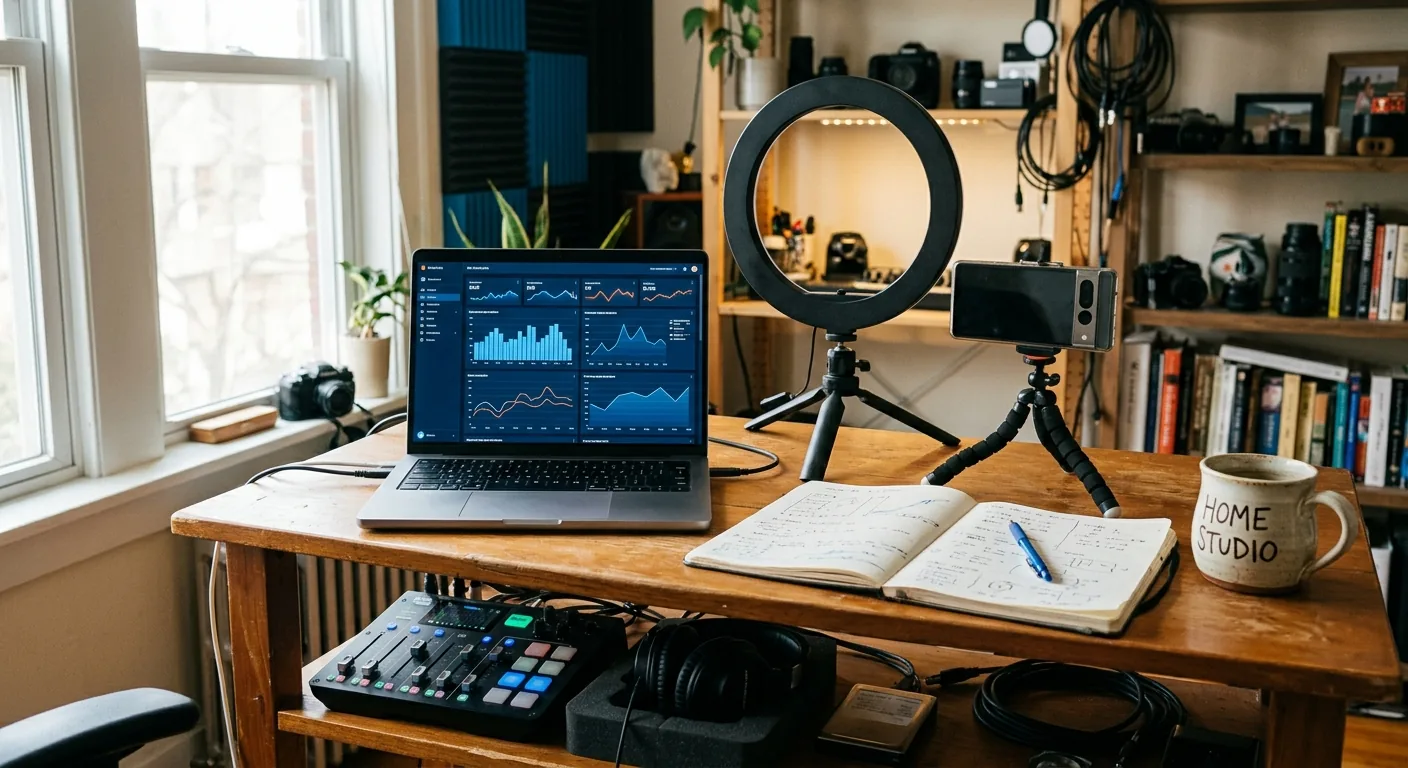
Creator Trends
Creator trends matter when they help you decide what to test next, not when they just make your feed feel busy. The practical move is to pay attention to trends that match your audience, fit your content style, can be produced without blowing up your schedule, and give you a clear test you can measure. If a trend fails those checks, skip it or mark it as not yet.
Creators hear “trend” all day, but not every trend deserves action. Some are format shifts, like a new short-form editing style. Some are platform shifts, like changes in what gets attention on TikTok, Instagram, or YouTube. Some are audience shifts, like people preferring more direct product demos, creator voiceovers, or lower-polish posts that feel more native. And some are brand-demand shifts, where certain deliverables or content angles start showing up more often in briefs. The goal is not to chase every change. The goal is to choose the one that is worth a focused test.
The Fast Answer: Which Creator Trends Deserve Your Attention?
The creator trends that deserve your attention are the ones that pass four simple filters:
-
Audience relevance : Will your current audience actually care?
-
Content fit : Can you make this trend feel natural in your voice and format?
-
Effort realism : Can you test it without derailing your week?
-
Measurable outcome : Will you know what you learned after one or two posts?
That means a trend is useful if it helps you make a real content decision. For example, a UGC creator may notice that quick side-by-side product comparisons are getting stronger brand interest than cinematic lifestyle clips. That is actionable because it changes what they can test in their next sample, portfolio update, or outbound idea. A vague trend like “everyone is talking about AI” is usually too broad to help unless you can turn it into one specific content experiment.
A good working definition is this: creator trends are shifts in formats, platforms, audience behavior, or brand demand that may affect what you should test next . That definition keeps the topic practical. It also keeps you from drifting into trend watching as a hobby instead of using trend awareness as part of your workflow.
Decision Boundary: When to Act on a Trend and When to Skip It
Use a simple yes, no, or not yet decision boundary.
Say Yes When
Act on a trend when all of these are true:
-
You can explain why it matters to your audience in one sentence.
-
You can picture exactly how it would show up in your content.
-
You can test it with limited time, limited editing, or one manageable revision cycle.
-
You know what signal will tell you whether the test was useful.
A “yes” does not mean full commitment. It means the trend is strong enough for a controlled test.
Say No When
Skip a trend when:
-
It only looks good because other creators are doing it.
-
It clashes with your tone, niche, or content quality bar.
-
It adds a lot of production work without a clear learning goal.
-
You cannot tell whether it worked unless you completely change your strategy.
Skipping trends is a strength. Small creator teams usually lose momentum by trying to copy three things at once instead of learning from one focused experiment.
Say Not yet When
“Not yet” is often the smartest answer. Use it when:
-
You see the trend, but timing is off.
-
You need a fresh batch of footage or product samples first.
-
You want to finish your current content cycle before adding a new variable.
-
A commercial angle is involved and you want creator approval before any external message or commitment.
That last point matters. Important outbound messages and commercial commitments remain creator-reviewed and approved . If a trend affects how you position yourself to brands, human-in-the-loop review stays in place where commercial actions are discussed.
A Practical Creator Workflow for Evaluating Creator Trends
Here is a bounded workflow you can use in under an hour.
Step 1: Spot One Trend, Not Five
Pick one trend you keep seeing across a short time window. That might be:
-
faster hooks in UGC ads
-
more face-to-camera talking segments
-
more “problem-solution-proof” scripting
-
more casual low-edit product demos
Write it in plain language. If you cannot explain the trend clearly, you are probably reacting to noise.
Output: one trend statement.
Step 2: Screen It Against Your Current Work
Ask:
-
Does this fit my audience?
-
Does this fit the content I already know how to make?
-
Would this improve my samples, my next posts, or my creator positioning?
-
Can I test it with existing tools, footage, and time?
This step prevents trend-chasing. If the answer is weak on audience fit or production reality, stop here.
Output: yes, no, or not yet.
Step 3: Turn the Trend into One Test
If the trend passes the screen, reduce it to one clean test. Good examples:
-
“I’ll post one product demo using a faster first three seconds.”
-
“I’ll update one UGC sample to include a direct comparison angle.”
-
“I’ll rewrite one pitch idea around creator-led education instead of polished lifestyle content.”
The test should change one major variable, not six.
Output: one specific experiment.
Step 4: Define the Success Signal Before You Publish
Do not wait until after posting to decide what counts as useful. Choose one or two signals first, such as:
-
stronger watch-through than your usual baseline
-
more saves or replies
-
better feedback from a collaborator
-
clearer portfolio positioning
-
easier brand-facing explanation of what you offer
If the trend touches commercial positioning, keep creator approval in the loop before sending any outbound note, draft, or commitment.
Output: one learning goal and one success signal.
Step 5: Record What You Learned
After the test, capture the result while it is fresh. Even if the trend did not work, you learned something valuable: wrong audience, too much editing, weak fit, or unclear creative angle.
That record is what keeps you from repeating the same experiment a month later.
Output: a short note with next action.
A Realistic Example: A US UGC Creator Chooses One Trend to Test
Here is a realistic example.
Maya is a solo UGC creator in Texas who makes beauty and personal care content for brands. Over two weeks, she notices more creator posts using a simple pattern: quick hook, problem statement, direct product use, and brief spoken result. She also notices that her own polished montage samples take longer to edit and do not always show the product benefit fast enough.
Instead of reworking her whole portfolio, Maya uses the workflow above.
First, she writes down the trend in one sentence: brands and audiences seem to be responding to faster, more direct demo-style UGC .
Next, she screens it:
-
Audience fit? Yes. Her audience already engages with practical product content.
-
Content fit? Yes. She is comfortable speaking on camera.
-
Effort realism? Yes. She can shoot one new sample with her current setup.
-
Measurable test? Yes. She can compare the sample’s retention and use it in her next round of creator-reviewed pitching materials.
She decides yes .
For the test, Maya creates one 20-second skincare sample built around a direct problem-solution format instead of her usual slow montage. She keeps the lighting and product the same so the format is the main change. Before using the sample in any external outreach, she reviews the final messaging herself. If a collaborator is involved, that commercial-facing note stays human-in-the-loop where commercial actions are discussed.
After posting and reviewing the sample, Maya records what happened: the faster demo gave her a clearer hook, took less editing time, and better matched the kind of work she wants to show brands next month. That is enough to justify a second test. It is not a promise of growth. It is a grounded decision based on one manageable experiment.
What to Record Before Your Next Step
Before you move on, save a short record. This does not need to be fancy. A lightweight note is enough.
Record these seven points:
-
Trend observed: What exactly changed?
-
Why it matters: Why does this trend matter for your audience or creator positioning?
-
Test idea: What are you actually going to try?
-
Effort needed: What footage, editing time, approvals, or assets are required?
-
Timing: When will you run the test?
-
Approval notes: Who needs to review anything before it goes public or gets sent externally?
-
Success signal: What result would make this worth repeating?
A simple example could look like this:
-
Trend observed: More direct product demos with faster hooks
-
Why it matters: Better fit for beauty UGC samples and easier value explanation
-
Test idea: Create one 20-second direct-demo sample
-
Effort needed: One filming session, one edit, one creator review pass
-
Timing: This week
-
Approval notes: Outbound messages and any commercial commitments stay creator-reviewed and approved
-
Success signal: Clearer hook and stronger early retention than current sample style
If your team wants to keep these notes inside a broader system, confirm the current product setup for any deeper CRM, tracker, reporting, integration, or full-lifecycle workflow need.
How CreaSeed Can Support This Trend-Decision Workflow
CreaSeed can support this workflow as creator-approved workflow support rather than as an autonomous trend engine or hands-off manager.
For this use case, CreaSeed may support:
-
conversational preparation when you want to think through whether a trend is worth testing
-
opportunity organization as you connect trend ideas to upcoming creator work
-
draft preparation for notes, test plans, or creator-reviewed messaging
-
next-step coordination so you can move from “I noticed this trend” to “here is the one test I will run”
CreaSeed’s product surfaces include conversational, assessment, opportunity, and text-suggestion experiences. In practice, that means a creator or small team can use CreaSeed to organize thinking, prepare drafts, and review next actions without handing over final commercial control.
That boundary is important. Important outbound messages and commercial commitments remain creator-reviewed and approved . Human-in-the-loop review stays in place where commercial actions are discussed. CreaSeed is not positioned here as automatically sending messages, negotiating deals, or signing anything on your behalf.
If your workflow depends on broader CRM coverage, deeper reporting, tracker functionality, or integrations beyond the named surfaces, confirm the current product setup before treating CreaSeed as a full operations system.
If you want more context around trust and workflow boundaries, explore our guide to understanding content-trend workflow trust for creators. If you want help shaping the actual creative test, read how to create content trends you can actually test. If you are comparing process options, see ways to manage content trends without losing creator control. And if you are still deciding between manual tracking and a more guided workflow, review when creator account value work outgrows a spreadsheet.
FAQ
How Often Should I Review Creator Trends?
For most solo creators and small teams, a weekly check is enough. The point is to notice patterns without constantly changing direction. If you review trends every day, you can end up reacting to noise instead of making better decisions.
Do I Need to Test Every Trend I Notice?
No. Most trends should be ignored. Only test the ones that fit your audience, your style, your time capacity, and a clear learning goal. A smaller number of focused tests usually teaches you more than trying to follow everything.
What Is the Difference Between a Trend and a Temporary Spike?
A trend influences your next content decision because it appears consistently enough to test. A temporary spike gets attention for a moment but does not clearly fit your audience or workflow. If you cannot turn it into a realistic, repeatable test, it is probably just a spike for you.
How Should a Small Creator Team Prioritize Trends?
Pick the trend with the highest mix of relevance and low production friction. In plain terms: choose the idea that matters most to your audience and is easiest to test well. That keeps your team from overcommitting and makes review simpler.
Can CreaSeed Tell Me Which Trend Will Win?
CreaSeed should not be treated as a guaranteed trend predictor. For this workflow, CreaSeed can support preparation, organization, creator-reviewed drafts, and next-step coordination. Your final decision still depends on your audience knowledge, your content judgment, and creator approval.
If a Trend Affects My Brand Positioning, Who Approves the Next Move?
You do. Important outbound messages and commercial commitments remain creator-reviewed and approved. Human-in-the-loop review stays in place where commercial actions are discussed, especially if the trend changes how you present yourself to brands or collaborators.