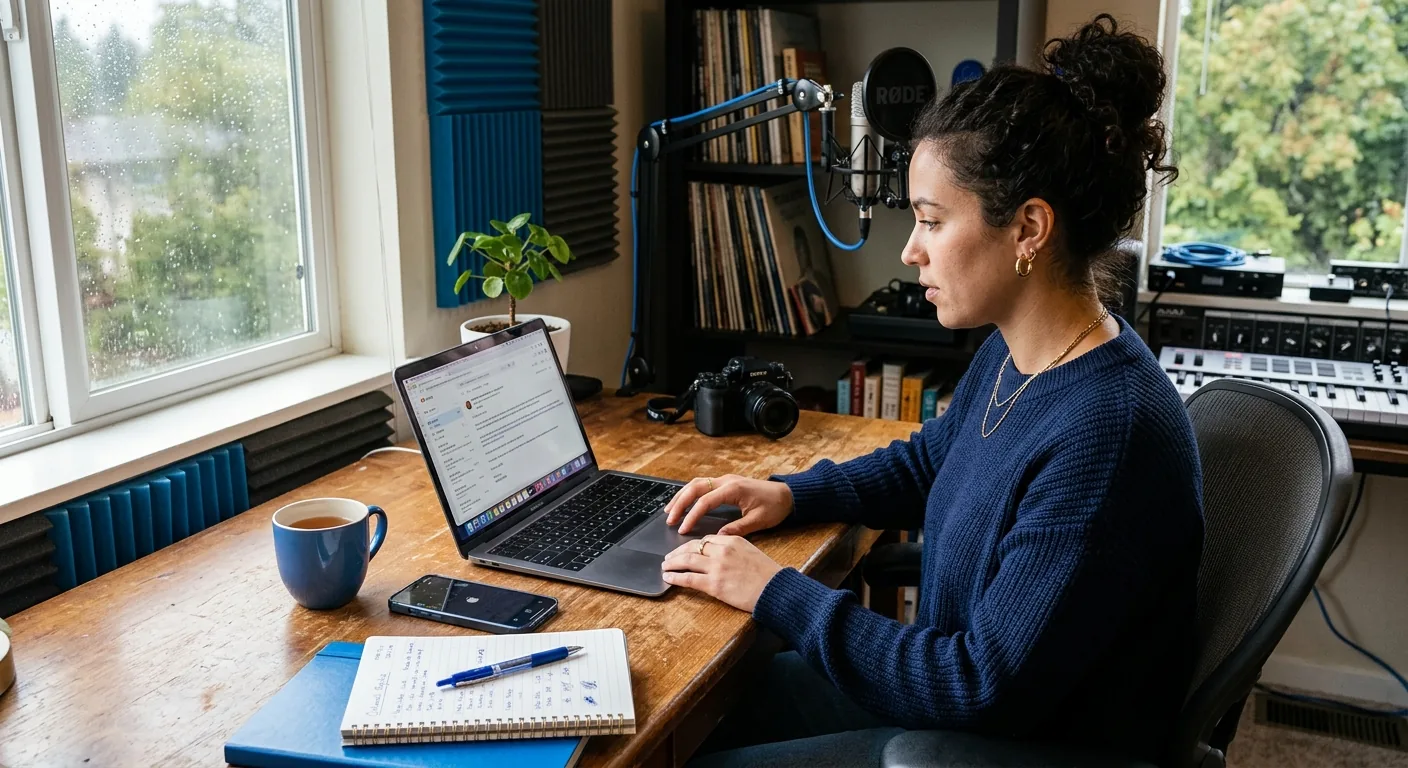
Creator Business AI Assistant After Active Outreach
Yes—after you have already done active outreach, a creator business AI assistant can be useful if your main need is to review replies, organize the opportunity, prepare a follow-up, and decide your next move without giving up creator control. CreaSeed supports this post-outreach stage as creator-approved workflow help: it may help you sort context, prepare drafts, and keep next steps organized, while important outbound messages and commercial commitments still stay creator-reviewed and approved.
If you are juggling a few brand conversations at once, the hard part usually is not writing one more sentence. It is keeping the thread straight: who replied, what they asked for, whether the opportunity is real, what still needs clarification, and what you should send next. That is the exact moment where a practical workflow matters.
The Short Answer: Where CreaSeed Helps After You Have Already Reached Out
Once outreach is already in motion, CreaSeed works best as support for the middle step between a brand reply and your next creator-approved action.
That can include help with:
-
reviewing a reply thread
-
pulling out the key ask from the brand
-
organizing the opportunity so it does not get lost
-
preparing creator-reviewed response options
-
listing open questions before you reply
-
keeping a clear next step in front of you
CreaSeed includes conversational, assessment, opportunity, and text-suggestion experiences. For this use case, that matters because post-outreach work is usually part reading, part decision-making, and part drafting. A chat-style workflow can help you think through the thread, while opportunity organization and text-suggestion support can help you prepare the next move without treating the whole conversation like a fully automated sales sequence.
That boundary matters. CreaSeed is not a hands-off talent manager. It should not be treated as automatic outreach execution, negotiating without creator review, or automatic contract commitment. The better fit is creator-reviewed preparation.
Decision Boundary: What CreaSeed Can Prepare Vs. What You Still Need to Approve
The fastest way to evaluate fit is to separate preparation from commitment.
CreaSeed May Help Prepare
-
summarize what the brand replied with
-
surface the main decision you need to make next
-
organize the opportunity with its current status
-
draft one or more response directions
-
rewrite a follow-up to sound clearer, warmer, or more professional
-
collect open questions about scope, budget, timeline, or content needs
-
help you compare whether to continue, clarify, or pause
You Still Need to Approve
-
any reply that gets sent out
-
any pricing language
-
any deliverable commitment
-
any usage-rights or whitelisting language
-
any timing promise or campaign deadline acceptance
-
any negotiation position
-
any signed agreement or final commercial commitment
In plain terms: CreaSeed may help you get to a stronger draft faster, but creator approval remains required. Whenever the message could change money, scope, usage, deadlines, or expectations, the human-in-the-loop matters.
That is especially important for solo and micro creators who often move quickly from “thanks for reaching out” to “can you share your rates?” One sentence can create a real business commitment. AI can help you prepare that sentence. It should not replace your judgment on whether to send it.
Creator Workflow: Review Replies, Organize the Opportunity, and Prepare the Next Move
A useful post-outreach workflow does not need to be complicated. It needs to help you reach a defined decision.
1. Gather the Thread
Start with the exact context you already have:
-
your original outreach message
-
the brand’s reply
-
any follow-up notes you already made
-
any campaign details mentioned in the thread
If the reply came through email or social inboxes, the goal is not to dump everything into one giant system. The goal is to make sure the current conversation is visible enough to evaluate.
2. Identify the Real Status
Not every reply means the same thing. A brand might:
-
show interest but ask for media kit details
-
ask for rates without sharing deliverables
-
ask if you are available next month
-
reply vaguely and need a stronger follow-up
-
go quiet after an encouraging first response
This is where opportunity organization helps. Instead of treating every thread as “maybe a deal,” label the actual state in your own words: interested, needs clarification, waiting on budget, follow-up needed, or not worth pursuing right now.
3. Pull Out What the Brand Actually Asked For
Creators lose time when a thread feels promising but the ask is still fuzzy. Before drafting anything, isolate the brand’s real question.
For example, did they ask for:
-
rates
-
audience info
-
a sample concept
-
availability
-
previous brand work
-
shipping details for product seeding
If you answer the wrong question, you create another round trip. CreaSeed can support this stage by helping you summarize what matters before you write back.
4. Draft Response Options
At this stage, you usually do not need one perfect message. You need two or three possible directions, such as:
-
a light follow-up
-
a clarification-first reply
-
a reply that shares interest but asks for budget, scope, or timeline first
This is where tools like AI Creator Agent and draft-support experiences such as Sponsor Reply Assistant can be relevant in a creator-reviewed workflow. The useful output is not “send this automatically.” The useful output is “here are response options you can review, edit, and approve.”
5. List Open Commercial Questions
Before you reply, note what is still missing. Common gaps include:
-
deliverables not defined
-
usage rights not mentioned
-
timeline unclear
-
budget missing
-
exclusivity not discussed
-
approval rounds not explained
You do not need full negotiation at this stage. You do need enough clarity to avoid replying as if the deal is already clean and ready.
6. Choose the Next Creator-Approved Action
A bounded workflow should end with one decision:
-
send a follow-up
-
ask clarifying questions
-
share a revised response
-
wait for another team member to review
-
pause the opportunity
That defined decision is what keeps post-outreach work from turning into an endless pile of half-finished threads.
A Realistic US Creator Example After Active Outreach
Say you are a Texas-based UGC creator who makes skincare and routine content for TikTok and Instagram. Last week, you proactively reached out to eight mid-market beauty brands. One of them replies:
Thanks for reaching out. We may be looking for creators for an upcoming launch. Can you send your rates and let us know whether you can do two short-form videos next month?
At first glance, that sounds great. But there are still gaps:
-
they did not mention budget
-
they did not define length or usage rights
-
they did not say whether they want raw footage, edited content, or posting on your channel
-
they did not confirm a deadline beyond “next month”
Here is how a bounded CreaSeed workflow could help.
First, you review the thread in a conversational workflow and organize the opportunity as an active brand reply that needs clarification before commitment. Next, you pull out the core asks: rates, availability, and possible deliverables. Then you prepare a creator-reviewed response draft that does three things:
-
confirms interest
-
answers availability at a high level
-
asks for the missing scope details before making a final commercial commitment
A strong direction might be:
Thanks for getting back to me — I’d love to explore this. I’m available next month and can review a two-video collaboration. Before I confirm pricing and package structure, could you share a bit more about the deliverables, usage needs, and target timeline?
That is the decision point. CreaSeed may help prepare that response direction, but you still review and approve it before anything is sent.
The next action is clear: send the clarification-first reply rather than guessing at scope or locking yourself into pricing too early.
What to Record Before the Next Step
You do not need a heavy system to stay organized after outreach. You do need a consistent record.
Before you send the next message, record:
-
Current status: replied, follow-up needed, waiting on details, paused
-
Who replied: brand contact name or team label if available
-
What they asked for: rates, availability, concept, media kit, timeline, shipping info
-
Any stated deadline: even if it is loose, like “this week” or “next month”
-
Your intended response direction: follow up, clarify, pause, or pass
-
Open commercial questions: budget, usage, deliverables, timeline, approval process
-
Why the opportunity is worth continuing: fit with your niche, content style, past results, or portfolio goals
This kind of lightweight tracking is valuable because the biggest post-outreach mistake is not always writing a weak reply. It is forgetting what made the thread promising in the first place.
If your team needs broader CRM depth, more formal pipeline rules, wider reporting, or full lifecycle tracking, teams should confirm the current product setup. The practical goal here is lighter opportunity organization and response preparation—not a claim of complete operations coverage.
How to Evaluate Fit for Your Creator Workflow
CreaSeed may be a strong fit for this exact moment if you already do your own outreach and need help with what happens next.
This use case usually fits best when you:
-
manage several active outreach threads at once
-
want help reviewing replies without losing creator control
-
need support turning messy brand responses into a clear next step
-
want creator-reviewed draft assistance instead of fully autonomous messaging
-
prefer a workflow that combines conversation, opportunity context, and text suggestions
The fit is weaker if you are looking for something to replace your judgment on commercial commitments. It is also weaker if your main requirement is a fully confirmed CRM, advanced reporting layer, or broad all-in-one relationship management system. Those broader needs should be confirmed against the current setup.
For this workflow, the most relevant CreaSeed experiences are the ones tied to conversation, opportunity organization, and creator-reviewed drafting. That includes the role of AI Business Partner for creator business workflow support and AI Creator Agent for conversational preparation and next-step coordination.
If you are comparing your current process against a manual spreadsheet or a loose notes app, the main benefit to evaluate is not automation for its own sake. It is whether you can move from “I got a reply” to “I know exactly what to send next” with less friction and better organization.
For adjacent needs, you may also want to read:
-
how creators handle account value versus a spreadsheet with more trust and structure
-
how to think through pricing support during creator offer selection
-
a beginner-friendly guide to using a creator business AI assistant
-
what to do when a creator workflow shifts into a payment problem
See how CreaSeed can support your creator workflow.
FAQ
Can CreaSeed Send Follow-Up Replies Automatically After Outreach?
CreaSeed should be treated as creator-approved workflow support, not automatic reply sending. It may help you prepare and review follow-up drafts, but important outbound messages remain creator-reviewed and approved.
Can CreaSeed Help Me Draft a Reply After a Brand Answers My Pitch?
Yes, that is one of the clearest post-outreach uses for CreaSeed. It may help you summarize the brand’s reply, identify what still needs clarification, and prepare response options you can edit and approve before sending.
What Is the Best Next Step If a Brand Replies but Does Not Share Enough Detail?
Usually, the best next step is a clarification-first reply. Confirm interest, answer any simple availability question, and ask for the missing details that affect price or scope. That keeps the conversation moving without making a commercial commitment too early.
What Should I Record Before Replying to a Brand?
Record the current status, who replied, what they asked for, any timing mentioned, your draft direction, and the open questions that still matter. For example, note missing budget, usage, deliverables, or approval details before you send your next message.
Does CreaSeed Replace a CRM for Creator Brand Deals?
For this use case, CreaSeed can support opportunity organization and workflow preparation. If you need broader CRM coverage, deeper tracking rules, formal reporting, or full lifecycle management, teams should confirm the current product setup.
Can CreaSeed Negotiate Rates or Agree to Terms for Me?
No. Rate decisions, deliverable commitments, usage-rights language, deadlines, and final agreement terms should stay under creator approval. CreaSeed may help you prepare the conversation, but it should not be treated as making commercial commitments on your behalf.