Why Are My YouTube Shorts Not Getting Views? a Practical Troubleshooting Guide
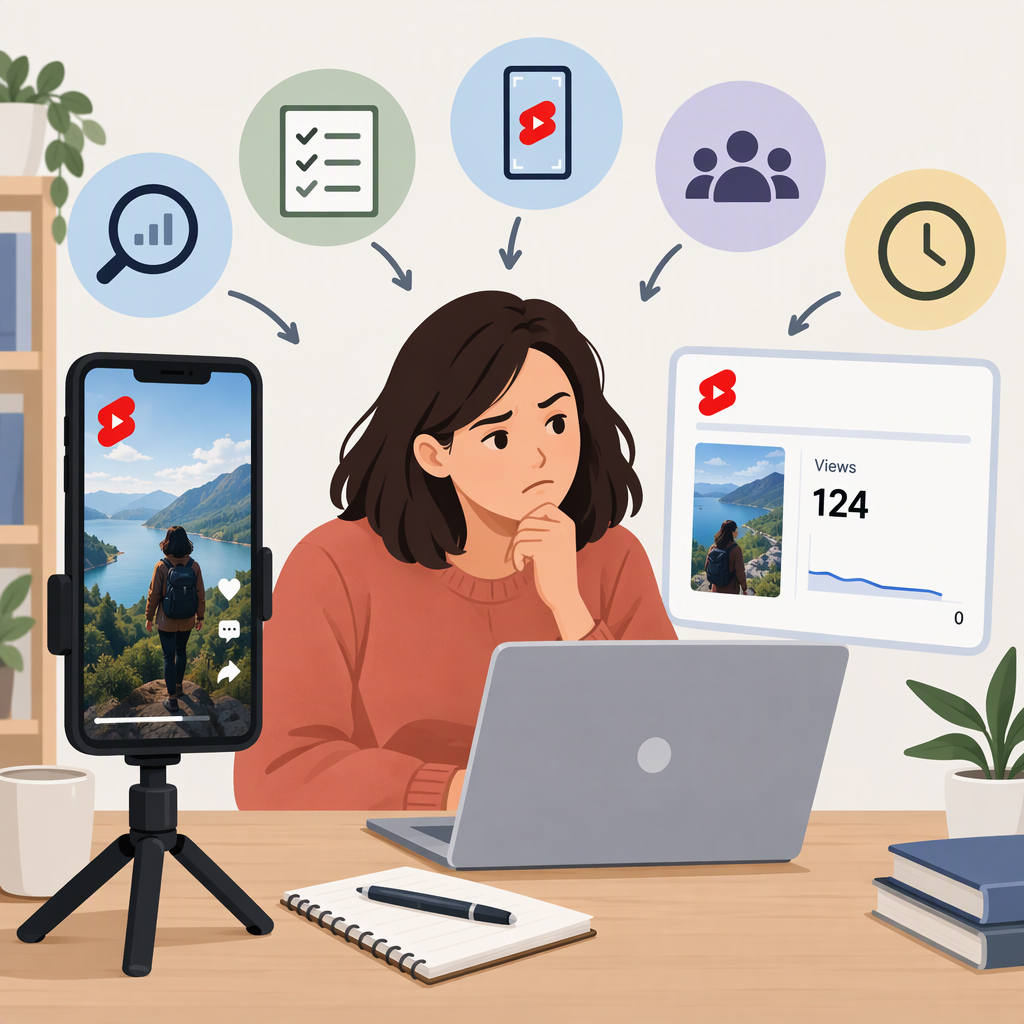
A Short with few or no views does not, by itself, tell you what went wrong. First check whether viewers can access it and whether YouTube Studio shows a notice. Then use Shorts analytics to distinguish limited exposure from viewers seeing the Short but choosing to swipe away or stop watching. Those signals can point to what to investigate; they do not prove a hidden algorithmic cause.
YouTube says Shorts are matched to viewers based on personalization and performance. It also names topic interest, competition from other Shorts, and seasonality as factors that can affect how many people see a video. So low views can reflect an availability issue, limited exposure, viewer response, or simply too little information to draw a conclusion. (support.google.com)
1. Check Whether People Can Access the Short
In YouTube Studio, open Content and check the Short’s Visibility. A public video can appear in search and related-video lists; private videos do not appear in public search, and unlisted videos generally do not appear in search unless they are added to a public playlist. If you expected strangers to discover the Short, confirm it is public. (support.google.com)
Next, look for a notice or restriction on that specific video. In Studio on a computer, YouTube’s instructions are to open Content, find the video, and review the Notices column; hovering over a notice can show an impact summary. Notices can be informational, partial limitations, or complete limitations. Read what the notice actually says: not every notice means the Short’s reach is limited. (support.google.com)
If visibility is public and there is no relevant notice, that rules out some straightforward access problems. It does not guarantee that the Short will be shown to a large audience.
2. Use Shorts Analytics to Find Where the Signal Weakens
In YouTube Studio, open Analytics and select the Content tab. The Shorts reports include views, Shown in feed, and How many chose to view. YouTube says the last metric compares the times viewers viewed a Short with the times they swiped away. The Studio interface is being updated gradually, so labels or layout may look different across accounts. (support.google.com)
Read the signals in order:
- Shown in feed is low. The Short has had limited presence in the Shorts Feed during the selected reporting period. Check that you have selected the right Short and date range, then consider possible context such as topic interest, competition, or seasonality. A low figure does not establish that YouTube suppressed the video or identify why exposure was limited. (support.google.com)
- Shown in feed is higher, but “How many chose to view” is weak compared with your own similar Shorts. This points to a possible mismatch between what viewers expect and what they see when the Short appears. Review whether its opening communicates the subject or payoff quickly. This is a hypothesis to test, not proof of a particular cause.
- Viewers choose to watch, but viewing duration or percentage viewed looks weak. Review whether the Short delivers on its opening and whether its pacing keeps the idea clear. YouTube identifies average view duration and average percentage viewed among the signals it uses to understand how viewers respond to a recommended Short. These metrics can guide a creative review, but they do not reveal every factor in a recommendation decision. (support.google.com)
- Views are present, but the result still feels disappointing. Check what the view count means before comparing it with older uploads. Since August 24, 2026, YouTube has counted a view when a video starts to play, across formats. The previous Shorts view measure is now called Engaged views and remains available in YouTube Analytics’ Advanced Mode. A higher public view count is therefore not necessarily the same as more viewers choosing to continue watching. (support.google.com)
To compare Shorts, start with uploads that are reasonably similar in topic and format rather than using a viral hit as the benchmark. YouTube’s analytics guidance also cautions against comparing every Short with a viral video. (support.google.com)
3. Choose a Next Step That Matches the Signal
- A visibility or restriction issue appears: Resolve or review the specific setting or notice first. Do not change the creative just to address a restriction that needs a different remedy.
- Feed exposure is limited, with no access issue found: Review whether the topic has an audience and how similar Shorts are performing, while keeping seasonality in mind. YouTube identifies all three as factors that can influence viewership; your analytics alone may not distinguish among them. (support.google.com)
- Viewers often swipe away: For a future upload, try a clearer opening that promptly shows what the Short is about or why to keep watching. Treat that as an experiment, not a guaranteed fix.
- Viewers start but do not stay: Try changing one element—such as pacing, explanation, or the order in which information appears—then compare with similar uploads. Changing one thing at a time can make the comparison easier to interpret, but it still cannot prove that the change caused a difference.
For example, suppose a hypothetical Short has more feed appearances than your other recent Shorts, but a smaller share of viewers chooses to watch. That pattern gives you a reason to test a more immediately understandable opening. If the next Short performs differently, the result is useful evidence for another test—not proof that the opening alone caused the change. Audience, topic, timing, and competing videos can differ too.
4. Know When the Evidence Is Inconclusive
If a Short was published recently, its metrics may not be complete immediately. YouTube says it can take time for metrics to appear during the first few hours and that counts may be temporarily slowed, frozen, or adjusted while views are checked. That guidance concerns metric reporting; it does not establish a universal waiting period for a Short to receive views. (support.google.com)
If the numbers are sparse, the Short has had little feed exposure, or several factors changed between uploads, there may not be enough evidence to identify a cause. Recheck the selected date range and the Short’s availability, then compare its signals with relevant uploads as more data becomes available. Do not treat an inconclusive result as proof that the content is bad—or that the recommendation system has penalized it.
In short: confirm the Short is public and review any relevant notice; check Shown in feed and How many chose to view; then use viewing-duration signals and comparisons to decide what to investigate next. Low views alone cannot tell you exactly why YouTube showed a Short to fewer people.