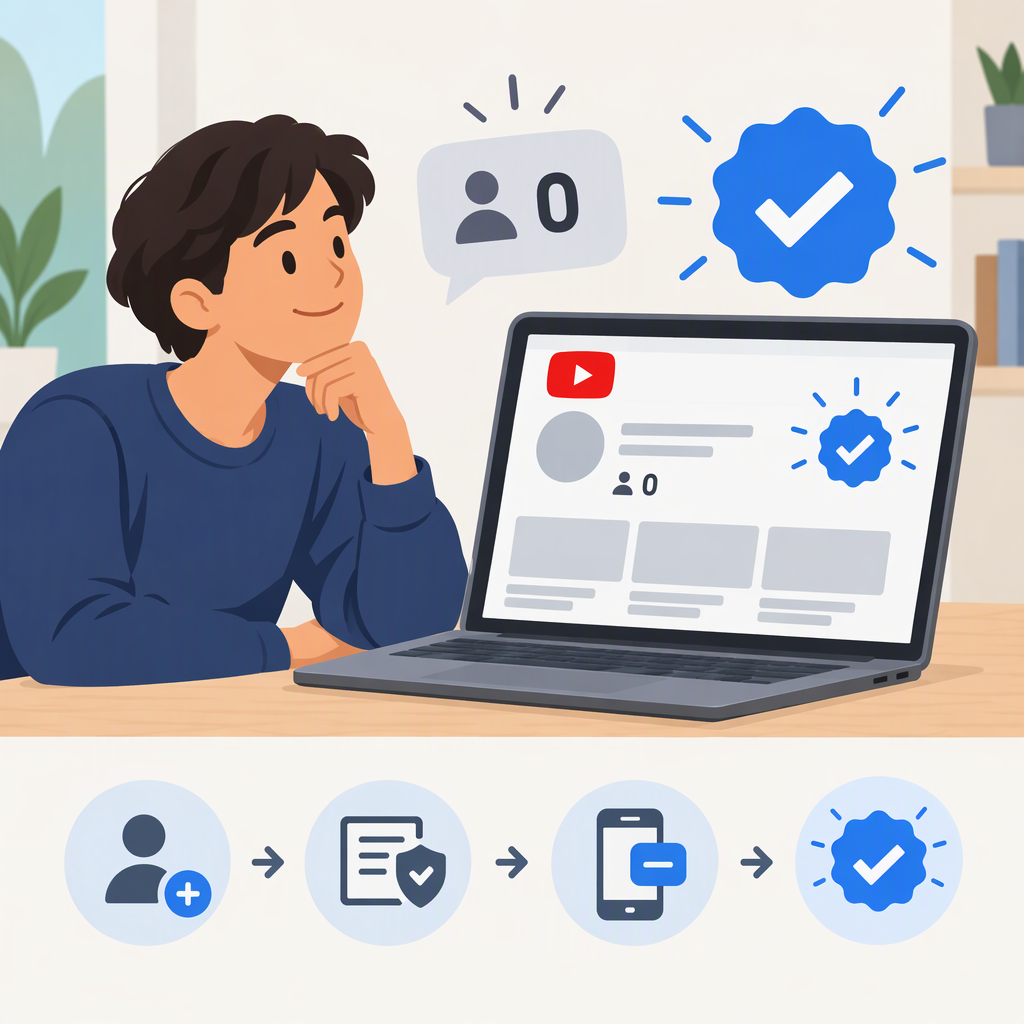
How to Get Verified on YouTube with 0 Subscribers
Direct Answer
If you mean the public verification badge beside a YouTube channel name, you can’t apply with zero subscribers. YouTube’s published eligibility requirements include reaching 100,000 subscribers, turning on two-step verification for the Google Account, and having a complete channel profile with a banner, profile picture, description, and at least one public video. YouTube says eligible channels can apply through YouTube Studio; eligibility to apply is not a guarantee that YouTube will approve the request. (support.google.com)
If you mean phone verification, that’s different: YouTube’s guidance describes it as a way to access intermediate features, and does not list a subscriber minimum for that step. It does not give you the public badge. (support.google.com)
Two Different Meanings of “Verified”
- Public channel verification badge: A check mark showing YouTube has verified that the channel is the official channel of a creator, artist, company, or public figure. YouTube says the badge helps distinguish official channels from others with similar names; it does not provide extra features or represent an award or endorsement. (support.google.com)
- Phone verification: A phone number receives a code by text or voice call. Completing this step gives access to intermediate features, according to YouTube’s feature-access guidance. It is not the public channel badge. (support.google.com)
What the Badge Requires
YouTube’s published badge guidance says a channel must have 100,000 subscribers to be eligible to apply. The channel also needs a complete profile and an associated Google Account with two-step verification turned on. A channel owner or manager can submit the application in YouTube Studio on a computer: Settings → Channel → Verified badge → Apply. If the badge tab isn’t available, YouTube says the channel isn’t eligible to apply based on the subscriber requirement. (support.google.com)
YouTube reviews applications and says it won’t verify channels that impersonate another creator or brand. The published eligibility page does not list a zero-subscriber exception. In practical terms, the next step toward applying for the badge is to meet the stated requirements—not to phone-verify the channel. (support.google.com)
What You Can Do with Zero Subscribers
If you want to enable features available through phone verification, YouTube’s computer instructions are:
- Sign in to YouTube Studio.
- Select Settings → Channel → Feature eligibility.
- Under Intermediate features, select Verify phone number.
- Enter your number and choose a text message or voice call to receive the code.
- Enter the code to complete phone verification. (support.google.com)
YouTube lists uploading videos longer than 15 minutes, adding custom thumbnails, live streaming, and appealing copyright claims among the benefits of account verification. Some features may have separate eligibility requirements. For advanced features, phone verification is only the first step: YouTube says creators can then build sufficient channel history or, where available, verify identity using ID or video. (support.google.com)
If a code doesn’t arrive, YouTube suggests trying the other delivery option; some carriers don’t support Google’s texts or calls. YouTube also limits a phone number to verification for two channels per year. (support.google.com)
Bottom line: Zero subscribers rules out applying for the public badge under YouTube’s published criteria. Phone verification is a separate option for feature access, not a shortcut to the badge.