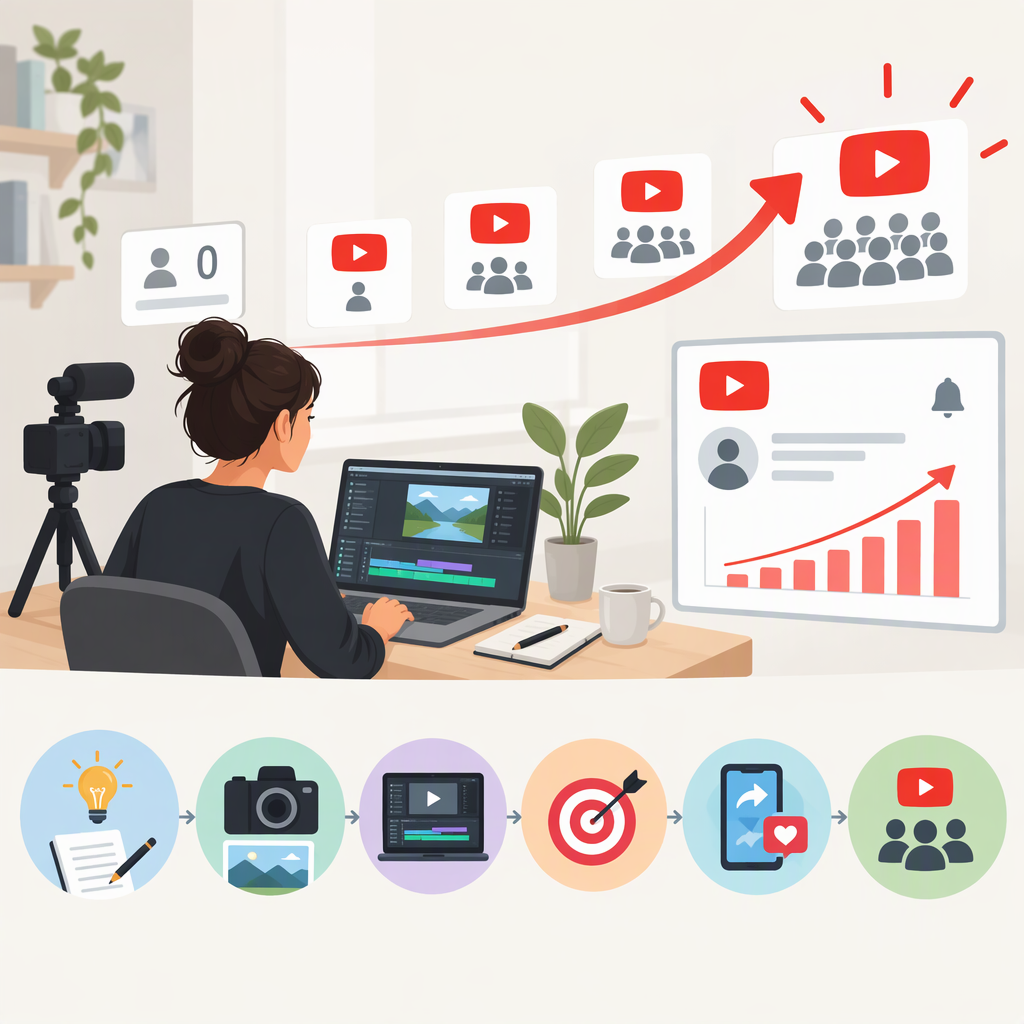
How to Grow Your YouTube Channel from 0 Subscribers
Starting a YouTube channel with zero subscribers? Focus first on making videos for a clearly defined viewer, giving each video an accurate and worthwhile promise, and learning from what happens after it’s published. If growth stalls, investigate the path from discovery to choosing and watching a video to returning—not just the subscriber count. YouTube Studio has reports that can help, but early results are clues, not universal benchmarks or proof of a single cause. (support.google.com)
A Practical Starting Sequence
- Choose a specific viewer and need. Who is the video for, and what question, task, or interest does it serve?
- Plan a connected set of videos. Write a simple channel promise that links related topics, then choose one useful next video within it.
- Make the promise clear and deliver it. Use a relevant topic, an accurate title and thumbnail, an opening that addresses the viewer’s reason for clicking, and content that follows through.
- Review the evidence you have. Look at how viewers found the video, whether they chose to watch, how they watched, and whether viewers returned or subscribed—where those reports are available.
- Choose one next adjustment. Record what you observed, what you think it may mean, and what you’ll change or examine in a later video. Don’t assume that any particular subscriber count or growth timeline is guaranteed.
Diagnose What May Be Limiting Growth
Think of growth as a set of questions, not one number. YouTube’s own guidance suggests considering a viewer journey: whether a video appeals to a viewer, whether they watch, and whether the experience encourages them to return. (support.google.com)
| What you’re investigating | What to look at | A reasonable next question |
|---|---|---|
| Audience and topic fit | Which videos attract viewers, and how viewers find them. In YouTube Studio, the channel-level Content tab summarizes how audiences find and interact with content. | Is the topic clearly relevant to the intended viewer? Do the videos on the channel feel connected enough for that viewer to understand what else they’ll find? |
| Whether viewers choose the video | Impressions and impressions click-through rate (CTR), when shown in Analytics. Impressions count times a thumbnail was shown to viewers on YouTube; CTR measures how often viewers watched after seeing a registered impression. | Does the title and thumbnail accurately make the video’s value understandable? Is the video being shown in different contexts or to different audiences? |
| Whether the video delivers | At the video level, check the Audience retention report when available. YouTube describes dips as places where viewers may be abandoning or skipping, and spikes as places viewers may be watching, rewatching, or sharing. | Does the video get to the promised value? Is there a section that may be confusing, repetitive, or different from what the opening led viewers to expect? |
| Whether viewers return or subscribe | Where available, review new and returning viewers, and the subscribers report by content type. YouTube describes casual and regular viewers as returning viewers, with regular viewers its most loyal audience segment. | Does the channel make it clear what kind of relevant video a viewer could expect next? Which topics seem to bring people back or lead to subscriptions? |
These measures describe different parts of a viewer’s journey; they do not by themselves prove why a video performed a certain way. CTR varies by content, audience, and where a thumbnail appears, and it excludes some views, such as those from external websites and end screens. Avoid treating one figure as a universal target or diagnosing a video from CTR alone. (support.google.com)
Where to find the reports: On a computer, YouTube’s help guidance says to sign in to YouTube Studio, select Analytics from the left menu, and use the channel-level Content tab for reach and engagement reports. For a video’s audience retention, open Content, select the video, then Analytics and look for the report under Overview or Engagement. Some reports may not be available on mobile, and data can be limited. Studio’s layout may vary, so use the report names as your guide if the page looks different. (support.google.com)
A channel with very few views or uploads may not have enough history for a useful pattern to emerge. In that case, use each video to learn whether the idea was clear, whether viewers found it, and where they seemed to engage or leave. Don’t infer that a single weak result proves the topic, channel, or format cannot work.
Choose an Audience and a Coherent Video Focus
Try filling in this sentence:
I make videos for [specific kind of viewer] who wants [need, question, or interest], by helping them [useful outcome or experience].
Then make a short list of related video ideas. For each one, ask: Is it for the same viewer? Does it serve the channel promise? Can I make it accurately and sustainably? These are planning questions—not a proven formula for growth or a claim that one niche performs better than another.
Hypothetical example: A new cooking channel might describe its audience as “people learning to cook weeknight meals with a small kitchen and limited time.” Related ideas could include organizing a compact pantry, preparing a simple one-pan dinner, and adapting a recipe when an ingredient is missing. The example illustrates how a promise can connect topics; it is not a reported channel result.
A focused promise can help a viewer understand why another video might be relevant. But focus need not mean repeating the exact same video: related questions, formats, or levels of difficulty can still serve the same audience.
Make the Video Promise Clear—And Deliver It
Before publishing, check that the topic, title, thumbnail, opening, and video tell a consistent story:
- Topic: Choose a question or idea that matters to the viewer you intend to serve.
- Title and thumbnail: Represent the actual video accurately and make its value understandable. YouTube advises creators to use accurate, succinct titles and notes that a misleading title can cause viewers to stop watching. (support.google.com)
- Opening: Address the viewer’s reason for clicking. YouTube’s guidance says the first 30 seconds can be reviewed through the intro portion of the retention report; it recommends checking whether that opening matches the title and thumbnail’s expectations. Treat this as a diagnostic prompt, not a required format or pass/fail threshold. (support.google.com)
- Delivery: Give the promised information, demonstration, or entertainment without making viewers wait through unrelated material.
YouTube describes recommendations as personalized to viewers, and its search and discovery guidance says viewers are matched with videos they are likely to watch and enjoy. That does not establish a magic title formula, thumbnail style, upload schedule, or tactic that guarantees recommendation or subscriber growth. (support.google.com)
Give Viewers a Reason to Return
A subscription prompt can be a useful reminder, but it cannot replace a clear reason to expect more videos that matter to the same viewer. Make that expectation understandable: tell viewers what related topic you plan to cover next, or point them to a genuinely relevant video if one exists. Ask for a subscription when it fits naturally, without implying it guarantees results.
If your Analytics includes new and returning viewers, use those categories as context rather than a grade. YouTube defines new viewers as people watching something on your channel for the first time during the selected period; returning viewers have watched your channel before and came back to watch more. These audience segments and other reports may not provide a clear pattern for a new or low-traffic channel. (support.google.com)
Use Each Video to Choose One Next Step
After publishing, keep a brief review note:
- Video question: What did I intend this video to help or interest someone with?
- Observation: What do the available reports or viewer responses show? Separate what you can see from what you’re guessing.
- Next decision: Does the next video need a clearer audience or topic, more accurate packaging, or stronger delivery?
- One change to examine: What will I adjust or pay attention to next time?
For example, if a video seems to attract few viewers, first check whether it had opportunities to be seen and how people found it; a low view count alone doesn’t tell you whether the topic, presentation, or exposure was the problem. If people click but the opening loses viewers, compare the opening with the promise in the title and thumbnail before changing the whole channel direction. These are ways to form questions from your own data, not guaranteed diagnoses.
Give the next video a clear purpose, keep the review simple, and look for patterns across related videos rather than relying on one result. There is no universally supported posting frequency or early-channel threshold in this guidance. Choose a production rhythm you can sustain while making videos that serve the audience you chose.