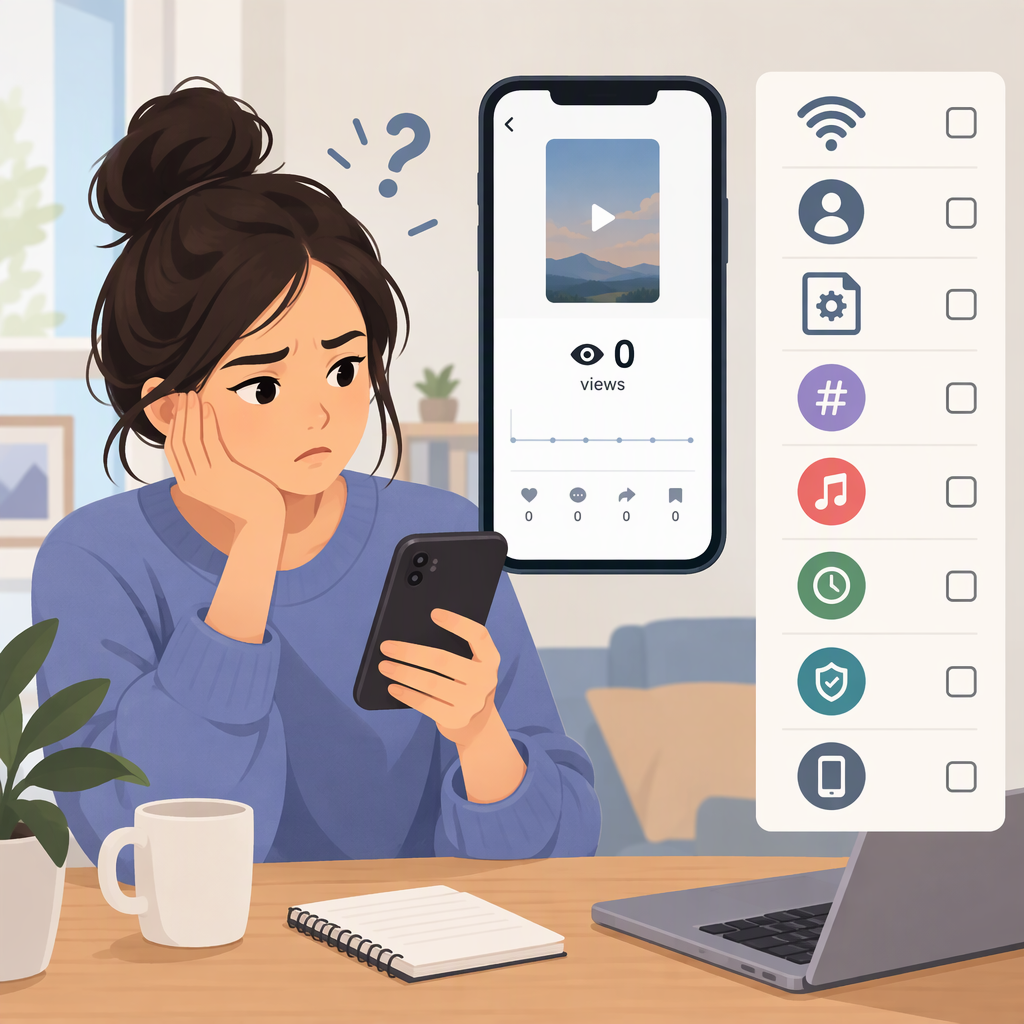
Why Am I Getting 0 Views on TikTok? What to Check First
A TikTok post showing 0 views doesn’t, by itself, tell you why. It isn’t proof that your account is restricted, that the post is ineligible for recommendation, or that TikTok has failed to update the count. Start with things you can verify: who can see the post, whether TikTok shows a post or account notice, and what the post’s analytics say. If those checks reveal nothing, the reason may remain unknown.
Check Your TikTok Post in This Order
1. Confirm Who Can See the Post
Open the affected post and inspect its audience or privacy setting. TikTok says you can limit an individual post’s visibility, even if your account is public. If your account is private, only people you approve can follow you and view your posts. If the setting is narrower than you intended, change it if TikTok gives you that option. Then check the post again; changing visibility does not guarantee views. (support.tiktok.com)
2. Look for an Account or Post Status Notice
In the TikTok app, go to Profile → Menu ☰ → TikTok Studio → More tools → Account check. TikTok also lists a route through Profile → Menu ☰ → Settings and privacy → Support → Safety Center → Account check. TikTok says an issue is shown with a warning sign, while a checkmark indicates no issue for the feature or post shown. Menu names or availability may differ by app experience. (support.tiktok.com)
An account check can reveal certain account issues, such as restrictions on posting. It is not a guarantee that TikTok has identified why a post has 0 views. A clean check means no issue is shown there; it does not prove what happened to the post’s distribution.
Also check your inbox and the affected post for a specific notice. TikTok says a post may be marked ineligible for the For You feed, and that you can review the reason and appeal if you think the decision was mistaken. For post details, TikTok’s documented route is More insights or the post’s More options (…) → Analytics, then the ineligible-post notification. TikTok says analytics may need to be turned on to see the decision. (support.tiktok.com)
3. Check the Post’s Analytics and Count Again
TikTok Studio includes analytics for post performance. In the app, open Profile → Menu ☰ → TikTok Studio; TikTok also documents analytics access through its browser experience. Availability can vary across app and web experiences, and some metrics may require analytics to be enabled. (support.tiktok.com)
Compare the count shown on the post with the post’s analytics, then check again later. TikTok’s public guidance cited here does not establish a specific wait time for a view count to update, so don’t treat any particular number of minutes or hours as an official rule. If the count still appears to be zero, that observation alone still doesn’t identify the cause.
Is It One Post, the Account, or Still Unclear?
Compare the affected post with a few of your other recent posts, and look for notices on both the post and account. Treat the comparison as a clue, not a diagnosis:
- One post is at zero, while recent posts have views: Check that post’s audience setting and any post-specific notice first. This pattern alone does not prove a restriction.
- Several recent posts are at zero or unusually low counts: Check the account status and inbox notices. A repeated pattern may justify contacting TikTok, but it does not by itself prove an account-level restriction.
- You find an ineligible-post or account notice: Follow the notice’s review and appeal steps if you believe it is wrong. TikTok says an account marked ineligible for recommendation should have a notice in the inbox and on the profile, with an appeal option. (support.tiktok.com)
- No notice appears and the post is accessible to its intended audience: The cause remains inconclusive based on these checks. A zero count is not enough to label your account “shadowbanned.”
Example: If one new post shows zero while your other recent posts have views, first check that post’s audience setting and analytics, then look for a notice attached to that post. If none appears, you have not confirmed a restriction—you have a post with an unexplained count. If multiple posts show the same pattern, check Account check and your inbox before deciding whether to report a possible technical issue.
When to Appeal or Contact TikTok
If TikTok shows that a post is ineligible for the For You feed, review its stated reason and use the appeal option if you believe the decision is mistaken. That status has a specific meaning: TikTok says an ineligible post won’t be displayed in the For You feed. It does not mean the zero-view count alone proves ineligibility. (support.tiktok.com)
For a technical issue or a count that appears stuck, TikTok documents an in-app reporting route: Profile → Menu ☰ → Settings and privacy → Help Center → Chat with us. It says support may ask for relevant screenshots or files, depending on the issue. Follow the prompts and provide what the form requests; screenshots are not stated as a universal requirement. (support.tiktok.com)
Until you find a specific notice or setting that explains the problem, avoid treating zero views as proof of a shadowban, a view-count delay, or a particular recommendation outcome. Check what TikTok actually shows, use the matching appeal or support route when available, and accept that the reason may remain unclear.