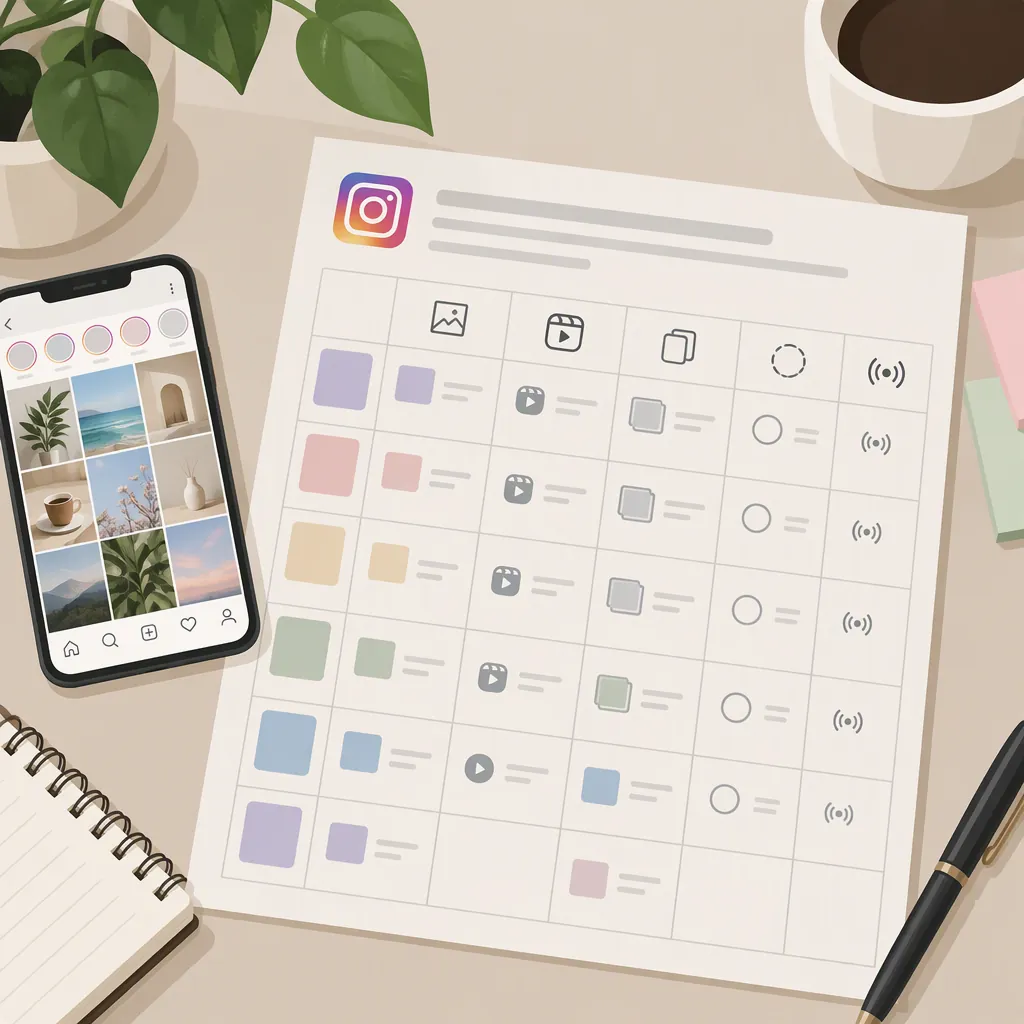
Instagram Editorial Plan Template for Content Planning
An Instagram editorial plan template organizes what to publish, why it matters, who prepares it, and when it is ready. Use one row per planned post, with fields for topic, format, caption brief, assets, owner, review deadline, publication date, and status. This is a content calendar, not a video-editing template. The supplied Instagram planning guide describes both spreadsheet calendars and an editorial workflow that moves from ideas through review to publication. [c1]
What the Editorial Plan Covers
Treat the plan as two connected layers: an editorial brief explaining the purpose of each post, and a calendar showing its deadlines and intended publication slot.
The supplied Instagram guide distinguishes an editorial workflow organized around themes and production stages from a publishing schedule organized around dates. It also describes planning across Reels, carousels, Stories, and static posts. [c1]
For this template, keep the content decision separate from the production task. A Reel entry might specify its audience question, key message, and asset deadline; it does not need to contain a video timeline, transitions, or editing presets. Detailed production instructions can sit in a separate brief referenced by the row.
The template below is an original suggested structure, not a reproduced download from either cited source.
Copyable Instagram Editorial Plan Template
Use the following CSV header as the starting structure for a spreadsheet. It contains no prefilled posting schedule or performance assumptions.
| Field | What to Record |
|---|---|
| Post ID | A stable identifier that stays the same when dates change. |
| Publish date, time, and time zone | The intended publication slot, not the draft deadline. |
| Content pillar | A recurring theme, such as practical lessons or audience questions. |
| Audience question | The specific question or need the post addresses. |
| Objective | The purpose of the post, such as explaining a process. |
| Format | The planned content format. |
| Topic and caption brief | The central message and the points the caption should cover. |
| Asset reference | The file location or production brief needed to prepare the post. |
| Owner and reviewer | Who prepares the post and who checks it; one person may hold both roles. |
| Draft and review deadlines | Separate checkpoints before publication. |
| Status | The current workflow stage. |
| Published reference and review notes | A record of what went live and what to reconsider. |
These fields extend common calendar elements rather than asserting a universal standard. The Social Media Strategies Summit roundup describes templates with dates, statuses, asset types, topics, authors, deadlines, and notes. [c2]
If the full structure is too much to maintain, start with publication date, topic, format, brief, owner, deadline, and status. Add fields only when they support an actual planning decision.
Blank Editorial Plan CSV Header
Post ID,Publish Date,Publish Time,Time Zone,Content Pillar,Audience Question,Objective,Format,Topic,Caption Brief,Asset Reference,Owner,Reviewer,Draft Due,Review Due,Status,Published Reference,Review Notes
Suggested Status Values
Idea
Brief Ready
Drafting
In Review
Changes Needed
Approved
Scheduled
Published
On Hold
Example Week with an Editorial Theme
The following is a hypothetical week for an educational account about caring for houseplants. It illustrates how a shared theme can produce distinct editorial briefs; it is not a recommended posting frequency or a claim about audience performance.
Weekly theme: Observing a plant before changing its care routine.
| Planned Slot | Format | Audience Question | Caption Brief | Preparation Check |
|---|---|---|---|---|
| Monday | Carousel | What should I note before asking for plant-care advice? | Introduce an observation log without diagnosing a problem. | Prepare clearly labeled example images. |
| Wednesday | Reel | How can I document changes over time? | Outline a repeatable photo-recording process. | Prepare footage and check the on-screen wording. |
| Friday | Stories | Which care question needs a fuller explanation? | Invite questions and group them for future research. | Prepare the question prompt and assign follow-up ownership. |
Keep draft and review deadlines separate from these publication slots. If an asset or factual check is incomplete, mark the entry as blocked or on hold rather than treating the calendar date as approval to publish.
Any substantive plant-care advice developed from these briefs would need its own appropriate evidence. This example supplies planning prompts, not horticultural guidance.
Reusable Weekly Planning Brief
Week beginning: [date]
Editorial theme: [theme]
Audience question: [specific need]
Purpose: [what the audience should understand]
Planned posts: [post IDs and formats]
Required assets: [files or production tasks]
Evidence to check: [sources or unresolved questions]
Draft deadlines: [dates]
Review deadlines: [dates]
Publication slots: [dates, times, and time zone]
Blocked items: [item, reason, and owner]
Fallback plan: [reschedule, replace, or leave the slot open]
Build a Repeatable Planning and Review Routine
A manageable starting approach is to keep monthly themes at a high level and detail only the upcoming week. The supplied Instagram guide describes pairing a weekly execution calendar with a broader monthly or quarterly plan. [c1]
- Choose the editorial focus. Write down the audience question and intended takeaway before choosing a format.
- Check capacity. Identify the writing, design, filming, and review work each proposed post requires. Leave slots open if preparation time is unavailable.
- Create a brief for each row. Make the topic specific enough that another person could understand what needs to be prepared.
- Work backward from publication. Set draft and review deadlines, allowing time for corrections.
- Record readiness. Move the status only when the corresponding work is complete. A planned date is not the same as a scheduled post.
- Review after publication. Record what went live, relevant observations, and one possible adjustment for the next cycle.
For performance notes, choose a consistent observation window and record only data actually available to you. Keep results separate from interpretation: an observation about one post does not establish why it performed that way or guarantee a future outcome.
Prepublication Review Checklist
- [ ] The audience question and intended takeaway are clear.
- [ ] The caption and visual content agree.
- [ ] Factual claims have been checked against appropriate sources.
- [ ] Required permissions for included assets have been checked.
- [ ] Relevant accessibility text or captions have been prepared and reviewed.
- [ ] Draft and review work is complete.
- [ ] Publication date, time, and time zone are confirmed.
- [ ] Approval is recorded before the status changes to Scheduled.
- [ ] An owner is assigned to record the published reference and review notes.
Choose a Template by Workflow, Not Appearance
Compare candidate templates against a few practical questions:
- Can publication dates and preparation deadlines be recorded separately?
- Is the topic brief visible without opening several other documents?
- Can an owner, reviewer, and current status be identified?
- Is there room for asset references and unresolved questions?
- Can the structure be simplified without losing essential information?
A table-first layout is a reasonable starting choice when the main need is writing and updating briefs. A calendar view can support date planning, while a status board can support review discussions. Use whichever views answer your recurring questions; additional views are not a requirement.
The cited roundup covers spreadsheet-based calendars as well as templates in project-management tools. [c2] It is a secondary overview, not a verification of current pricing, access requirements, or publishing integrations. Check those details at the time of use. The copyable structure here does not connect to Instagram or publish posts automatically.
FAQ
Is an Instagram Editorial Plan the Same as a Video-Editing Template?
No. This editorial plan organizes topics, briefs, ownership, deadlines, and publication status. It can include a Reel as a planned format, but it does not supply video effects, transitions, or an editing timeline.
How Many Posts Should the Template Include Each Week?
There is no fixed number prescribed by this template. Start with the posts you can prepare and review within your available time. The three-post example is illustrative, not an evidence-based recommendation for reach or engagement.
Does Filling Out the Calendar Schedule Posts on Instagram?
No. The CSV and checklists are planning assets only. Record a post as Scheduled only after scheduling has been completed in the publishing method you use; a date entered in the spreadsheet is merely an intended slot.