How to Make a Template on TikTok: Use One or Create Your Own
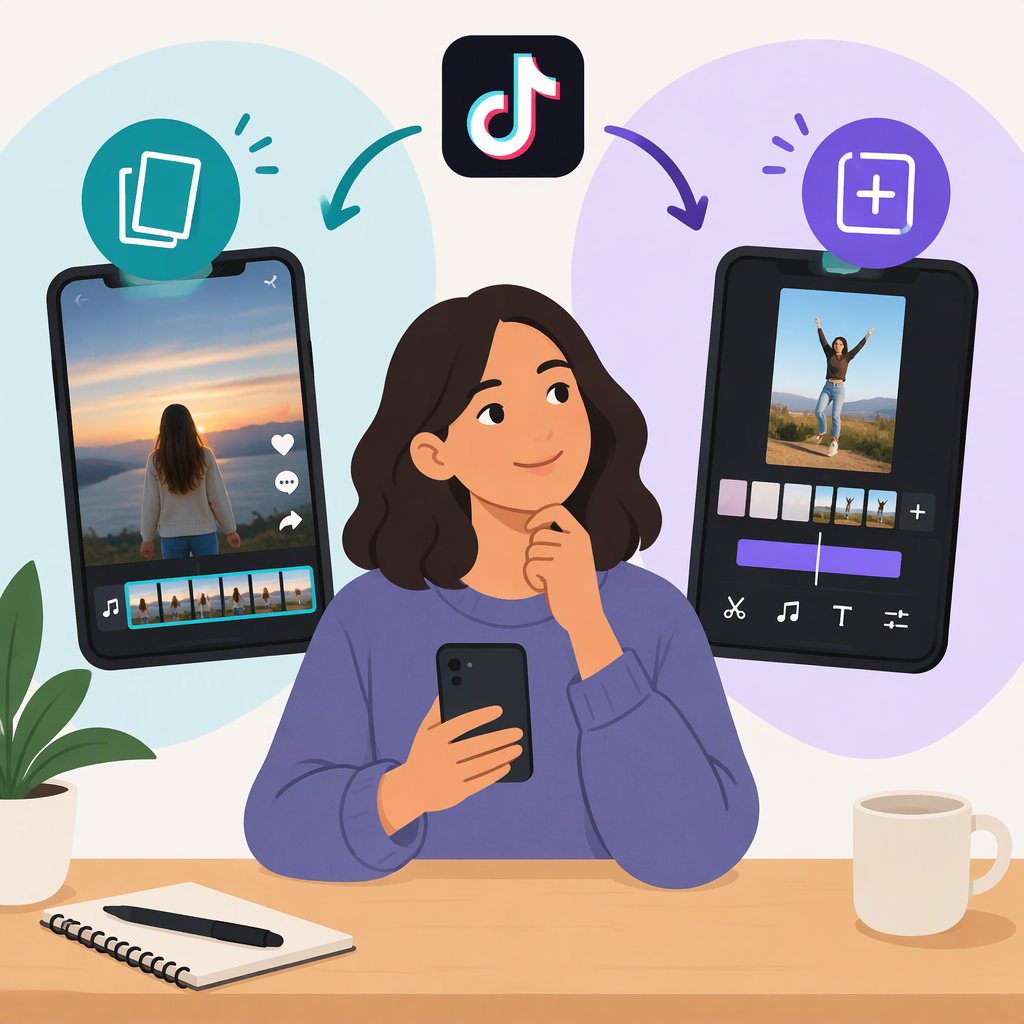
“Make a template on TikTok” can mean two different things: using someone else’s template to make a video or creating a reusable template for others to use. TikTok’s Creator Academy describes both workflows. It also says creating new templates hasn’t been fully rolled out to all users, so the option may not appear on every account. (tiktok.com)
Use an Existing TikTok Template to Make a Video
TikTok lists three ways to find templates:
- From a video in your For You feed: Tap Use template above the creator’s username.
- From the creation screen: Tap +, then choose Templates.
- From your own photos or videos: Select them on the creation screen, then tap AutoCut to see suggested templates.
Choose a template, add your photos or videos where prompted, edit the result, and post when it’s ready. The exact options you see may vary; TikTok’s guidance doesn’t establish that every template supports the same media or editing choices. (tiktok.com)
Create and Post a Reusable TikTok Template
TikTok describes a native creation workflow, but says the feature is not fully available to all users:
- In the TikTok app, tap + to open the creation screen.
- Select Templates, then tap Create template in the upper-right corner.
- Choose photos or videos. TikTok’s instructions say these must not have been edited in other editing apps, including CapCut.
- Edit the template and select which clips other creators can replace.
- Save and post the template.
If Create template isn’t there, TikTok says creation has not been fully rolled out. Its guidance doesn’t specify which regions, accounts, devices, or app versions have access, so it doesn’t establish a particular fix or eligibility rule. You can still look for and use existing templates if they’re available to you. (tiktok.com)
In short: using a template makes a video; creating and posting one is a separate workflow. Posting a video made with someone else’s template does not, by itself, publish a reusable template of your own.
TikTok’s Creator Academy page lists its template guidance as last updated April 30, 2026. (tiktok.com)