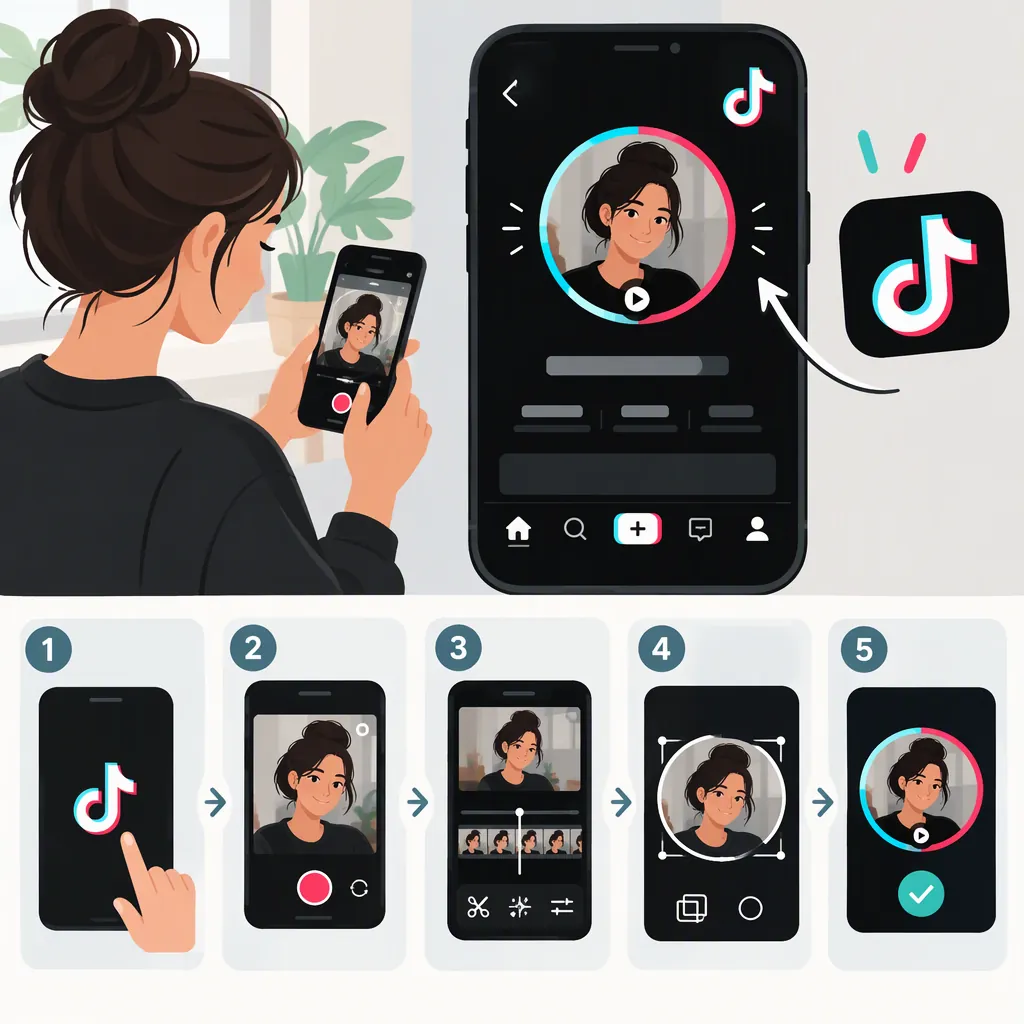
How to Make a Video Pfp on TikTok
If TikTok shows a Change Video option, the documented method is to open Profile → Edit Profile → Change Video, select your clip, trim it if needed, and save. Prepare a square MP4 lasting 3–6 seconds. These instructions come from a third-party tutorial updated January 18, 2023; they do not confirm that video profile pictures are currently available on your account. [source_1]
Check Whether You Can Add a Profile Video
A video PFP is a moving profile picture, rather than a video posted to your feed.
Before editing a clip, open TikTok on your phone and check Profile → Edit Profile for Change Video. That is the upload path described in the supplied tutorial. [source_1]
Availability limitation: The reference was last updated January 18, 2023, and is not TikTok's official documentation. It supports a historical workflow, not a guarantee that the same option appears in the current app. If Change Video is missing, the supplied evidence does not establish why or provide a verified way to enable it. [source_1]
Prepare a Short, Square Mp4
Use a video editor to prepare the clip before attempting the upload:
- Choose a short moment. A simple expression, gesture, or animation is a practical starting point.
- Set a square canvas. The tutorial recommends a 1:1 aspect ratio so the subject can sit in the center of the circular profile picture. This is a framing recommendation, not a verified current upload requirement. [source_1]
- Keep the subject centered. Leave some space around a face or important detail so the circular crop is less likely to cut it off.
- Trim to 3–6 seconds. The tutorial reports a three-second minimum and six-second maximum. Treat that range as source-documented guidance, and follow any limits shown by your current app. [source_1]
- Export as MP4. The tutorial uses MP4 for animated profile pictures. If you start with a GIF, convert or export it as a video rather than assuming TikTok accepts the GIF directly. [source_1]
As an editing choice, try to make the ending resemble the beginning for a less abrupt repeat. This is a creative suggestion, not a TikTok requirement.
Clip Preparation Checklist
- [ ] Subject stays near the center.
- [ ] Square framing leaves room for a circular crop.
- [ ] Clip is 3–6 seconds, following the supplied tutorial's guidance.
- [ ] File is exported as MP4.
- [ ] File is accessible on the phone used for TikTok.
- [ ] Any different limits displayed by TikTok take priority.
Upload the Clip If Change Video Is Available
The supplied tutorial gives this mobile workflow: [source_1]
- Open TikTok and go to Profile.
- Tap Edit Profile.
- Tap Change Video, if it appears.
- Select the prepared video from your phone.
- Trim the selection if prompted. The tutorial says longer clips can be trimmed before saving.
- Tap Save.
After saving, inspect your profile to check the crop and whether the intended clip appears. Do not assume playback will look identical in every part of TikTok; the supplied reference does not establish where profile videos currently animate.
What to Do If Change Video Is Missing
If your Edit Profile screen only offers a still-photo option, stop at that point. The supplied tutorial does not document a verified workaround for a missing Change Video control. Its 2023 instructions should not be treated as proof of current feature availability. [source_1]
You can keep the prepared clip for later or choose a still frame as an alternative profile image. A still frame will not reproduce the motion of a video PFP.
If an upload fails, compare the file with the tutorial's square MP4 and 3–6-second guidance, then read any message TikTok displays. Those checks are not a guaranteed fix: the provided source does not specify current file-size limits, codecs, account eligibility, or regional availability.
FAQ
Can I Use a GIF as My TikTok Pfp?
The supplied tutorial describes converting a GIF into an MP4 and uploading that video through Change Video. It does not establish direct GIF-upload support or current availability of the profile-video feature. [source_1]
How Long Should a TikTok Video Pfp Be?
The tutorial reports a minimum of three seconds and a maximum of six seconds. Because it was updated in January 2023, follow any different duration limits shown in your current TikTok app. [source_1]
Does the Video Need to Be Square?
The reference recommends a 1:1 square canvas to help center the subject inside the circular profile picture. It presents this as a framing recommendation, not proof that square video is currently mandatory. [source_1]
Why Don't I Have a Change Video Option?
The provided evidence cannot determine the reason. The tutorial documents Change Video in a workflow updated in 2023, but it does not verify current account eligibility or explain how to restore a missing option. [source_1]