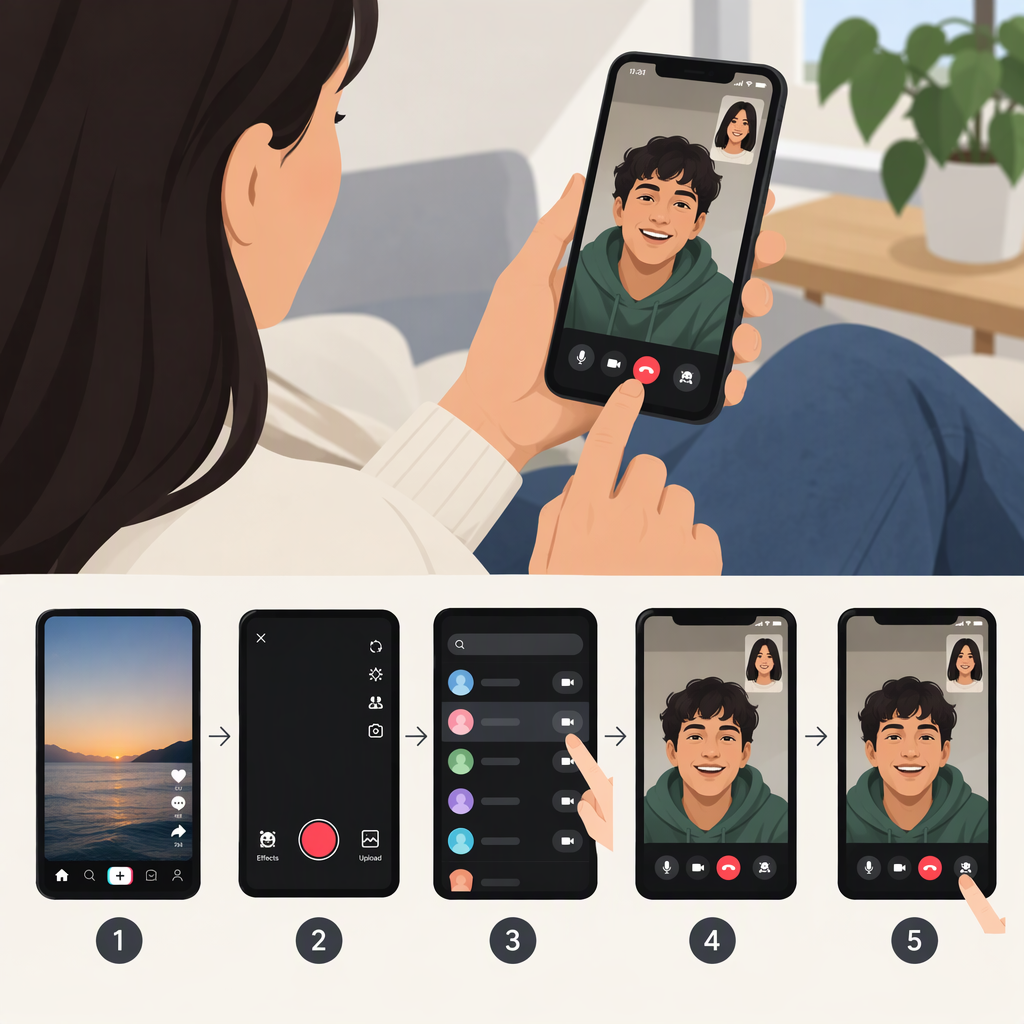
How to Make a Video Call on TikTok: What’s Currently Documented
Can You Make a Private Video Call on TikTok?
TikTok’s public Help Center documents voice calls in private direct messages, but it does not provide verified instructions for making a private video call. That means there isn’t a confirmed, generally applicable video-call setup I can guide you through. The documentation gap doesn’t prove that no account has access to a test or limited rollout; it does mean you shouldn’t assume a video-call button or setting is available to everyone. (tiktok.com)
What You Can Do Instead
- For a TikTok call: TikTok describes its DM calling feature as a real-time audio conversation. Its Help Center says calls can be started or received in an existing private chat with someone you’ve messaged and who has messaged you back. This is a voice call, not a video call. (tiktok.com)
- For face-to-face video: Use a video-calling service outside TikTok and agree with the other person on how to connect. That is an external call, not a TikTok feature.
TikTok LIVE is also not the same as a private video call: TikTok describes LIVE as a way for creators and viewers to interact in real time, rather than a private DM call. (tiktok.com)
If You Don’t See a Video-Call Option
Don’t rely on generic instructions that tell you to tap a particular video icon or enable a call setting unless TikTok’s current Help Center documents that option for your account. TikTok’s public DM guidance explains how to find chats—tap Inbox, then open a conversation—but the documented calling feature is voice-only. (tiktok.com)
Bottom line: TikTok’s public documentation supports voice calling in some existing DM conversations; it does not provide verified steps for a private video call. For a video conversation, use a separate video-calling service.