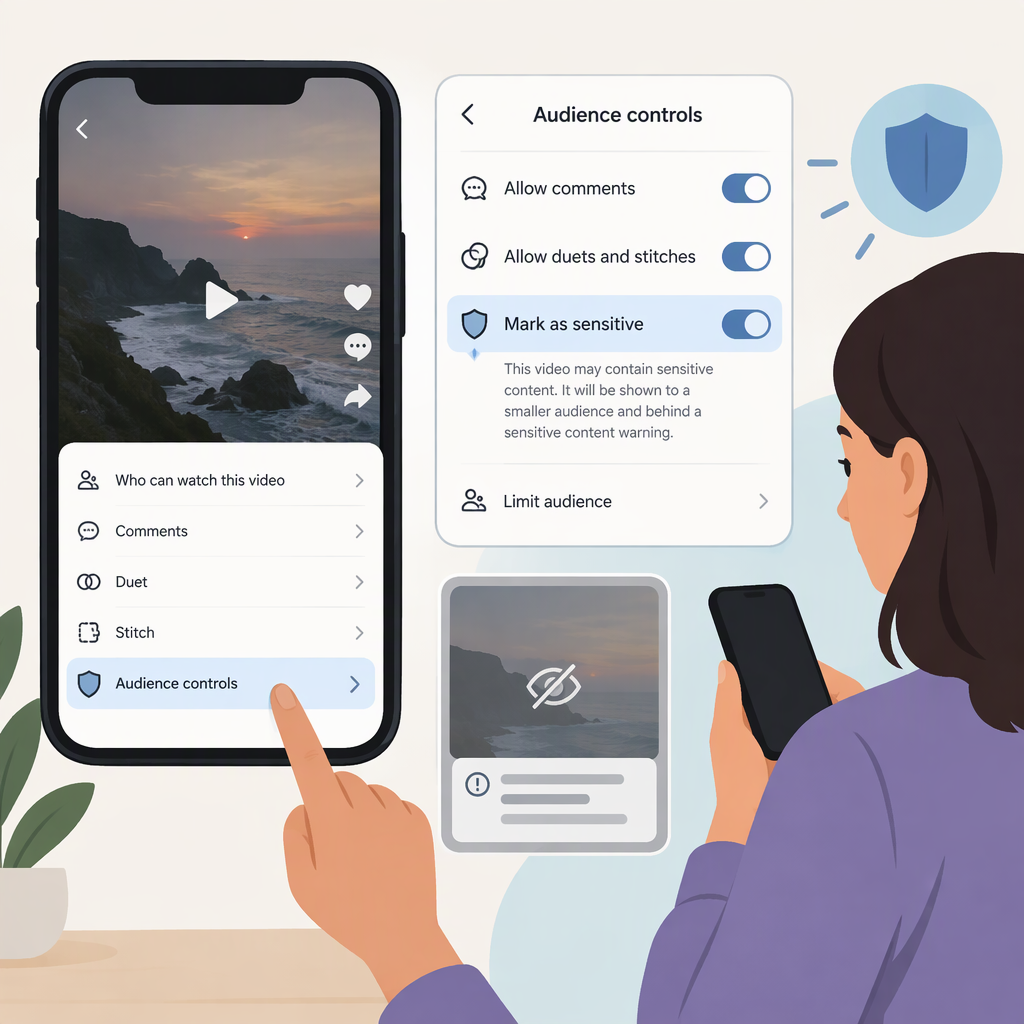
How to Mark a TikTok Video as Sensitive: Use Audience Controls
Can You Mark Your TikTok Video as Sensitive?
TikTok’s documented option is called Audience controls. You can turn it on for an individual video to make it unavailable to people under 18. TikTok suggests it may be appropriate for videos with sensitive themes or adult humor. It is an age-based audience restriction—not a general-purpose sensitive-content warning that alerts viewers before they watch. (support.tiktok.com)
How to Set Audience Controls on a Video
- Create your video.
- On the post screen, tap More options.
- Turn on Audience controls.
- Review the terms and tap OK.
- Make any other changes, then tap Post. (support.tiktok.com)
The setting limits that video to viewers who are at least 18. TikTok says adult viewers need to be logged in with their date of birth registered; people using Restricted Mode may not see audience-controlled content, regardless of age. (support.tiktok.com)
TikTok also documents an account-level Age 18 and older setting under Profile → Menu ☰ → Settings and privacy → Audience controls. If you enable it for your account, your profile and future videos and LIVE videos become unavailable to people under 18, and you can’t turn the control off for individual videos while that account setting is on. If you only want to limit one video, use the post-screen option instead. (support.tiktok.com)
What This Setting Does—And Doesn’t Do
Audience controls lets you choose an age limit for your content. It does not guarantee that TikTok will display a sensitive-content warning, and it does not exempt a video from TikTok’s Community Guidelines or moderation. TikTok says audience-controlled content still goes through moderation. (support.tiktok.com)
TikTok’s separate content-level system is not a creator-selected warning label: TikTok says it evaluates content eligible for the For You feed and may classify some posts as age-restricted. You can find details of such a decision in the post’s analytics. (support.tiktok.com)
In short: If your goal is to keep a video with mature themes away from under-18 viewers, turn on Audience controls before posting. If your goal is to show viewers a general warning while leaving the video available to them, TikTok’s cited guidance describes an age-control option, not a separate creator-applied sensitive-content warning. Don’t treat a caption or on-screen disclaimer as an official TikTok label or a substitute for the platform’s settings and rules.