How to Make a Pov TikTok
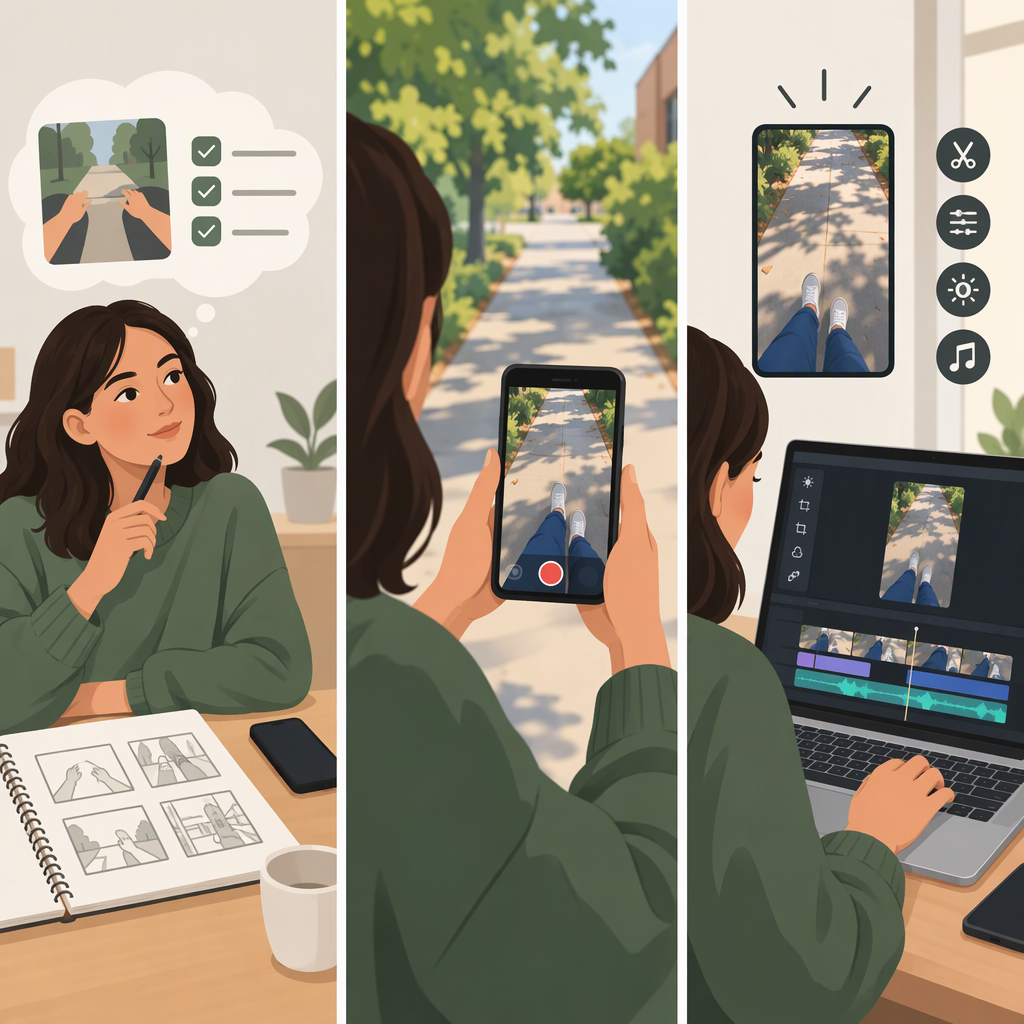
To make a POV TikTok, choose one specific situation and the perspective you want to show. Set up that situation, plan the key moment and ending, then film and edit so the perspective is clear without relying on a “POV” label alone. You can present the idea as a short skit, a poem or spoken-word piece, or a combination of both.
1. Choose the Perspective and Situation
In this guide, POV means the point of view or position the video asks the audience to understand. It is a creative framing, not a claim about an official TikTok format.
Start by completing this sentence:
This is a moment when [person or perspective] experiences [specific situation].
Make the situation concrete enough to show. “A bad day” is broad; “you’re trying to record a voice message while your housemates keep interrupting” gives you something to stage.
The perspective should come through in the scene itself—what the camera shows, what the speaker notices, what the words say, or how the moment unfolds. Adding “POV” to a caption cannot, by itself, explain an unclear video.
2. Plan the Beats and the Ending
Before filming, write down three things:
- Setup: What situation is the audience entering?
- Change or key moment: What happens that reveals the perspective?
- Ending: What resolves, surprises, or deliberately punctuates the moment?
Illustrative example—not a tested post: A person sits down to record a voice message. A housemate interrupts twice. The person finally sends a message that simply says, “I’ll call you later.” The ending completes the small comic situation without needing more explanation.
Keep only the details needed to make that sequence understandable. If someone watching would need a long explanation first, simplify the premise or show the necessary context in a brief line of dialogue or text.
3. Choose a Skit, a Poem, or Both
For a Short Skit
Use a scene when the perspective becomes clear through an interaction or a change in the situation. Decide who is present, what each person wants in the moment, and which action or line marks the turning point. You can play every role yourself or show only the person whose perspective matters; choose whichever makes the scene easier to follow.
Illustrative skit template:
- Setup: “You’re about to leave, and someone asks where you put the keys.”
- Change: Each person remembers the search differently.
- Ending: The keys are in the person’s hand—or the scene stops on a deliberate reaction.
For a Poem or Spoken-Word Piece
Use a poem when the perspective is carried mainly by the speaker’s words, rhythm, or images rather than a back-and-forth scene. Keep the speaker’s position consistent: who is speaking, what they are addressing, and what changes or becomes clearer by the end.
Illustrative poem prompt: “Write three short lines from the perspective of someone watching rain from a bus window: what they see, what it reminds them of, and what they decide—or do not decide—when the bus arrives.”
A poem does not need to rhyme, and poetry is optional. If the words carry essential meaning, make sure the delivery or on-screen text lets the audience follow them.
4. Film and Edit for Clarity
Choose the camera position to support the perspective:
- First-person view: The camera shows what the person sees. This can place the audience in that position, but the action needs to remain clear without seeing the character’s face.
- Actor facing the camera: The character can speak directly to the audience. This makes the address explicit, but it creates a different relationship than a scene observed from the character’s eyes.
- Wider or over-the-shoulder view: The audience can see more of the interaction. This can help when the other person’s reaction matters, though it may feel less like the character’s own view.
Then decide how to convey the key information: dialogue, on-screen text, visible action, sound, or a mix. Dialogue can feel natural but may be hard to follow if a crucial line is unclear. Text can clarify a premise, but keep it brief and readable. Sound can support mood or action; do not let it obscure words the audience needs to understand.
Edit to preserve the sequence: setup, key moment, ending. Remove pauses or details that do not help communicate the situation. These are creative choices, not TikTok requirements; this guide does not rely on particular app controls or menu paths.
5. Review Before Posting
Watch the finished video once as if you do not know the premise. Check:
- Can you tell whose perspective the video presents?
- Is the situation understandable from what is shown or said?
- Does the main interaction or change come through?
- Is essential speech audible, and is any necessary text readable?
- Does the ending feel deliberate rather than accidentally cut off?
If a point is unclear, first try simplifying the setup, changing the framing, or trimming an unnecessary beat. Then watch it again. The aim is a video whose perspective is legible on its own—not a particular length, format, or promised performance.