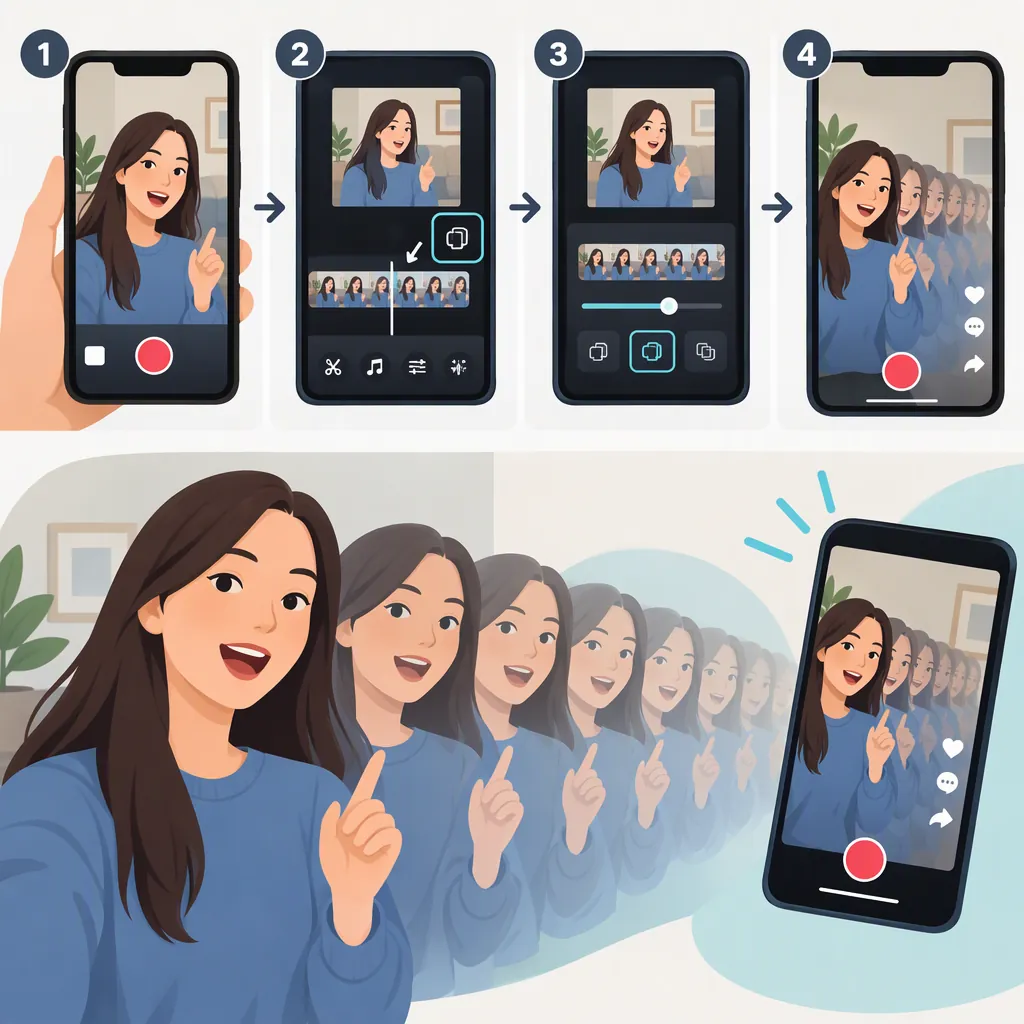
How to Make a Video Echo on TikTok
To add an audio echo, record a video in TikTok without choosing an added sound first. Tap the checkmark, open Audio Editing, select Echo, preview the result, and save. Echo makes your voice sound as though you are in a large room; it does not create repeated images or a visual trail. [c1]
Interface note: These steps follow wikiHow’s documented workflow. The buttons and effect availability in your app may differ; the guide does not establish that Echo is available to every user. [c1]
Add the Echo Voice Effect
Start with a short spoken clip so you can hear the effect clearly.
- Create a new video. Tap + in TikTok. Leave songs and other added sounds unselected before recording.
- Record your clip. Tap the recording button, then tap the checkmark when you are finished.
- Open Audio Editing. Look for the microphone icon with two stars. If it is not visible, tap the down arrow or three-dot menu to expand the editing options.
- Select Echo. Tap the playback triangle to hear how the effect changes your voice.
- Save the effect. Tap Save or the checkmark to keep it. [c1]
Check the Sound Before Finishing
Listen to the full clip before moving on:
- Can you understand every spoken word?
- Does the echo give you the sound you intended?
- Have you reviewed the result before saving?
If you want to include music, apply the voice effect first. The guide reports that choosing an added sound beforehand can prevent voice effects from being applied. [c1]
If Echo Is Missing or Cannot Be Applied
Try the following checks. They address the barriers described in wikiHow’s workflow, rather than guaranteeing that a missing effect will become available. [c1]
- Check for an app update. The guide recommends updating TikTok before trying voice effects. [c1]
- Expand the editing toolbar. Use the down arrow or three-dot menu to check for Audio Editing among the additional controls. [c1]
- Test a fresh in-app recording. The guide says its voice-effects workflow does not work with clips uploaded from a phone’s camera roll or gallery. [c1]
- Leave added sounds out of the test. An existing song or sound can block voice effects in the described workflow. [c1]
- Remove sound attached to a visual effect before recording. In the interface described by the guide, tap the sound’s name at the top of the camera screen, then tap the X at the bottom to remove it. Record your clip afterward. [c1]
- Use a new video rather than a Duet or Stitch. The guide identifies both formats as incompatible with its voice-effects workflow. [c1]
If Echo still does not appear, there is no guaranteed way to enable it established by this reference. A missing control does not necessarily mean you recorded incorrectly.
Audio Echo Vs. Visual Echo
The word “echo” can describe two different editing goals:
| Goal | What you want | What this tutorial covers |
|---|---|---|
| Audio echo | Your voice sounds echoed, as though you are speaking in a large room. | TikTok’s Echo voice effect. [c1] |
| Visual echo | Repeated images, a trailing silhouette, or a ghosted picture. | A separate visual-editing goal, not the voice-effect workflow above. |
If you want the visual look, selecting the audio Echo effect is not the workflow documented for that goal. The cited guide covers voice effects and does not establish a specific TikTok visual-echo filter, menu location, or creation method. [c1]
FAQ
Where Is the Echo Effect on TikTok?
In wikiHow’s documented workflow, Echo is under Audio Editing after you record a video and tap the checkmark. Expand the editing options with the down arrow or three-dot menu if Audio Editing is not immediately visible. [c1]
Can I Add Echo to a Video from My Camera Roll?
The guide says its voice-effects workflow does not work with uploaded videos. Try a new clip recorded directly in TikTok without an added sound. That restriction is source-specific, not a verified statement about every current app version. [c1]
Should I Add Music Before or After Echo?
Apply Echo before choosing an added song or sound. The guide reports that adding a sound first can block voice effects. [c1]
Does TikTok’s Echo Effect Make the Picture Repeat?
The Echo option documented here changes the voice to sound as though it is in a large room. The cited guide does not document a repeated-image or visual-trail effect. [c1]