How to Make an App Like TikTok: A Practical Mvp-To-Launch Guide
Making an app like TikTok starts with choosing a specific audience and reason to use your app—not copying another product feature for feature. Define a focused first release around a complete creator-to-viewer experience, choose a development approach that fits your audience and team, and plan moderation, privacy, and rights workflows before users can publish.
There is no one best platform, feature set, or technology stack for every project. Use the steps below to turn the idea into a scope you can prototype, build, test, and operate.
1. Define the Product Before Choosing Features
Write a short product brief that answers five questions:
- Who is it for? Be more specific than “people who watch videos.” Consider a community, interest, profession, or location—but treat each as a hypothesis to validate with prospective users.
- What need does it address? For example, helping a defined community share quick demonstrations or discover local performances. These are possible directions, not evidence of demand.
- Why would someone choose it? State what makes the experience distinct. The difference might be the community served, the kind of videos encouraged, or how viewers find relevant creators.
- What is the main journey? Describe one creator’s path from making a post to a viewer finding and responding to it.
- What must be true for a useful first release? List only what is needed to complete and test that journey.
A simple positioning statement can help: “For [audience] who want [need], this app helps them [main action] through [distinctive experience].” It is a starting hypothesis, not a claim that the market wants the product.
Example (hypothetical): Suppose you want to serve home gardeners who exchange short growing tips. Your first-release hypothesis might be that people need a quick way to post a growing tip and find tips by plant or topic. That suggests testing a topic-led viewing experience before investing in unrelated additions. The example illustrates how to narrow scope; it does not establish user demand.
2. Scope the Mvp Around Two Connected Journeys
A short-form video app needs a reason for creators to post and a reason for viewers to return. Map each journey before turning ideas into a feature list.
| Journey | Questions to answer | Candidate first-release capabilities |
|---|---|---|
| Creator | How does someone make or select a video, prepare it, publish it, and understand what happens next? | Video capture or upload; preview; caption or basic post details; publish and error states; profile or post management. |
| Viewer | How does someone find a video, watch it, decide what to do, and move to another relevant post? | A defined discovery path; playback; creator or post context; a small set of interactions, such as reacting, following, or reporting, if they support the product’s purpose. |
| Operations | How does the team respond when content or an account is reported? | Community rules; report intake; a review queue or other accountable process; actions and escalation procedures. |
These are planning prompts, not a universal feature checklist or a statement about any other app’s current capabilities. Choose the smallest set that lets users complete the journeys you intend to test. A feature belongs in the first release if removing it prevents a core journey, leaves a significant safety or operational gap, or blocks learning about the product’s main hypothesis. Otherwise, consider deferring it.
Features to evaluate later—not automatic MVP requirements—include direct messaging, live streaming, advanced editing, extensive recommendation controls, monetization, advertising, and elaborate analytics. Each adds product decisions and work; include one when it serves a clear first-release goal and your team can support it.
3. Choose an Approach by Comparing Trade-Offs
There is no evidence-based universal winner between the options below. Compare them against your actual audience, capabilities, and operating plans.
| Decision | Option A | Option B | How to choose |
|---|---|---|---|
| Initial reach | Start on one mobile platform | Design for more than one platform from the outset | Starting with one can narrow what you need to build and test; broader coverage can serve an audience that uses multiple platforms. Validate which devices your intended users need before deciding. |
| Video operations | Use managed video-related services | Operate more of the media infrastructure yourself | Compare control and customization needs with the work your team must take on for processing, storage, delivery, monitoring, and support. Confirm what a service actually includes before comparing it. |
| Build capacity | Build with an in-house team | Work with external developers or a mixed team | Compare product knowledge, available skills, oversight, continuity, and who will maintain the app after release—not just who can deliver an initial build. |
A high-level system plan should account for the app users interact with, video upload and playback, accounts and posts, discovery, and tools for operating and moderating the service. This is a planning map, not a prescribed architecture. Before committing, write down your assumptions about devices, expected launch scope, team skills, control requirements, ongoing operational responsibilities, and what you still need to validate. Avoid selecting a stack based only on a claim that it is “fastest,” “cheapest,” or “most scalable.”
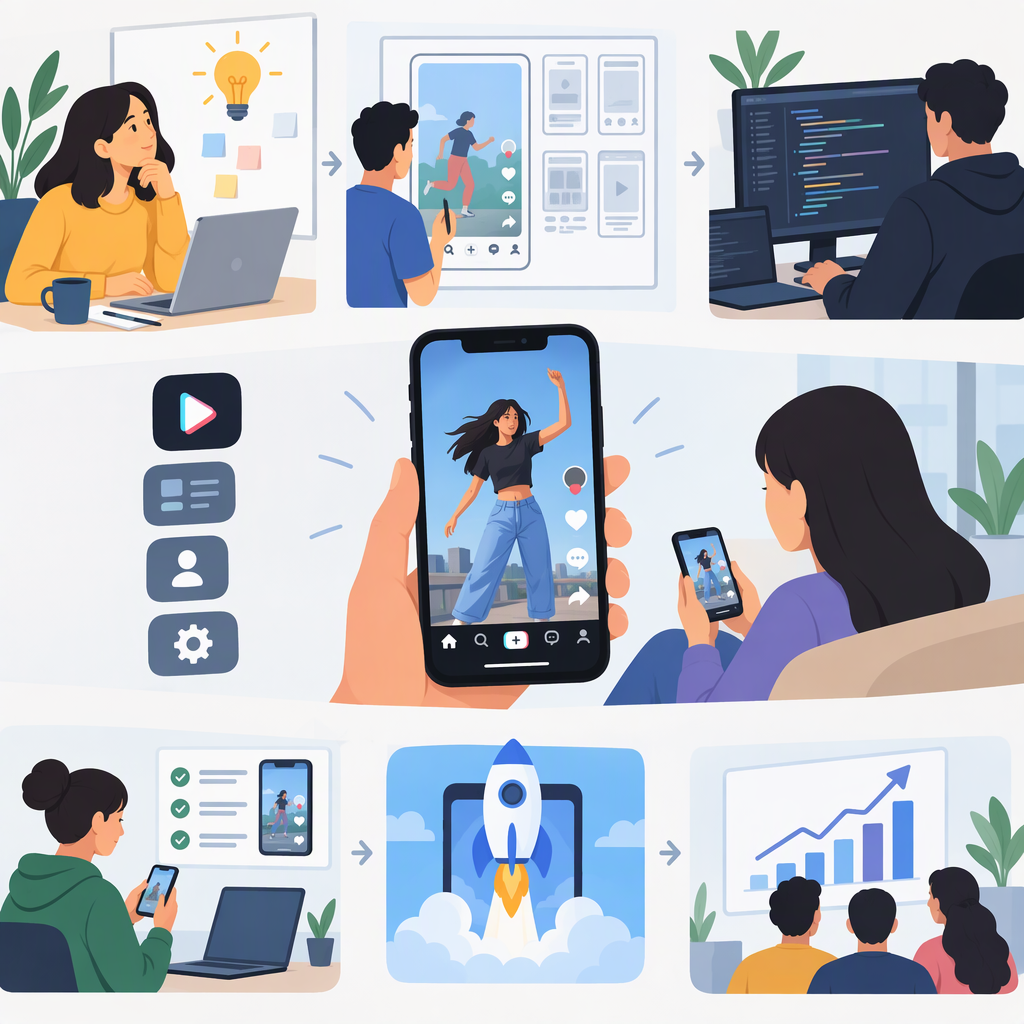
4. Move from Idea to Launch in Stages
Use stage deliverables to decide when to move forward. The stages do not imply a guaranteed schedule or outcome.
- Product definition: Complete the audience, need, differentiator, main journey, and first-release hypothesis. Decide which user questions require research before build work begins.
- Journey mapping and prototype: Sketch the creator and viewer flows, including empty states, failed uploads, playback problems, and reporting. Put a clickable or otherwise reviewable prototype in front of people who resemble your intended users. Record where they hesitate or misunderstand; do not treat a few reactions as proof of market demand.
- Scope and operating plan: Agree on the first-release feature list, deferred ideas, platform choice, and who handles reports and account issues. Decide what content and user data the app needs and why.
- Implementation: Build the selected journeys and the operational tools they depend on. Keep scope aligned with the product brief; do not add features simply because they appear in a competitor product.
- Testing: Test the full path from creating or uploading a post through discovery, viewing, interaction, and reporting. Include poor network conditions, failed actions, accessibility, privacy choices, and the devices you intend to support. Fix issues that prevent completion or leave reports without a clear path to review.
- Launch readiness: Review the app’s policies and distribution requirements for each intended market and platform. Make sure user-facing rules, reporting, response ownership, privacy information, and content-rights processes are in place before inviting a wider audience.
- Iteration: Review feedback and operational issues alongside product usage. Choose the next improvement based on the problem it addresses and evidence from your own intended users—not on a promise that a particular feature will increase growth or engagement.
5. Plan Moderation, Privacy, and Content Rights Before Publishing
Public video changes the work from building an app to operating a user-content service. Decide who reviews reports, how urgent cases are escalated, what actions are available, and how users can report content or accounts. Set community rules that explain what is not allowed and what happens after a report. A button without an owner and response process is not a complete workflow.
Distribution-platform rules are also relevant. Google Play’s user-generated-content policy calls for robust, ongoing moderation, user-facing terms, and in-app reporting and blocking; its policy describes requirements that depend in part on the type of interaction. Apple’s App Review Guidelines cover safety and other review topics, and Apple says its guidelines can change. Read the current rules for the distribution route you plan to use, rather than treating this summary as a substitute for them. (support.google.com)
Make deliberate privacy decisions: what information the app collects, why it is needed, who can access it, how long it is kept, and how users can exercise relevant controls. If children may use the service, include age and audience design in early planning. In the United States, the FTC says COPPA applies to online services directed to children under 13 and to services with actual knowledge that they collect personal information from children under 13. The specific obligations depend on the service and its practices; seek qualified guidance for your situation. (ftc.gov)
Do not assume that a user’s upload grants every permission the service needs for music, footage, images, or other material included in a video. Decide what users must confirm, how rights complaints are received, and who handles them. For U.S. services, the Copyright Office describes DMCA Section 512 as a conditional framework that includes a notice-and-takedown process and designated-agent requirements for qualifying service providers. Whether and how it applies depends on the service and its circumstances; it is not a universal legal checklist. Review the rules in every market where you plan to operate. (copyright.gov)
Pre-Build and Launch Checklist
- I can name a specific intended audience, a need to investigate, and a product distinction.
- I have mapped one complete creator journey and one complete viewer journey.
- Every first-release feature supports a selected journey, a testable product assumption, or an operational requirement.
- I have compared platform and video-operation approaches against my audience, team, control needs, and ongoing responsibilities.
- I have assigned ownership for user reports, escalations, and content-rights complaints.
- I have decided what data the app needs and identified market-specific privacy and age-related questions for review.
- I have tested core flows, including failures, before expanding launch scope.
- I have checked the current distribution-platform rules for the intended release.
The practical path is to define a distinctive audience and use case, test the core creator and viewer journeys, build only what supports those journeys, and prepare the service to handle user content responsibly. Treat the first release as a focused way to learn—not as a promise to reproduce every feature of TikTok.