TikTok UGC Examples: Formats, Storyboards, and Creator Collaboration
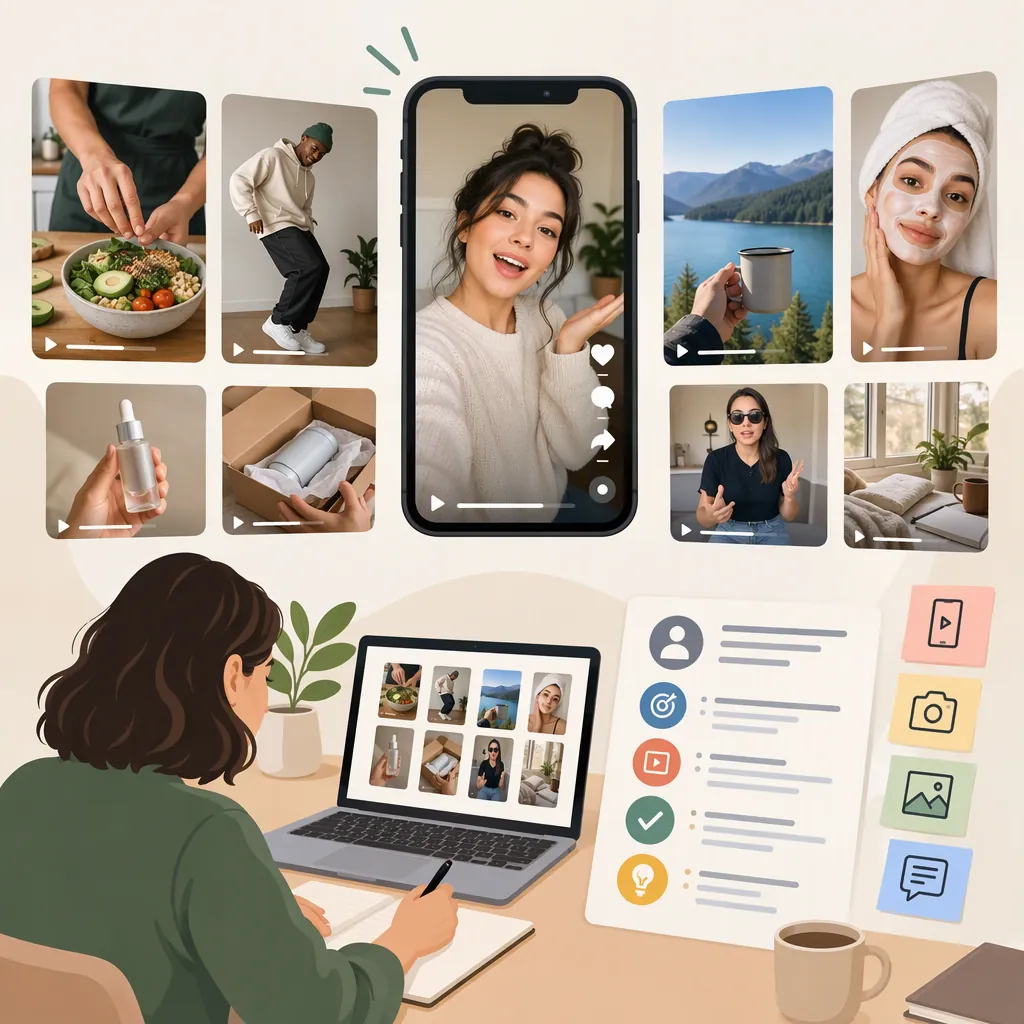
TikTok UGC examples include unboxings, product demonstrations, reviews, get-ready-with-me routines, comparisons, and replies to viewer questions. The supplied guides illustrate these formats through creator videos and brand posts. Use them as structural references, not proof that a format or product will deliver the same results. Distinguish spontaneous customer content from commissioned creator work before planning a collaboration. [s1] [s2] [s3]
What Counts as TikTok UGC?
UGC means user-generated content, but marketing guides use the term broadly. Billo includes videos made by customers, fans, and hired creators. Statusphere separately describes “UGC-style” videos as brand-generated content that imitates the presentation of customer videos. These definitions overlap without being identical. [s1] [s2]
For practical planning, keep three categories separate:
- Organic customer content: A person independently shares an experience.
- Commissioned creator content: A creator produces a video under an agreed brief.
- Brand-produced UGC-style content: A brand or its production team adopts a conversational, creator-like presentation.
A casual setting does not establish that a video is unpaid or independent. Likewise, a hired creator should not be presented as a satisfied customer unless that accurately describes their experience.
Evidence limitation: The references are industry articles, including creator-platform blogs, rather than independently audited campaign records. This article uses their format descriptions and attributed examples, not their conversion promises, pricing claims, or engagement statistics.
Four Published TikTok UGC Examples to Study
The following examples are described or reproduced in the supplied articles. They are references for storytelling and shot selection—not independent verification of product benefits or campaign performance.
| Example | What the Reference Shows | What to Study |
|---|---|---|
| FIX chocolate unboxing | Insense reproduces a creator clip about trying FIX chocolate bars in its unboxing section. | The sequence from package reveal to first interaction with the contents. |
| Sephora tutorial stitch | Insense includes a Sephora stitch about an overnight-wave hair tutorial. | How an existing creator demonstration can provide the context for a response. |
| Fenty and Milani comparison | Insense includes Lolo Lehnen comparing two foundations. | How a side-by-side presentation gives viewers a concrete basis for comparison. |
| Fashion Nova question reply | Insense includes a Fashion Nova video replying to a viewer comment. | How a specific audience question can define the entire video topic. |
All four appear in the Insense guide. The comparison and question-reply examples are especially useful for studying how to narrow a video to one decision or uncertainty. [s3]
Do not infer a creator’s contract terms, compensation, permissions, or independence from an embedded clip. The article does not establish those details for every example.
Choose a Format Around the Viewer’s Question
Statusphere’s examples cover unboxing, product-in-action, routine, GRWM, review, POV, and problem-solving videos, among other formats. Billo also organizes its guide around reviews, unboxings, tutorials, comparisons of change over time, and reactions. [s1] [s2]
Rather than selecting a format because it appears popular, use the information the viewer needs:
| Viewer’s Question | Suggested Format | Useful Footage | Important Boundary |
|---|---|---|---|
| What arrives in the package? | Unboxing | Packaging, included items, close-ups | First impressions are not a long-term review. |
| How do I use it? | Tutorial | Setup, ordered steps, finished task | Show relevant prerequisites and limitations. |
| How does it fit into a routine? | GRWM or day-in-the-life | A real sequence of activities | Do not invent habitual use for the script. |
| How do these options differ? | Comparison | Comparable views under similar conditions | Explain what was and was not compared. |
| What happened during use? | Review or personal story | Actual use and specific observations | Keep individual experience separate from general claims. |
| Can you answer this detail? | Question reply | The question and a focused demonstration | Remove identifying information when appropriate. |
These are editorial recommendations, not a ranking of likely performance. A tutorial may answer a practical question more clearly than a reaction video, even when a reaction is easier to film.
Three Original Storyboards for TikTok UGC
The following storyboards are hypothetical production exercises, not descriptions of real customers or campaigns. Their timing is a planning suggestion, not a TikTok requirement. Each ends with a useful observation rather than a purchase prompt.
Keep the spoken wording provisional until the creator has used the item or completed the task. A storyboard should specify what to show without dictating an experience that did not happen.
Unboxing Storyboard
Hypothetical subject: a desk organizer.
0–4 seconds: Show the closed package and identify what is being opened.
4–12 seconds: Remove the contents and show each included piece.
12–22 seconds: Assemble it, keeping any confusing step visible.
22–30 seconds: Show it on the desk and summarize one actual first impression.
Boundary: Describe what arrived and what assembly involved; do not imply durability has been tested.
Tutorial Storyboard
Hypothetical subject: making a simple checklist in a digital tool.
0–4 seconds: Show the finished checklist and name the task.
4–18 seconds: Record the steps needed to create it, with readable labels.
18–26 seconds: Demonstrate checking off and editing an item.
26–35 seconds: State any relevant setup requirement or limitation.
Boundary: Use a demonstration account and remove personal information, notifications, and credentials.
Comparison Storyboard
Hypothetical subject: two notebook layouts.
0–5 seconds: Place both notebooks in the same frame and identify the layouts.
5–15 seconds: Write the same short task list in each.
15–25 seconds: Show page space and organization under the same lighting.
25–35 seconds: Explain which layout suits the creator’s task and why.
Boundary: Compare observable layout features; do not declare one universally better.
Build a Clear Creator Collaboration Brief
A useful brief defines the task, evidence, deliverables, and permitted use while leaving room for the creator’s own wording. Statusphere explicitly advises obtaining creator permission before using UGC in promotion and identifies content rights as part of managing creator videos. [s2]
Treat production and distribution as separate decisions. Delivering a video file should not be treated as agreement to every possible edit, placement, or advertising use. Record the intended scope rather than relying on assumptions.
The template below is a planning aid, not a contract or a complete legal checklist. For paid, gifted, affiliate, or AI-assisted content, review current platform requirements and applicable disclosure rules separately; the supplied references do not provide a complete compliance guide.
Creator Brief and Usage Checklist
Video objective: Identify one viewer question.
Format: Choose unboxing, tutorial, routine, review, comparison, or question reply.
Creator experience: Record what the creator has actually tried and for how long.
Required shots: List only footage needed to answer the question.
Claim boundaries: Separate observable facts, personal opinions, and claims requiring supporting evidence.
Deliverables: Specify video count, target duration, orientation, captions, and whether raw footage is included.
Posting: State whether the creator posts, the brand posts, or both.
Usage: Record agreed channels, organic or paid use, duration, territory, editing scope, and attribution.
Compensation: Record fees, gifts, expenses, and payment timing.
Disclosure review: Assign responsibility for checking current requirements.
Revisions: Define rounds, deadlines, and how factual corrections will be handled.
Approval record: Keep written confirmation of the agreed scope and final version.
Edit for Clarity and Evaluate with Limits
Use editing to make the demonstration understandable, not to manufacture credibility. As a review checklist:
- Keep captions readable and check them against the spoken audio.
- Preserve qualifications when shortening a review.
- Label elapsed time when a result was not immediate.
- Keep comparison lighting, framing, and conditions consistent where possible.
- Do not stage a repeated take as an untouched first reaction.
- Check that music, background footage, and visible people are covered by the intended usage arrangements.
For an initial short-form exercise, a video under 60 seconds is a reasonable option: Statusphere recommends that length for TikTok while also noting that length depends on multiple variables and should be tested. It is not a platform limit or a guarantee of engagement. [s2]
Evaluate against the video’s objective. For a tutorial, examine whether viewers still ask about missing steps. For a comparison, check whether the differences are understandable. If analytics are available, compare videos with similar distribution conditions and change one major creative variable at a time. Do not attribute an outcome solely to the UGC format when audience, paid distribution, or other conditions also changed.
FAQ
Is TikTok UGC the Same as Influencer Content?
Not necessarily. Billo distinguishes UGC production from influencer marketing by noting that UGC does not require a large following. For a collaboration brief, specify whether you are commissioning a video asset, a post to the creator’s audience, or both. [s1]
What Is a Simple TikTok UGC Example for a Beginner?
A focused unboxing or tutorial is a practical exercise because the shot sequence can follow a concrete task. Both formats appear in the supplied guides. Show what arrives or how a task is completed, and keep first impressions separate from claims about long-term use. This is a production suggestion, not a performance prediction. [s1] [s2]
Can a Brand Reuse a Creator’s Public TikTok Video?
Do not treat public visibility as permission for promotional reuse. Statusphere advises obtaining creator permission first. As a planning practice, document the intended channels, edits, attribution, duration, and whether paid advertising is included. The supplied guide is not a complete legal analysis. [s2]
Which TikTok UGC Format Performs Best?
The supplied references do not establish a universally best format for every audience and objective. They describe a range of examples, including reactions, routines, reviews, and demonstrations. Choose the format that answers the viewer’s question, then evaluate it under comparable conditions rather than assuming published outcomes will transfer. [s1] [s2] [s3]