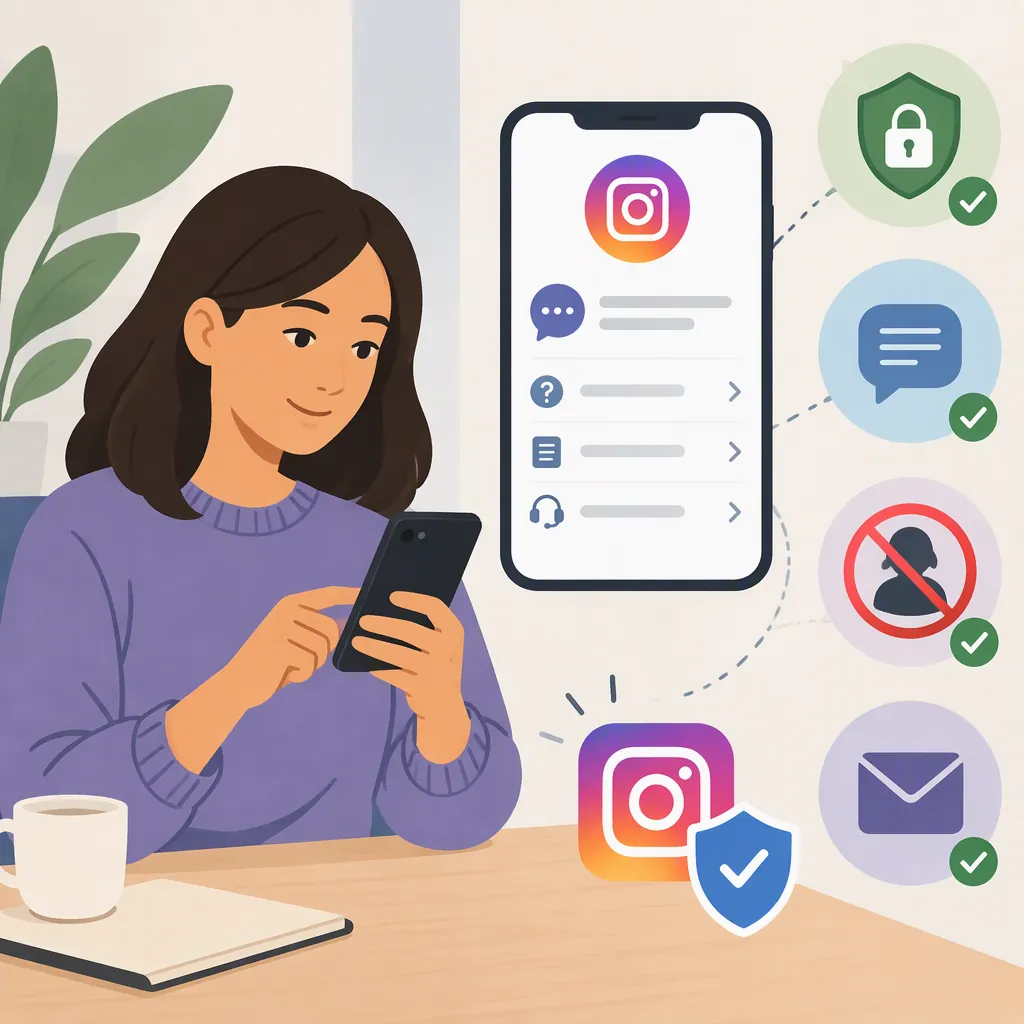
How to Reach Out to Instagram Support Safely
To reach out to Instagram support, start by checking the help options available in the Instagram app or on its login screen rather than using a phone number advertised in a user post. The supplied reference is a user post with conflicting phone-support claims, not verified support documentation. It does not establish an official phone number, email address, live-chat route, or response time. [src-1]
Verify the Contact Route First
The supplied Instagram post repeatedly advertises a support phone number and round-the-clock service. It also says there is no direct phone support for general users. Those conflicting statements are not a reliable basis for choosing a contact method. Being published on Instagram does not, by itself, establish that a post represents Instagram support. [src-1]
Do not treat the advertised number as verified. This article intentionally does not reproduce it or recommend calling it. The available evidence also does not verify a support email address or live-chat service.
As a precaution, open Instagram directly and inspect the help options presented there. Avoid starting from contact details in comments, unsolicited messages, or posts that you cannot independently authenticate.
Choose Help Based on the Problem
Use the problem you need solved to guide your search within Instagram. These are suggested search terms, not verified menu labels or guaranteed support routes:
- A feature is not working: Look for help about technical problems or reporting an issue.
- You cannot sign in: Look for login or account-recovery help from the login screen.
- You suspect unauthorized access: Look for compromised-account or account-security help.
- You disagree with an account or content decision: Check the notice you received for any review instructions.
- You want to report content or an account: Inspect the options associated with that content or profile.
The supplied post mentions “Report a Problem” and the Help Center, but it is not sufficient to verify their current navigation steps or availability. This article therefore does not provide a precise tap-by-tap menu path. [src-1]
If a help option is offered, read its instructions before submitting. Do not assume that every route connects you with a person or guarantees a reply.
Prepare a Clear Issue Report
Before using a support form or reporting option, write a short account of the problem. Include what you were trying to do, what happened instead, when it happened, and any exact error message. If relevant, note your device and app version.
Use screenshots only when they help explain the issue, and redact unrelated personal information. Do not put passwords, login codes, backup codes, or payment details into your report or send them to an unverified contact.
The template below is a writing aid, not an official Instagram form. Keep a private copy of what you submit and any confirmation you receive. No verified response-time estimate is available from the supplied reference. [src-1]
Issue Report Template
Issue: [Brief description]
Date, time, and time zone: [When it occurred]
What I was trying to do: [Action]
What happened: [Observed result]
What I expected: [Expected result]
Exact error message: [Text, if any]
Device and app version: [If relevant]
Steps that reproduce the issue: [Numbered steps]
Troubleshooting already attempted: [Actions and results]
Requested help: [Specific question or outcome]
Attachments: [Relevant screenshots with sensitive information removed]
FAQ
Is There a Verified Instagram Support Phone Number Here?
No. The supplied user post advertises a number but also contradicts its own phone-support claims. That is not enough to verify the number as an official Instagram contact. [src-1]
Can I Contact Instagram by Email or Live Chat?
The available reference does not verify an official email address or live-chat route. Check the options Instagram presents directly rather than relying on the contact claims in this post. [src-1]
How Long Will Instagram Support Take to Respond?
A response time cannot be established from the supplied evidence. The post's round-the-clock service claims should not be treated as a verified response commitment. [src-1]
Sources
- [src-1] Instagram