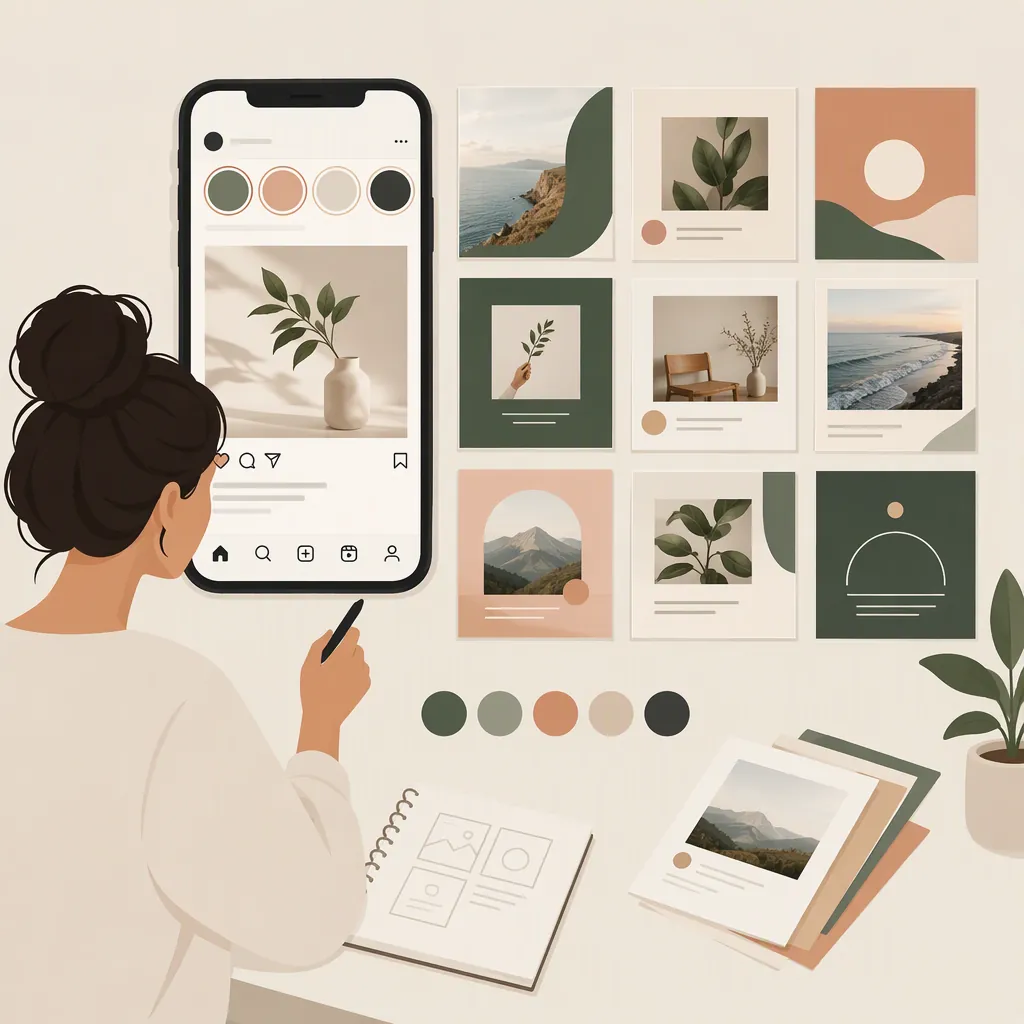
Instagram Template Kit: Build a Consistent Brand Visual System
For brand planning, treat an Instagram template kit as reusable layouts paired with rules for colors, typography, images, and text placement. The layouts provide structure; the rules explain how to adapt that structure across posts without redesigning every piece from scratch.
Start with your content needs, define a small visual system, and test it across your intended Instagram placements. If you use third-party templates, review their permissions separately from their design features.
Separate the Templates from the Brand Rules
For this planning approach, a template pack is the collection of editable layouts. A brand kit is the set of visual decisions applied across them. Together, they form a working Instagram template kit.
Write down these decisions before adapting layouts:
- Color roles: Which colors are used for backgrounds, primary text, secondary text, and accents?
- Type hierarchy: How do headlines, supporting text, and labels differ?
- Image treatment: How are photos cropped, positioned, or framed?
- Brand identifier: Where does a logo or account name appear, and when is it omitted?
- Layout rules: What alignment, spacing, and decorative elements should related posts share?
Make the rules specific enough to reuse. “Use the brand colors” leaves more room for interpretation than “use the light background with dark text, reserving the accent color for labels.”
Consistency does not require identical layouts. An image-led post and a text-heavy explanation can share color roles, type hierarchy, and alignment while giving different amounts of space to their content.
Plan Layouts Around Content Needs
Choose layouts based on the posts you intend to publish, not the number of designs in a bundle. A suggested starting set is:
| Content role | Primary layout need | What to test |
|---|---|---|
| Image-led post | A prominent image with a short title or caption | Subject crop and text legibility |
| Short text post | One main message with minimal supporting detail | Line breaks and headline length |
| Announcement | Clear separation between the news and essential details | Whether dates or other key details are easy to find |
| Multi-slide explanation | A repeatable title and body structure | Consistency across opening, detail, and closing slides |
These are planning suggestions, not verified contents of a particular template pack.
For each role, note the intended placement: feed, Story, or Reel cover. Decide whether it needs a separate variation. Do not assume that resizing a design will preserve its text hierarchy, spacing, or image crop.
Instagram Template Kit Planning Sheet
Complete one entry for each planned layout:
- Content role: Image-led post, short text, announcement, or explanation
- Intended placement: Feed, Story, or Reel cover
- Headline style: Font, weight, size relationship, and planned length limit
- Supporting text style: Font, weight, and hierarchy
- Color roles: Background, primary text, secondary text, and accent
- Image treatment: Crop, border, overlay, or none
- Brand identifier: Location or reason for omission
- Layout rules: Alignment, margins, and spacing
- Alternate format needed: Yes or no; describe the variation
- Review record: Readability, crop, placement preview, permissions, and review date
Hypothetical Filled Example
The following is an illustrative design specification, not a tested kit or a claim about performance.
| Field | Example rule |
|---|---|
| Content role | Announcement |
| Intended placement | Feed; create a separate Story variation |
| Headline style | Semibold sans-serif, roughly twice the supporting-text size, with a planned maximum of two lines |
| Supporting text style | Regular sans-serif, left-aligned beneath the headline |
| Color roles | Warm off-white background, dark charcoal text, muted teal for a short category label |
| Image treatment | One rectangular image; crop to keep the main subject visible without placing text over it |
| Brand identifier | Small account name at the lower left, aligned with the text column |
| Layout rules | Shared left edge for label, headline, body, and identifier; consistent outer margins |
| Alternate format | Reposition the image and text for the Story layout rather than stretching the feed design |
| Review record | Check realistic text, image crop, placement preview, and permissions; record the date |
To carry this system into a multi-slide explanation, retain the same background and text roles, headline-to-body relationship, and alignment. Use a larger headline on the opening slide and repeat a smaller section-heading treatment on detail slides.
For an image-led post, give the photo more space while retaining the same label treatment and identifier placement where practical. If either interferes with the image or readability, revise the layout rather than forcing every element into the same position.
Adapt and Review a Sample Before Expanding
Begin with one sample containing realistic text and an image you have permission to use. Include a longer headline or more supporting text than your shortest planned post so the review can reveal layout limits.
Apply the brand rules, export the sample, and review it at its intended viewing size.
Check the Visual System
- Readability: Can the main message be read without enlarging the image?
- Hierarchy: Is the headline clearly distinct from secondary information?
- Text fit: Does longer copy stay within the intended layout without crowding?
- Image crop: Is the important subject still visible?
- Consistency: Do related layouts follow the same color, type, and alignment rules?
- Flexibility: Can you change the content without changing the visual system each time?
When a sample exposes a problem, revise the underlying rule before applying it to the rest of the kit. For example, if longer headlines repeatedly crowd the image, adjust the text allocation or planned headline length rather than shrinking the font differently in every file.
Check Each Instagram Placement Separately
Use this as a general review method—not as a statement of fixed dimensions or verified current Instagram requirements:
- Confirm the target format. Check the current requirements for the intended feed, Story, or Reel-cover placement, including the relevant aspect ratio.
- Preview the destination. Inspect how the design is cropped wherever it will appear. For a feed post, review the full post and any relevant profile preview; for a Reel cover, check the cover previews available for its intended display.
- Check interface overlap. In Story and Reel-related previews, look for interface elements that may obscure text, identifiers, or important image details.
- Revise the variation. Reposition or shorten content when needed instead of assuming one export works everywhere.
- Record the review date. Note the placement, preview checked, and any unresolved issue.
If you cannot preview a destination, record that limitation rather than marking the layout as fully reviewed.
Resolve Usage Rights Before Publishing
Treat permissions as a separate review from visual suitability. A layout that fits your brand may still lack the permissions needed for business publishing, team access, or client delivery.
Before using third-party templates, clarify whether the applicable terms allow:
- Publishing exported images for a business account
- Editing the templates for client work
- Sharing editable files with teammates
- Delivering editable templates to a client
- Using included images, fonts, or other assets for the intended purpose
Do not assume these activities have identical permissions.
Source Case: Audience Description Is Not Permission
Brand & Bloom’s referenced listing describes editable Canva templates and addresses business-related audiences. However, its terms text states personal use only and prohibits commercial use, resale, file sharing, and distribution. The audience description should not be treated as authorization for business or client work. The supplied source does not resolve that conflict or establish permissions for commercial publishing, team access, or client delivery. [citation-1]
This case illustrates why template features and usage rights belong in separate checks. Until applicable permissions are clear, do not conclude that a third-party pack is suitable for a business-facing Instagram brand kit.
Keep a Reusable Master and a Review Record
After reviewing the sample and its placement variations, keep an unchanged master for each approved layout. Make working copies for individual posts.
Store a short rule sheet alongside the templates so the visual decisions are not confined to one finished example. Include:
- Approved color roles and combinations
- Headline, body, and label styles
- Image-cropping guidance
- Identifier placement and omission rules
- Planned text-length limits
- Placement-specific variations
- Permission notes and review dates
When you change a rule, note which layouts need updating. This provides a practical way to maintain the kit without treating every new post as a separate design exercise.
FAQ
Is an Instagram Template Pack the Same as a Brand Kit?
Not in this planning approach. A template pack supplies layouts; a brand kit defines the colors, typography, image treatment, and other visual rules applied to them. Editable files alone do not establish a complete visual system.
How Do Different Layouts Keep the Same Brand Style?
Repeat the rules rather than every composition. Keep consistent color roles, type hierarchy, alignment, and image treatment, while adjusting the balance of text and imagery for each content role. Test those rules on both a short post and a longer explanation before expanding the kit.
Can One Template Work for Feed Posts, Stories, and Reel Covers?
Plan separate variations and review each one. Resizing alone is not a sufficient check: confirm the target format, inspect cropping, look for interface overlap, and record the review date. This is a general review method, not a guarantee of compatibility with current Instagram placements.
What Should I Check Before Using Third-Party Templates for a Business Account?
Check the applicable permissions for commercial publishing, client work, editable-file sharing, and included assets. Do not infer permission from a business-oriented audience description. The referenced Brand & Bloom listing illustrates this distinction: it mentions business-related audiences while its terms state personal use only and prohibit commercial use. [citation-1]