YouTube Creative Commons Videos: How to Check a License Before Reuse
A Creative Commons label is a starting point, not an all-rights-cleared guarantee. Before reusing a YouTube video, check the license information for that specific video, confirm that the license permits your planned use, and follow its conditions. Also check whether the video contains material or other rights that the license may not cover. A copyright license and YouTube’s separate rules for using its platform are not the same thing.
What Does YouTube’s Creative Commons Label Mean?
YouTube lists Creative Commons Attribution as a license option alongside its Standard YouTube license. YouTube says a video carrying its Creative Commons Attribution license may be reused under the terms of the CC BY license. That means the label points to a permission with conditions—not unrestricted use. YouTube’s help page does not identify a specific CC BY version, so do not assume that a particular version applies unless the video’s license information identifies it. (support.google.com)
Creative Commons describes CC BY as allowing people to share, adapt, and build on licensed material, including for commercial purposes, as long as they provide attribution. For a particular YouTube video, rely on the license information attached to that video and its applicable terms; do not substitute a different CC BY version’s details just because it is easier to find. (creativecommons.org)
YouTube’s help page also distinguishes the Creative Commons Attribution license from the Standard YouTube license, which it says is the default for uploads. A video being viewable on YouTube, or appearing in a Creative Commons search filter, does not by itself settle what you may do with a copy or how you may obtain one. Check YouTube’s current platform terms separately and use an authorized way to access or reuse the content. (support.google.com)
How to Check a Specific Video’s License
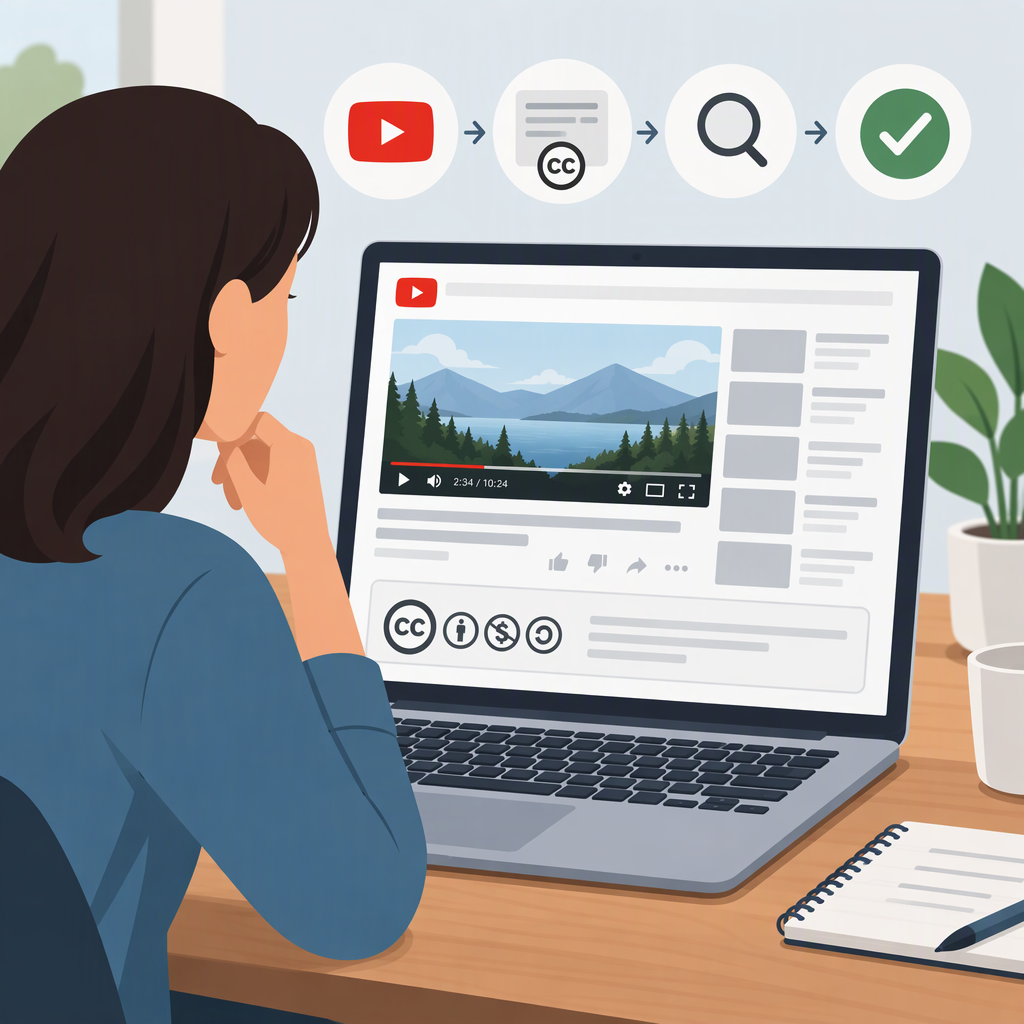
- Find a candidate. YouTube says you can select Creative Commons from its advanced search filters to find Creative Commons content. Treat that as a way to discover candidates, not as a substitute for checking each video. (support.google.com)
- Open the individual video and inspect its license information. YouTube says license information may appear in video descriptions. If you cannot find clear information for that video, do not assume the search result proves its license. (support.google.com)
- Record what you found. Save the video URL and title, the uploader or author name shown, the license wording and any license link, and the date you checked. This is a practical recordkeeping step, not a YouTube guarantee that the information will remain unchanged.
- Check the actual material you plan to reuse. Note whether you want to share the whole video, take a clip or still, add commentary, make edits, or use it in a commercial project. Then compare that use with the applicable license conditions and any other relevant rights.
- Pause if anything is unclear. If the video’s license cannot be confirmed, or the terms do not clearly cover your planned use, choose material with clearer permissions or ask the relevant rights holder for permission.
Attribution and Use Conditions
YouTube’s guidance says attribution for a Creative Commons video should include the title, author, source URL, and license information—for example, that the work is licensed under CC BY. YouTube says the credit can be included in the video or its description. Follow any additional requirements in the specific license that applies. (support.google.com)
A practical, illustrative credit might look like this:
“[Video title]” by [author], [link to the original video], licensed under [exact license name and link]. [Describe changes, if any.]
Replace every placeholder with accurate details, and confirm that the license permits your use before publishing. This example is not a universal legal format.
For a CC BY license, attribution is central. Creative Commons describes CC BY as permitting adaptation and commercial use with attribution, but the exact license terms and version still matter. If you plan to edit, remix, or monetize a video, check the actual license information rather than relying on a generic label or a template. YouTube also notes that monetization is possible when the license agreement grants commercial-use rights. (creativecommons.org)
Does the Label Clear Every Element in the Video?
Not necessarily. A license label does not independently prove that the uploader had authority to license every element or that every right relevant to your planned use is covered. Creative Commons says its licenses are intended for licensors authorized to grant the permissions, and notes that third-party publicity, privacy, or personality rights are not affected by applying a CC license. (creativecommons.org)
Before reuse, consider whether the video includes third-party music, footage, artwork, or identifiable people, and whether those elements raise separate permission questions for your use. This is a check for possible issues—not a claim that any particular video contains them. YouTube also cautions that using content under a Creative Commons license does not guarantee that you will avoid copyright claims or other issues on the platform. (support.google.com)
Example: You find a video through YouTube’s Creative Commons filter, but its description does not show a clear license. You cannot confirm that the specific video is available under CC BY. The conservative next step is to avoid reusing it until you can verify the license or obtain permission. If you can confirm CC BY but are unsure whether a music track within the video is covered, seek clarification, obtain separate permission if needed, remove the uncertain material where feasible, or select a different asset.
Pre-Publication Checklist
- I checked the license information for this specific video—not just the search filter.
- I recorded the video, uploader, license details, source link, and check date.
- The applicable license supports my planned use, including any edits or commercial use.
- My attribution includes the title, author, source, and license information required for this work.
- I considered whether other material or rights may need separate permission.
- My method of accessing or reusing the video also complies with YouTube’s current platform rules.
- If a permission or condition remains unclear, I will verify it, obtain permission, or use another asset.
This is general educational guidance, not legal advice for a particular video or use. If the stakes are significant or the rights remain uncertain, consult a qualified legal professional in the relevant jurisdiction.