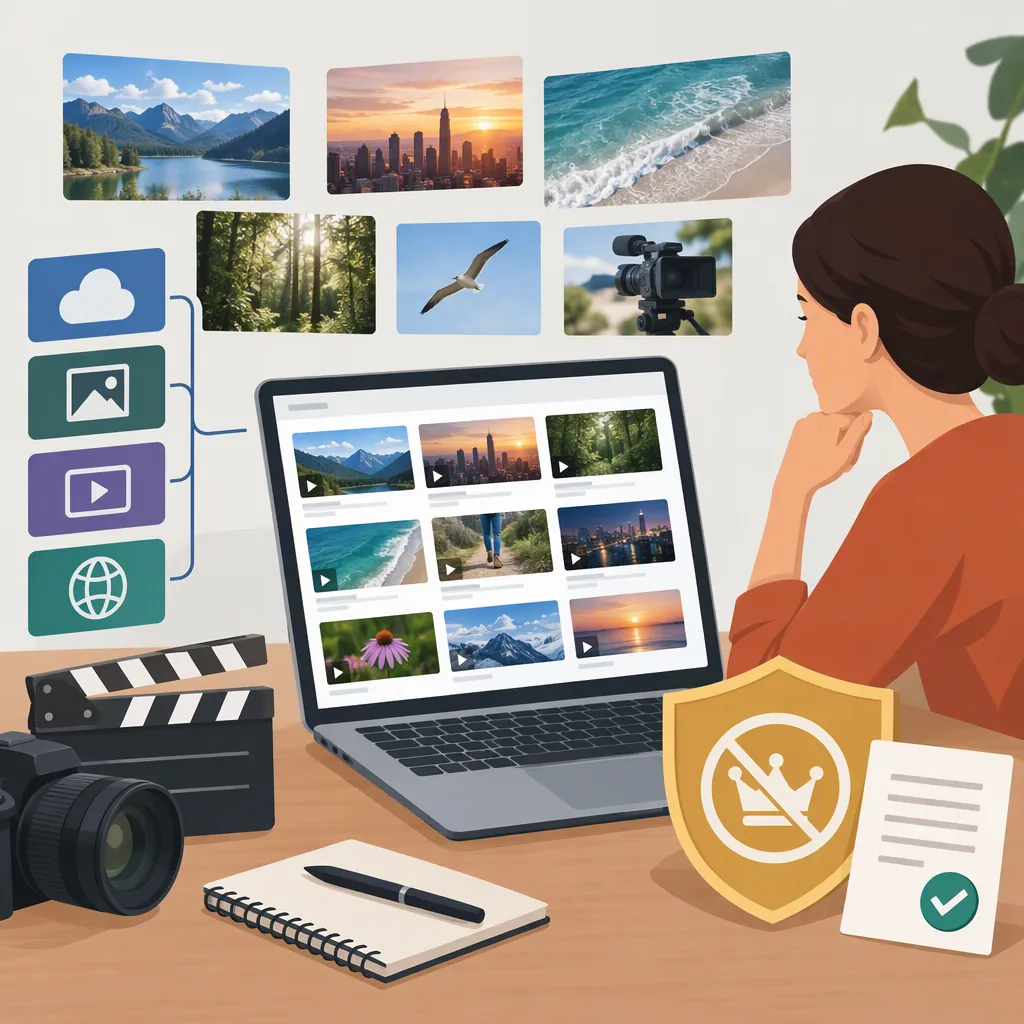
Royalty-Free B-Roll Footage: Where to Look and What to Check
Royalty-free B-roll footage is licensed without a per-use royalty, but it is not necessarily free to download or free of copyright. Pexels, Pixabay, Mixkit, and Coverr are free-footage sources to consider. Whether a particular clip fits your project depends on its license, including commercial-use permission, attribution, redistribution restrictions, and separate rights involving people, brands, or audio. These source summaries rely on Jupitrr’s comparison article, not direct verification of current asset licenses; check the selected clip’s terms before publishing. [c1]
What Royalty-Free Actually Means
The key distinction is between price and permission. A free download tells you what the file costs; its license tells you what you can do with it. Royalty-free generally means no per-use royalty once you have the license—not unrestricted use or ownership of the footage. [c1]
The licensing routes described in the Jupitrr comparison differ:
- Custom stock licenses: For sources such as Pexels and Pixabay, the creator retains copyright while the license grants specified uses, subject to restrictions. Hosting a clip on a platform does not establish that the platform owns its copyright.
- CC BY: Allows commercial reuse subject to attribution requirements, including a license link and an indication of changes.
- CC BY-SA: Adds a share-alike requirement for adaptations.
- CC0 and public domain: Can remove copyright permission requirements, but do not automatically resolve trademarks, privacy, or publicity rights. [c1]
Choose a clip based on the permission your project needs. Do not treat “free,” “royalty-free,” and “copyright-free” as interchangeable labels.
Where to Look for B-Roll Footage
Use these libraries as search starting points, not guarantees that every clip fits your project. The source names, footage categories, and licensing summaries below come from the Jupitrr comparison. That reference also includes website links for the listed libraries. Direct library and license URLs are not provided in the available evidence, so none are guessed here. [c1]
| Source | Footage to Look For | License or Rights Information to Locate |
|---|---|---|
| Pexels | General-purpose cutaways | Read the Pexels License, particularly restrictions on unaltered resale and implied endorsement. |
| Pixabay | Footage alongside supporting images or music | Read the Pixabay Content License, including standalone resale and recognizable-trademark restrictions. Check audio permissions separately. |
| Mixkit | Business, lifestyle, and nature clips | Look for the license label on each clip page: Free License and Restricted License permit different uses. |
| Coverr | Lifestyle, technology, and vertical footage | Read the Coverr License, including restrictions on resale and AI-model training. |
| Free Nature Stock | Nature cutaways | Confirm the clip’s CC0 status and review any separate rights relevant to the scene. |
| Dareful | Landscape and aerial footage | Locate the CC BY 4.0 terms and attribution guidance. |
| Wikimedia Commons | Specific places, historical subjects, and documentary material | Read the individual file’s information page for copyright status, attribution, and any share-alike conditions. |
| Internet Archive | Archival footage | Inspect the individual item’s rights information; do not apply a public-domain description for one collection to the entire archive. |
For a more useful search brief, identify the subject being discussed rather than a broad mood alone. For example, “hands packing a parcel” is a more concrete brief than “business success.” This is an editorial suggestion, not a guarantee that a library will contain the shot.
Shortlist clips by subject, framing, and duration, then check their permissions before building the edit around them.
Match the License to the Actual Use
A monetized video, a sponsored post, a paid advertisement, and a downloadable template are different deliverables. Monetization counts as commercial use, but permission to include footage in a finished video does not necessarily permit standalone resale or redistribution. [c1]
Before selecting a clip, write down:
- Where it will appear: A channel upload, client website, course, or paid campaign.
- How it will be delivered: A finished video, editable project, or package containing source files.
- Whether it promotes anything: A product, service, brand, or person.
- What the viewer might infer: Especially whether a recognizable person or brand appears to endorse the offer.
Compare those uses with the applicable license. An editorial-only clip is generally unsuitable for commercial promotional or endorsement uses. Copyright permission for the footage also may not settle separate permissions involving recognizable people, logos, private property, or included music. [c1]
For client work, a practical handoff is to distinguish your original work from third-party stock assets and record any license conditions affecting reuse. Do not promise exclusive ownership of stock footage merely because you downloaded or edited it.
Keep a Rights Record with Each Clip
Save the clip page, applicable license, and download date alongside the project. The Jupitrr comparison recommends retaining screenshots or PDFs because terms can change and clips can disappear. These records can help explain an asset’s source, but they do not guarantee clearance or a successful dispute. [c1]
Use the following record for each selected clip. Mark unresolved fields “not confirmed” rather than treating missing information as permission.
B-Roll Rights Record
Project:
Clip title or asset ID:
Creator or rights holder, if listed:
Source and clip page URL:
Download date:
License name and version, if listed:
Saved license file or screenshot location:
Intended use and distribution channels:
Commercial-use permission: confirmed / not confirmed
Attribution requirements and planned placement:
Restrictions on resale, redistribution, or client handoff:
Recognizable people, brands, or property:
Separate permissions or releases, if documented:
Included audio and its licensing status:
Edits made to the clip:
Unresolved questions:
Review the Finished Video Before Publishing
Review the footage in context, not just as an isolated download. As an editorial check, consider whether placing a neutral scene beside a product claim or sensitive narration changes what viewers may infer.
Before publishing:
- Confirm that the selected clip’s license covers the finished project and intended distribution.
- Add any required credits, license information, and notices of changes.
- Check whether cropping or editing has removed an embedded credit.
- Review recognizable people and brands for possible implied endorsement.
- Remove or separately license audio whose permission is unresolved.
- Keep the rights record with the final export and client handoff.
Licensed footage or its audio can still receive a Content ID claim. A license is therefore not a guarantee that automated copyright systems will never flag the video. [c1]
This is general educational information, not legal advice. The evidence here is a comparison article rather than the current license for any individual asset. Resolve unclear permissions using the selected clip’s applicable terms before publishing.
FAQ
Is Royalty-Free B-Roll Always Free?
No. Royalty-free describes the licensing arrangement, not necessarily the download price. It generally means no per-use royalty once licensed, while the license still defines permitted uses and restrictions. It does not transfer copyright ownership to you. [c1]
Where Can I Find Free B-Roll Footage?
Sources described in the Jupitrr comparison include Pexels, Pixabay, Mixkit, and Coverr for everyday footage, Free Nature Stock for nature clips, and Dareful for landscapes and aerials. Wikimedia Commons and Internet Archive can help with documentary or archival subjects. Check each selected asset’s license rather than relying on the library name alone. [c1]
Can I Use Free B-Roll in a Monetized Video?
Only when the applicable license permits that use. Monetization counts as commercial use. For example, the Jupitrr comparison distinguishes Mixkit Free License clips from Restricted License clips, which are limited to personal, non-commercial projects. Check the specific asset’s terms. [c1]
Do I Need to Credit the Footage Creator?
It depends on the license. The Jupitrr comparison describes several custom stock licenses that do not require attribution, while CC BY footage requires credit, a license link, and an indication of changes. Follow the selected clip’s actual terms. [c1]
Can I Give Downloaded B-Roll Files to a Client?
Do not assume permission to deliver a finished video also permits handing over stock files for independent reuse. Several libraries described in the Jupitrr comparison restrict standalone redistribution. Check the applicable license against the proposed handoff and document any limits. [c1]