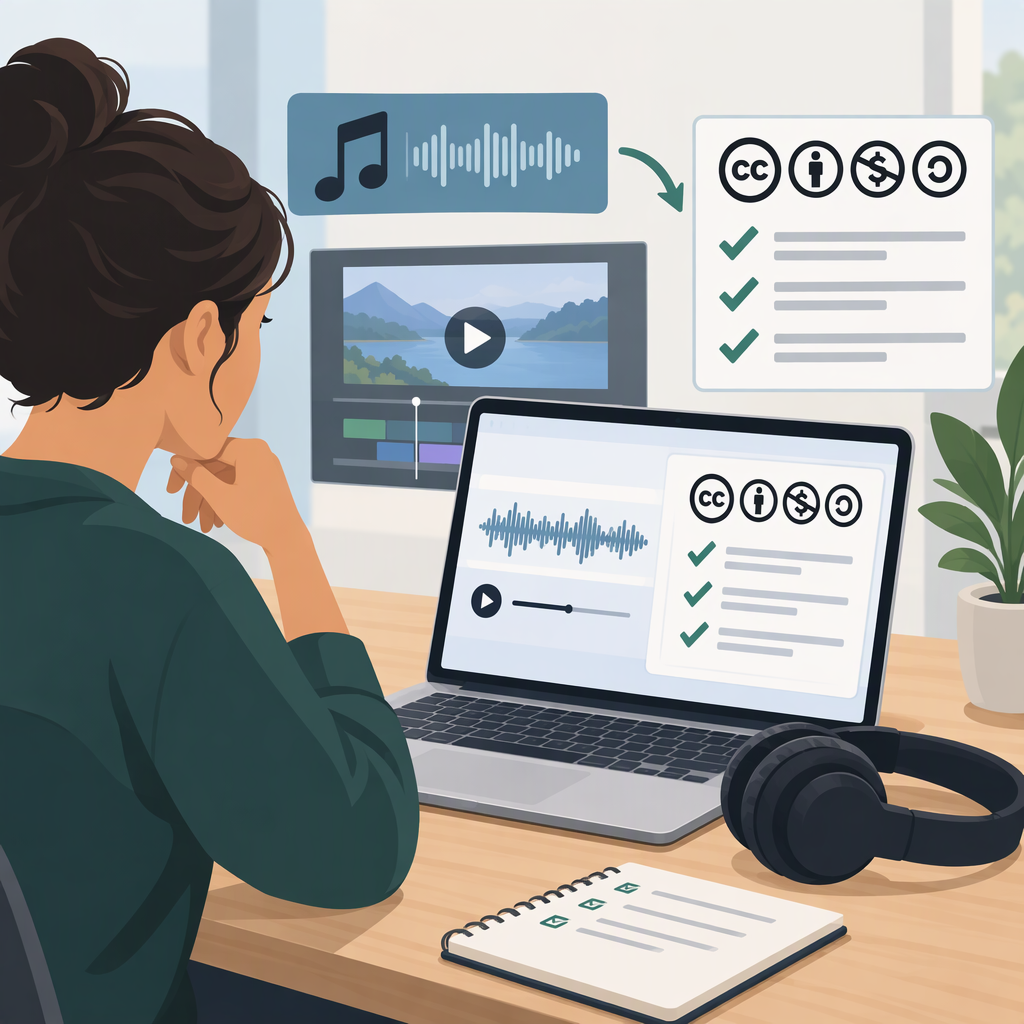
Creative Commons Music for Videos: How to Check a Track’s License
Creative Commons music can be used in videos when the license attached to the specific track permits your planned use and you follow its conditions. Before using a track, check the exact license—not just a search result or a general “free music” label—and consider whether your video is commercial or monetized, whether you will edit or sync the music to images, and where you plan to share it. Creative Commons itself cautions that CC-licensed music is not cleared for every use. (creativecommons.org)
Quick Decision Guide
- Need to monetize or use the video for business? Treat an NC condition as a reason to pause. Creative Commons describes NC as restricting commercial use; the 4.0 deed defines commercial purposes by reference to commercial advantage or monetary compensation. If your use might be commercial, find a track without NC or get permission that covers your use. (creativecommons.org)
- Will you put the music into the video, edit it, or otherwise adapt it? Avoid ND tracks for a video that syncs music with images. Creative Commons’ music-for-videos guidance says synchronization amounts to transforming the music and says not to use an ND song in a video. (creativecommons.org)
- Will you share an adaptation of an SA track? SA requires adaptations you share to be under the same terms. Check whether those terms work for the way you intend to distribute your video. (creativecommons.org)
- Can you provide the required credit? All six main CC licenses include BY. Follow the particular track’s attribution instructions and keep the relevant details. (creativecommons.org)
If the license or rights information is unclear, do not assume the track is cleared. Ask the rights holder for permission covering your intended use, or choose a track with clear terms.
Match the License to Your Video
CC licenses combine conditions. Every one of the six main licenses requires attribution; the other conditions determine whether commercial use, adaptations, or sharing adaptations are restricted. The license’s deed is a useful summary, but Creative Commons says to review the applicable license terms rather than treating the summary as the full license. (creativecommons.org)
| Condition | What to check for a video |
|---|---|
| BY — Attribution | Credit the creator or licensor as requested. Under CC BY 4.0, attribution must include appropriate credit, a link to the license, and an indication of changes, without implying endorsement. Check the actual track’s license and instructions; earlier license versions can differ. (creativecommons.org) |
| NC — NonCommercial | The license restricts commercial use. If you earn money from the video, promote a business, or otherwise have a use that may be commercial, do not assume it qualifies as noncommercial. CC’s 4.0 deed describes commercial purposes as those primarily intended for commercial advantage or monetary compensation; applying that definition to a particular video depends on the facts. (creativecommons.org) |
| ND — NoDerivatives | Do not use an ND track in a video that syncs music to images: Creative Commons’ music-for-videos guidance treats that synchronization as transforming the music. If you want to use an ND track another way, check the exact license and get permission if your planned use needs an adaptation. (creativecommons.org) |
| SA — ShareAlike | If you share an adaptation, you must use the same terms for that adaptation. Check the exact license and whether its sharing terms suit your intended distribution. Do not assume that every video containing a track has the same licensing result; if the scope is unclear, seek permission or choose a different track. (creativecommons.org) |
A Practical Example
Suppose you find a track marked CC BY-NC-SA and plan to sync it to an edited promotional video that earns advertising revenue. The NC condition makes the intended commercial use a reason to stop and obtain permission or choose different music. If your use were noncommercial, you would still need to follow BY attribution, and if you share an adaptation, SA’s terms would matter. This is a decision aid, not a legal determination about a particular video or track. (creativecommons.org)
Verify the Particular Track, Not Just the Label
A license label is useful only if it applies to the track you are taking and is offered by someone with authority over the relevant rights. Use this checklist before downloading or publishing:
- Open the track’s own page. Locate the license attached to that recording and read its deed and, where needed, legal code. Note the version and any asset-specific credit instructions. A collection-wide label or search result alone may not establish the terms for an individual track. Creative Commons advises users to check the terms for the particular song. (creativecommons.org)
- Save the evidence. Keep the track title, creator or credited licensor, source page and download date, license name and link, and a copy or screenshot of the stated terms and attribution instructions. This is a practical record-keeping step, not proof that the uploader owned every relevant right.
- Look for a credible rights trail. Check whether the source identifies the musician, label, or other licensor and explains the license. If the source does not make clear who is offering the track or what rights they control, ask for clarification or pick another track. A CC label by itself does not verify the person who applied it.
- Check both the song and the recording. A musical composition—the music and any lyrics—and a particular sound recording of it are separate works. A license on a recording page may not, by itself, answer whether the underlying composition is also covered. The U.S. Copyright Office explains this distinction; this is general U.S. copyright information, not a conclusion about any specific track or other jurisdiction. (copyright.gov)
- Compare the terms with your actual plan. Account for monetization or business promotion, syncing and edits, and every place you intend to distribute the video. If any condition does not fit, get permission for that use or select a different track.
Give Credit and Keep a Record
CC attribution is not one universal credit line. Creative Commons recommends the TASL approach: Title, Author, Source, License. Include the information the creator or licensor supplied; link to the source and license where possible, and indicate changes when required by the applicable license. The CC BY 4.0 deed, for example, calls for appropriate credit, a license link, and an indication of changes. Check the track’s exact license version and its own instructions before publishing. (creativecommons.org)
Illustrative template only—not a credit for a real track:
“Track title” by Creator, [source link], licensed under [exact CC license and version, linked]. Edited: [brief description, if applicable].
Replace every bracketed item with accurate information from the track’s page. Do not say or imply that the musician endorses your video.
A Cc License Does Not Guarantee a Platform Will Accept the Video Without a Claim
A license addresses permission under its terms; it is not a promise about a platform’s automated matching, claim, or review process. For example, YouTube says Content ID may automatically generate a claim after matching uploaded video with reference content, and the result can depend on the copyright owner’s settings. YouTube also says that using content according to a Creative Commons license does not guarantee avoiding a copyright issue on its platform. Keep your license and attribution records so you can explain your permission if a question arises, and consult the current official guidance for the platform where you publish. (support.google.com)
Before You Publish
- I checked the license attached to this specific track, including its version.
- The track’s commercial-use condition fits my video and monetization plans.
- The license permits the way I will sync, edit, and share the music.
- I have checked who is offering the track and whether the underlying composition as well as the recording appears to be covered.
- I have followed the track’s attribution instructions and saved the title, creator, source, license, and credit details.
- I understand that licensing permission does not guarantee a platform will avoid a claim.
This is general educational information, not legal advice. If the rights, license scope, or commercial status of your planned use is uncertain, get permission from the relevant rights holder or consult a qualified lawyer.