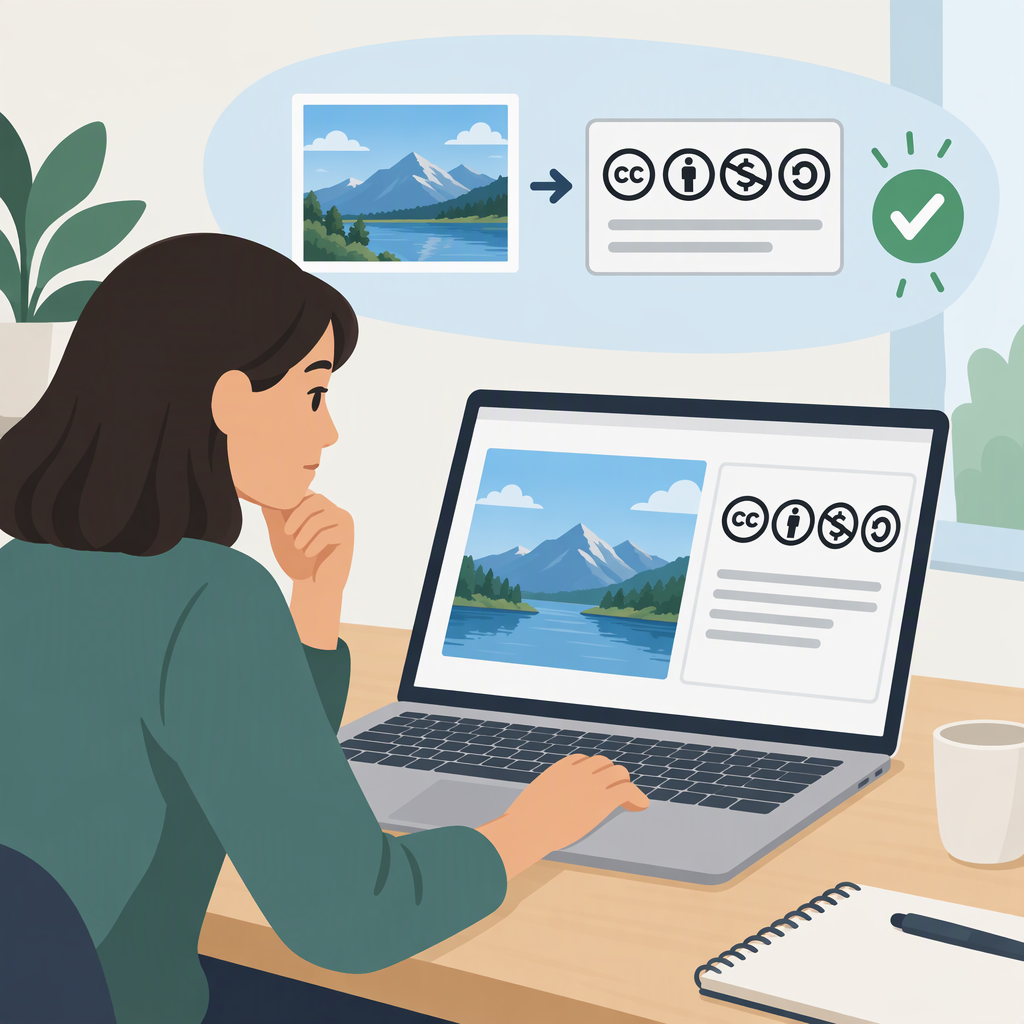
How to Use Creative Commons Images: Check the License First
A Creative Commons (CC) image is not automatically free to use in every way. Check the license attached to the exact image, then compare its conditions with what you plan to do. The six CC licenses grant different permissions: some allow commercial use and adaptations, while others restrict commercial use, adaptations, or both. All six require attribution. (creativecommons.org)
Match the License to Your Intended Use
Use this check before publishing:
- Identify the exact image. Save its title, creator or credited rights holder, and the page where it appears.
- Find the image-specific license. Look for the license name and version, ideally linked to its official license deed. A search filter or general platform statement is a way to find candidates—not, by itself, confirmation that a particular image is licensed for your use.
- Compare the conditions with your plan. Ask whether you will use the image commercially, modify it, and—if you modify it—whether you can meet any ShareAlike condition.
- Check the credit information and any other relevant rights. If essential terms or permission are unclear, get reliable confirmation or choose another image.
The table summarizes the six main CC licenses. It is a starting point, not a substitute for the terms of the specific license and version attached to the image. (creativecommons.org)
| License | Commercial use under the license? | Adaptations under the license? | Main condition to check |
|---|---|---|---|
| CC BY | Yes | Yes | Give attribution. |
| CC BY-SA | Yes | Yes | Give attribution; share an adaptation under the same license terms. |
| CC BY-ND | Yes | No; the license permits sharing the work only in unadapted form. | Give attribution; do not share an adaptation under this license. |
| CC BY-NC | No, unless you get separate permission | Yes | Give attribution; use must be noncommercial. |
| CC BY-NC-SA | No, unless you get separate permission | Yes | Give attribution; use must be noncommercial; share an adaptation under the same license terms. |
| CC BY-NC-ND | No, unless you get separate permission | No; the license permits sharing the work only in unadapted form. | Give attribution; use must be noncommercial; do not share an adaptation under this license. |
These descriptions reflect Creative Commons’ summary of its six licenses. The NC condition concerns the purpose of the use, not simply whether the user is a business or an individual. Creative Commons describes the definition as flexible; if your planned use has a commercial purpose or is hard to classify, do not assume an NC image permits it—seek permission or use an image with terms that clearly fit. (creativecommons.org)
Example (hypothetical): You want to place a photo in a paid product brochure and crop it to fit a layout. A CC BY license permits commercial use and adaptations under its terms, with attribution. A CC BY-NC license does not grant permission for a commercial use; ask the rights holder for permission or choose another image. A CC BY-ND license permits commercial sharing of the unadapted image, but does not grant permission to share an adaptation. Whether a particular change counts as an adaptation can depend on the circumstances and applicable law, so do not assume a crop is permitted when the license prohibits adaptations. (creativecommons.org)
Verify the License and Give Credit
Check the image’s own page and, when possible, follow its license link to the official deed. Confirm that the terms apply to that image, not just to a collection, account, or surrounding webpage. Where the source does not make the license or the person applying it clear, ask for confirmation rather than relying on an icon or label alone.
Creative Commons recommends the TASL approach for attribution: Title, Author, Source, License. Include the information the rights holder supplied, link to the image’s source and the license where practical, and say if you changed the image. This is a recommended attribution practice; the exact requirements depend on the license version. For example, Creative Commons notes that including a title is required by versions 3.0 and earlier when a title is provided, while it is optional in the 4.0 suite. Follow any additional relevant information supplied with the work. (wiki.creativecommons.org)
Hypothetical credit format: “Mountain at Dawn by Jordan Lee, [link to the image source], licensed under [link to the exact CC license]. Cropped from the original.” Replace the sample details with the image’s actual information, use the rights holder’s requested credit where provided, and do not imply that the creator endorses you or your use. (creativecommons.org)
As a practical record-keeping step—not a separate CC license condition—save the source page, the stated license and version, the date you checked, and a copy or screenshot of the relevant credit and terms. This can help you revisit the basis for your decision if the page later changes.
If the License or Other Rights Are Unclear
Do not treat a search result, an unclear CC label, or a site-wide statement as proof that the exact image is reusable. Ask the rights holder or source for reliable confirmation, or pick an image whose source and license are clear. Creative Commons licenses grant permissions under copyright; they do not license trademark or patent rights, or third parties’ publicity, personality, and privacy rights. Those issues may matter for an image even when its copyright license is clear. (creativecommons.org)
CC0 is different from a CC license. It is a public-domain dedication tool, not one of the six CC licenses, and its terms do not require attribution; giving credit or citing the source can still be good practice. Confirm that the image is actually marked CC0 by someone entitled to do so, and remember that CC0 does not settle every other rights issue. (creativecommons.org)
This is general educational guidance, not legal advice. When a consequential use depends on an uncertain license term or another person’s rights, get permission or qualified advice before publishing.