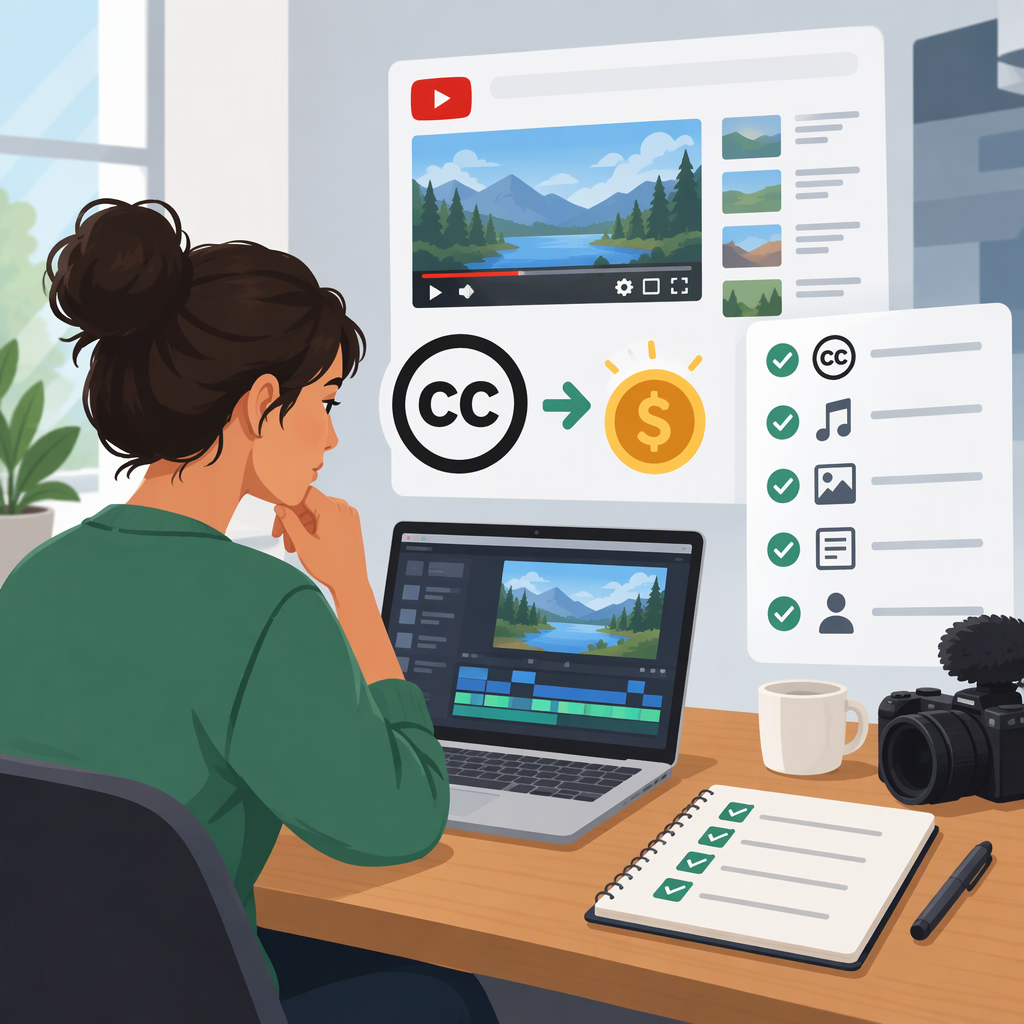
YouTube Creative Commons Monetization: What Creators Need to Check
Can You Monetize a YouTube Video That Uses Creative Commons Material?
Potentially, yes—but a Creative Commons label alone does not guarantee that you can use the material commercially or that YouTube will monetize your video. First, check that the specific asset’s license permits your intended use and that you meet its conditions. Separately, your channel and video must comply with YouTube’s monetization policies and eligibility requirements. YouTube says royalty-free or Creative Commons content can be monetized when the license grants commercial-use rights; it also requires compliance with its monetization policies. (support.google.com)
Think of these as two separate gates:
- Rights: Does the license—or another valid permission—cover this asset, this use, and any edits you plan to make?
- YouTube monetization: Does your channel meet applicable program eligibility requirements, and does the video meet the rules for monetized content, including the reused-content policy?
Passing the rights check does not guarantee passing the YouTube check. YouTube’s reused-content policy concerns whether content is sufficiently original for monetization; permission from a rights holder does not by itself settle that platform-policy question. (support.google.com)
Before Using a Creative Commons Asset: A Pre-Publication Checklist
Check the specific item, not just the website or a general claim that material is “free.” A license applies only within its scope, and the uploader may not control every element included in an asset. (creativecommons.org)
- Identify the source and license. Save the asset’s page, the license name or link, and the information shown about who shared it. If the license is missing, unclear, or inconsistent, do not assume commercial permission.
- Check commercial use. Confirm that the license permits your planned monetized use. YouTube specifically advises checking the license agreement for commercial rights. (support.google.com)
- Check edits and other conditions. Read the actual license terms to see whether they restrict adaptations or require conditions such as sharing adaptations under the same license. Creative Commons licenses differ; for example, CC BY permits commercial use with attribution, while CC BY-SA also requires adaptations to be shared under the same terms. (creativecommons.org)
- Provide required attribution. Follow the particular license and the information the licensor supplied. Creative Commons recommends crediting the creator, naming the source, identifying the license, and noting changes where relevant. Put the credit somewhere viewers can reasonably find it, such as the video description, if that fits the license and context. (wiki.creativecommons.org)
- Consider third-party elements. A video may contain music, artwork, performances, or other material that the person who uploaded it did not have authority to license. Look for exclusions or credits, and seek separate permission where needed. A CC label is not proof that every embedded element is cleared. (wiki.creativecommons.org)
- Keep a record. As a practical precaution—not a YouTube requirement—save the asset URL, license details, creator credit, and any permission you relied on.
Illustrative attribution format: “Title — Creator (source link), licensed under [license name and link]. Edited by [your name, if applicable].” Treat this as a template, not a substitute for checking the license’s exact requirements.
Check YouTube’s Monetization Rules Separately
Even when you have permission to use an asset, YouTube may still assess whether your channel and video qualify for monetization. Its channel monetization policies apply to creators in or applying to the YouTube Partner Program; ad-monetized content must also meet applicable advertiser-friendly rules. Review the current YouTube Partner Program eligibility and Channel Monetization Policies, including the reused-content policy, for your account and content type. (support.google.com)
In practical terms, adding a licensed clip or track to a video does not automatically make the result sufficiently original for YouTube monetization. A video built mostly from other people’s material with little original contribution may face reused-content concerns even if the use is licensed. Conversely, a license that permits commercial reuse still does not promise acceptance into the program or monetization of a particular video. (support.google.com)
YouTube also notes that using content according to a Creative Commons license does not guarantee avoiding copyright issues such as a Content ID claim or strike. Keep your license evidence and respond to any rights claim through the appropriate YouTube process. (support.google.com)
If You Apply a Creative Commons License to Your Own YouTube Upload
YouTube’s upload settings offer a Standard YouTube license and a Creative Commons Attribution (CC BY) license. The Standard YouTube license is the default. Choosing CC BY means other creators may reuse your video under CC BY terms; it is not merely a label saying that you permit reuse without conditions. YouTube says you should select CC BY only when your video is licensable under CC BY—for example, because you made the content or have the relevant rights. You cannot add that license if your video has a Content ID claim. (support.google.com)
This licensing choice is distinct from YouTube’s monetization review. A CC BY selection grants reuse permissions under that license; it does not replace YouTube Partner Program eligibility or other monetization policies, and it does not guarantee that your upload will earn revenue. Check both the rights you are granting and YouTube’s current monetization rules before publishing. (support.google.com)
Bottom line: You may be able to monetize a video containing Creative Commons material when the applicable license allows your commercial use and you meet its conditions—but YouTube’s separate monetization and eligibility rules still apply.