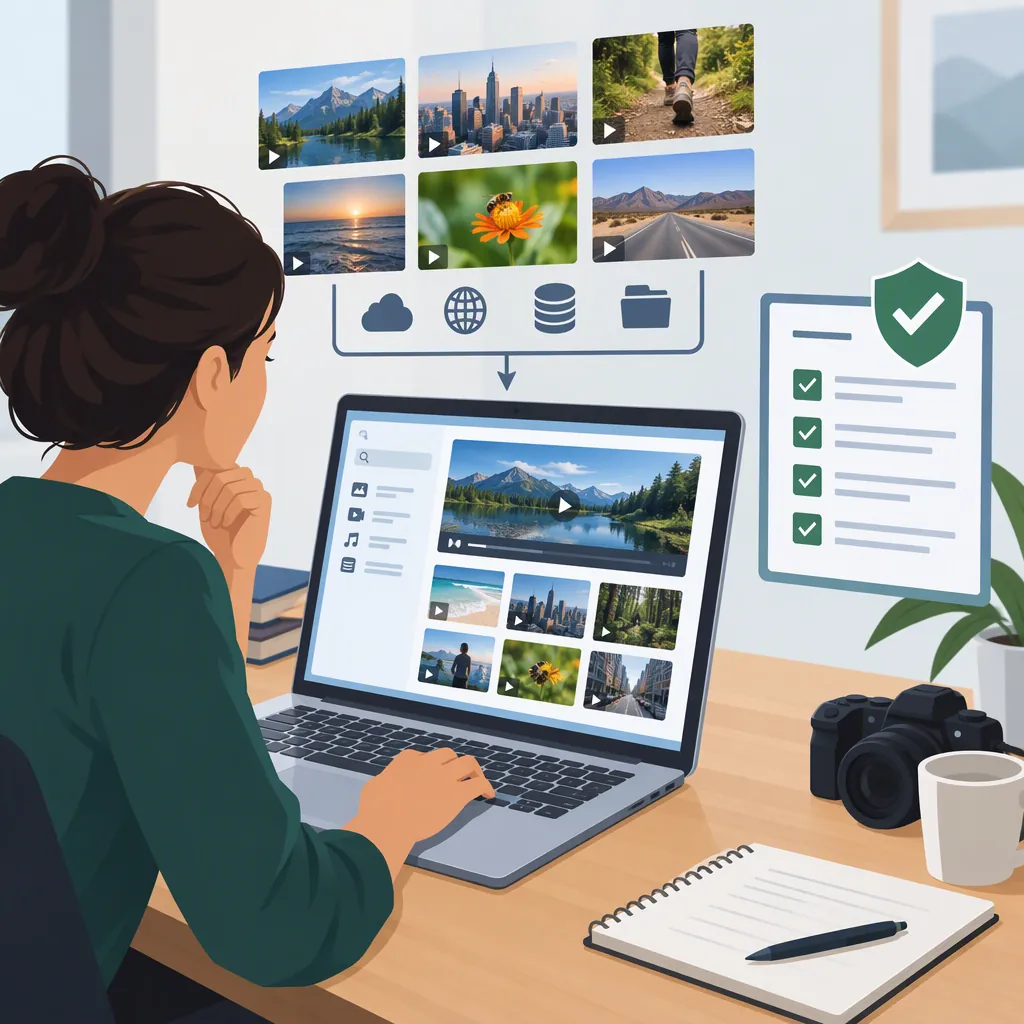
Royality-Free B-Roll: Where to Look and What to Check
To find royalty-free B-roll, start with Videezy’s B-roll search page or Beachfront B-Roll’s footage collection. Videezy offers license filters; Beachfront describes its footage as free and displays a Creative Commons Attribution 3.0 Unported notice. Neither page establishes permission for every possible use of every clip. Check the selected clip’s terms before publishing. [citation-1] [citation-3]
Pexels, Pixabay, and Mixkit are additional discovery options: an EditBuddy roundup describes them as free commercial-use sources without required attribution. That recommendation comes from a third-party roundup, not verified current provider license pages. [citation-2]
Where to Look for B-Roll
Use this table to identify search starting points and the permission checks that remain.
| Source | What the Source Describes | What to Check Before Use |
|---|---|---|
| Videezy | A royalty-free B-roll results page with Standard, Pro, Creative Commons, and Editorial Use Only license filters. [citation-1] | The selected clip’s applicable license, cost, attribution requirements, and permitted uses. |
| Beachfront B-Roll | Free footage and animated backgrounds, with a Creative Commons Attribution 3.0 Unported notice on the page. [citation-3] | Whether that license applies to the selected clip, its required credit, and whether the download remains available. |
| Pexels | The EditBuddy roundup describes it as a free commercial-use option without required attribution. [citation-2] | Current provider and clip-level terms; the roundup is not an official license. |
| Pixabay | The EditBuddy roundup describes it as a free commercial-use option without required attribution. [citation-2] | Current provider and clip-level terms; the roundup is not an official license. |
| Mixkit | The EditBuddy roundup describes it as a free commercial-use option without required attribution. [citation-2] | Current provider and clip-level terms; the roundup is not an official license. |
The three recommendations above come from the EditBuddy roundup. Treat its license summaries as discovery information rather than confirmed authorization for a particular clip. [citation-2]
What “Royalty-Free” Means
Royalty-free generally means that, after obtaining a license, you can use the asset within that license’s scope without paying a separate royalty for each use. It does not necessarily mean the download is free, the footage has no copyright, attribution is unnecessary, or every use is allowed.
Keep these distinctions separate:
- Royalty-free: Describes the royalty arrangement, not unlimited permission.
- Free to download: Describes the download cost, not the full usage rights.
- No attribution required: Describes a credit requirement, not every other license condition.
- Copyright-free or public domain: Concerns copyright status; do not infer it from a “royalty-free” label.
The source pages illustrate why these distinctions matter: Videezy lists several license categories, while Beachfront combines free-footage language with an attribution license notice. [citation-1] [citation-3]
Separate Download Cost from Usage Permission
Before choosing a clip, answer four questions:
- Cost: Is this particular download free, paid, or tied to a subscription?
- Use: Do the terms cover your intended project and distribution, including commercial work if applicable?
- Credit: Must you identify the creator or include a license reference?
- Restrictions: Is the clip editorial-only, or are there limits on redistribution or other uses?
Do not assume every library follows one pricing or attribution model. The EditBuddy roundup describes Videvo as mixing free and paid content with varying attribution requirements, and Storyblocks as a paid subscription rather than a free source. These are third-party descriptions, not verified current plan or license terms. [citation-2]
Search for a Shot, Not Just “B-Roll”
Build a short shot list before searching. Describe the visible subject and action rather than relying on the broad phrase “royalty free b roll.”
For example:
- “Hands kneading dough”
- “Waves at sunset”
- “Person typing at a desk”
These are suggested queries, not promises that a particular library has matching footage.
Videezy’s B-roll page includes business, beach, nature, and abstract footage, with resolution filters from SD through 4K and MP4/MOV format filters. Use those controls to narrow candidates to your project’s technical needs. [citation-1]
Then preview each candidate for:
- Framing: Does the composition support the scene?
- Usable duration: Is there enough footage for your intended edit?
- Camera movement: Does the movement fit the surrounding shots?
- Crop flexibility: Can the clip accommodate your intended aspect ratio?
Select for both visual fit and permission. A suitable image is not enough if its license remains unclear.
Keep a Clip-Level Permission Record
Open the clip’s details and applicable license rather than relying only on a library’s search or category page. This matters especially when a site presents multiple license categories or differing attribution requirements. [citation-1] [citation-2]
Use the following record for each candidate. Mark unresolved fields Unconfirmed rather than filling them with assumptions. A record documents your review; it does not itself grant rights.
B-Roll Permission Record
- Project:
- Clip title or identifier:
- Creator, if listed:
- Clip source URL:
- Download date:
- Applicable license name and URL:
- Saved copy of applicable terms:
- Download cost:
- Intended use and distribution:
- Commercial-use permission: Confirmed / Unconfirmed / Not applicable
- Editorial-only restriction: Present / Absent / Unconfirmed
- Attribution requirement and exact credit wording:
- Other stated restrictions:
- Questions requiring clarification:
- Decision: Use / Hold / Replace
How to Make the Decision
- Hold when the applicable license or permission for a necessary use remains unconfirmed.
- Replace when a stated restriction conflicts with the project—for example, an editorial-only clip selected for a commercial advertisement.
- Use only after confirming the intended use is permitted and meeting applicable conditions. If attribution is required, prepare and include the prescribed credit before publishing.
If an important permission question cannot be resolved, keep the clip on hold or choose another candidate.
FAQ
Where Can I Find Free B-Roll for Commercial Use?
The EditBuddy roundup names Pexels, Pixabay, and Mixkit as free commercial-use options without required attribution. Use them as search starting points, then confirm the current provider terms and the selected clip’s license before publishing. [citation-2]
Does Free B-Roll Always Mean No Attribution?
No. Beachfront B-Roll describes its footage as free while displaying a Creative Commons Attribution 3.0 Unported notice. Check the terms that apply to the selected clip and follow the required credit instructions. [citation-3]
Can I Assume Every Videezy B-Roll Clip Allows Commercial Use?
No. Videezy’s B-roll search page includes an Editorial Use Only filter alongside other license categories. The category page does not establish commercial-use permission for every result; inspect the selected clip’s license. [citation-1]
Is a “Royalty-Free” Search Result Enough to Approve a Clip?
No. Treat the label as a starting point, not a complete permission statement. Videezy’s differing license filters and Beachfront’s attribution notice show why you still need to check the applicable terms for the clip and your intended use. [citation-1] [citation-3]
Sources
-
[citation-1] Free B Roll Stock Video Footage - (418 Free Downloads)
-
[citation-2] Best Free B-Roll Sites for Commercial Use in 2026 | EditBuddy
-
[citation-3] Beachfront B-Roll: free royalty free