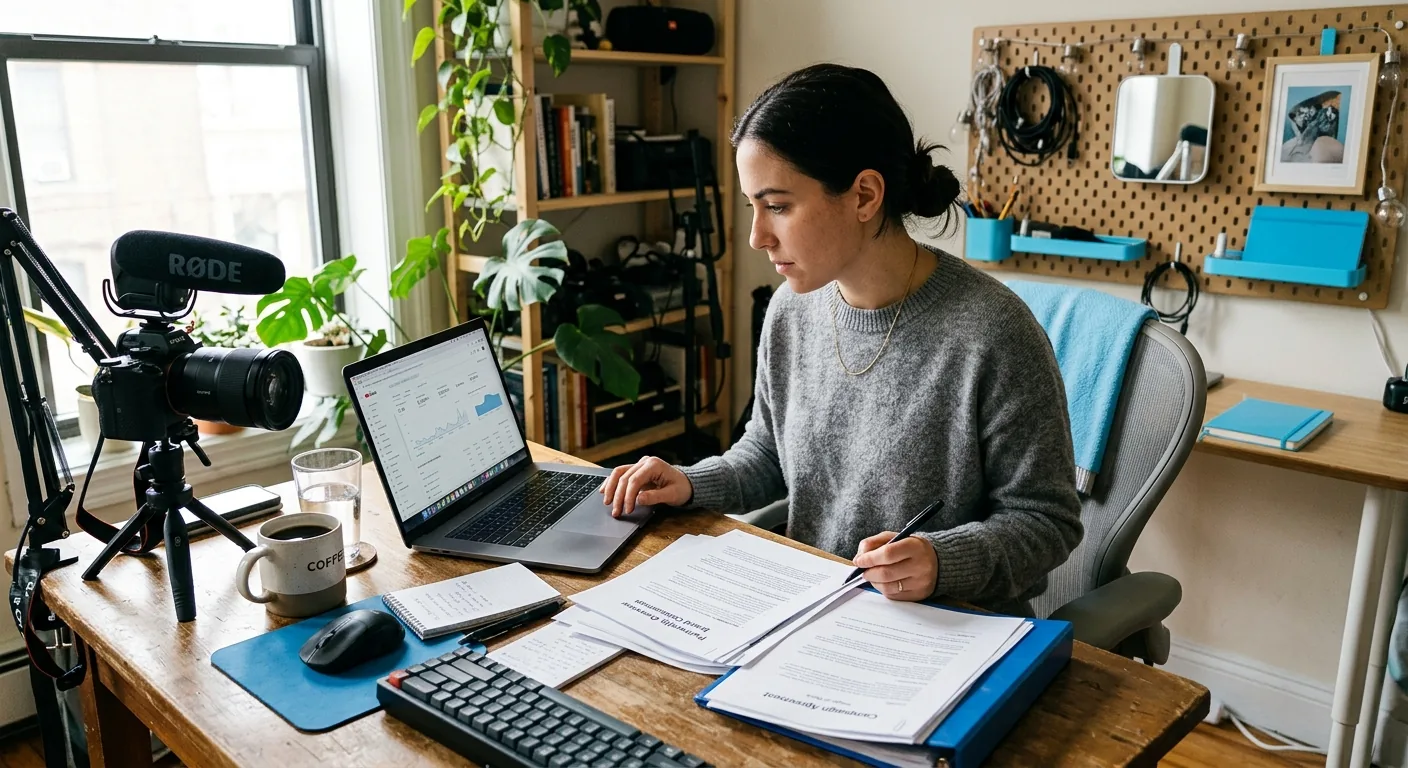
Business AI Assistant for Creator Brand Deals Workflow
A business AI assistant for creator brand deals workflow should help you get organized, prepare better drafts, and keep next steps clear without taking control away from you. If you’re managing early sponsorships across DMs, docs, and spreadsheets, the right fit is a creator-approved workflow assistant that supports preparation, opportunity organization, and creator-reviewed drafts while keeping every important outbound message, commercial term, and commitment under your approval.
The Short Answer for Creators Managing Sponsorships Manually
If your current brand deal process feels scattered, an AI assistant can help most in the messy middle: collecting opportunity details, turning rough notes into usable drafts, surfacing missing information, and helping you decide what to do next. That matters most when brand conversations begin in one place, rates live in another, and follow-up reminders end up in a spreadsheet you may or may not check on time.
For creators, the practical goal is not “automation for everything.” It is a cleaner workflow with better creator control. CreaSeed supports that kind of setup by focusing on creator-approved workflow support for preparation, drafting, opportunity organization, assessment, and next-step coordination.
That means a tool like this should help you:
-
keep incoming opportunities from disappearing across channels
-
prepare replies or pitches faster
-
compare options before you answer
-
review commercial language before it goes out
-
maintain a human-in-the-loop where commercial actions are discussed
It also means some things should stay in your hands. Creators independently verify contacts and approve every outbound message, commercial term, and commitment. That boundary is especially important when you are discussing rates, usage rights, timing, exclusivity, whitelisting, or any promise that affects your business.
Where a Business AI Assistant Helps in a Creator Brand Deals Workflow
Early brand deal workflows usually break down in predictable places. A message arrives in email or DM. You star it, screenshot it, or tell yourself you’ll come back later. Then you open a doc to draft a reply, search another doc for a past rate, and update a spreadsheet only if you remember. The issue is not usually effort. It is fragmentation.
A creator-focused business AI assistant can help across four workflow moments.
1. Opportunity Capture and Organization
The first job is getting opportunities into one working view. Even when a tool is not replacing a full CRM, it can still be useful if it helps you organize brand conversations, track what matters, and keep context attached to each opportunity.
For a creator, the useful questions are simple:
-
What brand is this?
-
What do they want?
-
What platform or deliverable is involved?
-
Is this inbound or outbound?
-
What do I need to answer next?
CreaSeed supports opportunity organization as part of this workflow. That matters when you want less hunting through inboxes and more clarity around what deserves a reply.
2. Draft Preparation
Most creators do not need help writing from zero every time. They need help getting from rough notes to a usable first draft. That could be a sponsor reply, a pitch, a clarification question, or a counterpoint you want to phrase professionally.
CreaSeed can support creator-reviewed drafts and text-suggestion workflows so you can prepare a response faster without handing off the final decision. This is especially useful when you already know what you want to say but want a more polished version before you send it.
3. Assessment Before You Respond
Not every opportunity deserves the same energy. Some deals are a fit, some are unclear, and some need more information before you can even think about pricing or deliverables.
This is where an assessment surface can help. Instead of jumping straight into a reply, you can step back and ask:
-
Is this brand aligned with my content?
-
Do I have enough information to respond intelligently?
-
What questions should I ask before discussing terms?
-
What is missing from the brief?
CreaSeed supports assessment-related workflow help, which can be useful when you want to avoid rushed replies and make cleaner business decisions.
4. Next-Step Coordination
A lot of creator admin is not writing. It is remembering. Follow up Friday. Ask for timeline. Confirm usage terms. Send revised deliverables. Check whether you already answered this.
CreaSeed supports conversational preparation and next-step coordination, which can help you move from “I know I need to do something here” to “Here is the next action I should review.” That is different from acting on your behalf. The point is to reduce admin friction while preserving creator approval.
Business AI Assistant for Creator Brand Deals Workflow: Decision Record
If you are deciding whether to add a business AI assistant to your creator workflow, a good next step is to create a creator-owned decision record. This is not a fancy ops document. It is a simple record of where your current process breaks, what should stay manual, and where AI support would actually help.
Here is a practical version you can copy into a note, doc, or workspace:
Current tool stack
-
Where do opportunities arrive now?
-
Where do you draft replies?
-
Where do you track rates, deliverables, and follow-ups?
Workflow breakdowns
-
Which messages get lost?
-
Where do you repeat the same writing work?
-
What information is hardest to find when it is time to respond?
Approval points
-
Which messages must you personally review before sending?
-
Which commercial topics require a final creator decision?
-
Where do you want human-in-the-loop review every time?
Recurring message types
-
inbound sponsor reply
-
outbound pitch
-
follow-up after no response
-
clarification on deliverables
-
response to a low or unclear offer
Manual judgment that should stay manual
-
deciding whether a brand is a fit
-
choosing whether to accept, decline, or counter
-
approving commercial commitments
-
confirming legal, tax, payment, usage-rights, exclusivity, or whitelisting language
What success would look like
-
fewer missed opportunities
-
cleaner draft prep
-
better consistency in replies
-
less time piecing together context
-
clearer next-step tracking
This kind of decision record helps you judge workflow fit instead of chasing vague promises. It also keeps the focus on creator control. If a tool helps you get organized and prepare faster, while leaving final commercial judgment with you, it may be a strong fit for early sponsorship operations.
Decision Criteria and Creator Review
When you compare your options, the most useful criteria are not “Does it do everything?” but “Does it improve the parts of my workflow that are currently messy?”
A practical review framework includes five questions.
Does It Help Organize Opportunities Clearly?
If you are still bouncing between inboxes, notes, and spreadsheets, organization is the first win to look for. A tool should make it easier to keep opportunity context, draft history, and next actions connected.
Does It Help Prepare Creator-Reviewed Drafts?
This is one of the highest-value uses for creators. Good draft support can reduce blank-page friction and improve consistency, while still keeping you in control of what gets sent.
Does It Preserve Creator Approval?
This should be non-negotiable for brand deal workflow. Important outbound messages and commercial commitments remain creator-reviewed and approved. If rates, deliverables, timing, usage, or deal terms are being discussed, creator approval should stay in the loop.
Does It Support Next-Step Coordination Without Pretending to Run Your Business for You?
Many creators want support, not a hands-off manager replacement. A useful assistant helps you prepare, organize, and review. It should not require you to give up your judgment just to reduce admin.
Does the Current Setup Match Your Operations Needs?
If you need deeper CRM functions, broad integrations, reporting depth, tracker replacement, or full lifecycle coverage, confirm the current setup before depending on any tool for those tasks. That is not just a technical question. It affects how much of your workflow you can realistically centralize.
One Practical Creator Scenario
Imagine a UGC creator in Texas who handles early sponsorship outreach alone. She gets inbound interest through Instagram DMs and Gmail, keeps rate notes in a doc, and tracks brand status in a spreadsheet with columns like “new,” “replied,” and “waiting.”
The problem is not that she lacks hustle. The problem is that every deal starts over from scratch.
One brand sends a DM asking for a package rate. Another emails asking for a turnaround estimate. A third wants a quick intro call but has not shared deliverables yet. By Thursday, she has three half-written drafts, two open tabs with old notes, and no clean record of which message needs attention first.
With a creator-reviewed workflow assistant, she might use one place to organize the opportunity, summarize what the brand is asking, and prepare a draft reply for each thread. She could review suggested wording, adjust the tone to sound like herself, and decide what to send only after checking the details.
For the brand that asked about package rates, she could use the draft as a starting point, then personally verify numbers and approve the final message. For the unclear brief, she could prepare a better question set before responding. For the intro call request, she could line up the next step without losing the thread.
What changes is not that the workflow becomes autonomous. What changes is that the creator stops rebuilding context every time. The assistant supports organization, draft prep, assessment, and next-step coordination. The creator still verifies contacts, reviews commercial language, and approves each outbound message.
How CreaSeed Fits This Workflow
For this use case, CreaSeed fits best as creator-approved workflow support for early brand deal operations. CreaSeed’s product line includes the AI Business Partner and AI Creator Agent framing for creator business tasks, with support centered on preparation, opportunity organization, draft preparation, review, and next-step coordination.
Within that workflow, CreaSeed can support several useful surfaces:
-
a conversational interface for working through replies, questions, and next actions
-
opportunity organization for keeping brand conversations more structured
-
assessment support when you want to think through fit or missing context before replying
-
a text-suggestion surface for creator-reviewed drafts
Relevant product names in this area include AI Creator Agent , Sponsor Reply Assistant , Creator Assessment , and Brand Deal Discovery . For example, Sponsor Reply Assistant may support sponsor reply strategy and draft preparation, while Creator Assessment and Brand Deal Discovery fit naturally into evaluation and opportunity review workflows.
The right way to think about CreaSeed here is not “set it and forget it.” It is “use it to prepare better and stay more organized.” Important outreach, counteroffers, and commitments remain creator-reviewed and approved.
If you want more help with connected topics, you can also read how CreaSeed can support deciding what to charge for a brand collaboration, explore creator workflow support for finding brand collaboration opportunities, learn which negotiation tasks an AI assistant can support before you need a lawyer, or see more about the AI Creator Agent workflow experience.
What to Confirm Before You Rely on Any Tool for Brand Deal Operations
Before you depend on any tool for brand deal workflow, confirm the parts that matter most to your setup.
Start with workflow scope. Are you looking for help with early-stage organization and draft prep, or are you expecting deeper pipeline, reporting, and multi-stage ops coverage? Those are different needs.
Then confirm channel and integration questions. If your workflow depends on specific inboxes, handoff patterns, or cross-tool syncing, confirm the current setup instead of assuming broad integration coverage.
Also confirm what counts as supported tracking. Some creators only need opportunity organization and next-step support. Others want a true tracker, reporting layer, or full lifecycle system from first message through payment and post-campaign wrap-up. If that broader scope matters to you, confirm it directly.
Finally, keep review controls front and center. In creator businesses, the operational question is not just “Can this help?” but “Can this help while preserving creator control?” The safest answer is a workflow where preparation gets easier, organization gets cleaner, and final commercial decisions stay with you.
See how CreaSeed can support your creator workflow.
Continue with the Creator Ai Assistant overview and the Trust And Boundaries collection. Then compare the related creator guide and the next practical resource for the next step in this workflow.
FAQ
Can a Business AI Assistant Help with Creator Brand Deals If I Still Use Spreadsheets?
Yes. For many creators, the first value is not replacing every tool. It is reducing the friction between DMs, docs, and spreadsheets. A business AI assistant can help organize opportunity details, prepare drafts, and clarify next steps while you keep your existing system where needed.
What Should Stay Creator-Reviewed in a Brand Deals Workflow?
Any important outbound message, commercial term, or commitment should stay creator-reviewed and approved. That includes replies about rates, deliverables, timelines, usage rights, exclusivity, whitelisting, and counteroffers.
Is CreaSeed a Full Replacement for a Manager or CRM?
CreaSeed is best suited for creator-approved workflow support for preparation, organization, review, and next-step coordination. If you need broader CRM scope, tracker replacement, deep reporting, or full lifecycle coverage, confirm the current setup for those needs.
Can CreaSeed Send Sponsor Messages for Me Automatically?
CreaSeed supports creator-reviewed workflow preparation. Creators independently verify contacts and approve every outbound message, commercial term, and commitment.
What Is the Best Use Case for CreaSeed in Early Sponsorship Workflows?
A strong use case is when opportunities are starting in DMs or email and your process is becoming hard to manage manually. In that situation, CreaSeed can help organize context, prepare creator-reviewed drafts, support assessment, and keep next steps clearer without removing your control over the deal.