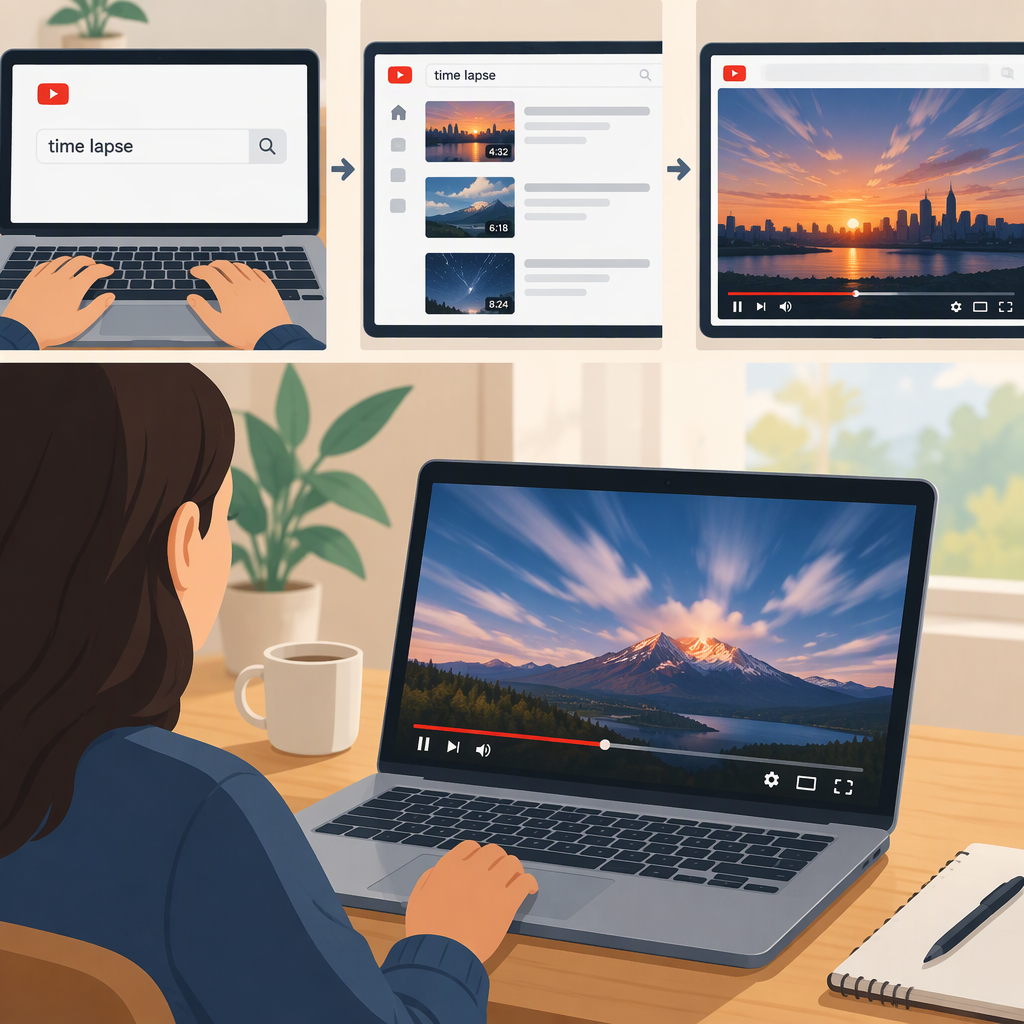
How to Find and Watch Time-Lapse Videos on YouTube
To look for a time-lapse video on YouTube, search for a subject alongside the words time lapse—for example, clouds time lapse or city time lapse. These are suggested search phrases, not tested queries or special search operators, and they don’t guarantee particular results. Review the results and open one that looks relevant to watch.
YouTube’s help page describes using Search to find videos and says search results may be influenced by your preferences and activity. What you see can therefore vary. (support.google.com)
Review a Result Before Watching
Use the video itself and any available title or description to decide whether it matches your subject and what you want to watch. A title or description can offer context, but a “time lapse” label alone doesn’t establish how the footage was made. If the result isn’t what you’re looking for, try a more specific subject phrase—for example, clouds over mountains time lapse instead of clouds time lapse.
This Is About Viewing, Not Watch-Time Metrics
This guide covers finding and watching time-lapse videos. It doesn’t explain how to measure YouTube watch time, use analytics, or evaluate monetization.