How to Choose a Marriage Video Maker
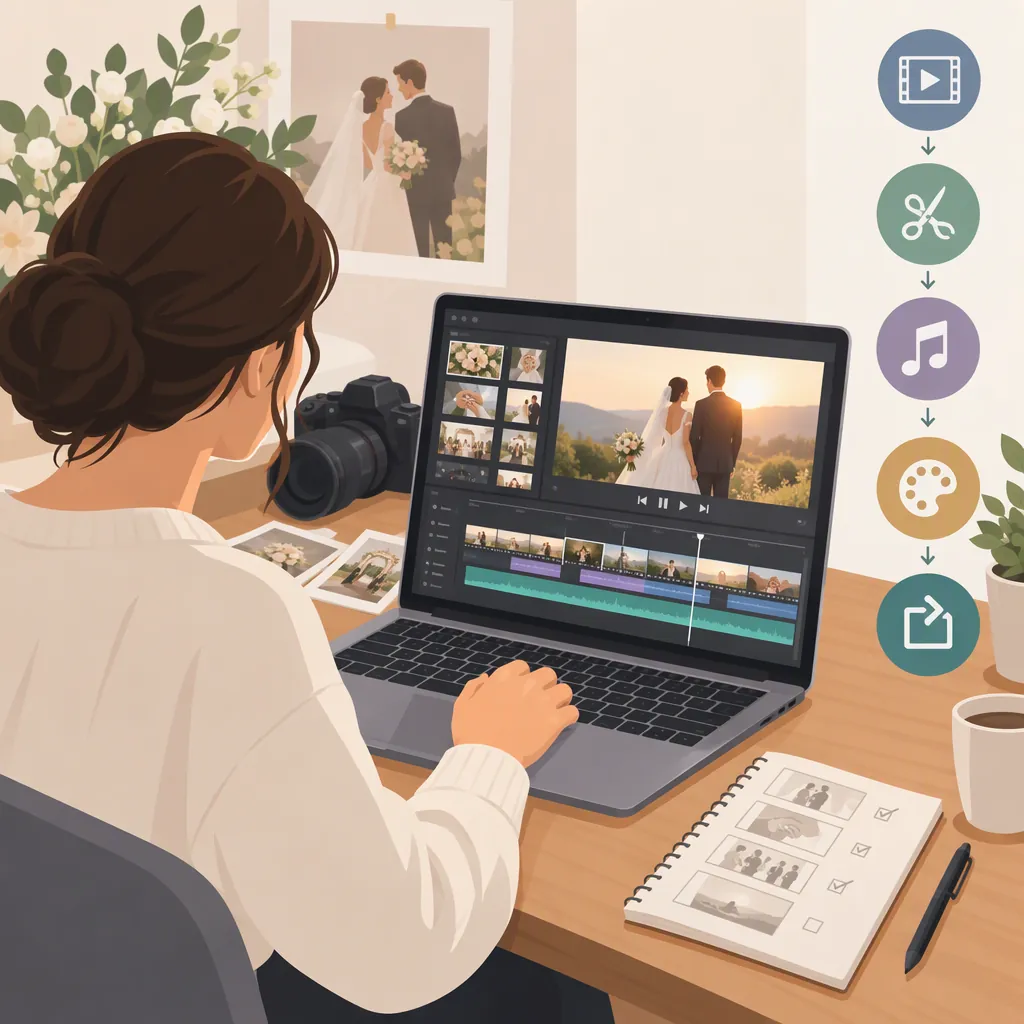
Choose a marriage video maker around the video you want to finish: a photo slideshow, a wedding highlight reel, or a longer keepsake. Check whether your candidate editor can handle your actual files, arrange and trim clips, combine photos with footage, adjust audio, and export a usable final file. The supplied reference describes this basic editing workflow, but it does not establish which editor is best or provide an independent comparison. [c1]
Define the Wedding Video Before Choosing an Editor
Start with the purpose and audience rather than a list of effects. Decide whether you are making a private keepsake, a short public highlight, or a slideshow assembled mostly from photographs.
The supplied wedding-video guide discusses combining photographs and footage, making slideshows, and cutting highlight reels. Treat these as possible formats, not requirements for every wedding video. [c1]
For your own project, write a short brief covering:
- Audience: The couple, invited guests, family, or a public audience.
- Main moments: The ceremony, vows, speeches, first dance, or another meaningful sequence.
- Available material: Phone clips, camera footage, photographs, and separate audio recordings.
- Output: A horizontal keepsake, a vertical highlight, or separate versions.
- Sharing boundaries: Which people and moments should remain private.
Set a provisional length, then revise it after reviewing the footage. Avoid stretching a short collection of strong moments just to meet an arbitrary runtime.
Wedding Video Planning Brief
Complete before editing:
- Audience: ______
- Private or public: ______
- Video format: ______
- Essential moments: ______
- Available photos, clips, and recordings: ______
- Target orientation and provisional length: ______
- People or moments to exclude: ______
- Music permission or license to verify: ______
Evaluate an Editor with a Small Test Project
Use the same small set of representative files to evaluate each candidate. Include a photograph, a phone clip, a clip with speech, and any separate audio you expect to use. This is a proposed evaluation method, not a report of tested results.
The reference describes importing media, arranging it on a timeline, trimming or cropping clips, adding music and text, and exporting a video. Those steps provide a practical starting point for your checklist. [c1]
| Check | What to Verify Yourself |
|---|---|
| Media import | Your actual files open and display correctly. |
| Editing controls | You can reorder clips, trim unwanted material, and set photograph duration. |
| Framing | Important faces and details remain visible in the intended orientation. |
| Audio | Speech is understandable and music can be adjusted independently. |
| Text | Names, dates, and captions remain legible in the final file. |
| Export | The downloaded file has the intended dimensions and plays correctly. |
| Restrictions | Current watermark, payment, storage, and export limits are acceptable. |
| Privacy | Upload, access, retention, and deletion terms fit your sharing boundaries. |
Verify these points in current documentation and, where possible, in a sample export. The supplied source does not provide an independent assessment of quality, current pricing, privacy practices, or competing editors.
Build a Clear Story from the Available Footage
Keep a separate copy of the original media before starting. Organize working files by moment, such as preparation, ceremony, portraits, speeches, and reception.
Make the first assembly without decorative effects. Choose an opening that establishes the occasion, connect the central moments, and finish with a deliberate closing image or sound. Chronological order is a useful starting option, but the story does not need to include every recorded moment.
The reference identifies transitions, music, voiceover, and titles as possible additions. These are optional editing elements rather than measures of quality. [c1]
For the refinement pass:
- Remove repeated shots and accidental starts or stops.
- Give important spoken moments enough room to be understood.
- Adjust music so it does not obscure vows or speeches.
- Use transitions only when they help connect moments.
- Check names, dates, and any captions against the original material.
Before adding music or publishing recognizable guests, confirm that the intended use fits the permissions you have. Do not assume that a track's availability inside an editor establishes permission for every use.
Review the Export and Keep the Limits Visible
Watch the exported file from beginning to end rather than relying only on the editor preview. Check speech clarity, missing media, abrupt cuts, text readability, framing, and the ending. If you create multiple orientations, review each version separately.
Keep the original media, the editable project where available, and the finished export as distinct items. Confirm which version is private and which, if any, is approved for public sharing.
Evidence limitation: This article uses one supplied vendor page. It documents that page's wedding-editing workflow, not independent testing or a ranking of marriage video makers. Its promotional language, testimonials, speed claims, and audience figures are not used here as evidence of performance. [c1]
FAQ
Can a Wedding Video Combine Photographs and Video Clips?
Yes, combining photographs and footage is a workflow described in the supplied reference. For a particular editor, verify compatibility with your actual files and check how photograph duration and framing work before committing to the project. [c1]
How Long Should a Marriage Video Be?
Choose the length around the audience, available footage, and purpose. The supplied reference distinguishes short highlights from longer family videos and notes that there is no strict length requirement. Treat its suggested ranges as guidance, not a rule. [c1]
Which Marriage Video Maker Is Best?
The supplied evidence cannot establish a best editor. It contains one vendor page describing a wedding-video workflow, not comparative testing. Use a representative sample project to evaluate file handling, editing controls, audio, export restrictions, and privacy before choosing. [c1]