How to Choose a Video Montage Maker
Choose a video montage maker by deciding whether you need to edit existing footage, automatically assemble uploaded media, or generate new scenes from prompts. The supplied sources describe these different workflows, but they do not establish a best overall tool. Check device support, manual trimming, audio controls, export restrictions, and usage rights before committing to a project. [app-store] [virbo] [morphic]
Start with the Footage You Have
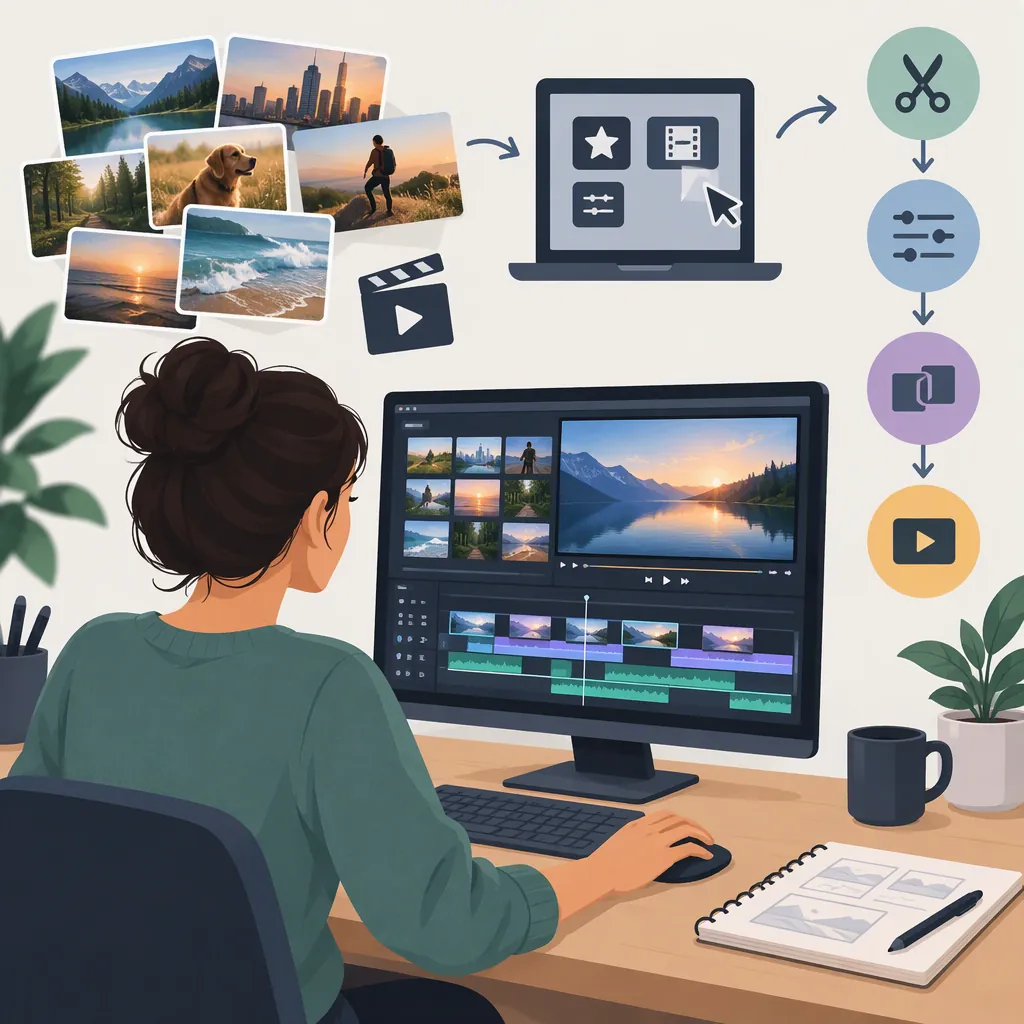
A useful first distinction is whether you want to assemble recorded moments or create new imagery. The supplied pages describe three approaches:
| Approach | What the source describes | What to check |
|---|---|---|
| Edit existing clips | Montage Video Maker & Editor lists importing footage, merging clips, reordering scenes, trimming, and adding music. [app-store] | Can you adjust each cut and retain the moments you need? |
| Automatically assemble uploaded media | Virbo describes uploading images, videos, or audio, adding a description, generating a montage, and customizing it. [virbo] | Can you correct the selection, sequence, and pacing after generation? |
| Generate scenes from prompts | Morphic describes generating montage scenes from text, refining variations, and ordering and trimming shots on its Canvas. [morphic] | Do you need generated imagery rather than a record of actual events? |
Treat these as workflow descriptions, not a quality ranking. For a factual event recap, favor footage that documents the event; do not present generated scenes as evidence of something that happened.
Check Controls, Compatibility, and Export Terms
Use a small, non-sensitive test project to evaluate the controls rather than relying on promotional language.
- Sequence control: Check whether you can reorder clips, trim their starts and ends, and remove unwanted selections.
- Framing: Test the intended horizontal, vertical, or square layout. Inspect faces, text, and important action after cropping.
- Audio: Check music selection, volume adjustment, and whether speech remains understandable.
- Export: Verify the available resolution, watermark rules, duration limits, and any payment requirement at the export step.
- Device support: Confirm the exact device and browser you will use.
The references leave important uncertainties. Virbo repeatedly labels its montage feature desktop-only, while its FAQ also mentions mobile-browser use. Its page therefore does not establish reliable mobile availability. [virbo]
The supplied App Store listing identifies iPhone and iPad support and lists minimum operating-system requirements. It also says the app is not verified for macOS despite listing Mac compatibility requirements. Treat compatibility and practical usability as separate checks. [app-store]
Build a Montage Around a Clear Sequence
Use the following as an editorial workflow, not as a guaranteed feature set for every maker:
- Write the purpose. State what the viewer should understand or feel by the end.
- Select the moments. Choose an opening that establishes context, middle shots that show progression, and an ending that resolves the sequence.
- Make a rough cut. Arrange the material before adding decorative transitions.
- Adjust pacing. Shorten repetition and allow meaningful moments enough screen time to be understood. Do not force every cut onto a beat.
- Balance sound and text. Keep music from obscuring speech and check that captions and titles can be read comfortably.
- Review the exported file. Watch the actual output for accidental crops, missing audio, unreadable text, and an abrupt ending.
For prompt-generated sequences, specify the subject, progression, setting or lighting changes, and tempo. Morphic's supplied guidance recommends these elements and suggests maintaining a consistent subject, palette, and light direction across scenes. These are prompting suggestions, not guarantees of visual consistency. [morphic]
Montage Planning Worksheet
Purpose: ___
Audience and viewing format: ___
Source material: recorded clips / photos / generated scenes / mixed
Opening context: ___
Middle progression: ___
Ending moment: ___
Music source and permission checked: ___
Speech or captions needed: ___
Required manual controls: ___
Target export format: ___
Test-export issues to resolve: ___
Separate Free Access from Publishing Permission
Do not assume that a free download or free entry tier includes the export you need. The App Store listing labels the app free with in-app purchases, while Morphic describes a limited free credit allowance and paid plans. These pages do not establish that every montage workflow is available without payment. [app-store] [morphic]
Avoid treating music descriptions as blanket legal clearance. The App Store listing describes AI music as royalty-free, but that wording alone does not establish permission for every distribution channel or use. Verify the applicable terms for the selected track and intended publication. [app-store]
For sensitive footage, review data handling before importing or uploading it. Apple's listing reports developer-declared identifier tracking and other data practices, and explicitly says Apple has not verified that information. This disclosure does not establish how every individual media file is handled. [app-store]
What These References Cannot Establish
This guide uses two provider pages and one App Store listing. They describe advertised workflows and disclosed conditions, not independent comparative tests. They do not establish a winner for output quality, speed, ease of use, or reliability. [virbo] [app-store] [morphic]
The App Store URL supplied here is the Uruguay storefront, not the U.S. storefront. Do not treat its displayed prices or availability as confirmed U.S. terms. For selection, use the workflow distinctions above and verify current conditions on the device and account intended for the project. [app-store]
FAQ
Do I Need AI to Make a Video Montage?
No. A montage can be assembled by selecting, ordering, and trimming existing clips. The supplied App Store listing describes those controls alongside AI music. Decide whether you need automated assembly or generated imagery separately from basic editing. [app-store]
Can I Make a Montage on My Phone?
The supplied Montage Video Maker & Editor listing identifies iPhone support, subject to its operating-system requirements. Do not assume every browser-based option works on a phone: Virbo's page contains conflicting desktop-only and mobile-browser statements. [app-store] [virbo]
Which Free Video Montage Maker Is Best?
These references do not support a best-free ranking. The App Store listing includes in-app purchases, and Morphic's free tier has limited credits. Check whether your required edits and final export are included before comparing free options. [app-store] [morphic]