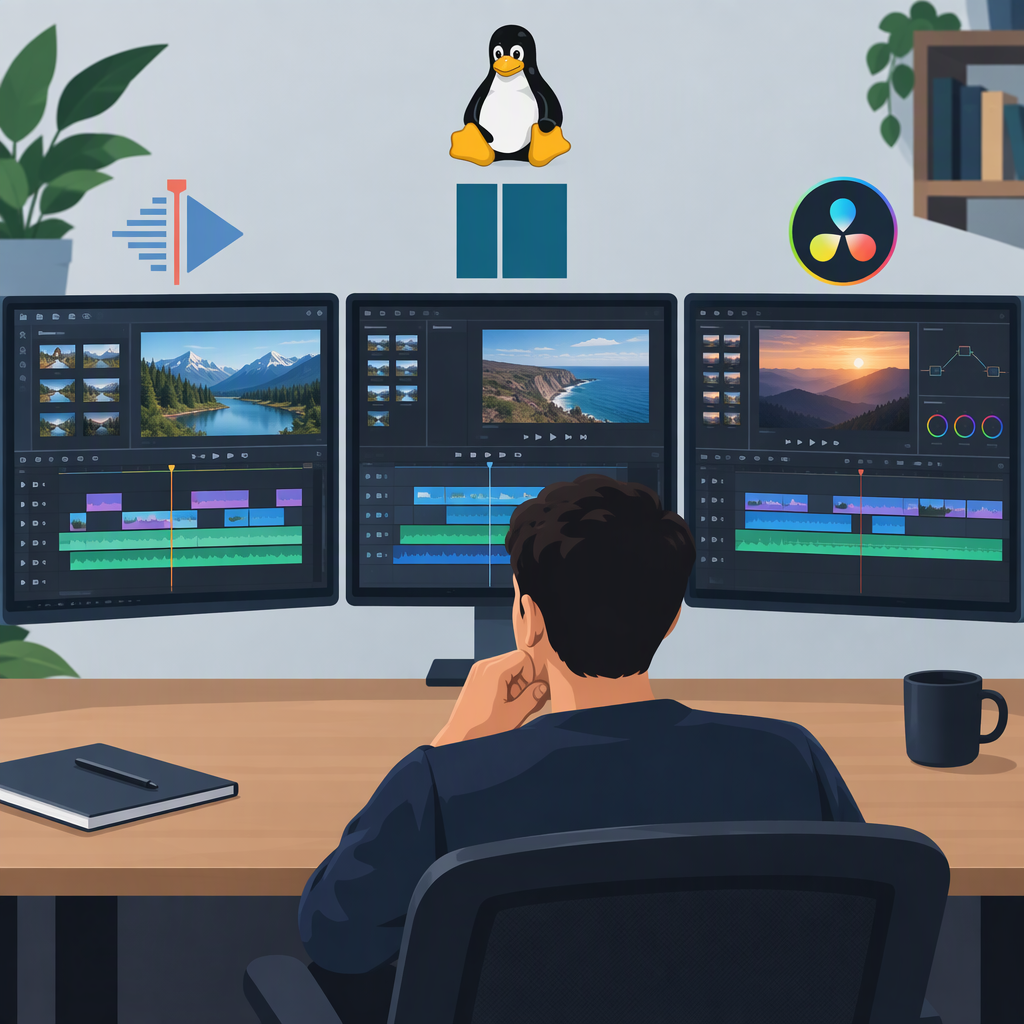
Best Video Editor for Linux: Kdenlive, Shotcut, or DaVinci Resolve?
Short Answer
There is no single best video editor for every Linux user. Kdenlive is a sensible first choice for general-purpose editing if you want a free, open-source editor with proxy-clip options. Shotcut is a strong alternative if you value native timeline editing and broad format support. DaVinci Resolve is worth considering for a workflow centered on color, effects, and audio post-production—but check Linux compatibility carefully against your distribution, GPU, and exact media formats before committing.
That is a practical shortlist, not a claim that one program has been proven faster, easier, or better in hands-on testing. The right choice depends especially on what your footage requires and what your Linux system supports.
Linux Video Editor Comparison
| Editor | What the documentation supports | A reasonable fit if… | Important trade-off |
|---|---|---|---|
| Kdenlive | Free and open source. Its documentation describes support for a wide range of video formats, effects, titles, subtitles, and nested timelines. It offers proxy clips, and the project maintains AppImage and Flatpak packages for Linux. (kdenlive.org) | You want a general-purpose Linux editor and proxy workflows may help with demanding footage. | Kdenlive’s documentation says timeline playback uses the CPU, even though some render profiles support GPU use. Consider your processor and test playback with your own clips. (docs.kdenlive.org) |
| Shotcut | Free and open source, with Linux downloads. Its feature list describes native timeline editing without an import step, FFmpeg-based format support, and support for 4K and 8K resolutions. (shotcut.org) | You want to start editing on a native timeline or need to investigate a particular format in a format-focused editor. | A broad format-support statement does not guarantee that your specific file, codec, bit depth, or export combination will work as needed. Test the actual media and export you plan to use. |
| DaVinci Resolve | Blackmagic Design offers free and paid versions for Linux. Its product materials describe editing, color correction, visual effects, motion graphics, and audio post-production in one application. (blackmagicdesign.com) | Your project benefits from Resolve’s integrated color, effects, or audio post-production tools, and your system meets the applicable requirements. | Linux support needs particular care: the Resolve 21.1 codec document labels its Linux section Rocky Linux 8.6 (CUDA). Do not assume its listed format support applies to every Linux distribution or GPU. (documents.blackmagicdesign.com) |
Which One Should You Try First?
- For a broad, free starting point: try Kdenlive. Its official Linux packages and proxy-clip settings make it a practical first candidate, but its CPU-dependent timeline playback may matter on your machine. (docs.kdenlive.org)
- For native timeline editing and wide format coverage: consider Shotcut. Its published feature list describes editing without an import step and support for a wide range of formats through FFmpeg. Treat that as a reason to test your particular media—not a guarantee for every codec. (shotcut.org)
- For a combined editing, color, effects, and audio workflow: consider DaVinci Resolve, but only after checking its Linux requirements and the codec support for your footage. A free edition is available; a paid Studio edition is also offered. (blackmagicdesign.com)
Check Linux, Footage, and Export Compatibility Before Choosing
A program listing “Linux” as a supported platform does not by itself establish compatibility with every distribution, hardware setup, or media file. Use this checklist for the specific version you plan to install:
- Confirm the Linux environment. Check the editor’s official download or installation documentation for the supported package and any stated operating-system requirements. Kdenlive says its maintained Linux packages are AppImage and Flatpak; those are the documented official options, not proof that every third-party distribution package behaves identically. (docs.kdenlive.org)
- Check hardware requirements that affect your workflow. Pay particular attention to CPU and GPU requirements if you edit high-resolution footage or rely on accelerated playback, effects, or rendering. Kdenlive documents CPU use for timeline playback; Resolve’s Linux codec list is specifically labeled for Rocky Linux 8.6 with CUDA. (docs.kdenlive.org)
- Check your source files, not just their extensions. Identify the video codec, resolution, frame rate, bit depth, and audio format for representative clips. Compare those details with the editor’s documentation for the version and Linux environment you intend to use. Resolve publishes separate supported-format information for its Linux environment; Shotcut describes broad FFmpeg-based support, but that general description does not establish support for every particular combination. (documents.blackmagicdesign.com)
- Verify the export you need. Check that the editor can produce the intended container, video and audio codecs, resolution, and frame rate. A file opening successfully does not necessarily mean the export options you need are available in your Linux setup.
- Try a representative clip before building a large project. Import a short sample, check playback and audio, apply the effects you expect to use, and export a short segment. This is a suggested check for you to perform, not a test conducted for this article.
Make the Final Choice
Start by eliminating any editor that cannot handle your distribution, hardware, source footage, or required export. Then choose between the remaining options based on the work you actually do: Kdenlive is a practical general-purpose candidate; Shotcut emphasizes native timeline editing and broad format support; Resolve combines several post-production workflows but calls for especially careful Linux and codec checks.
If two options both pass your compatibility checks, try the same short project in each. Compare the steps that matter to you—organizing footage, making edits, adjusting audio or color, and exporting. That gives you a useful personal comparison without relying on a universal ranking.