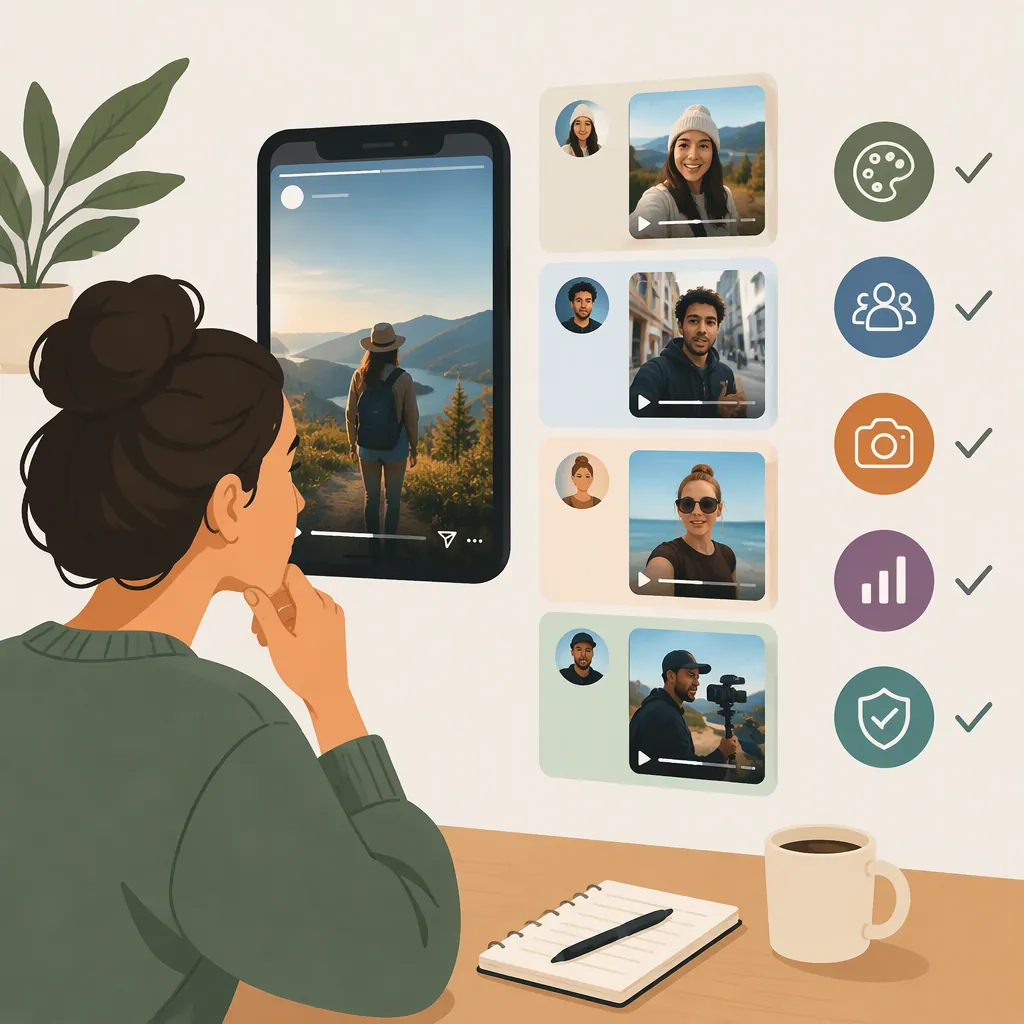
How to Choose an Instagram Story Video Creator
Choose an Instagram Story video creator by matching its workflow to your starting material: existing clips, a reusable template, or a script or image for AI generation. Prioritize editable timing, readable captions, vertical composition, and a usable export over promises of engagement. The supplied sources describe template-based and generated-video workflows, but they do not establish a single best tool or independently verify output quality. [c1] [c2] [c3] [c4]
Match the Workflow to Your Starting Material
Start with what you already have, rather than the longest feature list.
- Existing footage: Evaluate whether you can arrange clips, adjust their duration, reframe subjects, and revise text without rebuilding the project.
- A recurring layout: Evaluate a template workflow using your own media and copy. Check whether longer text or a different image breaks the composition.
- A written narrative: Evaluate how much control remains over the outline, scene order, narration, and generated shots.
- A photo or short prompt: Evaluate whether the resulting motion and visual details remain faithful to your intended message.
The references illustrate these approaches. PlayPlay’s page describes uploading footage, choosing a Story format, personalizing a template, and downloading a video. Vimeo’s page describes selecting an Instagram template, adding media, and customizing it. Media.io’s reference describes a script-to-outline-to-storyboard workflow for Reels, while Frameo’s page describes generating vertical Story videos from prompts or photos. These are publisher descriptions, not hands-on findings. [c1] [c2] [c3] [c4]
Compare Editing Control, Not Just Generation
A useful evaluation asks what happens when the first draft is wrong. Can you shorten one scene, correct a caption, replace an image, or change the audio without recreating everything?
For template workflows, inspect text placement, clip cropping, scene duration, and whether design changes apply consistently. For generated workflows, distinguish between editing a scene and requesting a new version of it.
That distinction is explicit in Media.io’s supplied FAQ: it describes editable outline fields, but says storyboard images are not manually editable and an unsatisfactory shot can instead be regenerated. This is relevant to its documented Reels workflow, not proof of equivalent control in every Story editor. [c3]
Treat automatic captions, character consistency, and synchronized audio as items to inspect in the output rather than guarantees. This article does not verify generation accuracy, editing speed, or the availability of controls on a particular subscription.
Repeatable Editing Test
Use the same short project in each candidate editor:
1. Add one photo, two clips, and a short narration or text sequence.
2. Set the canvas to vertical 9:16.
3. Replace a short caption with a longer sentence.
4. Shorten the middle scene without changing the intended ending.
5. Replace one visual and correct one caption.
6. Export the file and inspect it on a phone.
Record which changes were direct edits, which required regeneration, and which were unavailable.
Check Story Format and Export
A practical starting target is 9:16 vertical video at 1080 × 1920 pixels. PlayPlay’s Story page and Vimeo’s Instagram page both identify this layout for Stories; PlayPlay also recommends MP4. Treat these as source-supported starting settings, not a complete or independently verified Instagram upload specification. [c1] [c2]
Do not confuse an Instagram Story with a narrative video intended for Reels. A shared vertical aspect ratio does not establish that every publishing control or duration rule is interchangeable.
The references also conflict on duration: PlayPlay says a single Story segment can be up to 60 seconds, while Vimeo includes guidance saying each Story frame can be up to 15 seconds. No official Instagram specification is supplied, so this article does not resolve that discrepancy. Confirm the applicable limit in Instagram before finalizing the edit. [c1] [c2]
Inspect the actual exported file, not just the editor preview. Check that the subject remains visible, captions are readable, audio is understandable, and no unwanted watermark appears. Preview the file in the intended Instagram placement to identify interface overlap or unexpected cropping.
Export Acceptance Checklist
- The file opens and plays on the intended phone.
- The canvas matches the planned vertical composition.
- Important text and faces remain visible in the Instagram preview.
- Captions match the speech and remain readable long enough.
- Narration is understandable with any background audio.
- The export contains no unexpected watermark or missing media.
- Duration is accepted in the intended Story placement.
- Rights and permissions are documented for the included assets.
Make a Selection with Evidence Limits in Mind
Select the workflow that handles your required revisions and produces an acceptable export with the least unnecessary complexity. A template may suit an established layout; a generated storyboard may suit a script-led project. Neither approach should be preferred solely because it is labeled AI.
Before relying on a tool, verify current export access, watermark restrictions, subscription requirements, media licensing, and handling of uploaded material. Those questions are not settled by the supplied landing pages.
The references document how their publishers present these workflows. They do not provide a controlled comparison using the same footage, script, or acceptance criteria. This article therefore does not rank tools, repeat customer testimonials, or endorse claims about engagement and production speed. The shared-project test above is a suggested evaluation method, not a reported benchmark. [c1] [c2] [c3] [c4]
FAQ
What Is the Best Instagram Story Video Creator?
The supplied evidence does not establish one best creator. Evaluate candidates using the same media and required revisions, then compare the exported results. The sources describe different template and AI-generation workflows rather than a controlled comparison. [c1] [c2] [c3] [c4]
What Size Should an Instagram Story Video Be?
The PlayPlay and Vimeo references identify 9:16 vertical video at 1080 × 1920 pixels as a Story layout. Use that as a starting target, then inspect the export in Instagram. The supplied sources are not official Instagram specifications. [c1] [c2]
Do I Need AI to Make a Story Video?
AI is not a prerequisite in the template workflows described by PlayPlay and Vimeo: their pages outline adding media and customizing a template. Consider generation when your project starts with a script, prompt, or photo, but still evaluate the resulting visuals and editability. [c1] [c2] [c3] [c4]
How Long Can an Instagram Story Video Be?
The supplied sources disagree: PlayPlay states up to 60 seconds for a single segment, while Vimeo includes 15-second Story-frame guidance. Without an official Instagram source in the reference set, a definitive current limit cannot be verified here. Check the intended upload in Instagram before completing the edit. [c1] [c2]