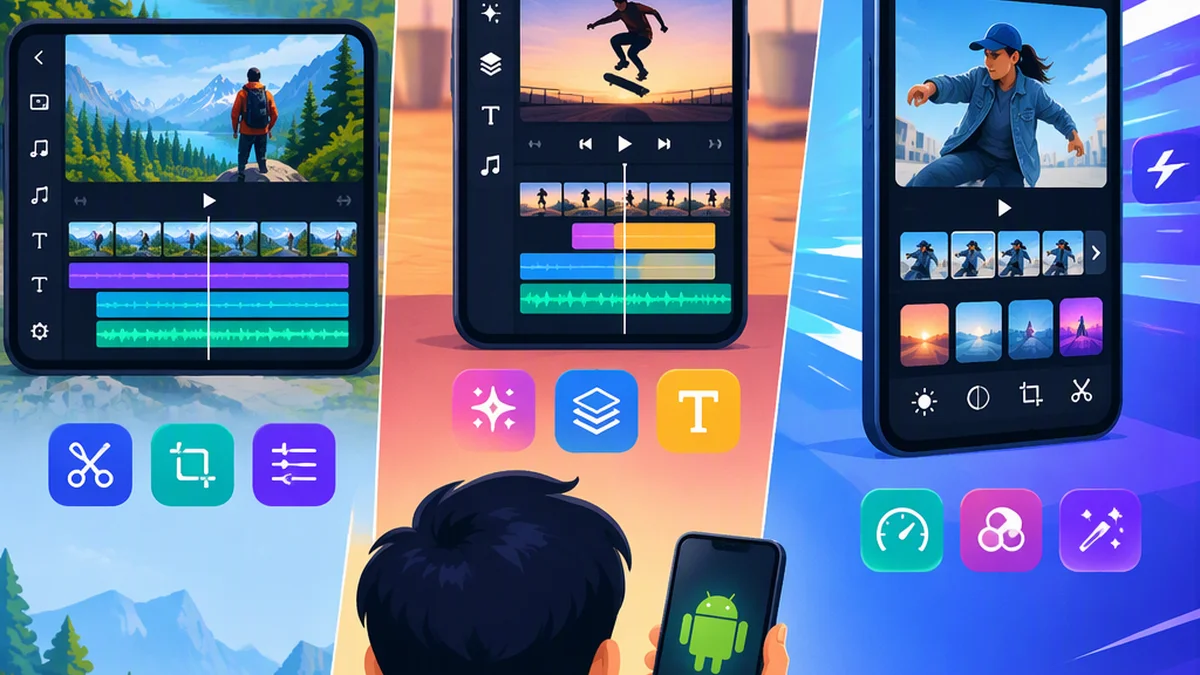
Best Video Editor for Android: Choose by Workflow
The best video editor for Android is the one that supports your required edits, exports an acceptable file on your phone and fits your budget. VN, CapCut and LumaFusion are useful trial candidates, but the official descriptions used here do not establish an overall winner.
Start with VN for documented beat-editing tools, CapCut for documented captioning and compositing tools, or LumaFusion for explicit track counts and audio controls. These are feature-based starting points—not conclusions about which app is faster, easier or better in practice.
Quick Comparison: Which App Should You Try First?
| Your main requirement | Trial starting point | Reason supported by the Android listing |
|---|---|---|
| Timing layered clips to music | VN | Multi-track timeline, beat markers, beat-synced AutoCut and BeatsClips workflows. [c1] |
| Captions plus foreground/background compositing | CapCut | Auto captions, text-to-speech, chroma key and automatic background removal. [c2] |
| A specified layer count and detailed audio adjustments | LumaFusion | Six video-with-audio or graphic tracks, six additional audio-only tracks, EQ and audio ducking. [c3] |
| Automatic captions alone | Compare VN and CapCut | Both advertise auto captions; the descriptions do not establish accuracy or ease of correction. [c1][c2] |
| General multi-track editing | Compare all three | All advertise layered editing; LumaFusion gives an explicit track count. [c1][c2][c3] |
| 4K at 60fps export | Compare VN and CapCut | Both advertise this option; device compatibility, successful export and purchase entitlement still need checking. [c1][c2] |
What the Evidence Does—And Does Not—Show
This comparison uses three developer-published Android Google Play descriptions captured on October 19, 2026. It includes no hands-on testing of speed, stability, caption accuracy, compositing quality or export quality.
The table below compares the same tasks across the three candidates. “Not confirmed here” means the descriptions used for this comparison do not establish that capability; it does not mean the app lacks it.
| Task | VN | CapCut | LumaFusion |
|---|---|---|---|
| Beat-oriented editing | Beat markers, beat-synced AutoCut and BeatsClips explicitly advertised | Equivalent beat-editing tools not confirmed here | Equivalent beat-editing tools not confirmed here |
| Automatic captions | Explicitly advertised | Explicitly advertised | Not confirmed here |
| Chroma key and automatic background removal | This tool combination not confirmed here | Both explicitly advertised | This tool combination not confirmed here |
| Multi-track editing | Multi-track timeline advertised; exact count not established here | Multi-track timeline advertised; exact count not established here | Six video-with-audio or graphic tracks, plus six audio-only tracks |
| EQ and audio ducking | These specific controls not confirmed here | These specific controls not confirmed here | Graphic and parametric EQ, plus audio ducking, explicitly advertised |
Sources: [c1][c2][c3]. No comparative test results are available.
VN and CapCut therefore remain candidates for caption-led work, and all three remain candidates for layered editing. LumaFusion’s more specific documentation helps when you have fixed track or audio requirements; it does not prove a better editing experience.
VN: A Trial Candidate for Beat-Oriented Layered Edits
VN advertises a multi-track timeline, beat-synced AutoCut and BeatsClips workflows, auto captions, and export up to 4K at 60fps. Its description also lists overlay videos, photos, stickers and text, recorded voiceovers, keyframe animation, and beat markers. [c1]
Its documented combination of manual timing controls and automated assembly makes it a reasonable first trial when musical timing is central to your work. The evidence does not establish that those tools outperform the alternatives.
Example trial: Combine three short shots, a spoken introduction, a music bed and a title that changes on a deliberate beat. Check whether you can revise the automated result and adjust timing without rebuilding the sequence.
If captions matter more than beat timing, compare VN with CapCut rather than choosing on this workflow label alone.
CapCut: A Trial Candidate for Captions and Compositing
CapCut advertises trimming, splitting and merging clips, a multi-track timeline, chroma key, auto captions, text-to-speech, and automatic background removal. Its listing also advertises custom export resolution, 4K 60fps exports, and smart HDR. [c2]
That documented tool combination makes it a reasonable starting point when you need both speech-derived text and a foreground subject combined with other visual material. It does not establish superior caption accuracy or cleaner subject edges.
Example trial: Edit a short explanation with a cutaway, two difficult names and a moving subject. Correct the captions, then inspect the subject boundary at several points in the exported clip.
Check captions against the recording and inspect background removal around moving edges. If captions are your only requirement, include VN in the same trial.
LumaFusion: A Trial Candidate for Track and Audio Requirements
LumaFusion advertises six video-with-audio or graphic tracks and six additional audio-only tracks. Its Android listing also describes video waveform, vector and histogram scopes, graphic and parametric EQ, audio ducking, and access to media directly from USB-C drives. [c3]
These explicit specifications help you screen the app against a required layer count or particular audio adjustments. They are more actionable than a general “professional” label, but do not establish smoother playback, faster exports or an easier interface.
Example trial: Arrange an interview, two cutaways, a title, narration and background music in a short sequence. Adjust the music under speech, then change one layer without disturbing the others.
The listing describes speed ramping and enhanced keyframing as a separate one-time in-app purchase or part of an optional Creator Pass. [c3] Check those additions separately from the core tools when comparing cost.
Cost, Free Export and Watermarks: What Is Confirmed?
This evidence does not establish a best free Android video editor. The captured descriptions do not provide a comparable account of base-app prices, free-tier boundaries or watermark-free export conditions. No exact prices or region-specific offers are reported.
| Purchase question | VN | CapCut | LumaFusion |
|---|---|---|---|
| Base-app price or charging model | Not established here | Not established here | Not established here |
| Confirmed purchase information | Listing labeled as containing ads and in-app purchases. [c1] | Subscription price and free-tier boundary not established here | Speed ramping and enhanced keyframing described as a separate one-time purchase or optional Creator Pass. [c3] |
| Regular export without payment | Not confirmed | Not confirmed | Not confirmed |
| Watermark-free export | Not confirmed | Not confirmed | Not confirmed |
| Access to the tools recommended above | Payment requirements not fully confirmed | Payment requirements not fully confirmed | Core-tool entitlement needs checking; the additional purchase conditions above are documented |
An advertised feature is not proof of free access. Likewise, an in-app-purchase label does not tell you which tools or exports require payment.
If budget is your deciding factor, check purchase conditions before building a substantial project:
- Confirm the current base-app offer in your region and currency.
- Check access to every indispensable tool, including captions, compositing or audio controls.
- Verify the cost and branding conditions of your intended export.
- Record any renewal terms and the app version you evaluated.
If access cannot be verified before purchase, keep that requirement marked as unverified rather than assuming it is included.
Choose with One Repeatable Trial
Use the same small, representative project in each candidate where access permits.
- Define your pass criteria. Specify delivery format, required layers, captions or compositing, audio controls, acceptable branding and maximum cost.
- Use representative media. Back up the originals and avoid confidential footage during initial evaluation.
- Build a short sequence. Include a title, cutaway, speech and optional music—not just a single trim. Add difficult wording or motion if captions or compositing matter.
- Make a revision. Change timing, correct text or adjust audio. Judge whether the workflow is understandable and repeatable.
- Verify purchase conditions. Check every required tool and export option before committing to a larger project.
- Export and inspect outside the editor. Watch the file from beginning to end for framing, readable text, spelling, audio balance, timing and unexpected branding.
- Record blockers. Note failed imports, unavailable controls, unacceptable exports or unclear charges. Keep results specific to your device, media and app version.
Choose the app that passes your non-negotiable requirements with a workflow and cost you understand. If multiple apps pass, prefer the one that makes your recurring revisions simplest in that trial.
Before Using Sensitive Footage or Publishing
Read the current privacy terms and check the behavior of the exact feature before importing sensitive recordings, especially when automated tools may involve an external service.
Check permitted uses of music, templates and generated assets for your intended publication. Access inside an editor does not by itself establish commercial rights.
Keep original footage and final exports independently of the editor.
FAQ
Which Android Video Editor Is Best for Free Editing?
No free winner is established by this comparison. First verify that your required tools and a complete, acceptable export are available without payment or unwanted branding. VN’s ads and in-app-purchase label alone does not answer that question, and the free-export conditions for all three apps remain unconfirmed here.
Is LumaFusion the Only Multi-Track Option?
No. VN and CapCut also advertise multi-track timelines. LumaFusion specifically documents six video-with-audio or graphic tracks plus six additional audio-only tracks. [c1][c2][c3]
Which App Is Fastest on Android?
The developer descriptions do not answer that question. Compare the same short project on your own device, keeping the media and export settings consistent where possible. Do not generalize that result to every Android phone.
Sources
Developer-published Android Google Play descriptions captured on October 19, 2026. These are live listings and may change; regional purchase offers and app versions were not established in this comparison.