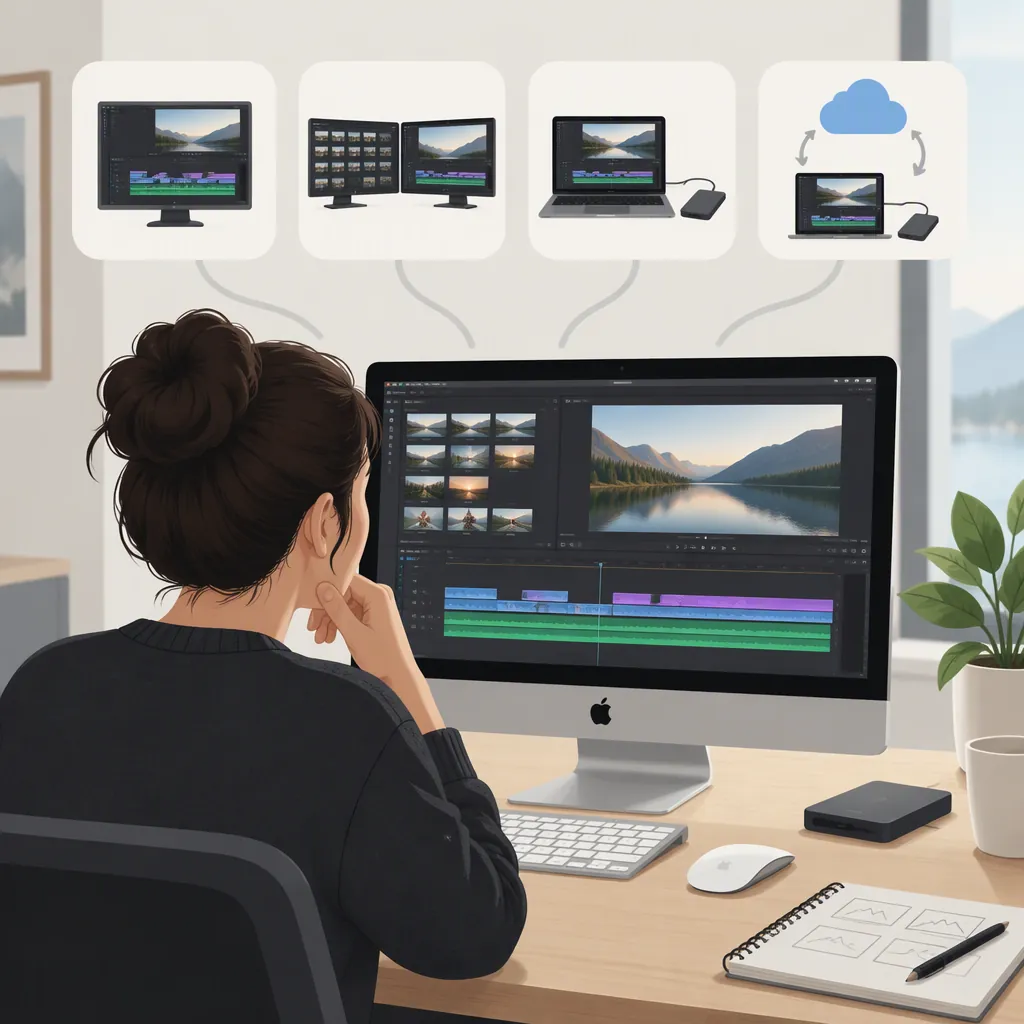
Choosing an Apple Movie Editor for Your Workflow
If you’re choosing an Apple movie editor, start with your existing editor: identify what it cannot do before deciding to switch. Final Cut Pro is an option Apple documents for Mac and iPad, with an import route for existing iMovie projects. The choice between its Mac and iPad workflows depends on compatible hardware, required editing features, project transfer, and licensing—not an assumption that both versions are identical. [apple-fcp]
This guide focuses on evaluating Final Cut Pro’s fit for your workflow. It is not a complete iMovie-versus-Final Cut Pro comparison.
Start with Your Editing Requirements
Before comparing tools, describe the footage you will use, the changes you need to make, and the file you must deliver.
Apple describes Final Cut Pro as supporting clip editing, titles, transitions, effects, audio editing, and color grading. Those documented capabilities identify options to investigate; they do not establish that switching editors is necessary for your project. [apple-fcp]
Use a specific unmet requirement as your reason to evaluate another editor. That might be more detailed color adjustments, a particular caption workflow, or a required output format. If your existing editor meets your editing and delivery needs, there is no requirement-based reason to change.
Project Requirements Worksheet
- Editing device and model: ____
- Operating system version: ____
- Source footage format and resolution: ____
- Required edits, titles, and audio changes: ____
- Caption requirements: ____
- Delivery format, resolution, and aspect ratio: ____
- Existing project that needs transfer: ____
- Requirement the current editor cannot meet: ____
Turn Your Requirements into a Next Step
| Your situation | What to evaluate next |
|---|---|
| Your current editor meets the project’s needs | Continue with that workflow unless you identify a specific reason to change. |
| You have an iMovie project and an unmet editing requirement | Check whether Final Cut Pro addresses that requirement, then review the imported project before continuing. Apple documents iMovie project import. [apple-fcp] |
| You want touch editing, Apple Pencil interaction, or Live Drawing | Evaluate Final Cut Pro on a supported iPad and confirm any accessory requirements. Apple describes these interactions in its iPad workflow. [apple-fcp] |
| You need advanced color grading or Magnetic Mask | Check the Mac workflow. Apple names these as examples of features accessible after exporting an iPad project to Mac; this is not a complete platform feature comparison. [apple-fcp] |
| You prefer a one-time purchase | Check the Mac option and its included content. Apple lists a one-time purchase for Final Cut Pro on Mac alongside its subscription offering. [apple-fcp] |
| You need custom encoding settings | Check the Mac workflow and Compressor’s documented output options against your delivery specification. [apple-fcp] |
Check Device Compatibility First
Apple documents Final Cut Pro for both Mac and iPad, but availability on both platforms does not establish feature parity. Its iPad description includes touch editing, Apple Pencil interaction, Live Drawing, and Live Multicam. Apple also describes exporting an iPad project to Mac for access to additional features. [apple-fcp]
Minimum Requirements Listed by Apple
| Platform | Requirements on Apple’s Final Cut Pro page |
|---|---|
| Mac | macOS 15.6 or later; 8GB of memory, with 16GB recommended; 7.2GB of available disk space; and a Metal-capable graphics card for Intel-based Macs. Some features require Apple silicon. [apple-fcp] |
| iPad | iPadOS 18.6 or later and an iPad with an Apple M1 chip or later, an iPad (A16), or an iPad mini (A17 Pro). [apple-fcp] |
These are application requirements, not a guarantee that every feature works on every eligible device. For example, Apple lists additional hardware, operating system, and U.S. English restrictions for Visual Search and Transcript Search. On iPad, those features require iPadOS 26 or later; on Mac, they require Apple silicon and macOS 15.6 or later. [apple-fcp]
After checking compatibility, evaluate the same short sample of your own footage on the intended device. Check trimming, text entry, audio adjustments, and export. This is a suggested evaluation method, not a report of tested performance.
Check Project Transfer Before Switching
Apple says Final Cut Pro can import iMovie projects created on Mac, iPad, or iPhone. That establishes an import route, but Apple’s Final Cut Pro page does not provide a detailed compatibility matrix for every project element. [apple-fcp]
For an existing iMovie project:
- Keep the original project.
- Identify the requirement that prompted the move.
- Inspect the imported timeline, including edits, titles, transitions, and audio.
- Confirm that the new workflow addresses the unmet requirement.
- Review a sample export before continuing the full project.
If you plan to start on iPad and continue on Mac, Apple documents exporting a Final Cut Pro iPad project to Mac. Do not infer bidirectional transfer or identical features from that documented route. [apple-fcp]
Verify Final Delivery Separately
An editor can meet your editing needs without necessarily meeting a recipient’s exact delivery specification.
Apple describes file export and batch export in Final Cut Pro. It also describes Compressor as a Mac application that adds custom encoding options. These documented capabilities are starting points for checking delivery requirements, not guarantees that a particular specification will be met. [apple-fcp]
Compare a sample export with the actual requirements:
- Image: resolution, aspect ratio, and any required frame rate.
- File: accepted container and codec.
- Audio: playback, synchronization, and required format.
- Captions: appearance and the required embedded or separate-file delivery.
- Destination: playback in the intended application or service.
Use the recipient’s specification as the acceptance checklist rather than relying on a preset name alone.
Separate Licensing from Capability
Apple lists Final Cut Pro for Mac and iPad within an Apple Creator Studio subscription. It also lists Final Cut Pro on Mac as a one-time purchase and notes that some premium content is available only to subscribers. [apple-fcp]
Compare three things separately:
- Platform: whether the option covers your intended device.
- License: subscription or one-time purchase, where offered.
- Included content: whether the content you need is available through that option.
A preferred payment model does not resolve compatibility or feature requirements. Likewise, the same application name does not mean every purchase route includes identical content.
Evidence and Limits
This guide uses Apple’s Final Cut Pro page as its sole manufacturer source. It summarizes Apple’s documented options, not independent performance testing, comparative reliability, or a complete comparison with iMovie. Hardware requirements, feature restrictions, and licensing can change; recheck the page before making a selection. [apple-fcp]
FAQ
Should I Keep Using iMovie or Evaluate Final Cut Pro?
Start with an unmet requirement. If your current iMovie workflow produces the edits and delivery file you need, this guide provides no evidence that switching is necessary. If you need something your current workflow cannot provide, check the exact Final Cut Pro feature on your intended device. Apple documents iMovie project import, but that alone is not a reason to switch. [apple-fcp]
Is Final Cut Pro the Same on Mac and iPad?
Do not assume feature parity. Apple describes touch-focused iPad features and an iPad-to-Mac export route for access to features such as advanced color grading and Magnetic Mask. Check the particular features you need rather than treating the versions as interchangeable. [apple-fcp]
Which Ipads Does Apple List as Compatible?
Apple’s Final Cut Pro page lists iPadOS 18.6 or later and an iPad with an Apple M1 chip or later, an iPad (A16), or an iPad mini (A17 Pro). Individual features can have additional requirements. [apple-fcp]
Does Apple List Final Cut Pro Editing on iPhone?
Apple’s Final Cut Pro page lists the editor for Mac and iPad. It separately describes Final Cut Camera for recording on iPhone or iPad. Do not confuse the camera application with the Final Cut Pro editor. [apple-fcp]
Can an iMovie Project Move into Final Cut Pro?
Apple says Final Cut Pro can import iMovie projects created on Mac, iPad, or iPhone. Its page does not detail how every project element transfers, so retain the original and review the imported result. [apple-fcp]
Does Final Cut Pro Require a Subscription?
Not for every option. Apple lists a one-time purchase for Final Cut Pro on Mac alongside inclusion in the Apple Creator Studio subscription. It also notes that some premium content is subscriber-only. [apple-fcp]
Sources
- [apple-fcp] Final Cut Pro - Apple