Adobe Video Maker: Choosing Between Express, Premiere, and Firefly
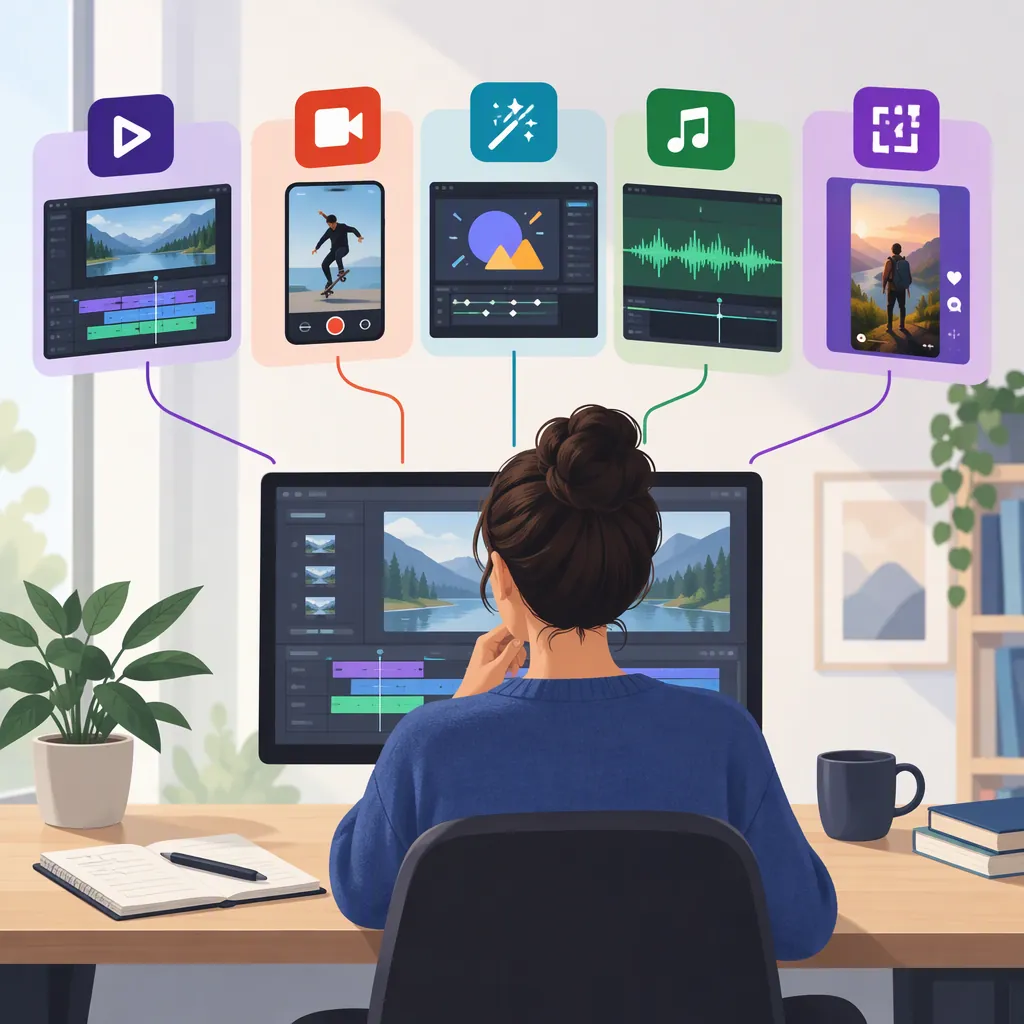
For an “Adobe video maker,” first distinguish editing existing media from generating new footage. Adobe describes Express as an online video maker and editor, Premiere as professional video editing software, and Firefly as a tool for generating clips from text or images. These are different starting points, not an evidence-backed ranking of quality or value. [express-maker] [premiere] [firefly]
Choose by the Work You Need to Do
The phrase “Adobe video maker” does not identify a single workflow. Use the material you already have—and the output you need—to narrow the choice.
| Your Starting Point | Relevant Adobe Tool to Evaluate | What the Provided Source Establishes |
|---|---|---|
| Existing clips, photos, and text for an assembled video | Adobe Express | Adobe describes uploading media, using templates, trimming footage, adding audio, and downloading video. [express-maker] |
| A project requiring professional video editing software | Adobe Premiere | The provided page identifies Premiere as professional video editing software, but its extracted content offers little usable feature detail. [premiere] |
| A text description or still image intended to become new footage | Adobe Firefly | Adobe describes text-to-video and image-to-video generation. [firefly] |
This is a task-based shortlist. The supplied references do not establish comparative performance, learning time, reliability, or total cost.
Evaluate Express for Assembling Existing Media
Adobe's Express documentation describes an editing sequence: upload media or choose a video type, select a template or start from scratch, edit the footage, and download the result. Its editor page lists cropping, trimming, splitting, adding text and audio, and exporting as MP4. [express-maker] [express-editor]
For a practical evaluation, define a small representative project rather than judging from a template preview. Include the kinds of clips, text, and audio your finished video will require. Check whether you can make the necessary edits and whether the exported file meets your delivery requirements.
Adobe describes free video creation and MP4 export on these pages. That does not establish that every asset, feature, or workflow you need is included at no cost. The supplied sources are not a complete plan comparison. [express-maker] [express-editor]
Representative Video Test Checklist
- [ ] Write the video's purpose and intended viewing format.
- [ ] Select a short sample using media you have permission to use.
- [ ] List required edits before starting: cuts, text, audio, and framing.
- [ ] Attempt each required edit and record any access restrictions.
- [ ] Export a sample and inspect picture, sound, text readability, and framing.
- [ ] Record unresolved requirements before selecting a tool.
Keep Premiere Comparisons Within the Evidence
Adobe's supplied Premiere page identifies the product as professional video editing software. Much of the provided extraction consists of references to page fragments rather than readable feature descriptions. [premiere]
Consequently, this article cannot verify detailed Premiere capabilities, hardware requirements, subscription terms, or feature differences from Express using that source alone. Calling a tool “professional” is not enough to determine whether it fits a particular project.
For a selection brief, write down the controls you require—for example, audio adjustments, color work, delivery formats, and project handoff—and mark each as verified or unresolved. These are evaluation criteria, not claims that the supplied Premiere source confirms those capabilities.
Separate Firefly Generation from Editing
Adobe describes Firefly's video generator as accepting a text prompt or an uploaded image. Its instructions suggest describing the subject, style, shot distance, camera angle, and motion, then reviewing and refining the generated result. The page also describes editing generated clips afterward. [firefly]
Generation and editing address different needs: deciding what a new shot should depict is not the same task as cutting existing footage into a finished sequence. If the goal is to assemble recorded material, evaluate the editing workflow first; if the missing element is a new visual shot, generation may be a relevant separate step.
The Firefly page states that generation access and clip characteristics depend on the plan or selected model. It also notes that commercial usage eligibility depends on the model and that partner models may have different terms. Do not treat its commercial-use language as a blanket guarantee covering every model, input, or output. [firefly]
FAQ
Which Adobe Tool Is the Online Video Maker?
Adobe labels Express as an online video maker and editor. Its pages describe assembling uploaded media or templates, editing footage, and exporting MP4 files. That identifies the relevant product, but does not prove it meets every project's requirements. [express-maker] [express-editor]
Can I Make a Video with Adobe Express for Free?
Adobe's supplied pages say that Express supports free video creation and MP4 export. They do not establish that every feature or asset is free, so check access restrictions for the specific workflow you intend to use. [express-maker] [express-editor]
Which Adobe Tool Generates Video from a Prompt?
Adobe's Firefly page describes generating video from text prompts or images. It also explains that access, output characteristics, and commercial usage eligibility can depend on the selected model or plan. [firefly]
Sources
-
[express-maker] Free Video Maker | Adobe Express
-
[express-editor] Free Online Video Editor | Adobe Express
-
[premiere] Professional video editing software | Adobe Premiere
-
[firefly] Free AI Video Generator: Text to Video online - Adobe Firefly