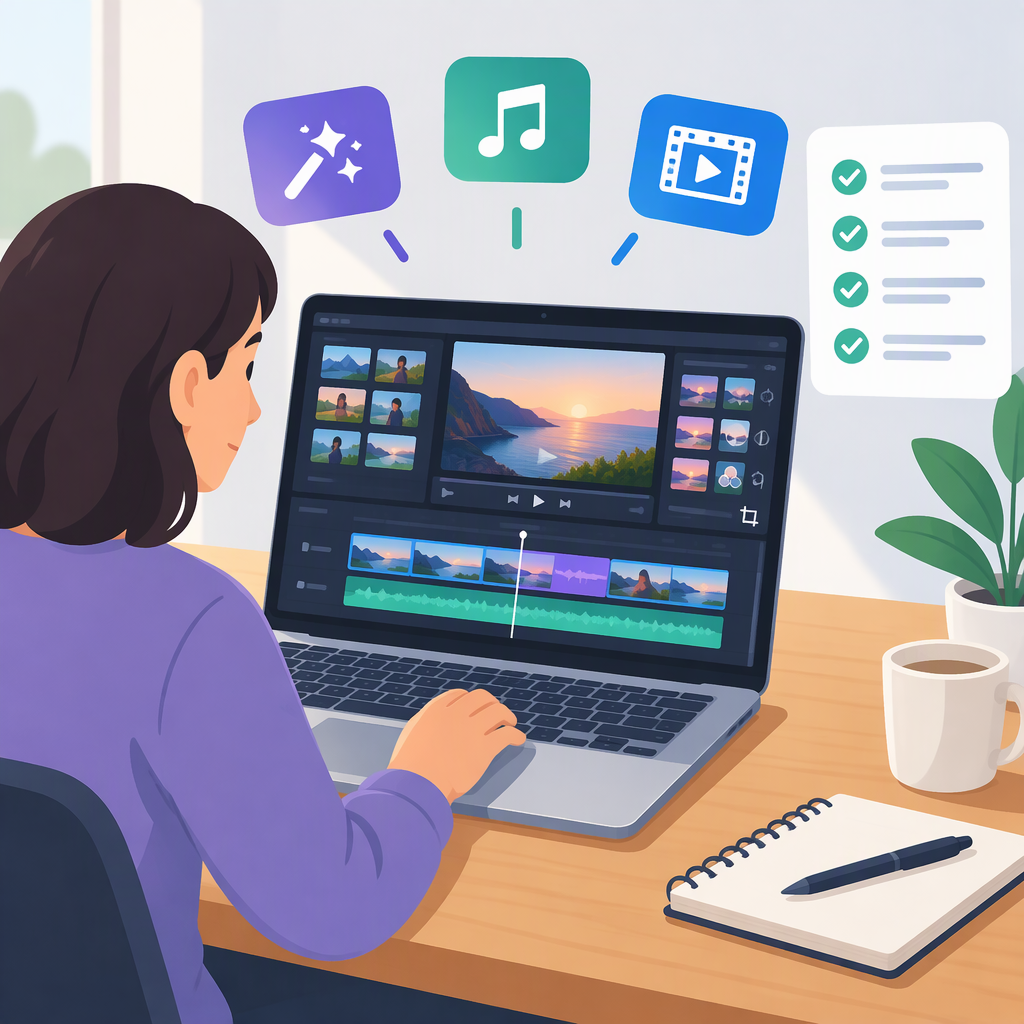
Free Online Video Editor with Effects and Music: What to Check
Canva is one documented option to consider: its online video tools include free effects such as filters, animations, and transitions, and its audio library offers both free and paid tracks. The important catch is that not every effect or music track is necessarily free; Canva says upgrading unlocks a wider music selection. Check the labels on the assets you choose rather than assuming the whole library comes with free access. (canva.com)
That makes Canva a possible fit for a simple edit when the free effects and a track marked for free use meet your needs. It does not establish that every feature or track is free, or that every track can be used for every kind of publication.
What to Compare Before You Start
Use this short checklist for any online editor:
- Confirm ongoing free access. Look for a free plan or free access, not only a time-limited trial. Check that you can export the finished video on that offering.
- Check the specific effect. “Effects” can mean filters, transitions, animations, or other treatments. Find the particular one you want and see whether it is included or marked as paid.
- Check the specific music track. A music library can contain both free and paid assets. Select a track marked free if you do not intend to pay, and read the license terms for your intended use.
- Check export requirements. Before editing a long project, confirm any resolution, watermark, or paid-asset conditions that could affect its export.
- Match the terms to your publication. Music available inside an editor is not automatically cleared for every use. Canva distinguishes music types and directs users to the applicable license terms; its help also notes that tracks marked “Commercial use allowed” are designed for published content. Read the terms for the exact track you select, especially for commercial work. (canva.com)
A Supported Example: Canva
Canva describes free video effects including filters, animations, and transitions. Its music guidance says users can add audio from a library with free and paid options, while a wider selection is available with an upgrade. So the practical trade-off is a free edit using available free assets versus a broader selection that may include paid assets. Check each item in your project; the existence of a free option does not make every library item free. (canva.com)
For music use, Canva's licensing information separates stock music, free music labeled non-commercial, and popular music. The track’s label and terms matter: do not assume a track suitable for a personal project is also cleared for a commercial one. (canva.com)
Add Effects and Music, Then Check the Export
The exact controls vary by editor, but this general sequence works as a planning checklist:
- Start a video project and import your footage.
- Put clips in the desired order and trim them.
- Apply the effect you need—such as a filter or transition—and preview it on the footage.
- Add a music track, then adjust its placement and volume so it supports rather than overwhelms speech or other important audio.
- Preview the full edit, including the beginning and end.
- Export a short test if practical. Watch and listen to the exported file, not only the editor preview, and check that the result meets your intended resolution and has no unexpected paid-asset or export restriction.
- Before publishing, confirm the selected music’s terms cover your intended use.
For Canva-specific controls, its help says to find tracks from the editor’s Audio tab and click or tap one to add it. Its effects guidance describes placing video on the timeline and layering in effects, filters, animations, or transitions. Interface details may change, so consult the editor’s current help if a control is different. (canva.com)
Bottom Line
If you want a free online editor with effects and music, Canva is a source-supported candidate when its free effects and free music options are enough for your project. The deciding checks are the exact effect’s price label, the exact track’s license, and the export conditions. Don’t treat “available in the editor” as synonymous with “free” or “cleared for every use.”