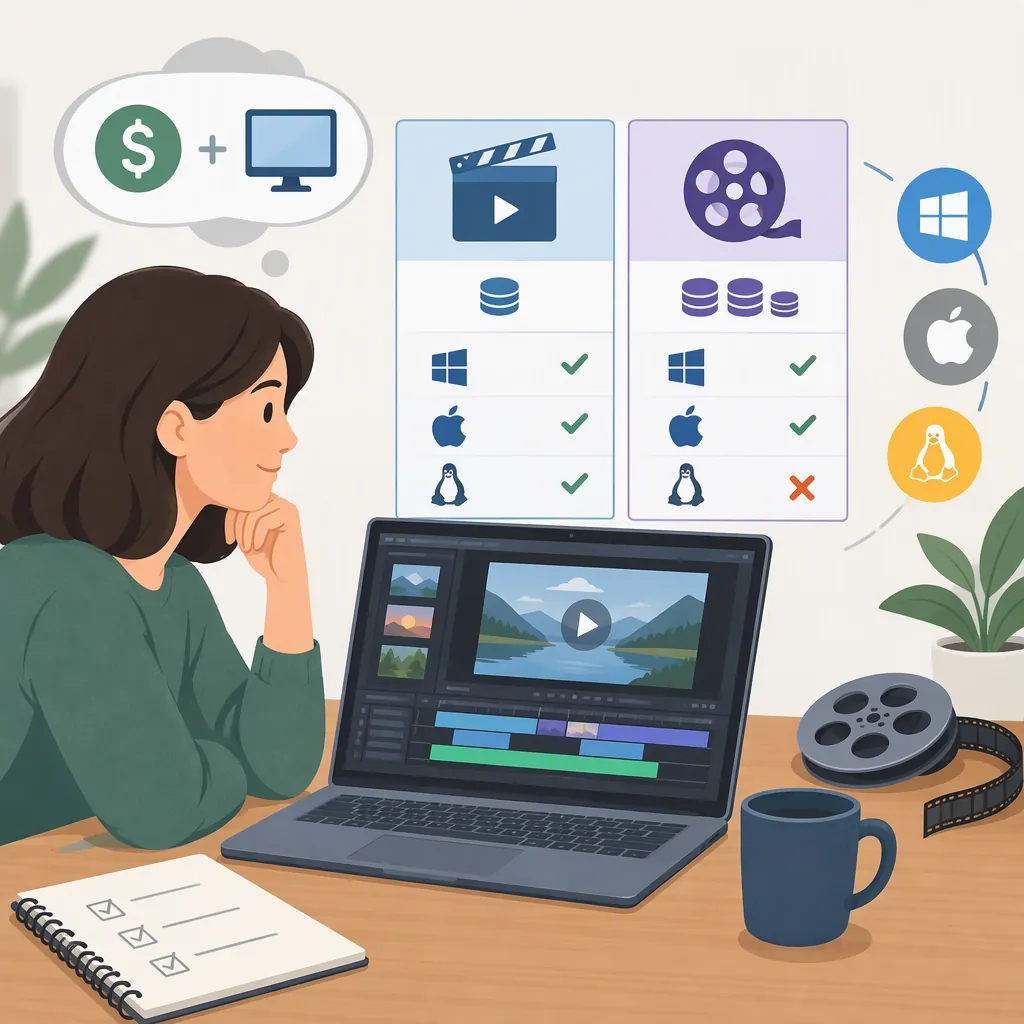
Choosing a Free Movie Maker for Editing and Subtitles
Choose a free movie maker by checking whether its no-cost version can deliver your required export, handle your footage, and provide the subtitle controls you need. Movavi’s page distinguishes its free online tool from a desktop trial with possible export restrictions. FlexClip’s page describes online editing and subtitle features but does not establish detailed free-plan export limits. These sources support a shortlist, not a verified price or performance ranking. [movavi] [flexclip]
What “Free” Means for Your Finished Video
A free download, a free online editor, and an unrestricted free export are different things. Evaluate the finished file you need rather than relying on the word “free” in a page heading.
Movavi’s page presents an online movie maker as free, while explicitly identifying the desktop download as a trial. Its desktop restriction notice says limitations may vary by build and can include an export watermark, a 60-second video or half-length audio limit, and unavailable advanced features during export. Do not apply those desktop restrictions to the online tool without separate confirmation. [movavi]
FlexClip presents its movie maker as a free online service. However, the supplied page does not specify a complete free-plan allowance for resolution, watermarks, duration, or paid features. Its general reference to HD downloads is not sufficient evidence that every free account receives unrestricted HD exports. [flexclip]
Neither supplied reference establishes a current paid-plan price. For budget planning, leave subscription cost, billing period, renewal terms, and any feature-specific charges marked as unverified.
Compare the Options Without Assuming Feature Parity
The following comparison reflects vendor descriptions, not independent testing. An advertised feature does not establish its availability in every plan.
| Option | What the Provided Page Describes | What Still Needs Verification |
|---|---|---|
| Movavi online movie maker | Browser-based clip arrangement, aspect-ratio selection, transitions, and export; listed formats include MP4, AVI, MOV, WMV, and M4V. [movavi] | Exact free export limits, subtitle support, browser requirements, and upload limits. |
| Movavi Video Editor desktop trial | Multiple tracks, titles, audio adjustments, and automatic subtitles; desktop export options include MP4, MOV, AVI, and resolution up to 4K. Trial restrictions may apply. [movavi] | Which features remain usable in the trial, the required operating-system version, and compatibility with your actual codecs. |
| FlexClip online movie maker | Trimming, merging, text and subtitle editing, music, transitions, aspect-ratio changes, and speed controls. [flexclip] | Free-plan entitlements, supported input codecs, subtitle-file workflows, and exact export limits. |
Use these distinctions to build a shortlist. For a simple clip assembly, prioritize file handling and export restrictions. For dialogue-heavy footage, prioritize subtitle editing and delivery requirements. For a larger project, include track organization and project portability in your evaluation.
Assess Subtitles Separately from General Editing
Treat subtitles as a separate selection requirement rather than assuming that a text tool covers every caption workflow.
FlexClip’s page describes adding subtitles and adjusting text. Movavi’s page advertises automatic subtitles for its desktop editor. Neither supplied page establishes a complete comparison of transcription languages, recognition accuracy, speaker labels, or SRT and VTT import and export. The Movavi online tool’s description does not establish subtitle functionality. [flexclip] [movavi]
Before selecting an editor, define whether you need subtitles permanently visible in the video, a separate timed caption file, or both. Also record whether you need automatic transcription or can enter text manually. Check that timing, line breaks, punctuation, and corrections remain editable before relying on an automatic-subtitle feature.
No subtitle accuracy ranking is supported by these references.
Use a Compatibility and Cost Checklist
A format name alone is not enough to settle compatibility. Movavi explicitly notes that codec availability can vary with the operating system, device, and system configuration, and that some codecs may require separate installation. Its desktop format list therefore should not be read as a guarantee for every file with a listed extension. [movavi]
For browser tools, record the browser and device you intend to use, along with upload requirements and data-handling terms. FlexClip describes its editor as web-based and requiring no software or extension download, but that does not establish offline operation or compatibility with every browser. [flexclip]
Use the worksheet below to separate confirmed requirements from unanswered questions. A short export check using non-sensitive sample footage can help assess your own setup; it is not a substitute for reviewing plan terms.
Editor Selection Worksheet
- Candidate and version or plan: ______
- Device, operating system, and browser: ______
- Source format, codec, resolution, and frame rate: ______
- Required output format, resolution, and duration: ______
- Watermark acceptable: yes / no
- Subtitle delivery: visible in video / separate file / both
- Automatic transcription required: yes / no
- Free-plan export limits confirmed: ______
- Required paid features and current price: ______
- Billing and renewal terms reviewed: ______
- Upload and data-handling requirements acceptable: ______
- Sample import, subtitle edit, and export result: ______
- Unresolved requirements: ______
FAQ
Is a Free Movie Maker the Same as a Free Trial?
No. Movavi’s supplied page separates its free online movie maker from its desktop trial. The desktop trial may have watermarks, duration limits, or export-feature restrictions depending on the build. Check the specific tool and version rather than treating all free-download labels alike. [movavi]
Which Option Should I Consider for Subtitles?
FlexClip’s page describes subtitle editing, and Movavi’s page advertises automatic subtitles for its desktop editor. These are candidates to evaluate, not a verified ranking. Neither reference establishes all free-plan entitlements, supported transcription languages, or separate caption-file export capabilities. [flexclip] [movavi]
Does Listed Mp4 Support Guarantee That My Footage Will Work?
Do not treat it as a guarantee. Movavi lists MP4 support but also warns that codec availability depends on the operating system, device, and configuration. Check your actual source file and required export on the intended setup. [movavi]
Can These Sources Establish the Cheapest Editor?
No. The supplied pages do not provide enough current pricing and free-plan detail for a reliable total-cost comparison. Compare the cost of meeting your required export and subtitle specifications, leaving any unconfirmed price or limit explicitly unresolved. [movavi] [flexclip]