Kdenlive: Is Its Editing Workflow Right for You?
Kdenlive is a free, GPL-licensed video editor with documented support for multitrack editing, three-point editing, keyframeable effects, audio and video scopes, and proxy editing. [K1] It is worth evaluating if you need precise timeline revisions, several videos that share one project profile, or reusable segments whose changes should update across multiple edits.
Its sequence model deserves particular attention: all sequences in a project share one project profile, and nested sequences reference their originals rather than becoming independent copies. [K2] Those rules can help with coordinated revisions, but require planning when timelines need different settings or approved edits must remain unchanged.
For installation and platform guidance, start with the official Kdenlive Manual and follow the relevant installation and issue documentation for your intended build. The cited introduction describes Kdenlive as primarily aimed at Linux and mentions Windows, BSD, and a macOS port. Treat that as the page’s description—not a verified current support list or a promise of identical behavior across platforms. [K1]
This guide evaluates the documented workflow, not measured performance or competing editors. Use a short representative project to check whether it fits your work.
Start with the Work You Need to Revise
Before comparing feature lists, identify what you need to control: picture and audio arrangement, timing, effects, reusable segments, and revisions after feedback.
For example, a narrated tutorial might need separate narration, screen recordings, supporting footage, and a repeatable opening. If you expect to change narration timing or replace that opening across several episodes, those are concrete reasons to evaluate Kdenlive’s timeline and sequence tools.
The manual lists multitrack editing, three-point editing, configurable interface layouts and shortcuts, and audio and video scopes. [K1] The practical question is whether those controls let you make your required changes clearly and repeatably.
Understand the Shared Project Profile
A Kdenlive sequence is essentially a timeline. It can be rendered independently, but it cannot be saved separately from its project. Every sequence in a project uses the same project profile; individual sequences cannot have independently configured profiles. [K2]
That distinction matters when planning your project:
- Shared timeline settings: A tutorial series whose episodes use the same project profile may fit well into multiple sequences in one project.
- Independent timeline settings: If sequences require independently configured frame dimensions, aspect ratios, or frame rates, consider separate projects rather than assuming each sequence can have its own profile.
- Different export specifications: Needing multiple output formats is not necessarily the same as needing independent timeline profiles. Check the intended build’s rendering settings and test whether any required scaling, aspect-ratio handling, or frame-rate conversion meets your delivery requirements.
- Different durations: The shared-profile rule does not mean every sequence must have the same running time.
The manual gives a tutorial series sharing graphics and music as an example of multiple videos in one project. [K2] Use that structure when the episodes genuinely belong together. Name each sequence clearly and distinguish working drafts from approved edits.
Treat Nested Sequences as Shared Dependencies
Inserting one sequence into another creates a nested sequence. Nested sequences reference the original; changes to that original update every location where it is nested. [K2]
This is useful when updates should propagate. For example, changing a shared opening could update several tutorial episodes without requiring separate edits to each opening.
It also creates a revision risk: an approved episode’s nested opening is not a frozen snapshot. Before changing a shared sequence, record:
- Where it is nested.
- Which references should receive the update.
- Which approved versions must remain unchanged.
- Which timelines and rendered outputs need to be rechecked.
Test an Independent Project-Version Workflow
The following is a proposed workflow to verify in your build, not a documented guarantee of revision isolation:
- Before changing the shared sequence, save a separately named project version representing the approved state. Keep it distinct from the working project.
- Record the retained version’s location and required media. If it needs to be self-contained, create and test an archive as described below.
- Confirm that you are editing the working project, then revise the shared sequence.
- Check every intended reference in the working project.
- Reopen the retained project version and confirm that its approved timelines and required media remain unchanged and available.
Separate project versions do not automatically isolate external assets. If both versions reference the same media files, replacing or modifying those files may affect both. Preserve the media needed by the approved version and test the result; do not assume that copying a sequence or renaming a project freezes all of its dependencies.
Test the Editing and Revision Workflow
Kdenlive documents keyframeable effects with linear or smooth curves, audio and video scopes, and proxy editing for 4K-plus footage. [K1] Test only the capabilities your project needs, using representative media on the machine you intend to edit with.
The following is an example evaluation checklist, not a report of completed testing.
| Operation | Observable checks |
|---|---|
| Move a clip or change a cut | Check the resulting picture-and-audio timing, inspect any unintended gaps or overlaps, then undo and confirm that the original positions return. |
| Adjust an effect over time | Set the required keyframes and inspect the result at the start, between keyframes, and at the end of the change. |
| Inspect picture and sound | Identify the specific checks you need, then confirm that the available scopes let you perform and interpret them. |
| Test proxy editing, if needed | Play and scrub a representative passage. Record responsiveness and any interruptions that prevent reliable editing. |
| Revise a shared nested segment | Inspect every referencing sequence for the intended update, then reopen the retained project version to check that the approved edit remains unchanged. |
| Test required exports | Inspect trial outputs against the required dimensions, framing, frame rate, picture, and sound. |
| Reopen a trial archive elsewhere | Check every required sequence and confirm that its media is available from the retained location. |
Record the application build, operating system, actual result, and any blocking issue. Useful labels are not tested, passed the stated check, and blocked.
Keep feature availability separate from observed results. Proxy support does not guarantee smooth playback on your machine, and the presence of scopes or keyframes does not establish that every required grading or animation task is covered.
Check the Archive Before Relying on It
Kdenlive’s archiving documentation describes File → Archive Project as a way to copy the files required by a project into a folder, optionally compressed as a tar.gz or zip archive. The project file is updated to point video clips at their archived versions. [K3]
The manual also describes opening an archive through File → Open, selecting the Archived Project file type, and extracting it to a chosen location. It warns that Archive only timeline clips can lead to a question about clips that were not archived. [K3]
Before choosing a reduced archive, decide whether unused footage matters for future revisions. Then reopen a trial archive from a separate location and inspect the sequences and media you expect to retain. For an approved-version archive, also check that the material needed to preserve that version is present.
A completed archive operation is not the same as a verified handoff. Record missing items and unresolved questions, and keep build information with your project notes. Archiving does not establish asset publication rights, cross-editor interchange, or compatibility with every future version.
Separate Software Licensing from Production Costs
Kdenlive’s GPL license makes it free software. [K1] It does not determine whether you may publish every asset used in a project.
Keep an independent rights record for footage, music, fonts, artwork, and externally obtained templates. Budget separately for training time, storage, external services, and purchased assets. These costs should inform your adoption decision without being confused with the editor’s software license.
Make a Conditional Adoption Decision
Kdenlive is worth proceeding with when:
- Your required timeline operations work in the build you tested.
- The shared project profile fits your timeline requirements.
- Trial exports meet your delivery specifications.
- Nested-sequence updates match your revision needs.
- Your tested project-version and media-retention workflow preserves approved edits.
- A trial archive reopens with the material needed for future editing.
Pause and verify another project structure when:
- Sequences require independent timeline settings.
- Shared segments must update some edits while leaving others unchanged, and isolation has not been verified.
- Essential editing, playback, media compatibility, export, or archive behavior remains untested or blocked.
Keep the decision record short: intended project, build and platform, required operations, timeline and output requirements, nested dependencies, retained versions, archive scope, observed results, and unresolved issues.
The useful conclusion is not that Kdenlive is universally the best free editor. It is that its documented workflow either fits your project—or exposes constraints you need to resolve before committing to delivery.
Sources
- [K1] Introduction — Kdenlive Manual
- [K2] Sequence — Kdenlive Manual
- [K3] Archiving — Kdenlive Manual
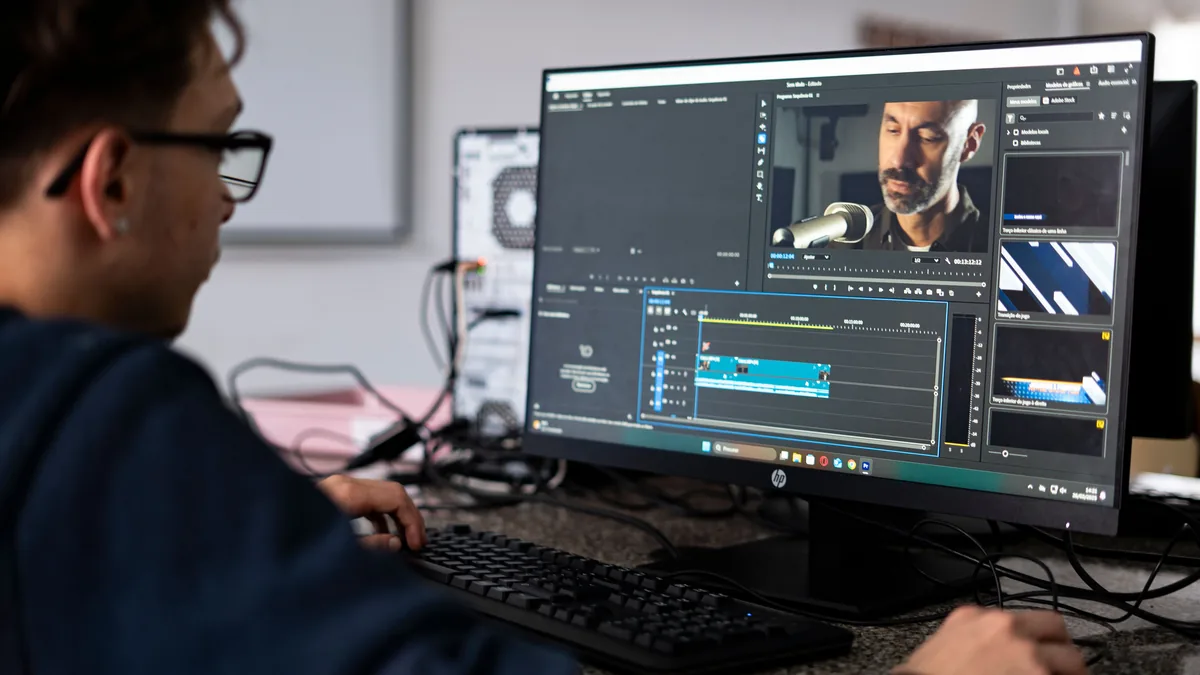
Photo by André Eusébio via Pexels; cropped for this article. Context image only—not a Kdenlive screenshot or endorsement.