Edius Pro 9: Version-Specific Guidance for Choosing an Editor
Evaluate EDIUS Pro 9 against your exact media, delivery formats, installed build, and licensing needs—not the EDIUS name alone. Its documented updates include HDR workflows, ProRes export, multicam audio synchronization, and AAF export additions, but these arrived in different releases. The supplied references do not establish current system compatibility, support status, or availability of a version 9 trial. [c1] [c2]
Check the Build Before Comparing Features
The EDIUS Pro 9 feature history records changes across the 9.x release series. Treat these as version-specific capabilities rather than assuming every installation of version 9 has them. [c1]
| Release | Documented Additions Relevant to Selection |
|---|---|
| 9.00 | Native HDR editing and export; mixing SDR and HDR material in one project |
| 9.40 | Apple ProRes export, ProRes RAW decoding, closed-caption improvements, and HDR/SDR conversion controls |
| 9.50 | Multicam audio synchronization and ProRes 4444 export with alpha |
| 9.52 | AAF Project Exporter and improvements to offline clip restoration |
| 9.54 | H.265/HEVC export using an NVIDIA graphics-card hardware encoder |
| 9.55 | XAVC 8K import and MP3 audio export |
These entries document functionality, not measured performance on your computer. The history also records 9.55 builds dated September 2025 with no new features listed; that alone does not establish a current maintenance commitment. [c1]
Separate Format Support from Workflow Fit
A format name is only the starting point for evaluation. The feature history attaches conditions to some capabilities: version 9.40 lists H.265/HEVC encoding using Intel Quick Sync Video, while version 9.54 adds NVIDIA hardware encoding. Version 9.51 lists DNxHR 4444 MXF export with alpha but says EDIUS Pro 9 requires the DNxHD Option. [c1]
Version 9.52 adds a Canon EOS C500 Mark II workflow in which XF-AVC proxies can be replaced with Cinema RAW Light high-resolution media. Its release announcement also describes AAF export through the regular export dialog and consistency checks when restoring offline clips. These are specific workflow additions, not guarantees that every camera file or interchange project will work unchanged. [c1] [c3]
For evaluation, use representative clips with your actual resolution, frame rate, audio configuration, and color characteristics. Inspect the exported result as well as timeline playback. For AAF handoffs, check the result in the intended receiving application rather than treating successful export as proof of a complete transfer.
Distinguish Pro 9 from Workgroup 9
The published edition FAQ describes EDIUS Pro 9 as intended for professional production users. It positions Workgroup 9 for broadcast-based collaborative environments that may need GV STRATUS or third-party media asset management connectivity, or edit-in-place workflows on K2 server/storage. [c4]
This distinction is useful when defining requirements, but it is not a complete feature matrix. The FAQ points to a separate PDF for detailed differences; that PDF's contents are not included in the supplied evidence. Do not infer that Pro and Workgroup are interchangeable—or that Workgroup is necessary—without checking the specific integration you need.
Keep Trial and License Evidence Separate
The general EDIUS trial page describes a 30-day trial that requires an internet connection and places a watermark in both preview and output. It says the trial can operate as Pro or Workgroup. However, the supplied page does not identify that download as EDIUS Pro 9. A trial of another release would not establish version 9 behavior. [c2]
The EDIUS 9 Plus promotion page describes eligible Pro 9 and Workgroup 9 products and excludes educational versions, Home Edition, specified options, and second-hand or privately obtained products. It describes a Plus license allowing version 9 and the next EDIUS version on the first and second PCs. The supplied text does not establish whether this promotion remains available. Do not treat it as a current entitlement for an arbitrary version 9 license. [c5]
The references also do not establish current pricing, installer availability, activation success, operating-system compatibility, or support lifecycle. Those remain unresolved selection questions.
Use a Repeatable Selection Checklist
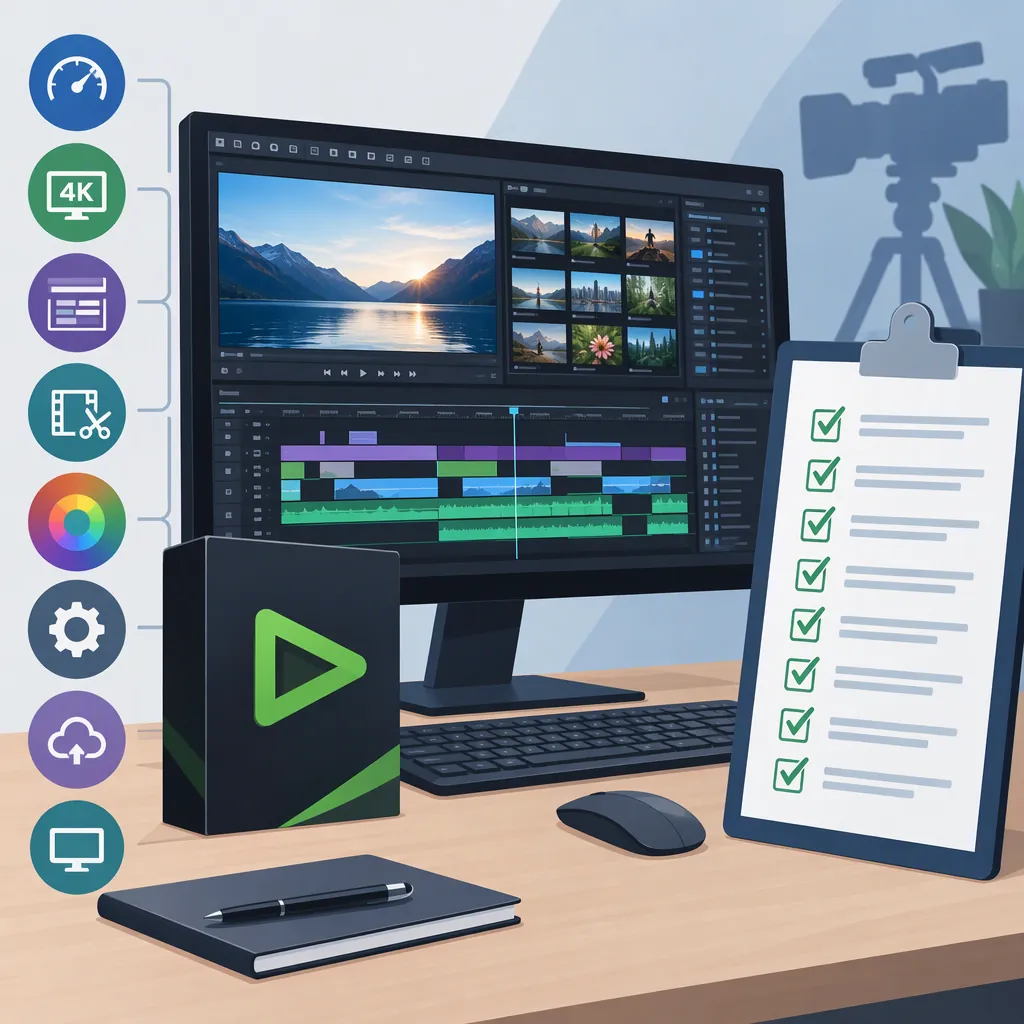
A useful comparison keeps the test material and acceptance criteria constant across editors. Use the checklist below to distinguish documented capabilities from results you have actually verified. Leave untested items marked unresolved rather than assuming they pass.
Preserve a separate copy of important projects and media for evaluation. This checklist is a proposed testing method, not a report of hands-on testing or a compatibility guarantee.
Edius Pro 9 Evaluation Worksheet
- [ ] Record the exact edition and build, operating system, CPU, GPU, and installed options.
- [ ] Identify the license and installer documentation available for that installation.
- [ ] List required source formats, delivery formats, captions, and external integrations.
- [ ] Import representative camera clips and inspect image, audio, duration, and timecode.
- [ ] Test a short sequence with cuts, titles, effects, and the required color workflow.
- [ ] If needed, test multicam synchronization and proxy-to-original replacement.
- [ ] Export each required delivery format and inspect it outside the editor.
- [ ] If needed, test AAF transfer in the receiving application and record missing or changed elements.
- [ ] Record each result as pass, fail, or unresolved, alongside settings and errors.
- [ ] Repeat the same tests in any alternative editor before drawing a comparison.
FAQ
Does Edius Pro 9 Support Prores Export?
The feature history lists Apple ProRes export in version 9.40 and ProRes 4444 export with alpha in version 9.50. Check the installed build and test the exact output required; these entries are not evidence that every 9.x build offers identical export choices. [c1]
Do the References Confirm an Edius Pro 9 Trial?
No. The general trial page describes a 30-day, internet-connected, watermarked EDIUS trial, but the supplied text does not identify it as version 9. It should not be presented as confirmation of a currently available EDIUS Pro 9 trial. [c2]
How Should I Choose Between Pro 9 and Workgroup 9?
Start with integration requirements. The edition FAQ positions Pro 9 for professional production and Workgroup 9 for broadcast collaboration involving systems such as GV STRATUS, third-party MAM, or K2 storage. The supplied FAQ does not include the detailed comparison PDF, so confirm individual requirements separately. [c4]