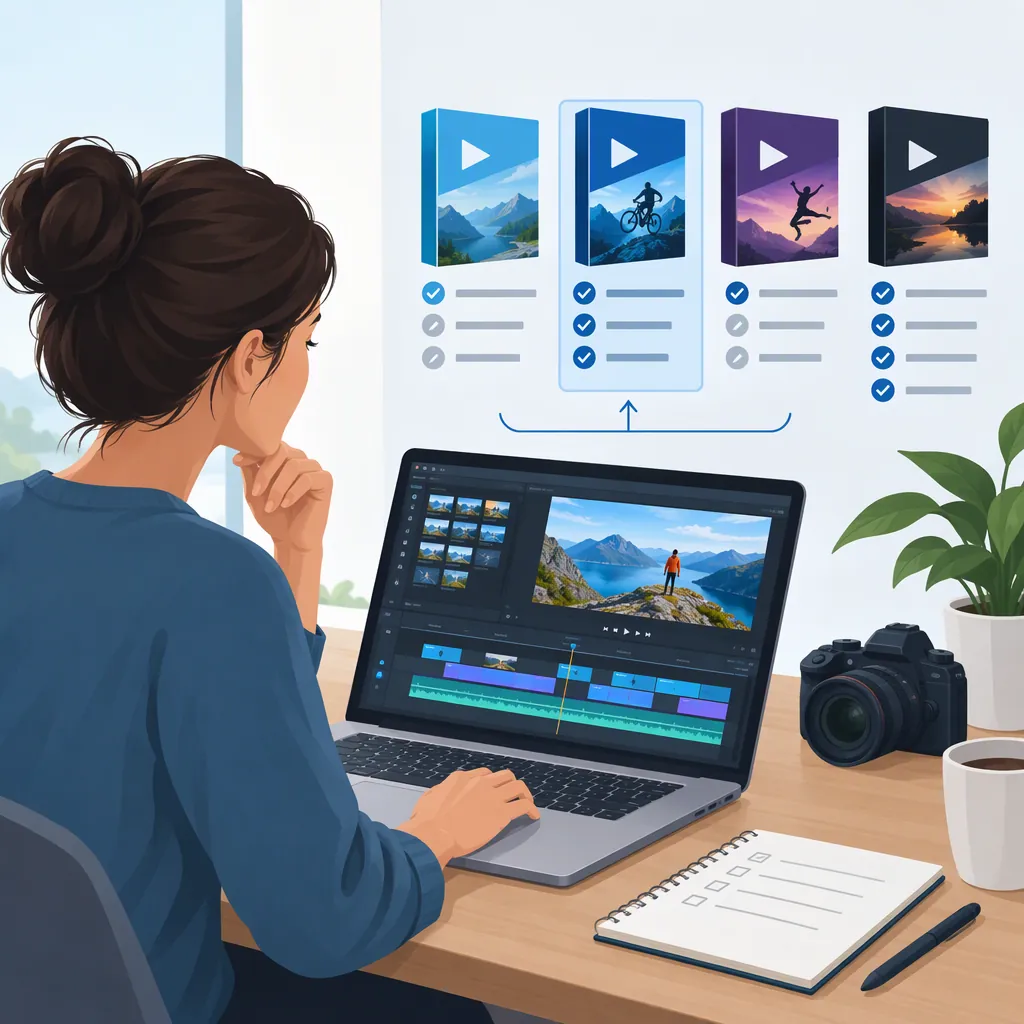
Corel Video: How to Evaluate Videostudio for Your Editing Needs
For a “Corel video” search, VideoStudio is a relevant starting point: Corel’s video learning hub lists VideoStudio Pro and Ultimate alongside Pinnacle Studio. Evaluate the exact version and edition against your operating system, source footage, editing tasks, and export requirements. The supplied sources describe mainly 2023 products and a 2022 review; they do not establish the latest release or current availability. [corel-video-home] [videostudio-new] [techradar-2022]
Identify the Product and Version
“Corel video” is not specific enough to identify one editor or edition. The Corel Discovery Center video hub lists VideoStudio Pro 2023, VideoStudio Ultimate 2023, Pinnacle Studio 26, and Pinnacle Studio 26 Ultimate. It also provides tutorials for both VideoStudio and Pinnacle Studio. [corel-video-home]
Start by recording the full product name, edition, and version you are evaluating. A tutorial for VideoStudio 2023 or a review of Ultimate 2022 should not be treated as documentation for every release.
The supplied references are useful for identifying workflows and questions to investigate. They are not a complete, current product catalog, and this article does not establish current pricing, release status, or availability.
Compare Editions Against Required Tasks
Use a task list rather than a general feature count. Corel’s VideoStudio 2023 page describes trimming, titles, transitions, multi-camera editing, speech-to-subtitles conversion, and audio editing. It identifies video masking, color grading, and Audio Cues as Ultimate-specific capabilities in that version. [videostudio-new]
Format details also need edition-level attention. The same page lists AV1 decoding and encoding for Ultimate 2023, while listing 8K video decoding for both Pro and Ultimate. An import or decoding capability is not, by itself, evidence of matching export support. [videostudio-new]
For a basic sequence, investigate importing footage, arranging clips, trimming, adding readable titles, balancing audio, and exporting the required file. For a more specialized project, separately check masking, caption handling, multi-camera work, and the exact input and output formats. Treat any unverified requirement as unresolved rather than assuming a higher edition covers it.
Separate Trial Limits from Compatibility
The supplied VideoStudio trial page describes a 30-day trial starting on installation. It says the trial is not full-featured, supports fewer formats than the purchased editions, and has format support that depends on the operating-system configuration. It also excludes MyDVD, MultiCam Capture 2.0 Lite, and premium effects from NewBlue and ProDAD. [videostudio-trial]
That makes trial results useful but incomplete. If a clip fails to import, record the file’s codec and other properties, the software version, and the computer configuration. Do not assume that failure proves the full edition cannot handle the file; equally, do not assume purchasing it will resolve the problem.
The trial page lists 64-bit Windows 11, Windows 10, and Windows 8. It also states that an internet connection is required for installation, registration, periodic license verification, updates, and some features. These are the requirements shown in the supplied reference, not a verified current compatibility guarantee. [videostudio-trial]
Representative Project Test
Use copies of footage you are authorized to edit.

1. Record the editor name, version, edition, operating system, and hardware.
2. List each required source format and final delivery format.
3. Import representative clips, including any unusually demanding footage.
4. Build a short sequence with cuts, a title, dialogue, and music.
5. Test any essential specialized task separately.
6. Export using the intended delivery settings and inspect the result outside the editor.
7. Record each requirement as passed, failed, or unverified.
8. Note whether a trial restriction could explain any unresolved result.
Use Reviews as Version-Specific Evidence
TechRadar’s review of VideoStudio Ultimate 2022, last updated October 6, 2022, reported editable speech-to-text results and SRT export. It also reported problems with AR stickers on the reviewer’s clips and an inability to get HEVC files working on the review computer. Those are attributed observations about that review setup, not findings from testing for this article. [techradar-2022]
Use such observations to select test cases, not to predict every installation. If captions matter, check recognition, corrections, timing, and the caption output your delivery workflow requires. If HEVC footage matters, test representative files and seek version-specific documentation for unresolved compatibility questions.
A defensible selection is one whose essential workflow has been verified, whose limitations are understood, and whose remaining uncertainties are clearly recorded. Neither a feature list nor an older review alone establishes that fit.
FAQ
Does “Corel Video” Mean Videostudio?
VideoStudio is a relevant product to investigate, but the phrase does not uniquely identify it. Corel’s video learning hub also lists Pinnacle Studio. Specify the product, edition, and version before comparing documentation or tutorials. [corel-video-home]
Is the Videostudio Trial a Permanent Free Editor?
No. The supplied trial page describes a 30-day evaluation period beginning on installation and says the program cannot be launched after the trial expires. It also states that the trial is not full-featured. This does not establish current trial terms beyond the supplied reference. [videostudio-trial]
How Should I Choose Between Pro and Ultimate?
Match the exact edition to required tasks. In the supplied 2023 documentation, masking, color grading, Audio Cues, and AV1 decoding and encoding are associated with Ultimate. Verify the edition and version you are evaluating rather than applying those details to every release. [videostudio-new]
Do These Sources Confirm the Latest Videostudio Version?
No. The supplied product and tutorial material names VideoStudio 2023, while the independent review covers Ultimate 2022. Those references do not establish which version is latest or currently available. [corel-video-home] [videostudio-new] [techradar-2022]
Sources
-
[corel-video-home] Video Home - Corel Discovery Center
-
[videostudio-new] What's new in VideoStudio - Corel Discovery Center
-
[videostudio-trial] Free Video Editing Software - Download Videostudio Pro Free Trial
-
[techradar-2022] Corel VideoStudio Ultimate 2022 review | TechRadar