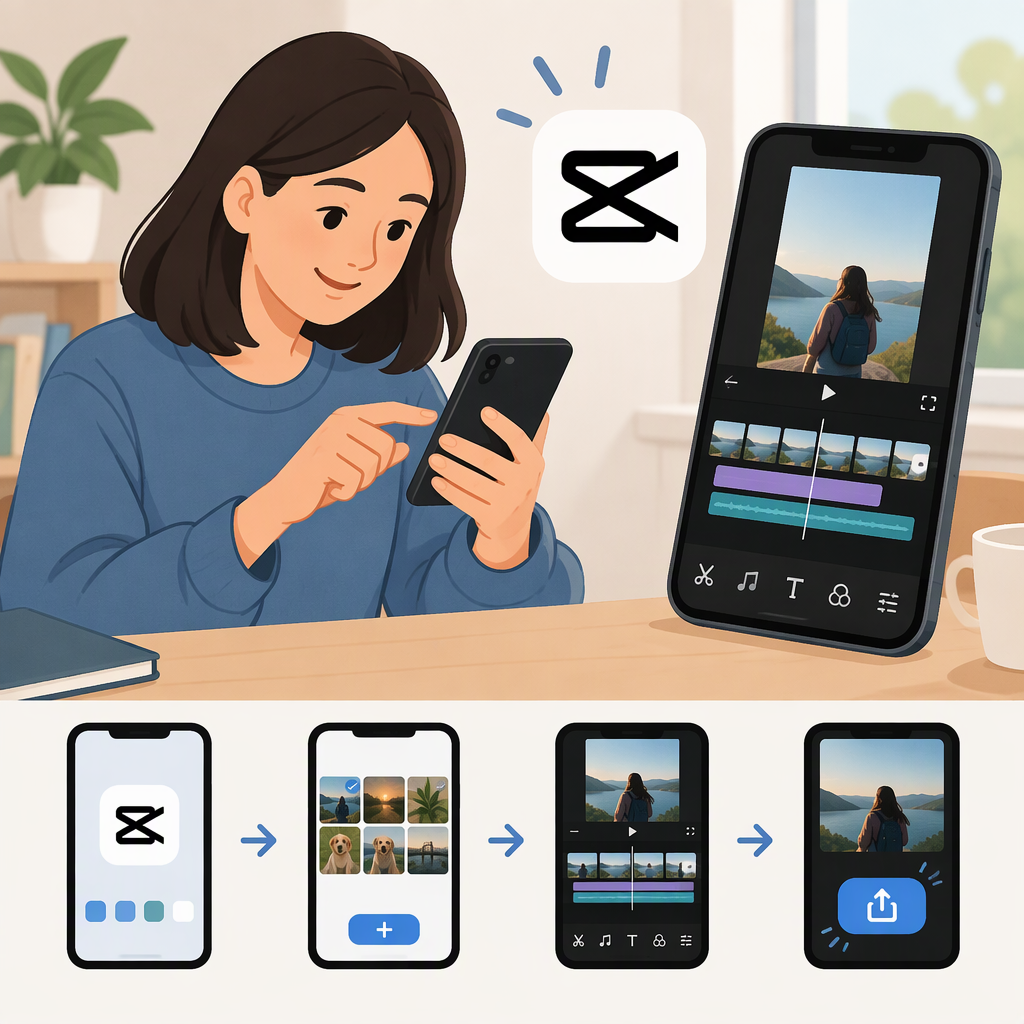
Cupcat Tutorial? If You Mean CapCut, Make Your First Video on Mobile
First, Check the Name
“Cupcat” doesn’t confirm that you mean CapCut. If you meant CapCut, this beginner tutorial shows how to make a simple video with a text title using the CapCut mobile app. CapCut’s beginner guide describes a mobile workflow using New project, selecting video, editing from the timeline, and exporting to your device. (capcut.com)
If you meant a different app or a specific “Cupcat” template, this may not be the tutorial you’re looking for.
What You’ll Need
- CapCut installed on your phone.
- One video clip in your device’s photo or video library.
- A short title you want to show on the video.
Make and Export a Simple Video in CapCut Mobile
- Start a project. Open CapCut, tap New project, and select the video clip you want to use. The clip will appear in the editing timeline. (capcut.com)
- Add a title. Tap the clip in the timeline to open its editing options. Choose the text tool, enter a short title, and adjust it using the options shown in your app. Keep the wording brief enough to read on screen. CapCut’s beginner guide lists text among the available editing options. (capcut.com)
- Preview the edit. Play the video from the beginning. Check that the title is readable and appears over the part of the video you intended. Make any needed adjustments before exporting.
- Export the video. Tap Export at the top of the screen, choose an available resolution, and export. CapCut’s guide says the finished video saves to your device. (capcut.com)
- Check the saved file. Open your device’s photo or video library and play the exported video. Confirm that the picture and title look as expected.
You’re done when: the exported video plays on your device and displays your title where you intended.
If the Steps Look Different
This walkthrough is for the mobile app. CapCut is also available on desktop and web, and the workflow can differ by platform. If your screen doesn’t match these steps, confirm that you’re using CapCut Mobile and look for the equivalent project, timeline, text, and export controls in your version. (capcut.com)