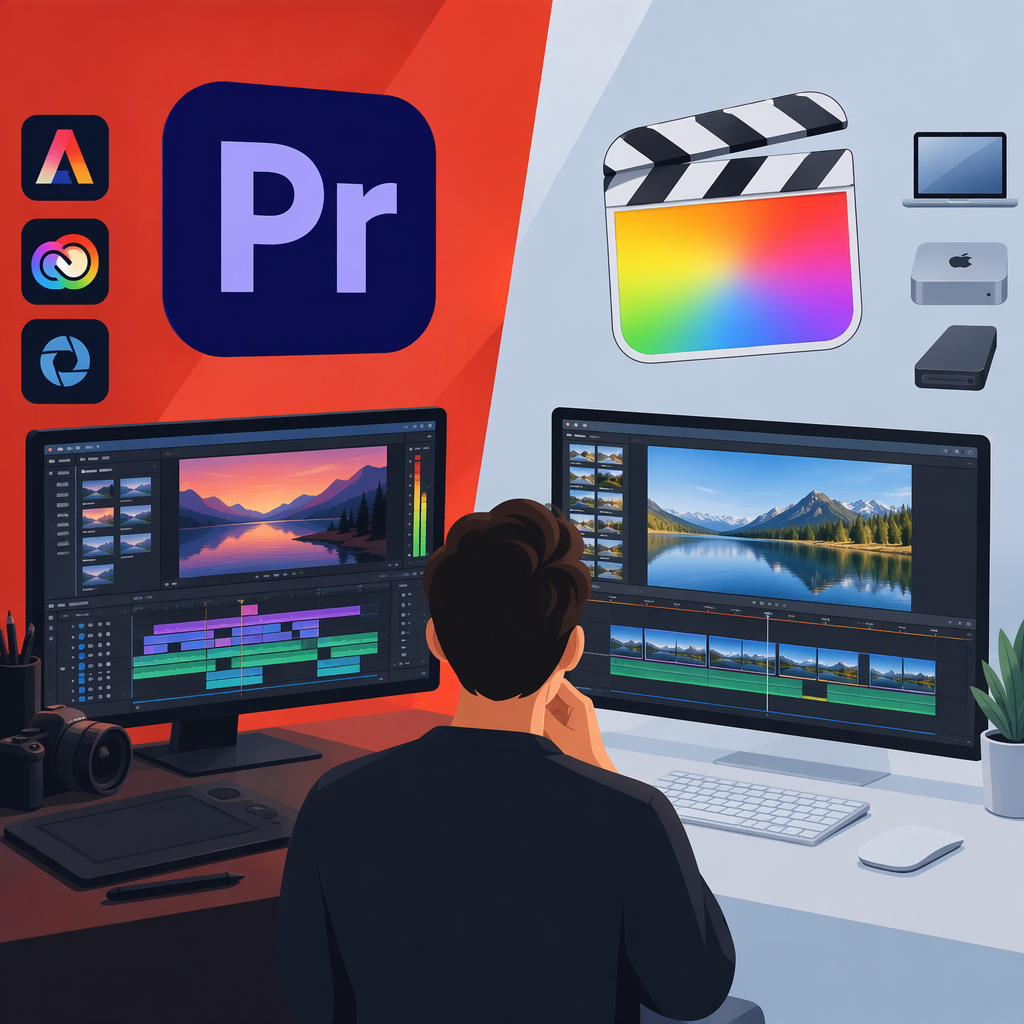
Adobe vs Final Cut: Product Comparison or Brand Conflict?
Short Answer
The phrase “Adobe vs Final Cut” does not, by itself, establish a brand or legal dispute. It may simply be shorthand for comparing Adobe’s video-editing app, Adobe Premiere, with Apple’s Final Cut Pro. Adobe and Final Cut Pro are not parallel product names: Adobe is a company and brand, while Final Cut Pro is the name of Apple’s editing application. Adobe identifies Premiere as its professional video-editing app, and Apple identifies Final Cut Pro as its video-editing app. (adobe.com)
This guide treats the phrase as a possible editing-software selection question, not as evidence of a dispute. If you mean a specific legal or trademark matter, the phrase alone is not enough to identify one; you would need case-specific public records.
What Should You Compare?
First, make sure you have the right applications in mind. If you mean Adobe’s desktop video editor, compare Adobe Premiere with Final Cut Pro for Mac—not the Adobe brand as a whole with an application. Then compare the constraints that matter to your work:
- Your computer and operating system. Adobe’s requirements documentation covers Premiere on Windows and macOS. Apple’s cited technical specifications are for Final Cut Pro on Mac. For example, Apple currently lists macOS 15.6 or later, 8 GB of memory (16 GB recommended), and 6.5 GB of available disk space as minimum requirements for that Mac application. Requirements can change, so confirm the current list for the version you would install. (helpx.adobe.com)
- Your project handoff. Ask collaborators what they need from you: a rendered video, separate audio or other deliverables, or an editable project. Don’t assume that project files will transfer cleanly between applications. Before switching, try a small sample using the exact footage and handoff your work requires.
- Your existing workflow. List the other apps, devices, storage, plugins, and review steps your projects depend on. Check each important dependency against the specific app version you plan to use; this guide does not establish that any particular tool or project will be compatible.
- Your purchase constraints. Compare current purchase or subscription terms only after identifying the exact product and plan. The product names alone do not tell you what a reader will pay or which option fits their budget.
A Practical Decision Path
- You must edit on Windows: Treat platform support as an early screening question. Adobe’s Premiere requirements include Windows; Apple’s cited Final Cut Pro specifications describe the Mac app. Check official requirements for the exact editions before comparing anything else. (helpx.adobe.com)
- Your work depends on collaborators or an established pipeline: Ask for the required deliverables and test a short sample handoff before moving a live project. Choose based on whether the workflow meets those requirements—not on a general claim that one editor is better.
- You are starting a new project on a Mac: Confirm your macOS version and hardware against the requirements for each current version you are considering, then try the same representative task in each app if you can. That is a suggested evaluation method, not a test performed for this article.
Does This Establish a Brand Conflict?
No. A search phrase is not evidence of a trademark claim, lawsuit, or other dispute. No specific dispute is identified here. If you mean a U.S. trademark question, the USPTO says its database search is one part of assessing whether a mark may be available for particular goods or services; a general search phrase is not a case-specific legal determination. (uspto.gov)
Bottom line: clarify whether you mean a software comparison or a particular alleged dispute. For a software choice, identify the exact applications, check system requirements, and validate your own handoff and workflow needs. There is no supported basis here for naming a universal winner.