Adobe Movie Maker: Choosing Between Express and Premiere
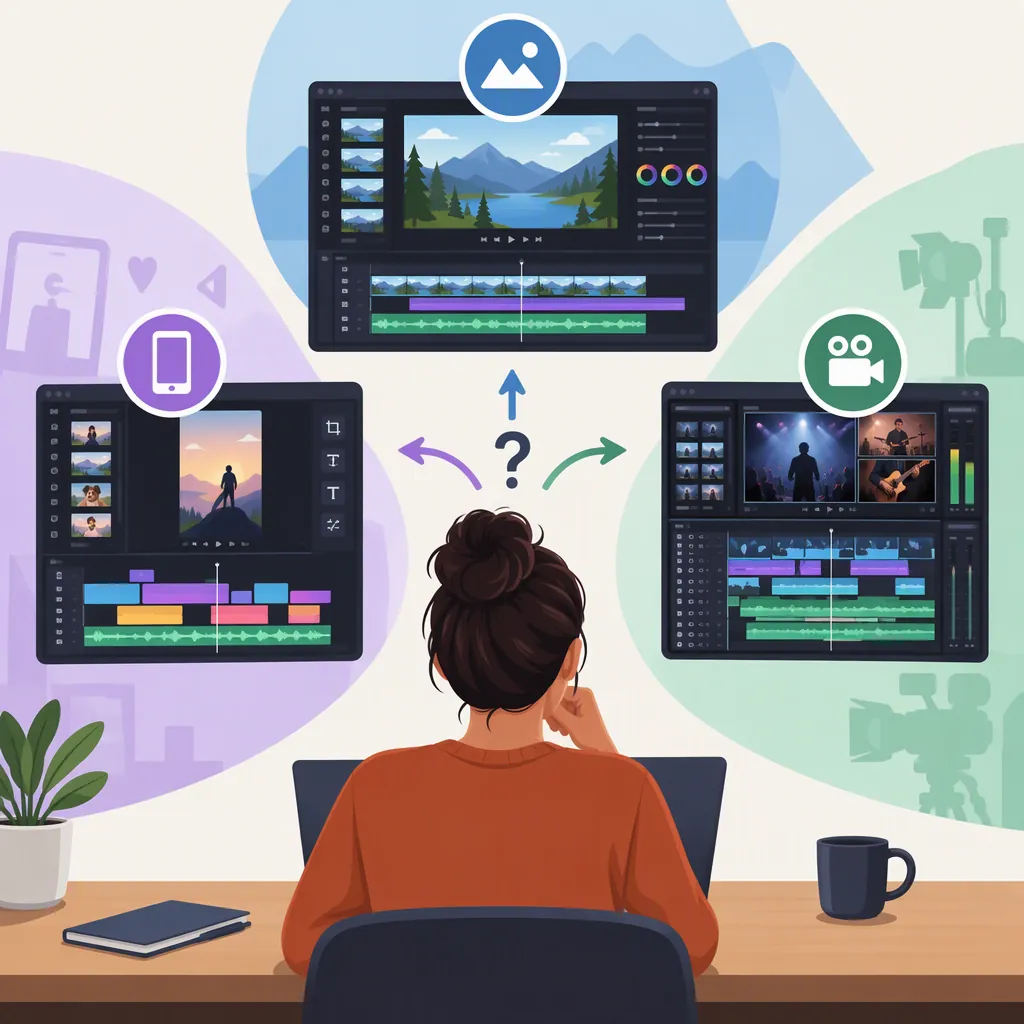
For an “adobe movie maker” search, the relevant choices in the supplied Adobe sources are Adobe Express and Adobe Premiere. Adobe describes Express as a browser-based video maker with templates and basic editing tools, while Premiere’s film-editing page describes media organization, precise trimming, color adjustment, and audio editing. After Effects has a different emphasis: motion graphics and visual effects. Choose according to the editing tasks your project requires, rather than the search phrase alone. [express-maker] [premiere-film] [adobe-video]
What Does “Adobe Movie Maker” Mean?
Treat “adobe movie maker” as a description of the task you want to accomplish, not as an exact product name established by these sources. Adobe’s supplied video-app overview names Premiere, After Effects, and Adobe Express, with different roles for each. [adobe-video]
The useful distinction is between assembling a video, managing a detailed editing project, and creating motion graphics or effects. Write down which of those tasks matters most before comparing tools. A short video can still require detailed sound or color work, so duration alone is not a sufficient selection rule.
Compare Adobe Express and Premiere by Task
The following comparison summarizes capabilities described by Adobe, not results from independent testing. It does not establish speed, reliability, or a universal winner. [express-editor] [premiere-film]
| Editing Need | Adobe Express: Documented Tools | Adobe Premiere: Documented Tools |
|---|---|---|
| Assemble and shorten footage | Crop, trim, split, and combine clips. [express-editor] | Frame-level trimming and sequence nesting. [premiere-film] |
| Add titles and visual elements | Templates, text, icons, images, and animated elements. [express-editor] | Motion controls, keyframes, and title-creation tools. [premiere-film] |
| Work with sound | Add a soundtrack or upload your own audio. [express-editor] | Multitrack audio editing, synchronization, and audio ducking. [premiere-film] |
| Adjust the picture | Filters and color or brightness adjustments. [express-maker] | White balance, color correction, and color grading through Lumetri Color. [premiere-film] |
| Organize project media | The supplied Express pages emphasize templates and drag-and-drop editing. [express-maker] | Bins, metadata searches, color coding, and nested sequences. [premiere-film] |
As a selection heuristic, consider Express first when your required work centers on assembling clips, adding text or music, and producing a social-format video. Consider Premiere when your requirements include detailed media organization, precise cuts, or more involved color and audio work. These are task-based recommendations, not claims that either tool is incapable of other work.
Where After Effects Fits
Adobe’s video-app overview presents After Effects as a tool for motion graphics, animation, and visual effects. The same overview describes Premiere in terms of editing and trimming video, adding effects, mixing audio, and animating titles. [adobe-video]
If your main requirement is an animated logo or a specific visual-effects shot, include that requirement in your tool comparison. If your main requirement is arranging footage into a finished story, evaluate the editing workflow first. The supplied Premiere film-editing page also describes importing After Effects compositions into Premiere; that is evidence of a connected workflow, not proof that every project needs both applications. [premiere-film]
Use a Small Project to Test Your Requirements
Before committing to a workflow, define a representative edit and record what you need it to accomplish. The checklist below is an evaluation method, not a report of hands-on testing.
Adobe’s Express editor page lists MP4, MOV, and M4V among supported input formats and describes MP4 export. That does not establish compatibility with every file carrying those extensions or every delivery specification. Check your actual source files and required output. [express-editor]
For either editor, assess the requirements that matter to your project: picture framing, title placement, sound balance, revision steps, and final playback. Do not assume that a feature description settles questions about your device, account, or media.
Video Editor Evaluation Checklist
- State the intended audience and destination.
- Record the required aspect ratio, resolution, and output format.
- List the input files, including their formats and any known codec details.
- Define a sample edit with a cut, a title, dialogue, and background music where relevant.
- Check whether each required task is available under the account and plan being evaluated.
- Export the sample and inspect framing, text readability, sound balance, and playback.
- Make one revision and note any workflow obstacles.
- Record unresolved requirements before selecting the editor.
Check Costs, Access, and Evidence Limits
Adobe’s Express pages describe free video creation and MP4 export, and the editor page states that a free plan is available. Those statements should not be read as confirmation that every asset, feature, or account configuration is free. The supplied excerpts do not provide a complete plan-by-plan entitlement comparison. [express-maker] [express-editor]
This article uses only the supplied Adobe pages. They are vendor descriptions, not independent benchmarks. The evidence does not establish exact current subscription prices, a comprehensive browser-support matrix, hardware requirements, or performance with a particular project. Verify those details separately before relying on a workflow.
The defensible choice is the editor that satisfies your documented requirements under the access conditions available to you. There is no evidence here for ranking one application as best for every user.
FAQ
Which Adobe Tool Should I Consider for Making a Movie?
Consider the tasks rather than the label “movie maker.” Adobe Express’s supplied pages describe browser-based assembly, templates, trimming, text, and music. Premiere’s film-editing page describes precise cuts, media organization, color work, and multitrack audio. Use those requirements to narrow the choice; the sources do not establish one best editor for every project. [express-maker] [premiere-film]
Can I Make an Adobe Video for Free?
Adobe states that Express supports free video creation and MP4 export. Its editor page also describes a free plan. The supplied material does not establish that all features or assets are included, so check the requirements of your specific project rather than assuming unlimited free access. [express-maker] [express-editor]
Can I Edit Video in a Browser with Adobe Express?
Yes. Adobe describes Express as an online editor that works in a browser. Its page recommends keeping the browser updated, but the supplied material does not provide a precise browser-and-version support matrix. [express-editor]
Do I Need After Effects as Well as a Video Editor?
Not necessarily. Adobe describes After Effects around motion graphics, animation, and visual effects, while Premiere and Express have video-editing roles. Evaluate whether your project needs a separate effects workflow; these sources do not show that every video requires After Effects. [adobe-video]
Sources
-
[express-maker] Free Video Maker | Adobe Express
-
[express-editor] Free Online Video Editor | Adobe Express
-
[premiere-film] Movie editor software: Edit film like the pros
-
[adobe-video] Video Editing Apps: Premiere, After Effects, Adobe Express | Adobe