What Permissions Should You Check Before Connecting to a Sponsorship Platform?
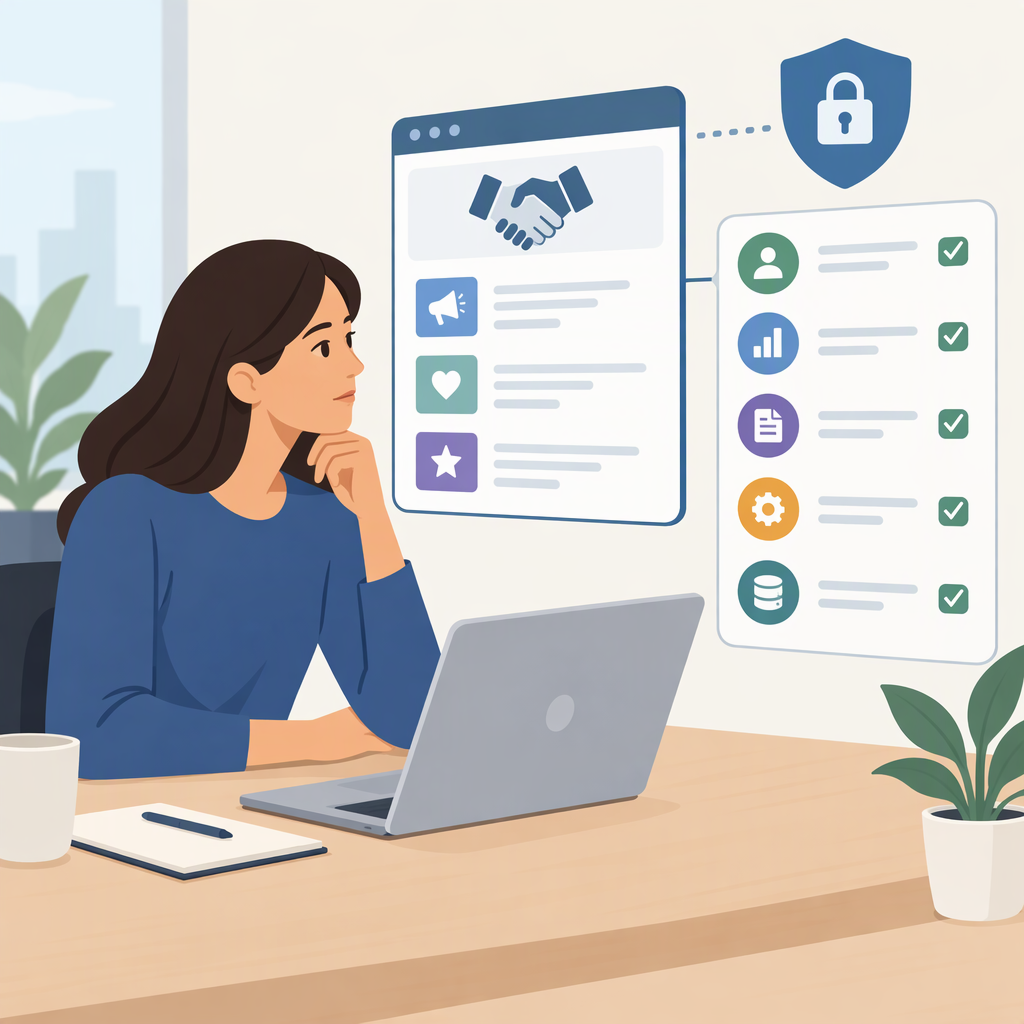
Before connecting an account to a sponsorship platform, read the authorization screen and judge each permission by its practical effect: what information could the service see, and what could it do? Match those effects to the feature you intend to use. If you can’t identify the recipient, understand a permission’s purpose, or accept what it allows, pause rather than approve it.
Permission names and options vary by account provider and connection flow. Treat examples below as prompts for what to inspect—not as a standard list of permissions every platform offers.
1. Check What the Platform Can See and Do
Look beyond a permission’s label. Check the screen’s description and, if that is unclear, consult the account provider’s current official information. Sort each permission into two practical questions:
- What information may be visible? For example, does the request concern basic profile details, account content, audience information, or performance data?
- What actions may be allowed? Check whether access is limited to viewing information or could also allow changes or actions—such as editing or publishing content, sending messages, managing advertising, or changing settings. These are illustrative categories to look for, not claims that a particular service requests them.
A label alone may not tell you exactly what a permission covers. For instance, Google says its linked-app consent information can show both the Google services an app requests and the level of access and actions it may have. That describes Google’s flow; other providers may present permissions differently. (support.google.com)
2. Match Every Permission to the Sponsorship Task
Name the feature you actually plan to use, then ask of each permission: What part of that task needs this access? Prefer narrower access if it is sufficient, and examine permissions that allow account actions especially carefully. Read-only access can still expose information, so it is not automatically risk-free. A broad request alone also does not prove bad intent—but you should understand and accept its effects before proceeding.
Hypothetical example: If you only intend to view campaign performance, a request that also appears to allow publishing posts or changing account settings deserves clarification. This example is a decision prompt, not a description of any specific platform’s permissions or requirements.
Some services let people decline certain permissions separately; others may not offer that choice. For example, Meta documents a way in Facebook Login to grant a subset of requested permissions. Don’t assume the same option exists in another provider’s authorization flow. (developers.facebook.com)
3. Confirm Who Is Receiving Access
On the authorization screen, check which account and service are named, and whether they match the connection you meant to make. If the recipient or purpose is unclear, stop and find an explanation through the relevant service’s official information before approving.
Use the provider’s intended sign-in or consent flow. Don’t give a person your account password or one-time verification code as a substitute for authorization. The FTC warns consumers not to share verification codes with someone who asks for them. (consumer.ftc.gov)
4. Know How Access Can Be Reviewed or Removed
Before connecting, find out where the account provider lets you review connected apps or remove access. Controls and outcomes differ by provider, so don’t rely on a generic menu path. Google, for example, says users can review or remove linked-app access; it also notes that information already shared may remain with the app, so removing access is not necessarily the same as deleting previously shared data. (support.google.com)
Treat later removal as a useful follow-up, not a reason to approve access you don’t understand or accept now. After a collaboration ends, consider reviewing the connection—but don’t assume it expires automatically.
When to Pause
Don’t approve the connection yet if:
- You can’t establish which service will receive access.
- A permission’s purpose or practical effect is unclear.
- The access doesn’t fit the sponsorship feature you intend to use.
- The request allows actions you don’t want the service to take.
- You can’t tell whether the authorization screen is the one you meant to use.
Resolve the specific uncertainty using the account provider’s or service’s current official information. If you still can’t understand or accept the requested access, don’t proceed with that authorization. A narrower-permission option or a way to use the feature without connecting may or may not be available.