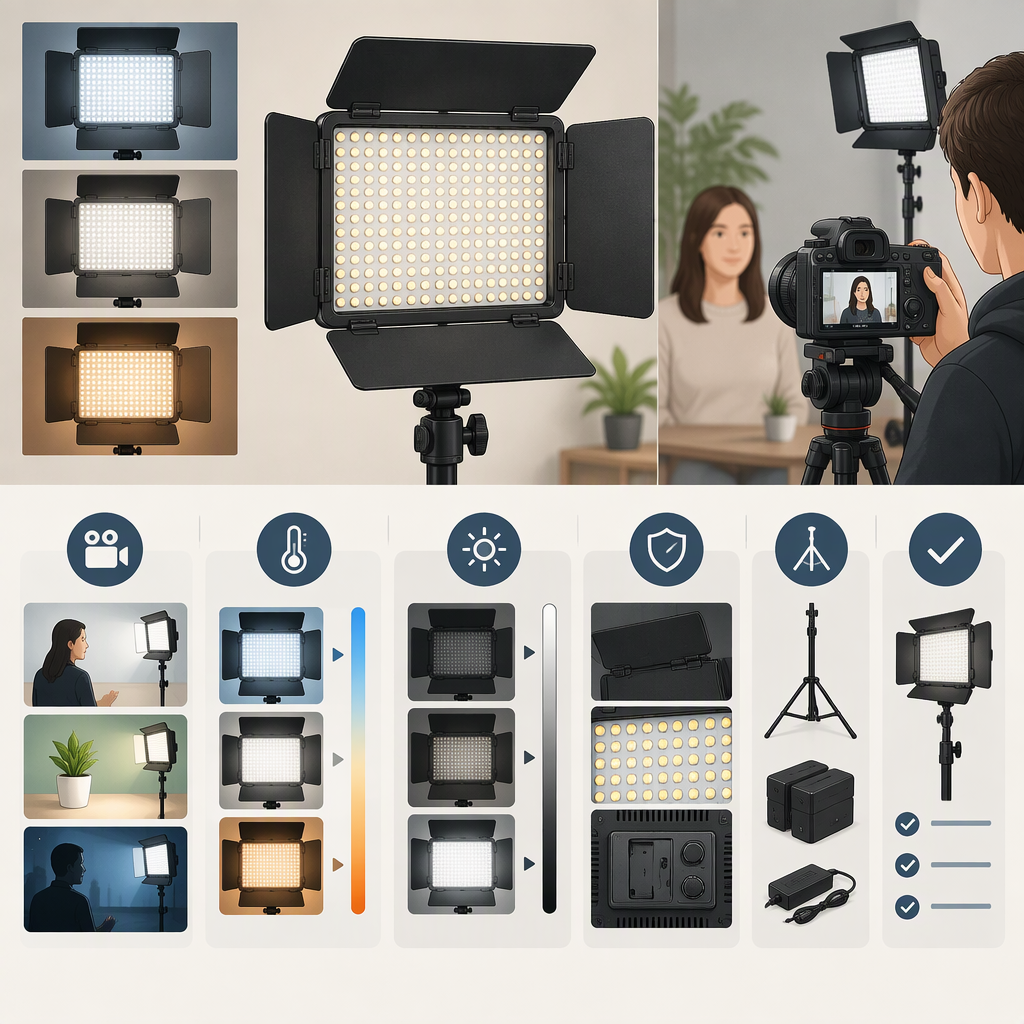
How to Choose a Yongnuo Yn900 Led for Filming
Short Answer
Don’t choose a light based on the name “Yongnuo 900 LED” alone. First match the exact light to its label and manual. A YN900 quick guide describes both a dual-color version and a white-light version; it says the white version does not support 3200K adjustment. The guide also lists power options of a 19V/5A maximum DC supply or two Sony NP-F-series batteries. Treat these as details to confirm against the specific unit—not as a guarantee about every item sold under a similar name. (yongnuo.fr)
Then compare the verified details with your filming distance, framing, desired color, available power, and mounting setup. If you cannot confirm a detail that matters to your shoot, consider the fit unconfirmed rather than assuming the light will work.
1. Identify the Exact Yn900
Check the model label on the light and compare it with the model name and variant shown in its manual or manufacturer documentation. The public YN900 quick guide distinguishes a “double color” light from a “white light,” and its instructions say the white-light version does not support 3200K adjustment. That distinction could matter if you need to adjust color temperature to suit your room or match other lights. (yongnuo.fr)
The guide does not establish every revision, regional version, or package configuration. If a listing, label, and manual use different wording, pause and resolve the mismatch before relying on a specification or buying accessories for it.
2. Match the Light to Your Filming Conditions
Start with the scene, not a headline specification:
- Distance and framing: Note how far the light will be from the subject and how much of the scene needs illumination. Look for output information measured at a stated distance and under stated conditions. A number without its measurement conditions may not tell you what to expect in your setup.
- Color: Decide whether you need a fixed white-light option or adjustable color temperature. Confirm which behavior applies to the exact version; the quick guide indicates that the white-light version lacks 3200K adjustment. (yongnuo.fr)
- Space and ambient light: Consider whether there is room to position the light and whether other lights or windows affect the scene. If possible, assess the light at the distance and camera settings you plan to use.
- Control: Check the exact manual for the controls you intend to use. The YN900 quick guide describes brightness adjustment on the light and remote-control and phone-app instructions, but you should confirm that the guide matches your unit. (yongnuo.fr)
- Power and portability: Decide whether your shoot can use a suitable DC supply or needs battery operation. The guide lists a 19V/5A maximum DC supply or two Sony NP-F-series batteries; verify the required supply, connector, and battery compatibility for your exact light before connecting anything. (yongnuo.fr)
A Hypothetical Decision Example
Suppose you film a seated presenter in a small room and need to move the light between locations. First establish the usual light-to-subject distance and the look you want. Then check whether the exact YN900 version provides the color adjustment you need, whether its documented output is adequate at that distance, and whether your planned power source is compatible. If the manual or listing does not answer one of those questions, you have a specific fact to verify—not enough evidence yet to conclude the light is suitable.
3. Check Setup Fit and What Is Included
Before choosing, verify these details for the exact item:
- Mounting: Confirm the light’s mounting interface, the stand or support you plan to use, and any required adapter. The quick-guide information cited here does not establish mounting compatibility.
- Power: Match the light’s documented voltage and current requirements to the supply, connector, or batteries you intend to use. Do not infer compatibility from a battery family name alone.
- Package contents: Check whether the actual package includes a power supply, batteries, remote, stand adapter, or other accessory you need. The cited guide’s power options do not establish what a seller includes.
- Output and color evidence: Prefer documentation that identifies the exact variant and states measurement conditions. A manual specification is a manufacturer-stated figure, not an independent test of performance in your room.
- Workflow: Consider whether the unit’s size, controls, power arrangement, and any required accessories suit the location where you film. A light can appear suitable on paper yet be inconvenient if its verified power or mounting needs do not fit your setup.
Verify-Before-Choosing Checklist
- Match the unit’s label to an exact model and variant in its manual.
- Confirm whether it is the white-light or dual-color version and check the adjustment you need.
- Find output information with measurement conditions relevant to your shooting distance.
- Confirm the exact unit’s power requirements and compatible supply or batteries.
- Verify mounting fit and any required adapter.
- Check the package contents rather than assuming accessories are included.
- If an essential detail is missing or inconsistent, treat suitability as unresolved until you can confirm it.
The available YN900 quick guide is useful for identifying some variant and power details, but it does not settle every revision, mounting question, package configuration, or real-world lighting result. For those decisions, use documentation that matches the unit you are considering.