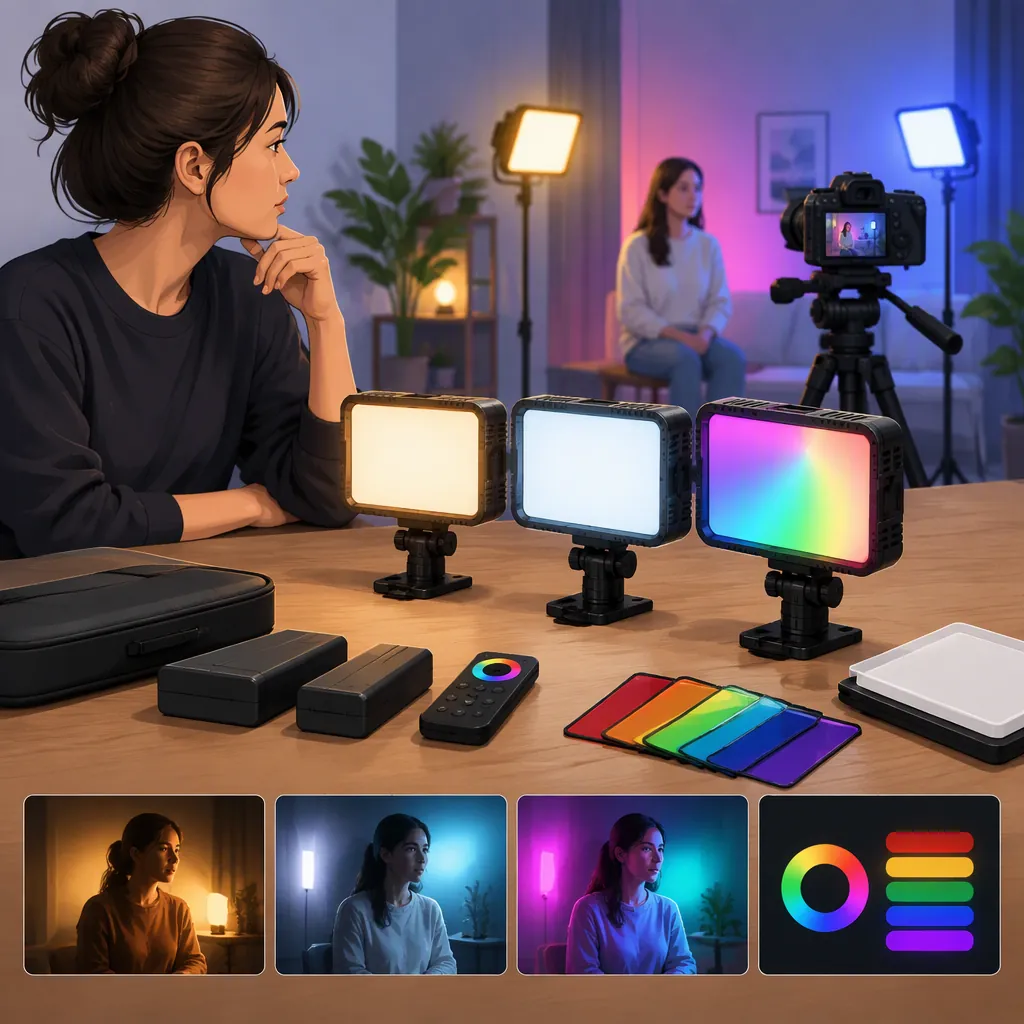
How to Evaluate a Weeylite RGB Light for Filming
Choose a Weeylite RGB light by defining its job first: lighting a face, adding background color, or creating an effect. Then evaluate the exact model at your intended distance, camera settings, and power arrangement. The provided retailer listing is a model-identification reference, not independent evidence of filming performance, so it does not support a best-model recommendation. [ref_1]
What the Available Source Establishes
The supplied source is an Impulse Camera retailer page titled “Viltrox WE-10 Dimmable 18'' RGB | Viltrox | Impulse Camera – IMPULSE.” Its product description uses the Weeylite name. Treat that naming overlap as a reason to check the exact model identifier rather than assuming that every search result refers to the same light. [ref_1]
This article does not validate the listing's performance descriptions or extend them to other Weeylite models. The supplied evidence does not establish comparative output, camera-specific flicker behavior, real-world runtime, or long-term reliability. No ranking or claim of suitability for a particular production follows from this source alone.
Model Identification Record
Before comparing lights, record:
- Brand shown on the product: ______
- Exact model identifier: ______
- Model shown in the manual: ______
- Model shown in any demonstration: ______
- Included power and mounting accessories: ______
- Unresolved differences between sources: ______
Define the Lighting Role Before Comparing Features
Separate your requirements into three possible jobs. For a main subject light, prioritize a test of the face or object under the white-light settings you expect to use. For a background accent, evaluate the desired color on the actual background while checking whether unwanted color reaches the subject. For an effect light, test the intended sequence rather than relying on the number of available presets.
Do not make RGB capability the deciding requirement unless colored lighting is part of the shot. Likewise, do not choose solely by a light's shape or advertised wattage. Use the framing, placement options, and recorded result as your decision criteria.
If one light must serve several roles, test each role separately. Mark a requirement as unresolved when you cannot inspect it; do not turn missing evidence into an assumed pass.
Filming Requirements Worksheet
Primary lighting job: subject / background / effect
Subject and framing: ______
Available placement space: ______
Intended light-to-subject distance: ______
Camera, lens, and recording mode: ______
Desired white-light or colored look: ______
Required continuous operating time: ______
Must-pass requirements: ______
Acceptable compromises: ______
Evaluate the Recorded Image
If access to the exact model is available, use a repeatable camera test. Keep camera exposure and white balance fixed during each comparison, and document any changes between tests.
- Place the light at the distance and angle planned for the shoot.
- Record the subject using the intended frame rate and shutter setting.
- Repeat at the brightness settings you expect to use, including any low setting needed for the scene.
- Inspect the recording for visible bands, brightness variation, unwanted color, distracting reflections, and unacceptable shadows.
- Test colored settings separately from white-light settings.
- Record the background accent or effect in the final framing, not just a close-up of the light.
Treat the results as specific to the tested setup. A satisfactory clip at one setting should not be recorded as proof that every recording mode or dimming level will work. Without access to a test, keep camera compatibility and image quality marked as unverified.
Camera Test Log
Model: ______
Camera and recording mode: ______
Frame rate and shutter setting: ______
Exposure and white balance: ______
Distance and angle: ______
Light mode and brightness setting: ______
Visible bands or brightness variation: ______
Subject color and reflections: ______
Background color and spill: ______
Result: pass / fail / unresolved
Conditions that still need testing: ______
Check Controls, Mounting, and Power
Before treating a model as suitable, inspect the practical setup as well as the image. Confirm the mounting interface, required support, cable routing, and permitted operating arrangement using documentation for the exact model. Do not assume accessories or battery support are included.
Try the controls you expect to use during filming. Check whether you can reach them from the working position, reproduce a setting, and make adjustments without disrupting the frame. If remote or app control matters, verify compatibility and operation rather than assuming support from a similar model.
For power planning, document the intended supply and required shoot duration. Treat runtime as unresolved unless there is applicable documentation or a test under your intended conditions. Follow the manufacturer's safety instructions, and avoid improvised power connections or mounting arrangements.
Use three outcomes for the final decision: meets requirements, does not meet requirements, or needs more evidence. This is more transparent than a numerical score that conceals missing information.
Decision Checklist
- Exact model confirmed: yes / no
- Subject-light test acceptable: yes / no / not required / unresolved
- Background-color test acceptable: yes / no / not required / unresolved
- Effects tested in the intended shot: yes / no / not required / unresolved
- Controls usable from the working position: yes / no / unresolved
- Mounting and support verified: yes / no / unresolved
- Power arrangement verified: yes / no / unresolved
- Required operating duration supported: yes / no / unresolved
- Overall outcome: meets requirements / does not meet requirements / needs more evidence
- Reason for outcome: ______
FAQ
Which Weeylite RGB Light Is Best for Filming?
The supplied evidence is insufficient to name a best model. It consists of one retailer listing, not a comparative evaluation. Define the intended lighting role and compare exact models against the same requirements and camera test. [ref_1]
Should RGB Capability Decide My Main-Light Choice?
Only make RGB capability a must-have if colored lighting is part of your intended shot. For a main subject light, first evaluate the recorded subject under the white-light settings, placement, and exposure you plan to use.
How Should I Check for Flicker Before Filming?
Record a test using the exact light, intended camera mode, shutter setting, and relevant brightness levels. Inspect the footage for visible bands or brightness variation. Keep untested settings marked as unresolved rather than assuming universal compatibility.
What If I Cannot Test the Light Myself?
Separate documented details from unanswered questions. Use documentation for the exact model to check controls, connections, mounting, and power requirements. Leave image quality, camera-specific flicker behavior, and runtime under your intended conditions unverified unless applicable evidence is available.