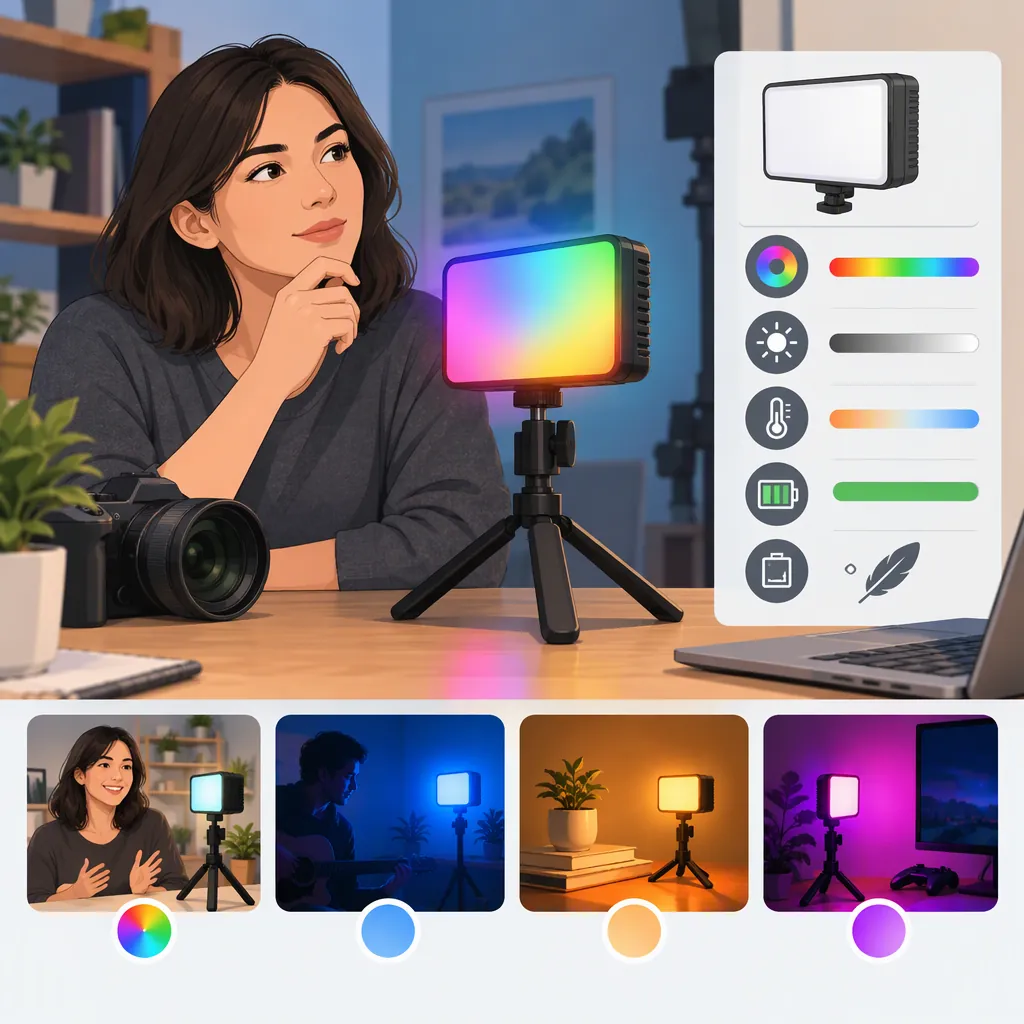
Vijim R70 RGB Light: How to Evaluate It for Filming
Evaluate the VIJIM R70 RGB light by its intended role: lighting a face, adding fill, or coloring a background. The supplied listings use both VIJIM R70 and Ulanzi VIJIM R70 naming, but disagree on power and dimensions. Treat their specifications as listing information, not verified performance, and check the exact unit before relying on it for a shoot. [c1] [c2]
What the Listings Establish—And What They Do Not
The Valostore reference calls the product “VIJIM R70, RGB,” while the Alibaba reference uses “Ulanzi VIJIM R70.” These names help explain the search terms, but the references do not independently establish that every similarly named listing describes identical hardware. [c1] [c2]
Both listings report a 2700–8500 K color-temperature range, a 5000 mAh battery, and a weight of 269 g. However, Valostore lists 6 W and dimensions of 120 × 69 × 15 mm; Alibaba lists 8 W and 143 × 71 × 15 mm. The supplied evidence does not resolve those differences. [c1] [c2]
Valostore also reports CRI above 95 and 3200 lux at 0.3 m. Those are published specifications, not measurements verified for this article. The supplied references do not include enough test detail to establish performance at your subject distance, with diffusion, or across different color settings. [c1]
Use these references as a starting point for identification. Do not infer a revised model, a specific regional variant, or tested image quality from the discrepancies alone.
Exact-Unit Verification Sheet
Record the model marking, stated power, dimensions, weight, charging requirements, and included mounting parts from the actual unit and its documentation. Mark each entry as confirmed, conflicting, or unknown. Keep unresolved differences separate from your filming requirements.
Choose the Lighting Role Before Comparing Specifications
Define the job before deciding whether this light is suitable. A face light, a fill light, and a colored background accent need different acceptance tests.
- Face lighting: Judge exposure, shadow edges, skin appearance, and reflections at the intended camera position.
- Fill lighting: Check whether the light reduces unwanted shadows without flattening the look you want.
- Background color: Check the visible color on the actual wall or prop, plus unwanted spill onto the subject.
- Effect lighting: Check whether the effect timing supports the scene rather than distracting from it.
Valostore describes separate CCT, HSI, and SCENE modes, with 20 effect modes. That supports planning separate white-light, color, and effect checks; it does not establish that any mode will meet a particular production requirement. [c1]
For a neutral comparison, test any alternative light in the same scene. Compare the recorded results and setup constraints rather than choosing solely by a wattage number or the number of effects.
Lighting Role Brief
Primary role: face / fill / background / effect.
Subject distance: ____.
Required framing: ____.
Desired shadow character: ____.
Unacceptable spill or reflections: ____.
Pass condition in the recorded image: ____.
Run a Repeatable Camera Test
A practical selection test should reproduce the intended shot rather than only demonstrate that the lamp turns on.
- Place the camera, subject, and light at their planned positions.
- Set exposure and white balance manually so automatic adjustments do not obscure the comparison.
- Record a baseline with the light off, then record the intended white-light or RGB setup.
- Review skin, neutral objects, colored props, shadows, and reflective surfaces.
- Test the frame rates, shutter settings, and dimming levels you expect to use; inspect the recording for visible flicker or banding.
- Repeat with any planned diffusion or bounce arrangement.
Keep the camera settings and scene consistent when comparing alternatives. If a setup fails, record whether the issue is exposure, color, shadows, spill, or mounting position. A passing result applies to that tested setup—not automatically to every distance, setting, or camera.
The supplied references do not establish flicker performance or provide a camera-based comparison. This test plan is guidance, not a report of hands-on testing.
Shot Comparison Log
For each clip, record: light identifier; mode; displayed brightness; displayed color setting; subject distance; modifier; camera exposure; white balance; frame rate; shutter setting; observed issues; pass or fail against the lighting brief.
Check Power and Mounting Against the Shoot
Valostore lists USB-C charging, operation while charging, a 1/4-inch threaded mounting arrangement, and magnetic attachment. It reports a runtime range of 2–10 hours depending on use; Alibaba reports 2.5–10 hours. Neither listing supplies a complete runtime breakdown by brightness and mode. [c1] [c2]
Do not plan a session around the longest listed runtime. Test the intended settings for the required recording period, including a reserve. If external power is part of the setup, verify the actual unit's charging requirements and behavior using its documentation.
For mounting, check the complete arrangement: thread compatibility, bracket clearance, support stability, and cable routing. Do not assume magnetic attachment is secure on every surface or suitable above people. Follow the support hardware's instructions and load limits.
The decision is conditional: retain the light in the setup only if the recorded image, operating duration, and mounting arrangement meet your defined requirements. The supplied listings alone are not enough to declare it a dependable main light for an unspecified shoot.
Session Readiness Checklist
Confirm the mount is compatible and stable. Route cables without pulling on the light. Verify power requirements from the unit documentation. Run the intended lighting settings for the planned session duration plus your chosen reserve. Record any interruptions, brightness changes, or unresolved safety concerns.
FAQ
Are Vijim R70 RGB and Ulanzi R70rgb the Same Light?
The supplied references use VIJIM R70 and Ulanzi VIJIM R70 naming. That naming overlap does not prove that every listing describes identical hardware, especially because the reported power and dimensions differ. Check the exact model marking and documentation. [c1] [c2]
Can the Vijim R70 RGB Be Used as a Main Light?
The supplied evidence is insufficient to answer for an unspecified scene. Valostore reports an illuminance figure at 0.3 m, but that does not establish exposure or shadow quality at your working distance. Test the intended framing, placement, and modifiers before assigning it the main-light role. [c1]
How Much Battery Runtime Should a Shoot Plan Assume?
Do not assume the maximum listed duration. Valostore reports 2–10 hours depending on use, while Alibaba reports 2.5–10 hours. Neither supplies a complete setting-by-setting breakdown. Base the plan on a test of the exact unit at the intended settings, with a reserve. [c1] [c2]